How to reset AirPods
If your AirPods are acting up, and you’ve already tried turning them off and on again, you can reset them. This works for all generations of AirPods and AirPods Pro.
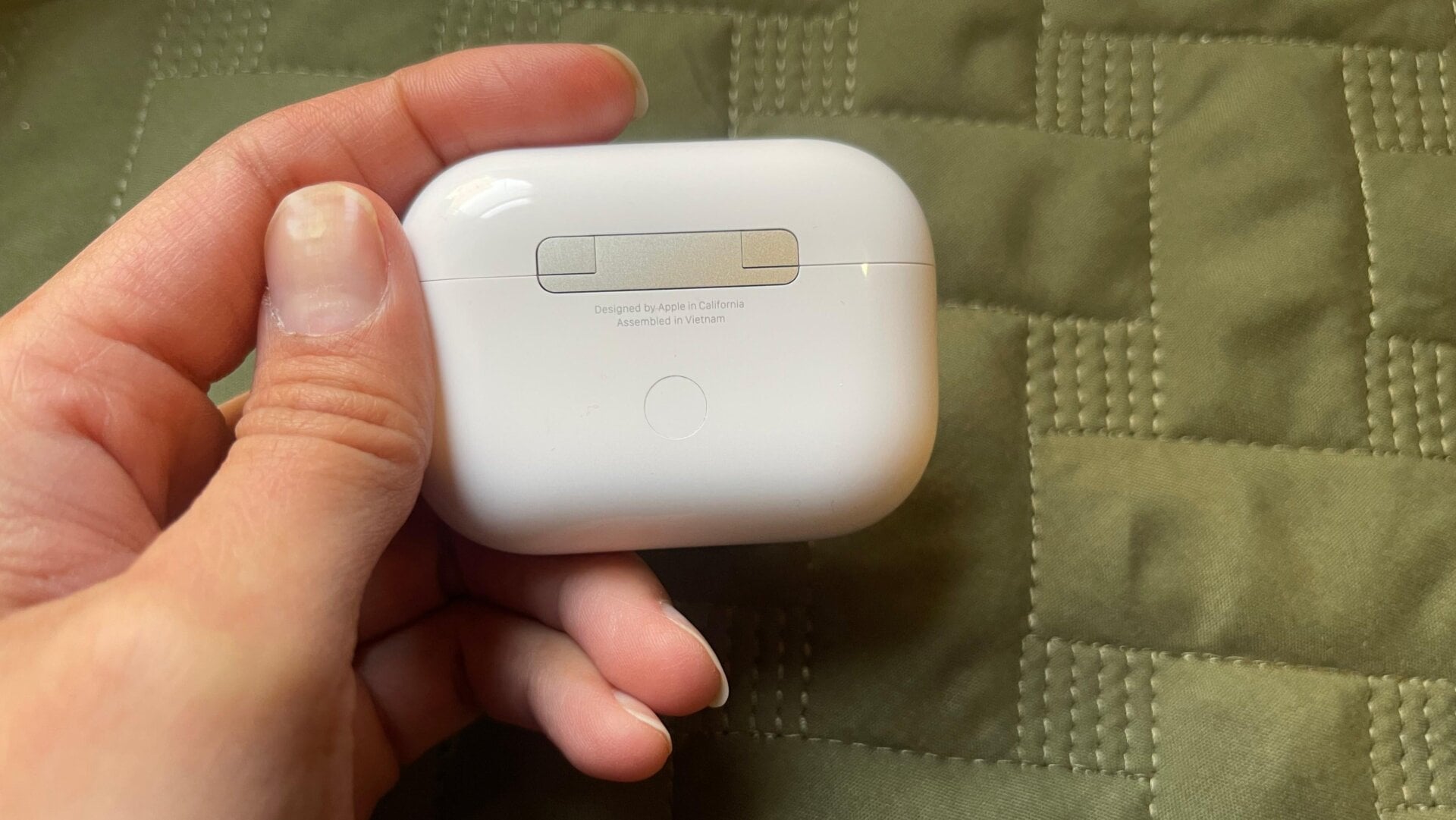
Put the AirPods in their charging case, close the lid, and wait for 30 seconds. Then, open the lid and press and hold the setup/pairing button on the back of the case for around 15 seconds.
The status light on the front of your case should flash amber and then turn white. This is how you’ll know you were successful at resetting.