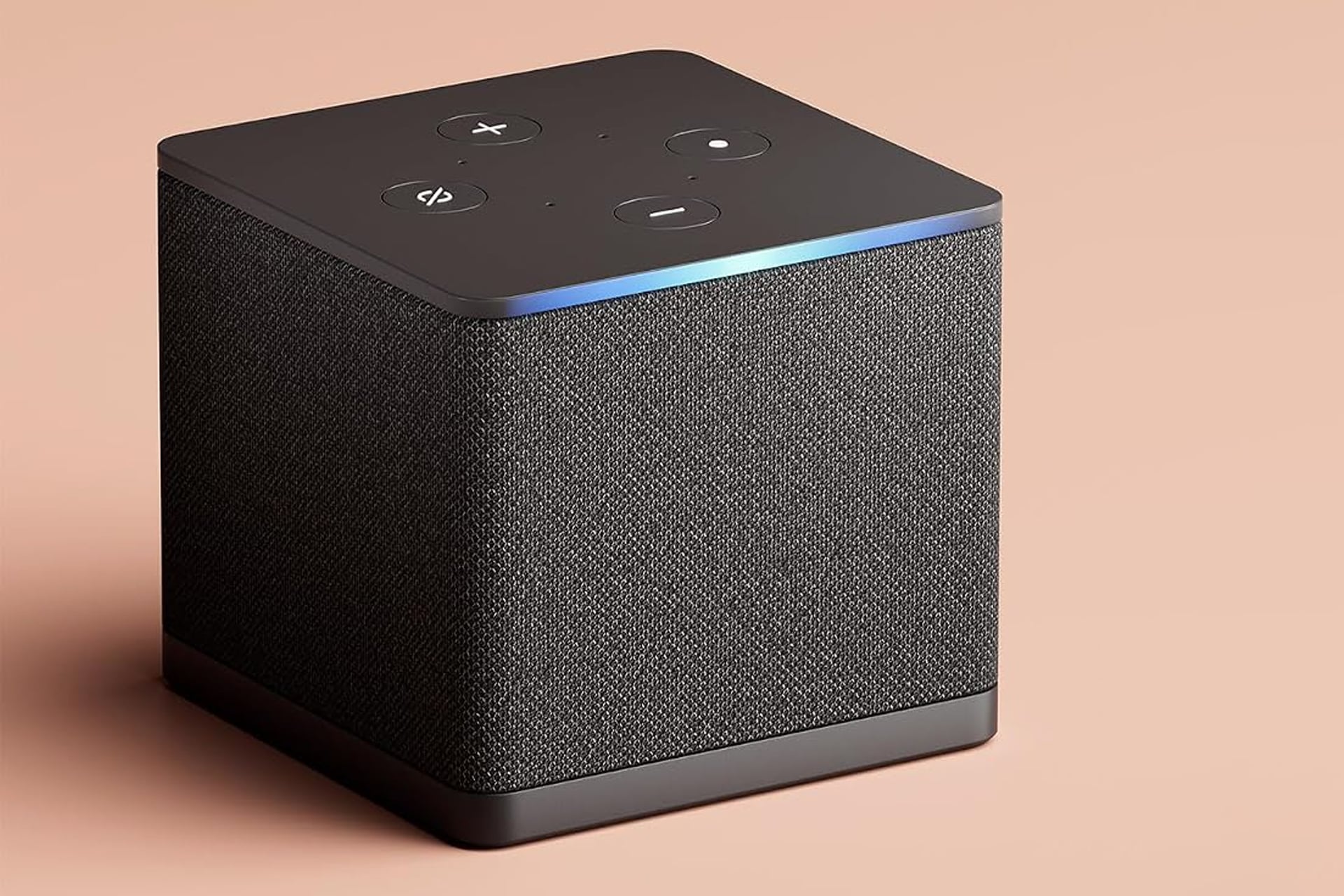
Amazon sells every product under the sun, but the two big things they sell that they actually make themselves are Fire TV Sticks and the Alexa-enabled Echo smart speakers. The Fire TV Cube answered the question of what if we smushed those two together. You can bring Alexa into your home while also drastically improving on your TV viewing experience. Plus, right now, the Fire TV Cube is selling at a 21% discount. It’s normally sold for $140, but the deal ends up bringing it down to just $110 for a limited time.
This version is the most recent model for the Fire TV Cube and happens to be the fastest media player in the entire Fire TV lineup. This unit comes loaded with an octa-core 2.0 GHz processor that allows for twice as much power as the next best model from Amazon—the Fire TV Stick 4K Max.
You might be using whatever UI came baked into your TV whether its Samsung, LG, or something else. Those work, but lots of manufacturers don’t include a lot of memory in their builds. This can result in laggy navigation and apps crashing frequently. So if you instead start using the Fire TV Cube, you’ll notice a world of difference. The Fire TV Cube also comes with support for Wi-Fi 6E which which help you stream 4K content smoothly with little to no buffering.
As a Fire TV, you’ll be able to download and access all the popular streaming apps including Netflix, Hulu, HBO Max, Paramount+, Disney+, and all the other “plusses”. Plus, you’ll even get some of the more niche options like Shudder, Nebula, and Dropout.
Alexa for Everything
The Alexa remote makes finding something to watch super simple. A pet peeve of mine is when apps have poorly designed and integrated keypads. Whoever decided to implement the whole alphabet just across the top of the screen in a line, I have a bone to pick with you. Anyway, you can instead just use the Alexa button to speak the title of what you want to watch and find it that way. No more tediously typing one letter at a time.
The other half of the Fire TV Cube is the fact that it is an Alexa smart speaker. Even when you’re not using your TV, you can treat it like an Echo device and just ask Alexa whatever you need. queue up some of your favorite music to put on in the background while getting some chores done, or even communicate with someone at your door if you have a Ring Doorbell.