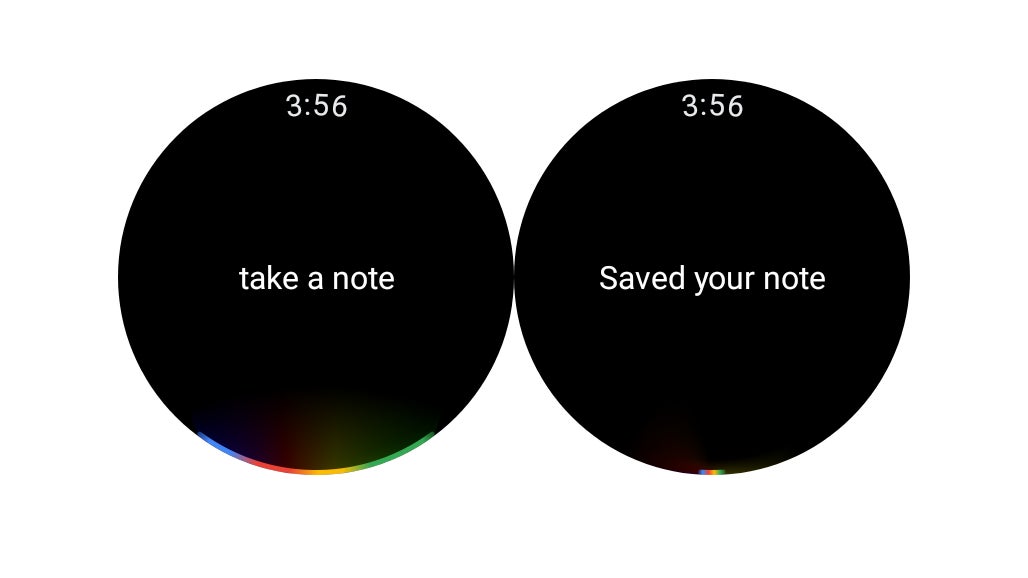
You’ve got the Assistant set up on your Galaxy Watch 4. The next order of business is to start commanding it to do things! You can start with something simple, like “Take a note.” Google will then file that away to Google Keep, if it’s your default.
Users really trust AI chatbots, some experts say too much.
Travelers entering the U.S. are having their devices checked more than ever, and that number's only going up.
We compared the iPhone Duo with the Galaxy Z Fold 8, Z Fold 8 Ultra, Pixel 11 Pro Fold, iPad mini, and even old devices like the original Pixel Fold and Microsoft Surface Duo.
Finally, the one thing Google won't do for the Trump administration.
Some of us have less wall space and still want to enjoy art without breaking the bank.
Apple has solved the most notable flaws on Android foldables.