You Can Use Magic Eraser on Non-Pixel Images
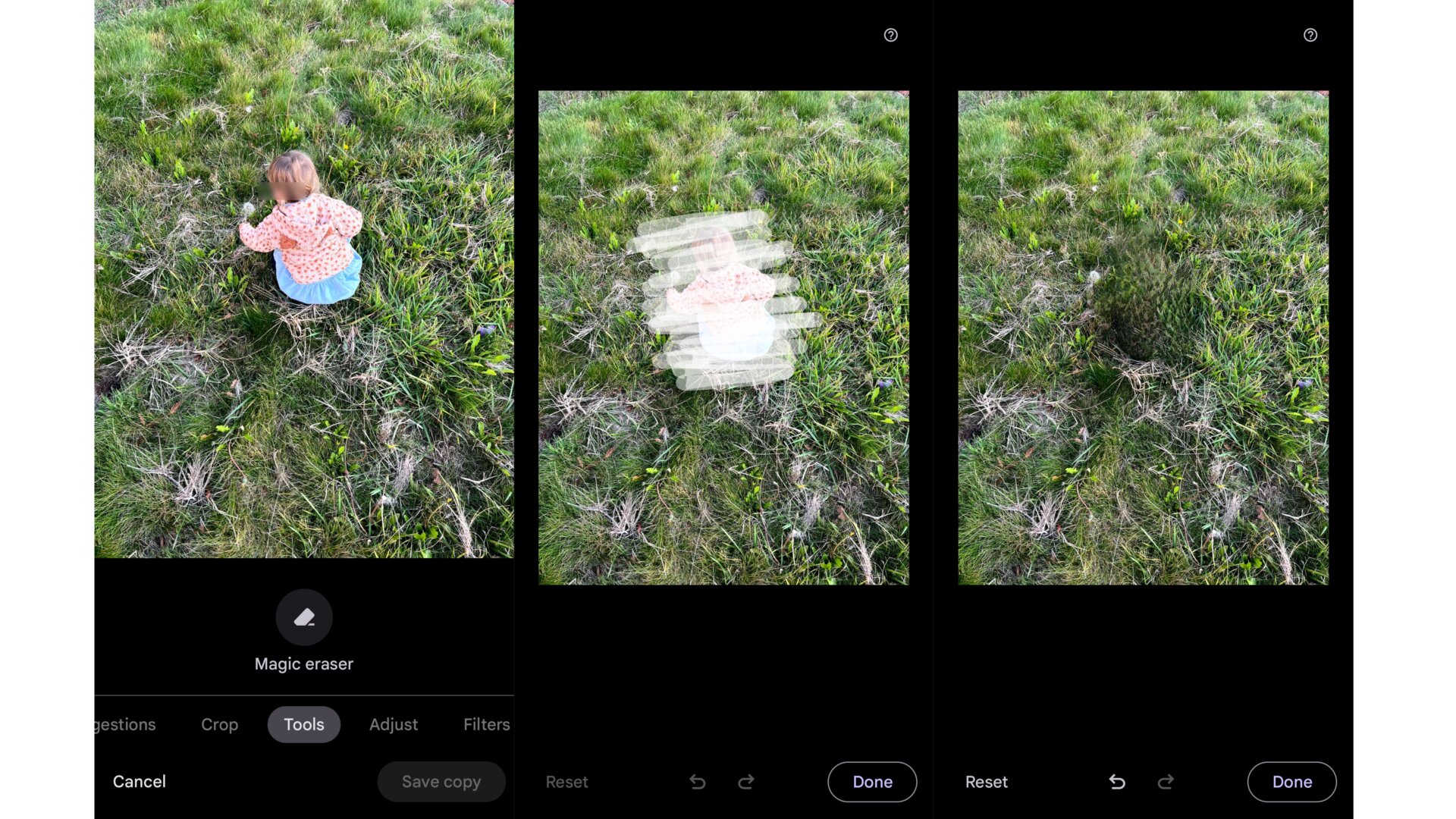
If you’re in a shared Google Photos album like I am, you’ll have to download pictures locally to your device before you can use the Magic Eraser feature.
I was curious to edit a photo of my kid that my cousin took with her iPhone 13 Pro Max. It didn’t offer the option while the picture was in the Photos album, even though I had it saved to my library. But once I downloaded the images to the Pixel 6 Pro, which I used for these shots, I could tap into Edit mode to remove my kid from a field of grass.
Of course, the end result was something else.