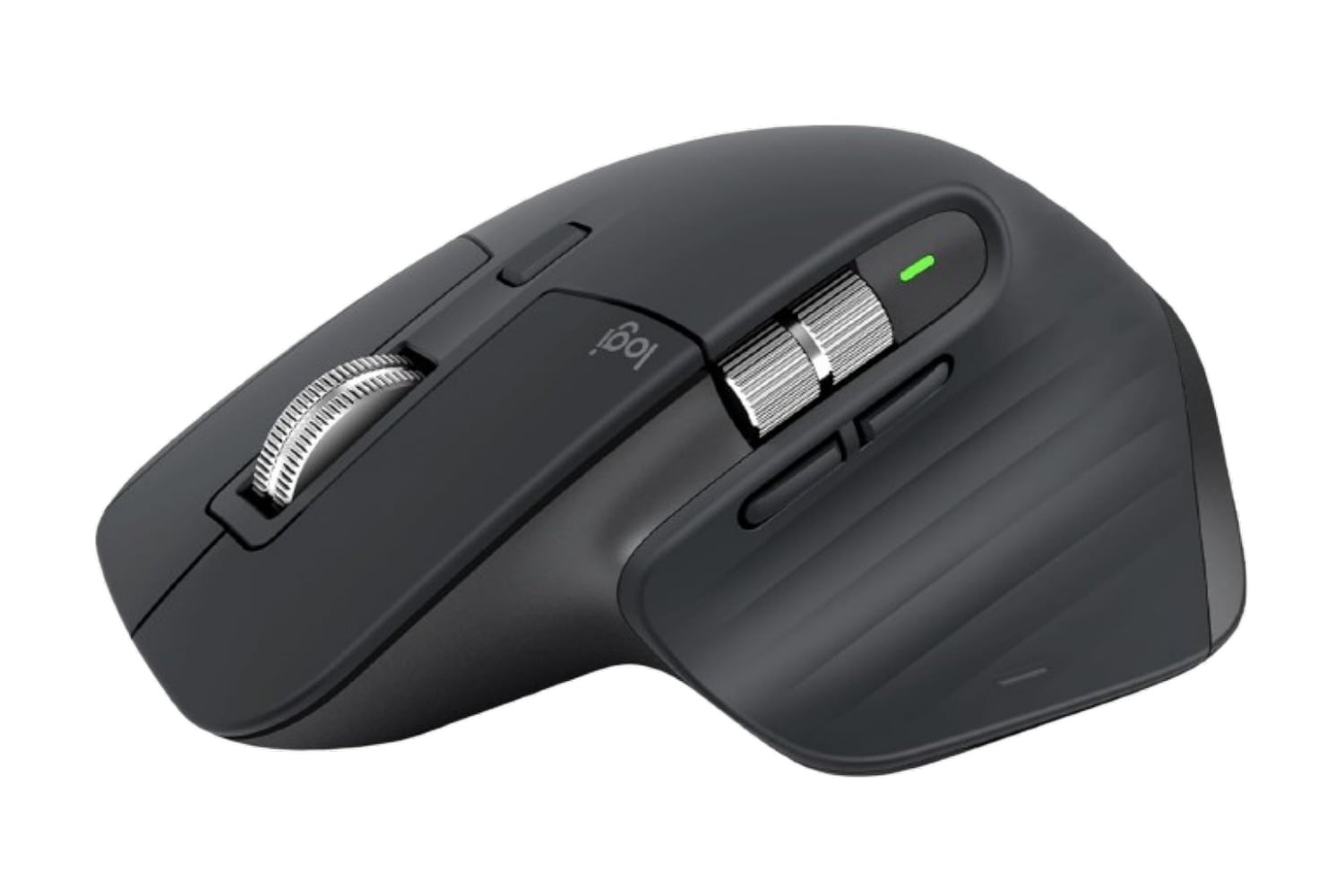
The Logitech MX Master 3S Bluetooth Wireless Mouse comes in the Bluetooth-only configuration, so there is no USB receiver in the box and no dongle occupying a port on your machine. It connects to up to three devices and switches between them with a button on the underside. Clicking is roughly 90% quieter than on the previous model, and the scroll wheel is close to silent as well. A full charge lasts up to 70 days, and the seven buttons can all be reprogrammed in Logitech’s software.
Head over to Amazon to get the Logitech MX Master 3S Bluetooth Wireless Mouse for just $80, down from its usual price of $100. That’s a $20 discount and 20% off.
A precise Bluetooth mouse perfect for gaming, working, and casual use
Logitech has revised the click switches underneath the primary buttons on this edition. When you press down with your finger, they feel like they are clicking just as they did before, but they make about 90% less noise than they used to. After a while at home, you may stop noticing that difference, though you will pick up on it right away in an open office or near any type of recording device. The scroll wheel was treated similarly. It is made from machined steel rather than plastic and is substantial enough to continue rotating after you give it one quick flick of your hand. The electromagnetic mechanism within the scroll wheel also generates almost no sound.
That wheel has two ways of working. Ratchet mode clicks through one line at a time and is what you want for picking a single row out of a spreadsheet. Hyperfast mode lets the wheel spin loose at up to 1,000 lines per second, which gets you through a long document or a wall of code in one motion. The mouse can switch between the two automatically depending on how hard you spin it, or you can hit the button behind the wheel and change it yourself.
Tracking happens through a Darkfield laser sensor rated at 8000 DPI, and it will follow along on glass or another reflective surface where an ordinary optical sensor loses the plot. Sensitivity is adjustable in the Logi Options+ app, so you can bring it down for detail work or push it up for a high-resolution monitor where the cursor has more distance to travel.
Options+ is also where you reassign those seven buttons, with profiles that change the layout depending on which program you happen to be in. Flow is the other piece worth knowing about. Set it up, and your cursor moves from one computer to the next as though both screens belonged to the same machine, and text, images, and files travel across with it even when one side is a Mac and the other is a PC.
At $80, down from $100, the Logitech MX Master 3S Bluetooth Wireless Mouse charges over USB-C, and one minute on the cable buys you about three hours of use. The Logi Bolt receiver is not part of this configuration, so your computer will need Bluetooth of its own.