Erase data when Microsoft Edge closes
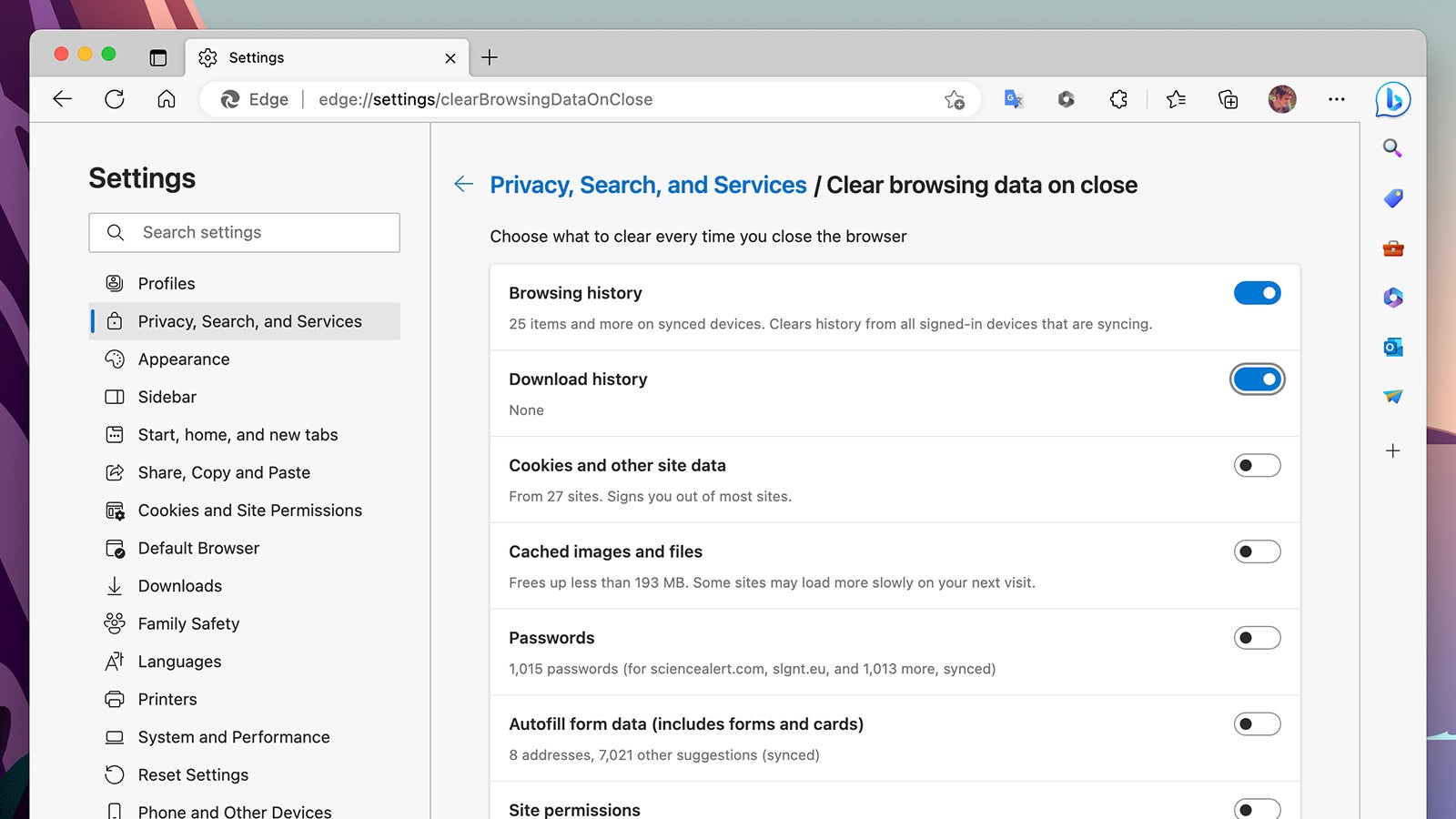
Another area where Microsoft Edge scores highly is in security and privacy. If you click the three dots (top right), and then pick Settings and Privacy, Search, and Services, you can select Choose what to clear every time you close the browser to have your browsing history, downloads, cookies and more automatically erased whenever Edge shuts down. The browser gives you plenty of control over what gets erased and what doesn’t here.