Put your Edge tabs in groups
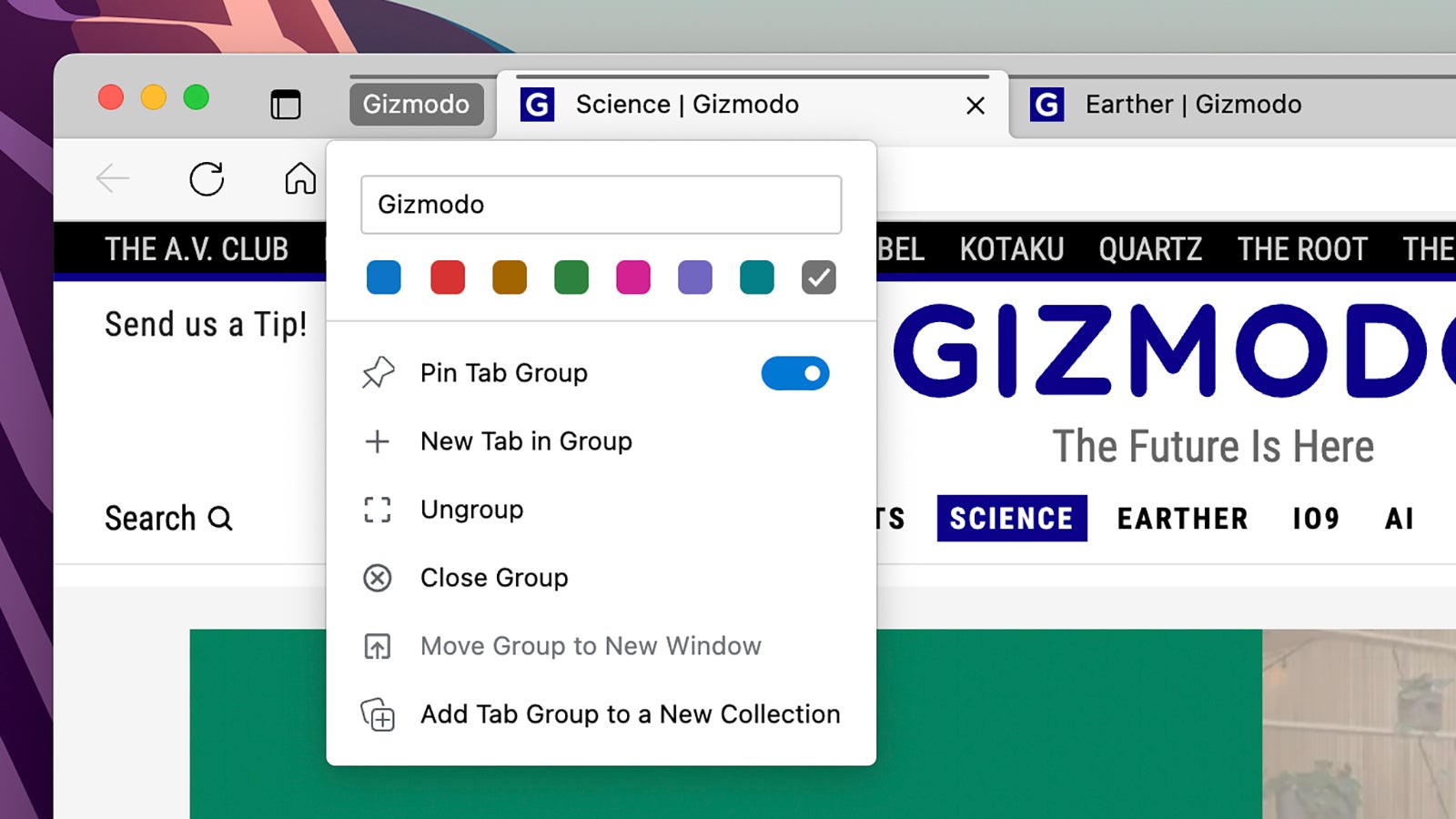
This is another common feature, but worth a shout out. We could all use some help in keeping our browser tabs better organized, and Edge offers this through its tab grouping feature. Right-click on any tab heading to get an Add Tab to New Group option—pick a name and a color for the group and you can then add tabs to it as needed. It makes it a little easier to move tabs around, to arrange them in different categories, and to process them in batches (when creating Collections, for instance).