How to edit images inside Edge browser
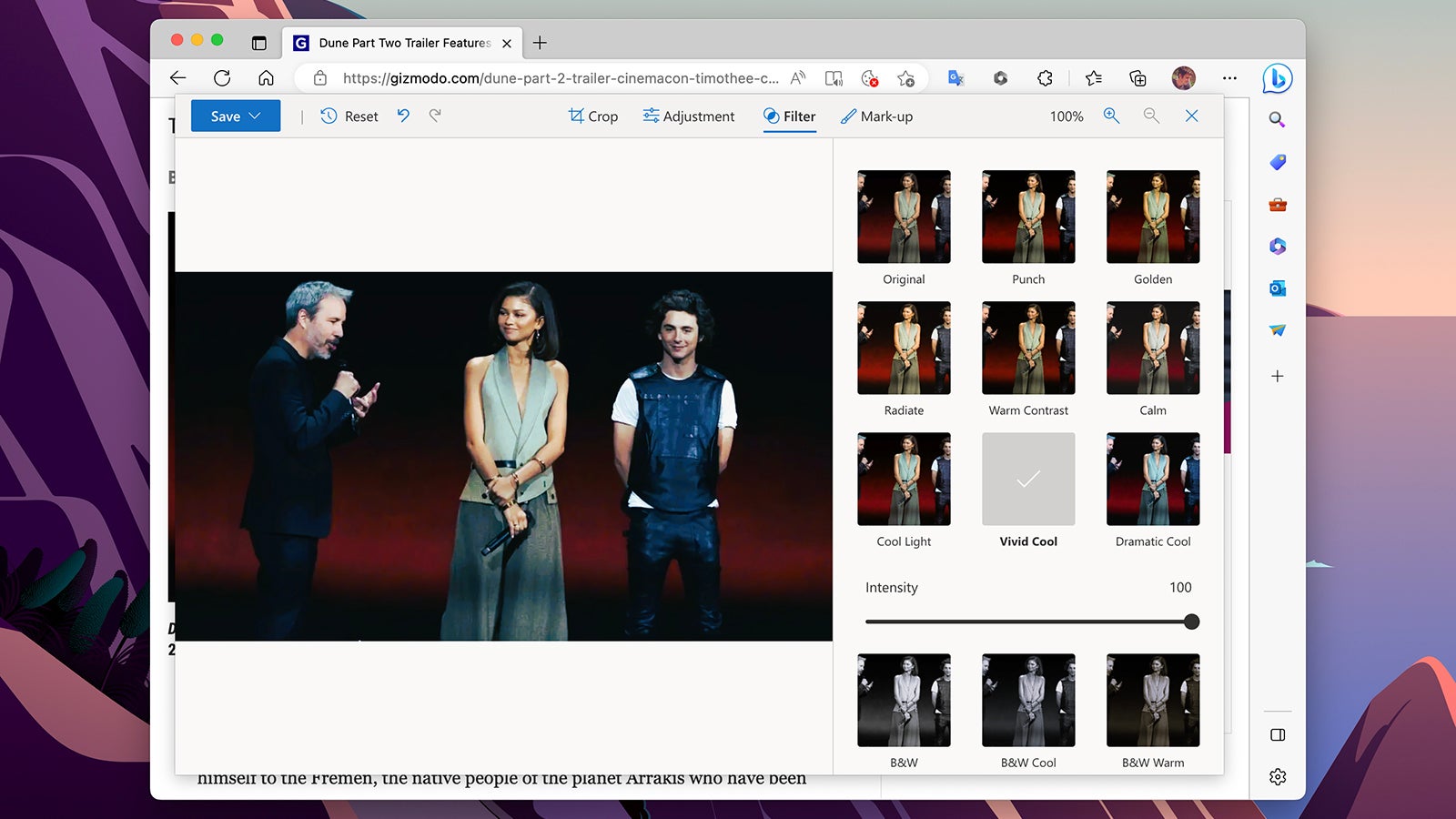
Quick and easy image editing is now possible inside Microsoft Edge, if your needs are fairly basic. Just right-click on any picture on the web, then choose Edit Image, and away you go: It’s possible to crop and rotate images, adjust characteristics like brightness and contrast, and apply some preset filters. You can also annotate images before exporting them to wherever they need to go—they can be saved to disk or copied to the clipboard.