Organize the web with Edge Collections
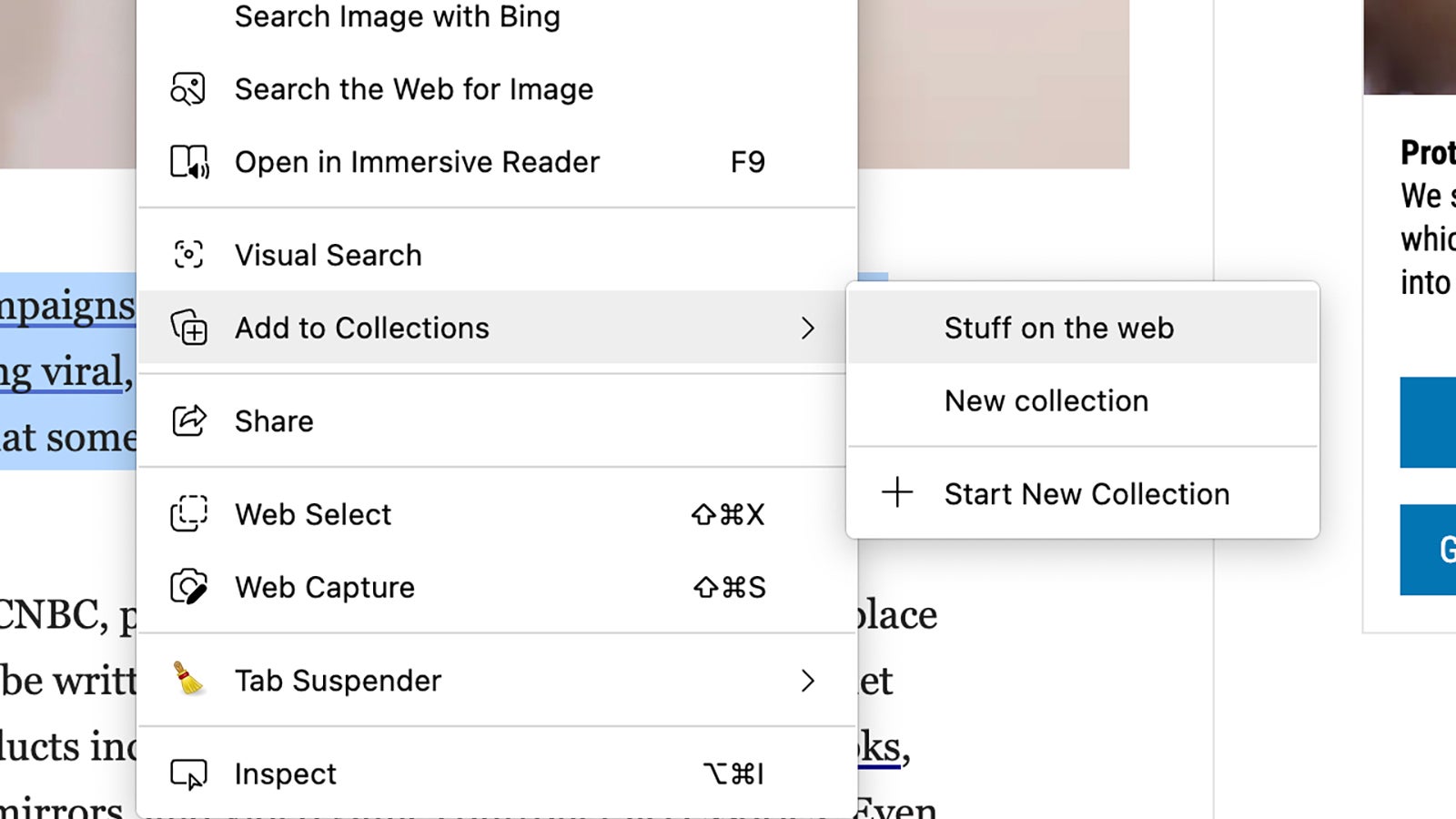
Trying to keep track of everything you come across on the internet isn’t easy, which is why Edge has a feature called Collections: It’s a sort of advanced bookmarking or scrapbooking tool, letting you set up specific repositories of links, text, and images you’ve found on the web. To get started, click the button on the top toolbar that looks like two squares next to each other—you can also right-click on text and images to find the Collections option.