Stream Your Xbox to Your Phone, Mac, PC, or Tablet
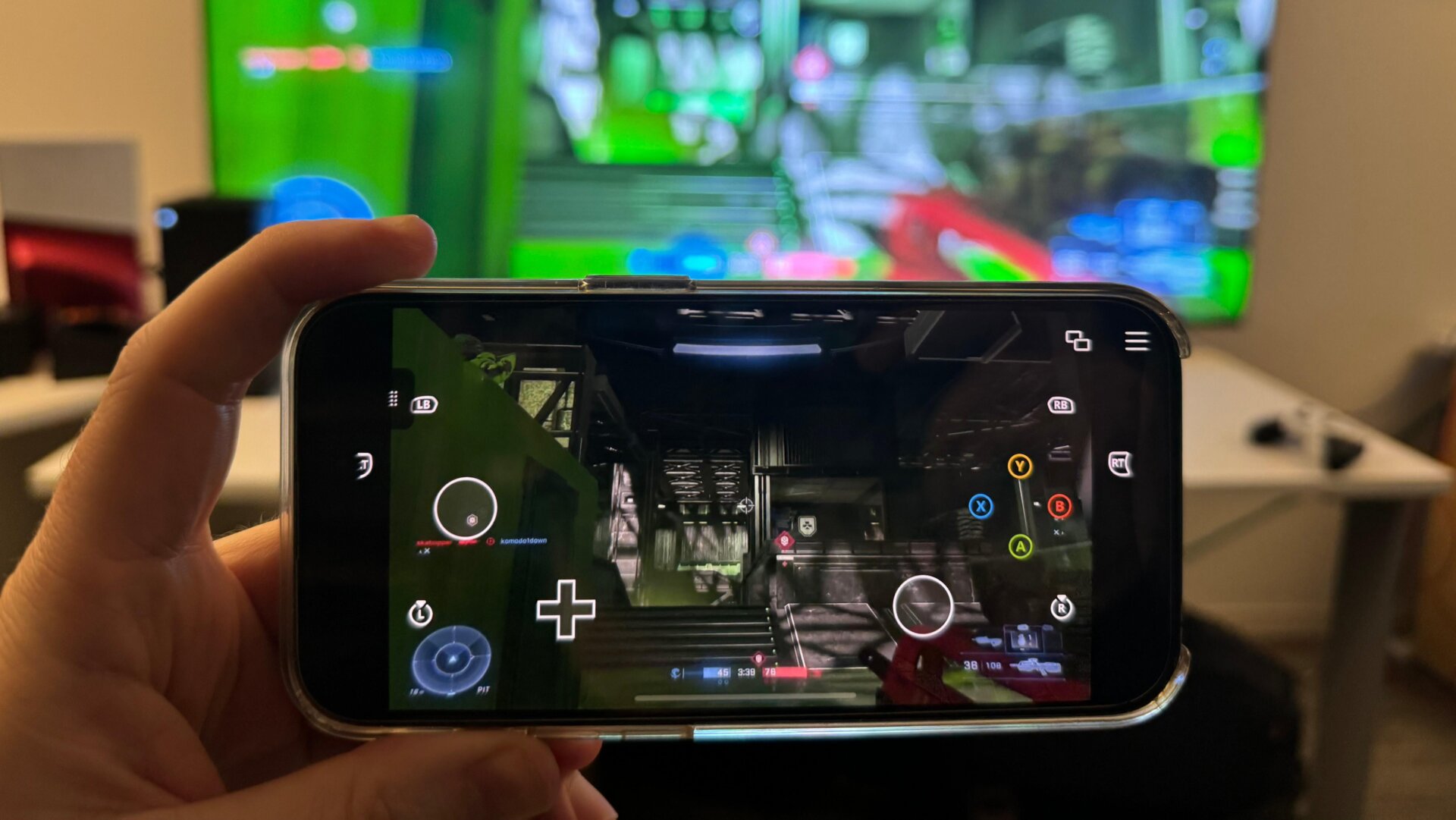
This is one of those features that has many wondering if the days of specific console hardware are well and truly over. With the Xbox app installed on your device, you should be able to remote play simply by hitting the small Remote Play icon. Hit Remote play on this device then Continue on the following popup. You should see a small animation of a rocket ship and the Xbox splash screen before you see the Xbox streaming on your device.
You can connect an Xbox or third-party controller to your phone to play that way or use the default touch controls that appear on your screen when using a phone or tablet.