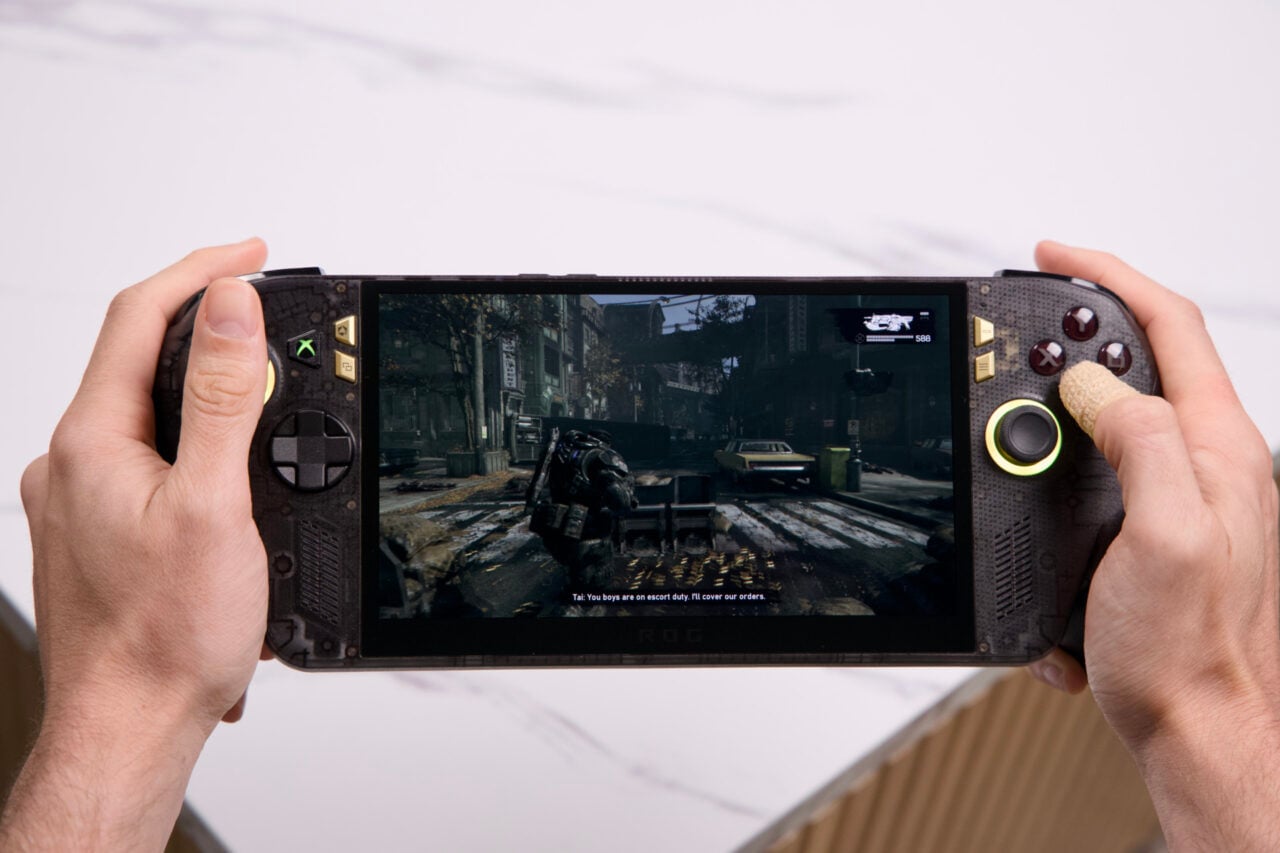
Reorganize Your Home Screen and Pin Games to Your Main Menu
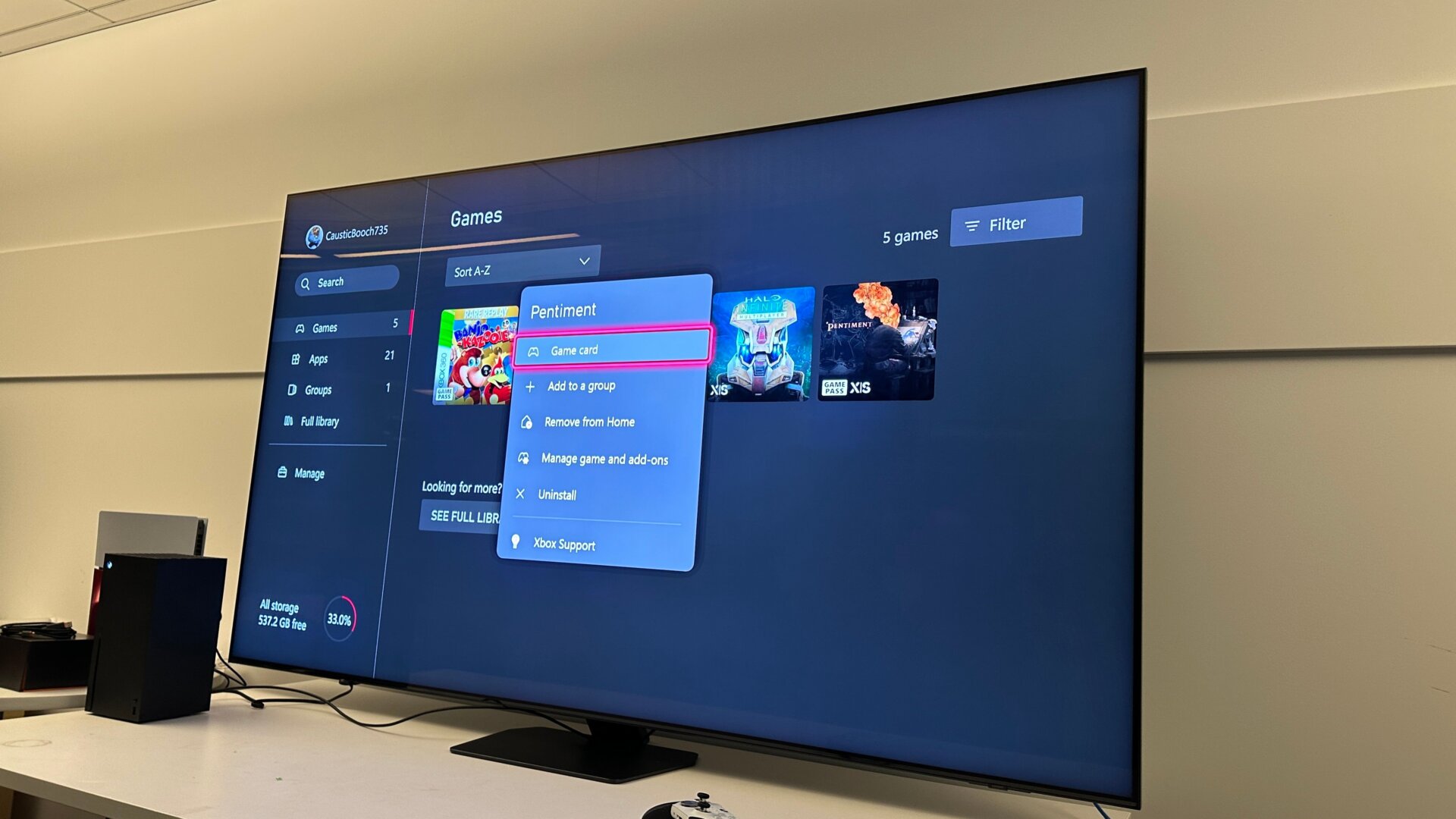
Are you tired of all those apps you never use cluttering up your top bar on the Xbox main menu? You can go to the My Games and Apps bar at the top of the screen, then scroll over to each of your games and apps. Press the three-bar Start button on any of these cards to bring up a menu, then scroll down to Add to Home. This will center those games on the Xbox’s main menu, allowing you to scroll down to each one and open the game a bit more quickly. You’ll also see some videos and screenshots captured by other players or groups of online players looking to join a game.