Control Your Xbox With Your Voice (Through Google Home or Amazon Alexa)
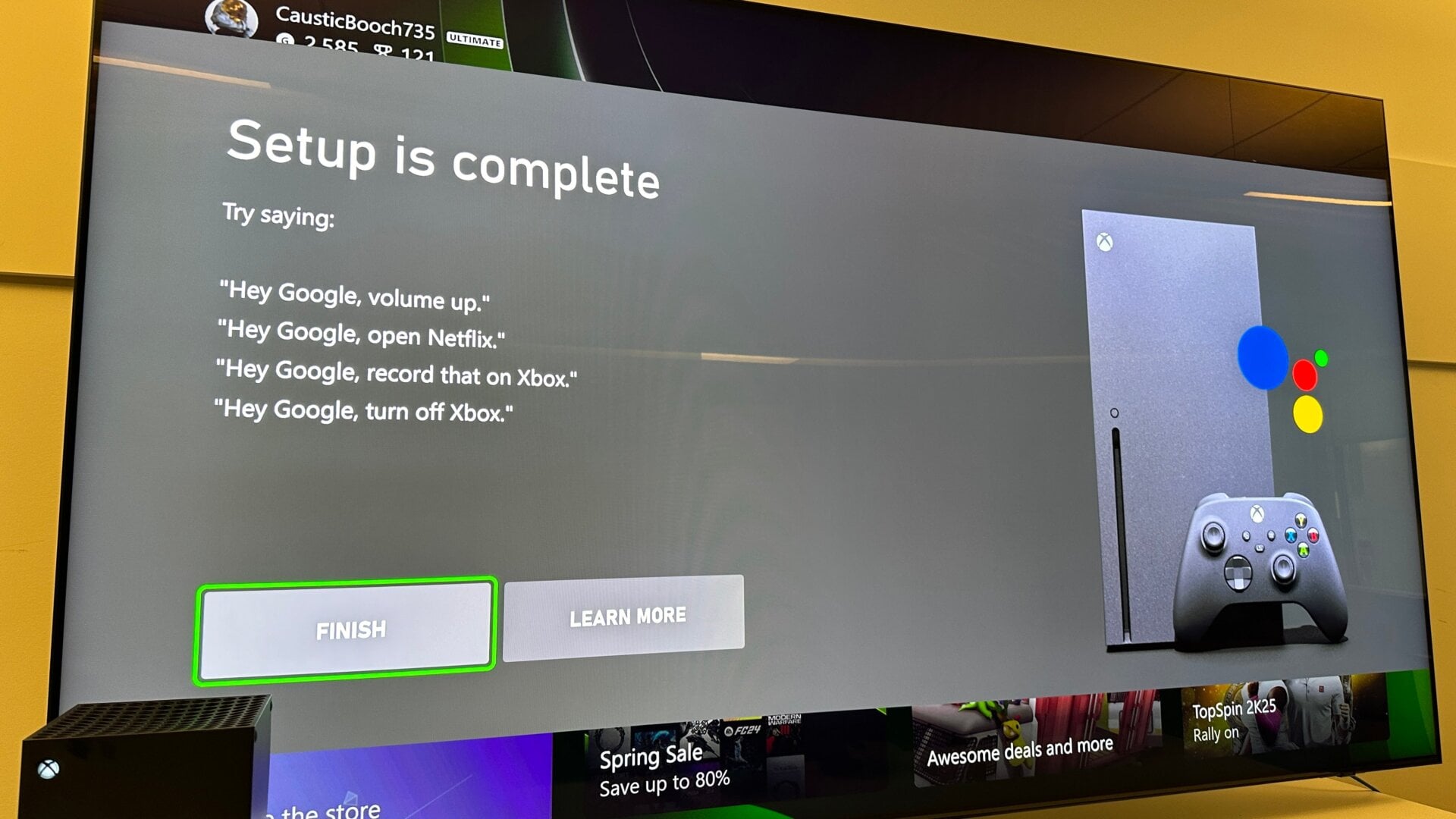
With the console set to Sleep mode, the Xbox can essentially act as a separate hub for your select smart home setup, so long as you’re using either Google Home or Amazon Alexa. Follow the steps on the previous slide, and after your console is on Sleep Mode, go back to Settings and then down to Devices & Connections. Choose Digital Assistants, then on the next page, make sure Enable Digital Assistants is selected.
Then, you need to enable either Google Assistant or Alexa to access voice commands on Xbox. For both, you’ll need to add the Xbox to your device list for your home.
Now your Xbox should be enabled with voice commands, though through that select app. For instance, on Google Assistant, you’ll need to say “Hey Google” followed by commands such as “take a screenshot” or “launch Far Cry 6.”