The Xbox has an IR Sensor Compatible with Universal Remotes
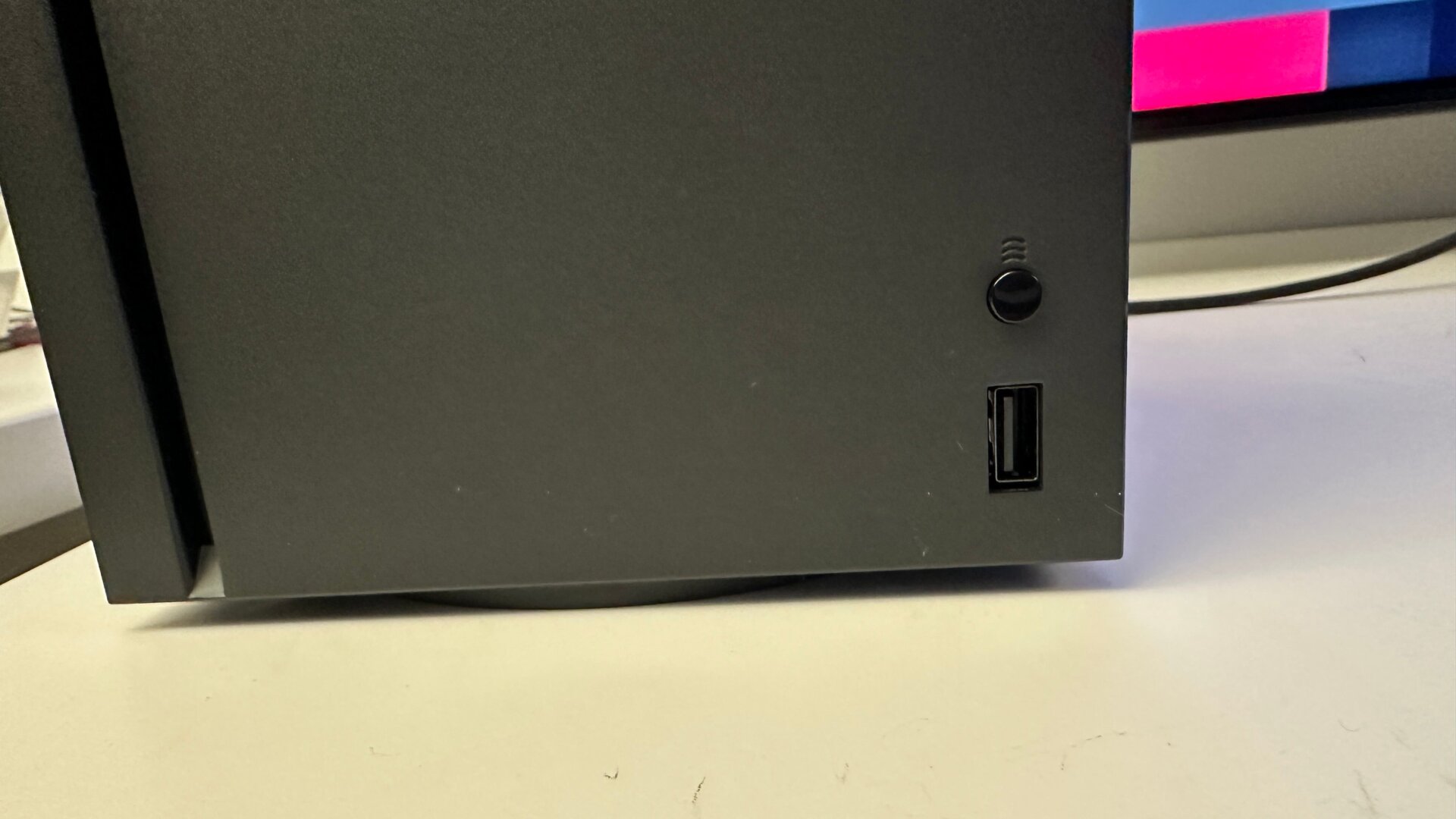
That button on bottom right of the the front side of the Xbox Series X isn’t just for pairing controllers, it’s also it’s own infrared (IR) sensor capable of accepting inputs from universal remotes. It’s mostly meant to pair with the official media remote, but you can also use any real universal remote. With HDMI-CEC enabled on your TV (this is different for every television, but many enable it by default), go to Settings, then Devices & connections. Click on Remote features and make sure Enable remote features is turned on. Then go over to where it says TV & A/V power options, make sure HDMI-CEC is enabled, and then make sure Use TV Remote for Console is turned on.