Turn on Your TV When You Start Your Xbox
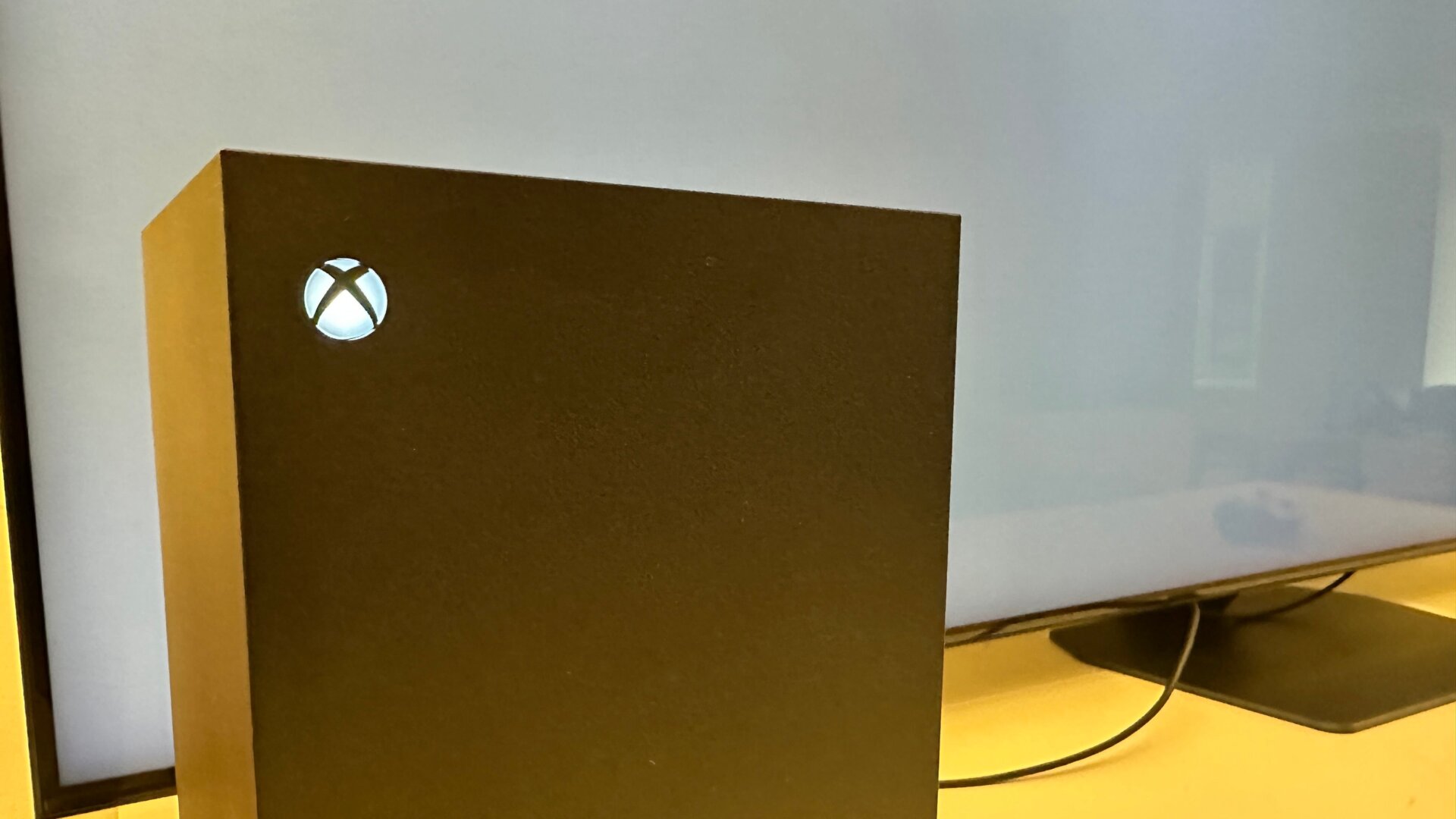
Another small change hidden under settings will make turning on your TV and Xbox less hassle. You’ll need a TV that supports HDMI-CEC, but if so, there are just a few switches you need to flip for easy Xbox access.
Go to General, then TV & display options, then select Device control on the left column. You can then turn on HDMI-CEC and go through all the options of allowing your console to control your TV settings, including turning it on changing the volume, and even switching your TV input.