Make Sure You Never See a Personalized Ad
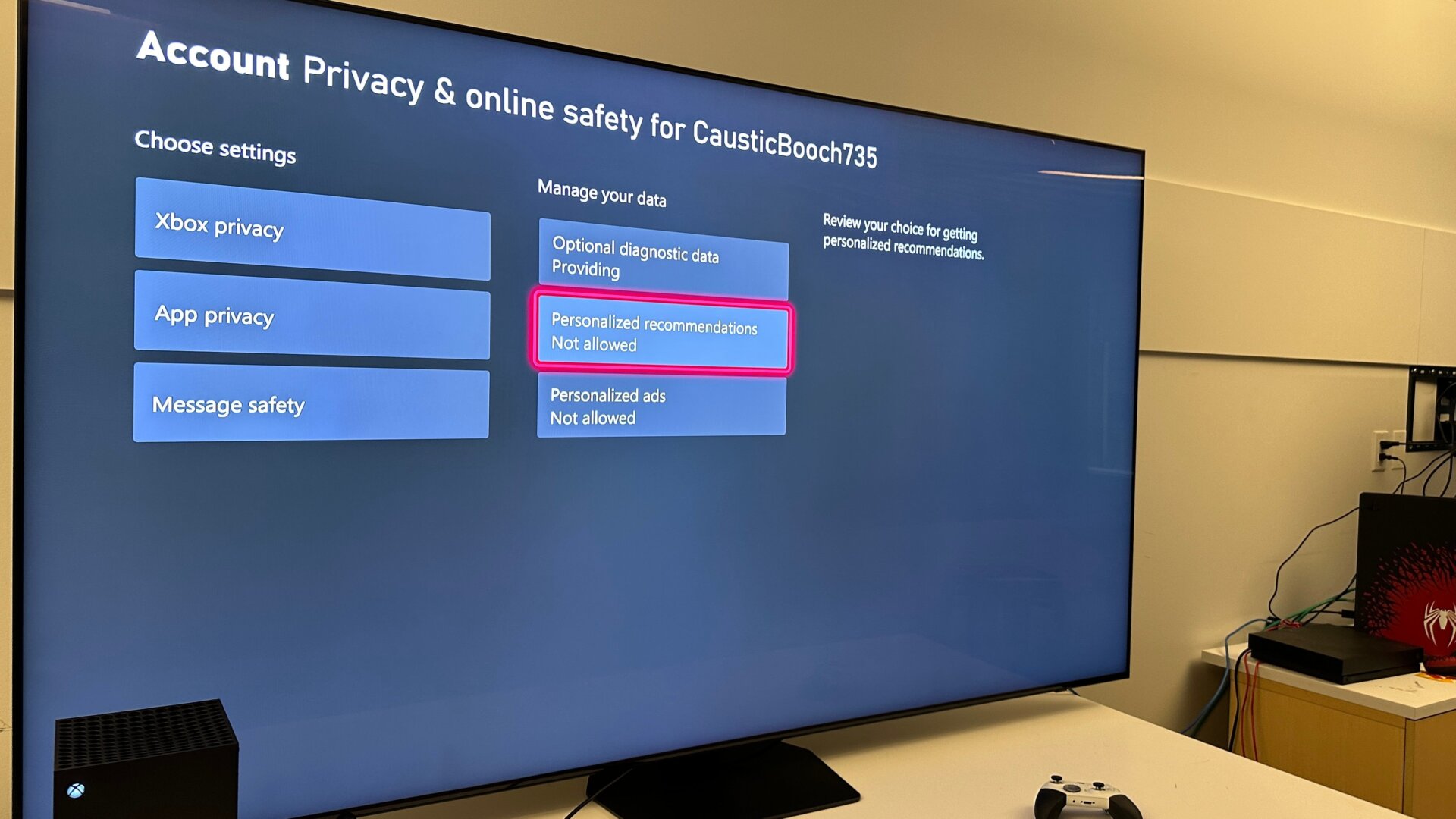
If you started your Xbox and let Microsoft use your personal data for diagnostic purposes, you might have fallen for the oldest trick in the data harvesting playbook. You can manually set it if you’re not keen to let Xbox keep looking at your data. Hence, Microsoft no longer accesses your personal data; most importantly, you won’t see any more personalized ads.
In the settings tab, under General and Online safety & family, go to Privacy & online safety, and you can then change all your personalized recommendation settings for your Xbox and any permissions for installed apps.