“Copilot” Settings Lets Two People Use Separate Controllers on the Same Game, Wait What?
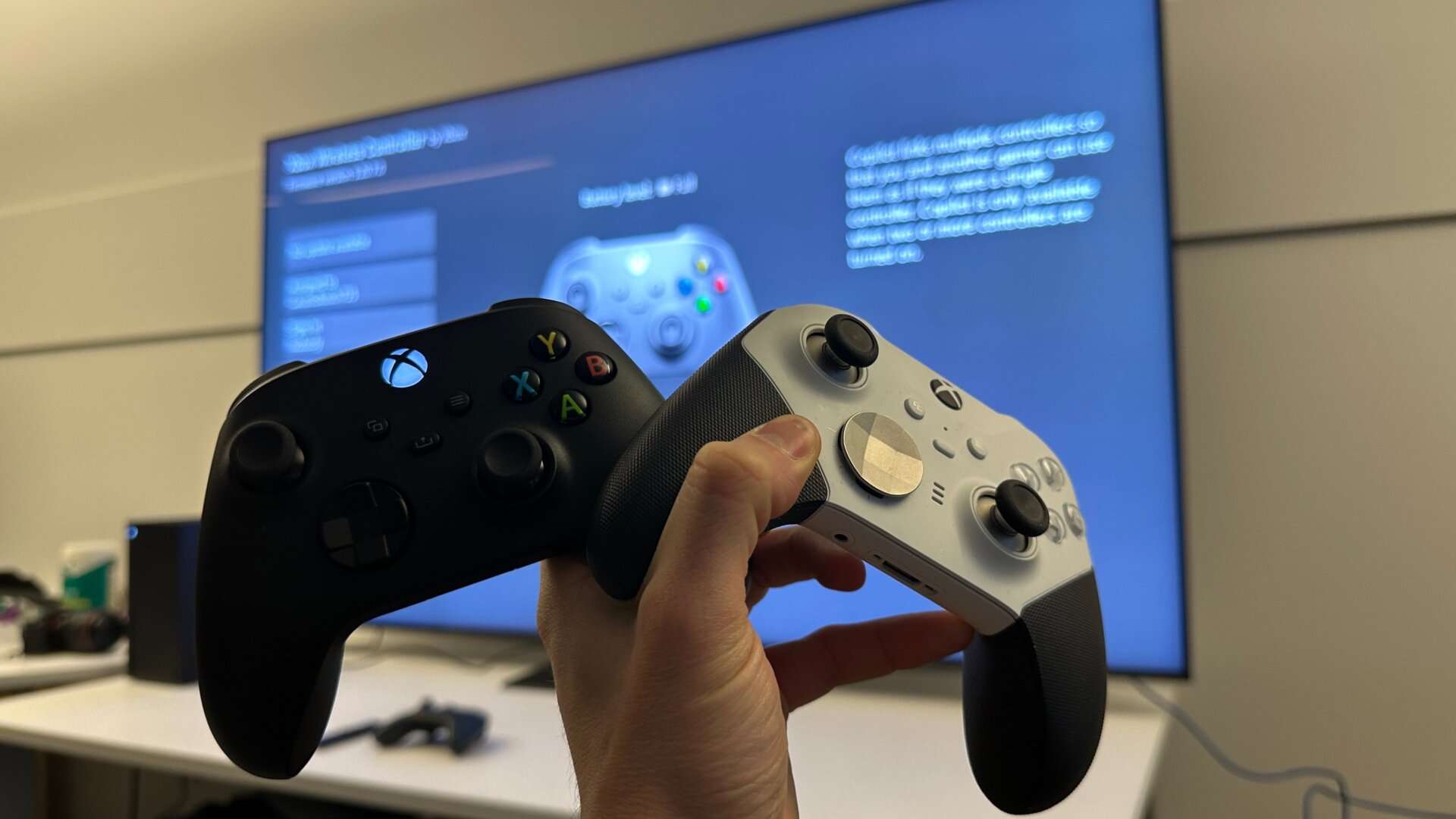
So, Microsoft might have been on a completely different copilot recently, but the Xbox has a completely different copilot setting that combines input from two different controllers into one. This is an accessibility option for those who need assistance playing their games, but it can also be useful if you need to help a young one get past an especially difficult part of a game.
In settings, under Accessibility and Controller, turn your attention to Copilot Settings. Then scroll down to Turn on Copilot then select which other controller will also work with the first one.
This setting allows two people to play a single-player game at once, though it could also be a great option to grief your friends as they play their favorite games. Don’t worry, we won’t tell.