Make Your Personal Controller Your Quick Way of Accessing Your Account
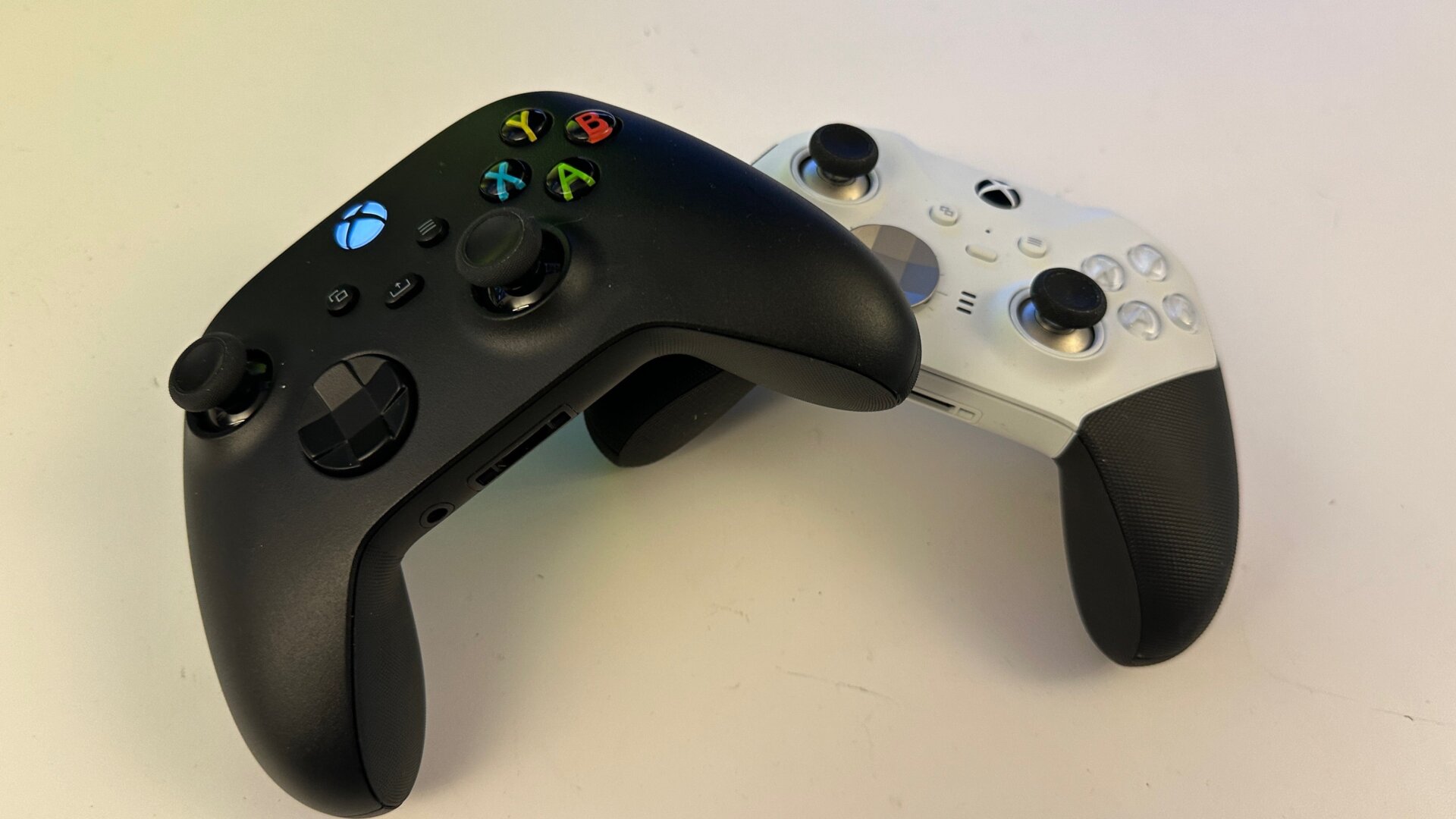
Are you tired of having to put in a passkey every time you log into your Xbox, but you also don’t want any of your family or roommates jumping on your account? If you have a single Xbox controller that you know is yours (and perhaps stays under lock and key), you can essentially make it your main means of logging into your Xbox.
In Settings, under Account and Sign-in, security & PIN, go down to where it says This controller signs in Nobody. Click that, then link your controller to the account that’s currently signed in. As soon as you turn on that controller, you’ll also sign into your account. You can only link one controller to one account, and you’ll need to make sure your sign-in credentials are saved to the Xbox.