Choose a Much More Lively Dynamic Background
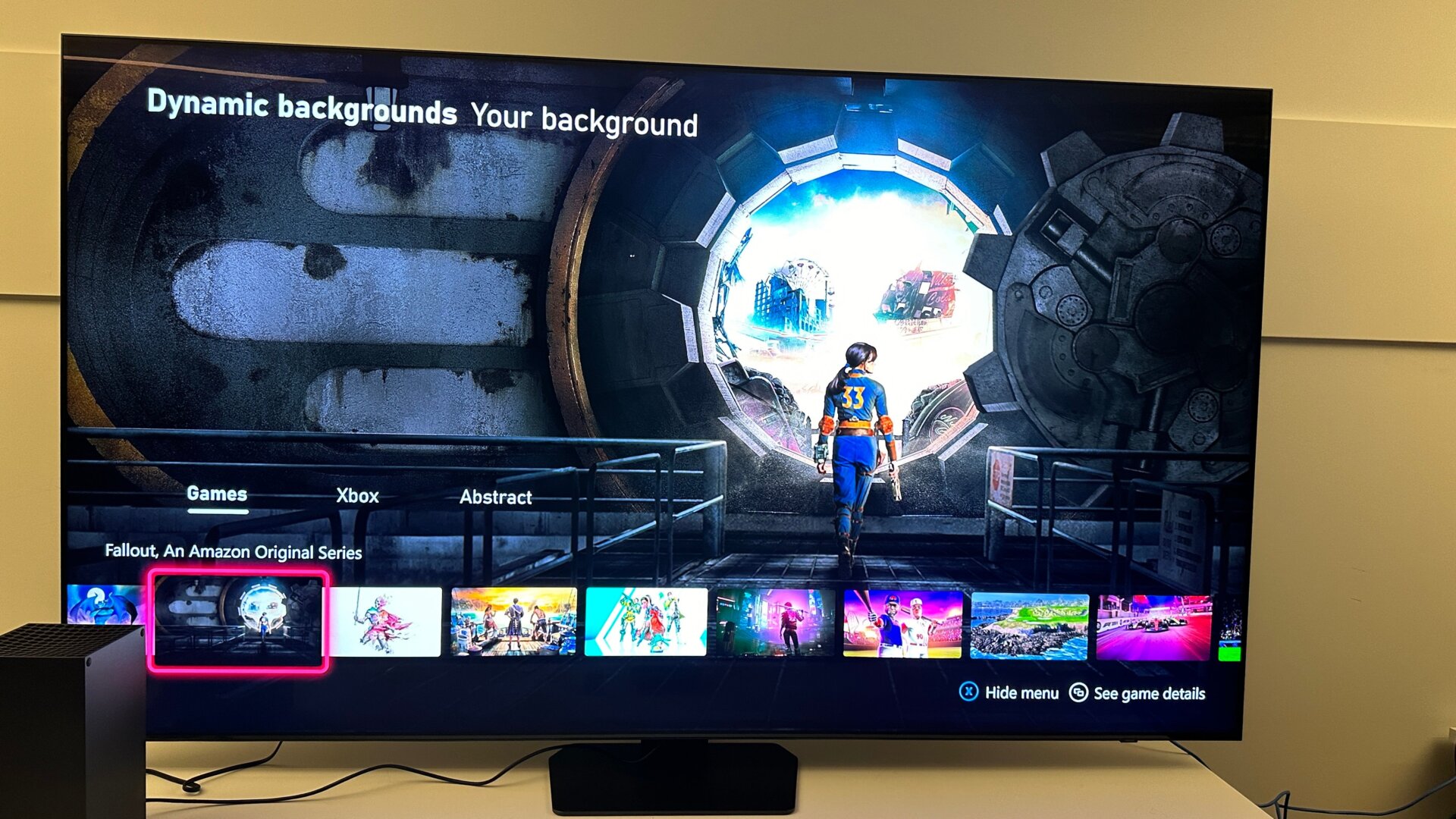
If you’ve long grown tired of the same old solid color background, you may want to look at something more lively in a dynamic background. Compared to earlier versions of Xbox, the Series X/S doesn’t make it too easy to find and change. In settings, go to General, then Personalization. Under My Background, scroll all the way down to Dynamic Backgrounds. If you have Game Pass, you’ll likely already have a ton of dynamic backgrounds available, but you should still see a fair number from Xbox itself.