Zoom in On Hard-to-Read Text
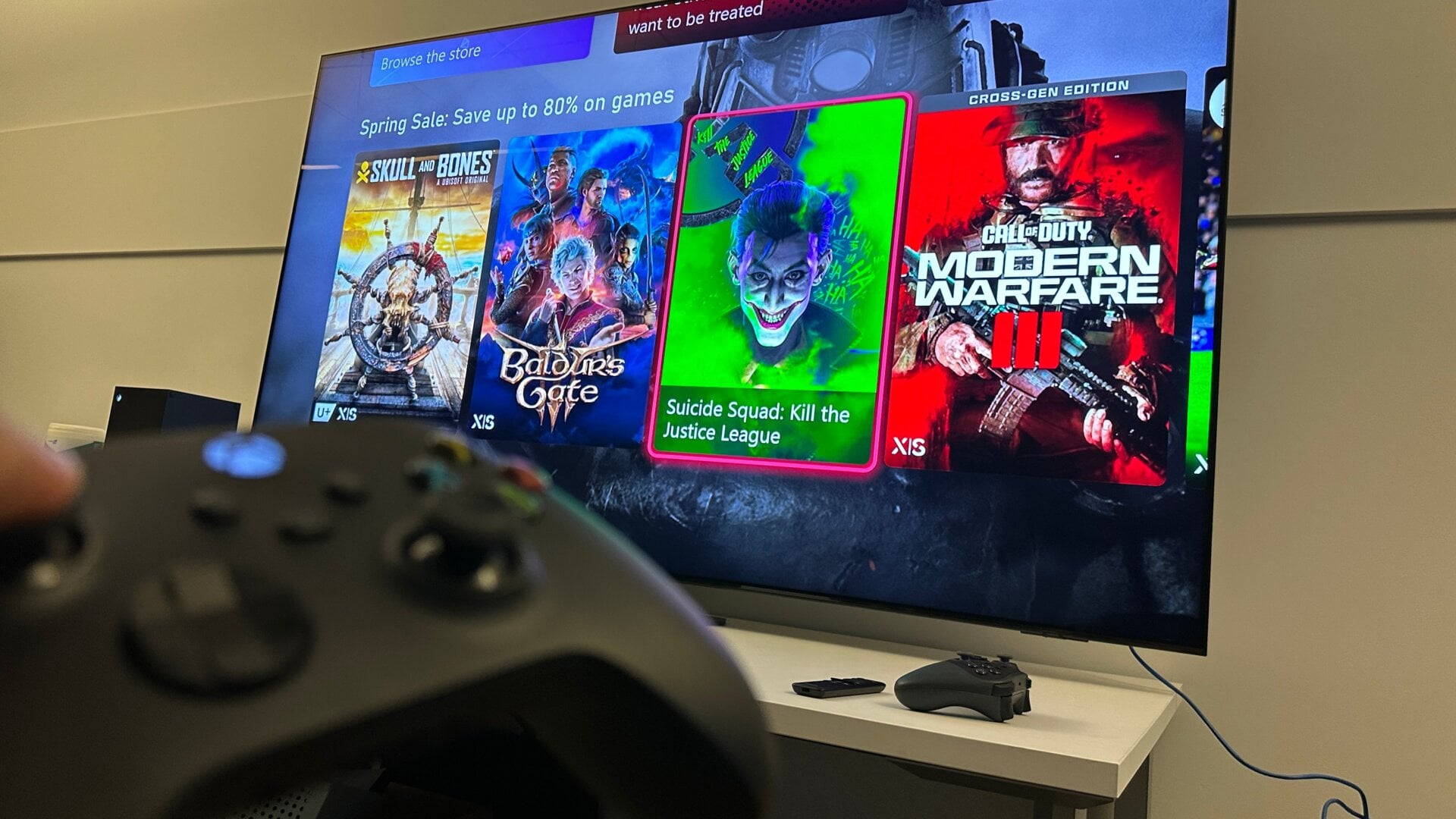
The Xbox has a built-in magnifier feature, and you don’t have to turn it on in settings. Hold down the Xbox button on your controller, and you should bring up the quick menu to turn off your console or controller. Then, hit the share button opposite the menu button to turn on the Magnifier. After that, you can use the left thumbstick to scroll around the screen and the two trigger buttons to zoom in and out. In the same way, there’s also the Narrator screen reader.