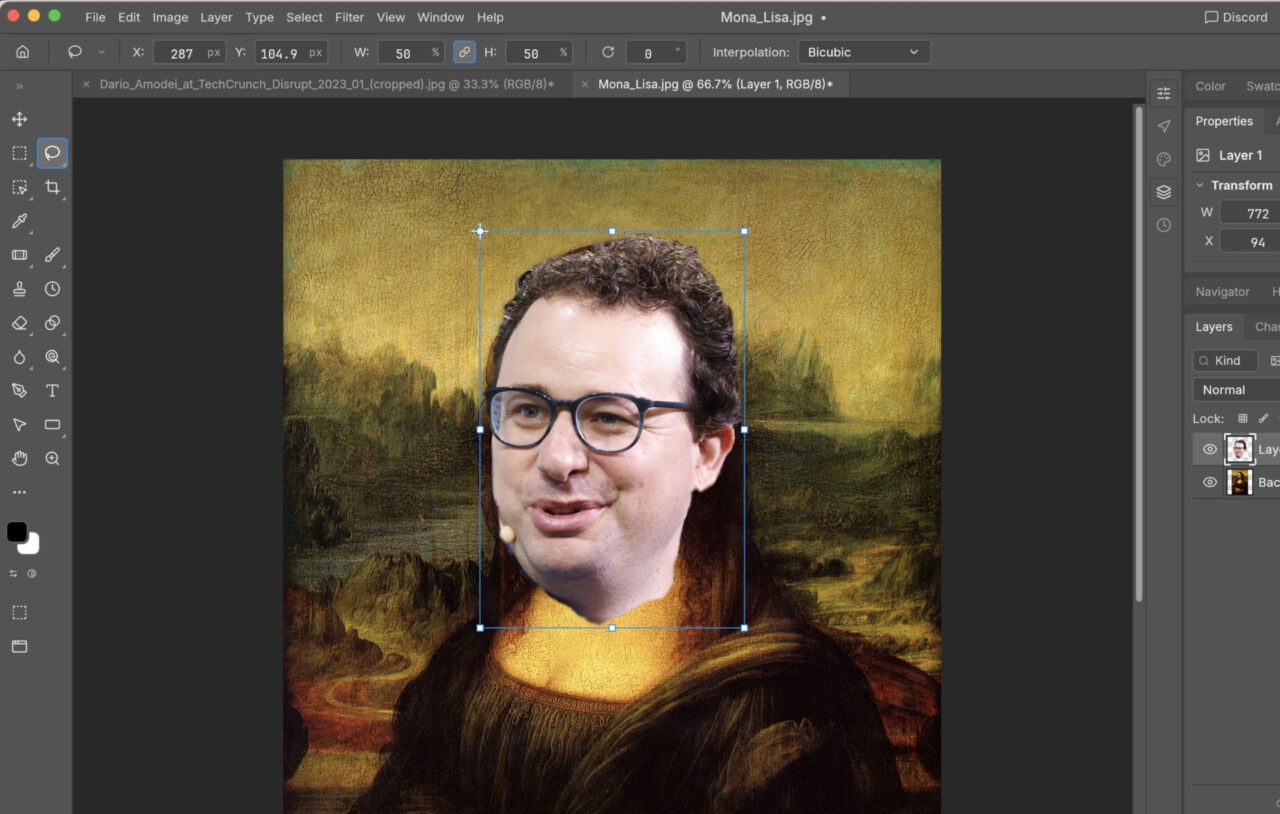
4) Select subjects with just one click

One of the ways photo editing software like Adobe Photoshop Elements has progressed in recent years is in being able to automate a lot of tasks that would previously require a lot of time and careful attention—such as selecting specific people or objects in an image so that you’re able to move them to a different background or adjust them somehow.
Photoshop Elements can apply some clever artificial intelligence algorithms to do this with a couple of clicks: In Expert mode, open the Select menu, choose Subject and the program should pick out a person in the image, if they’re well defined enough. You can make edits on just this selection, or choose Select and Inverse to edit everything else.