5) See more views of an image

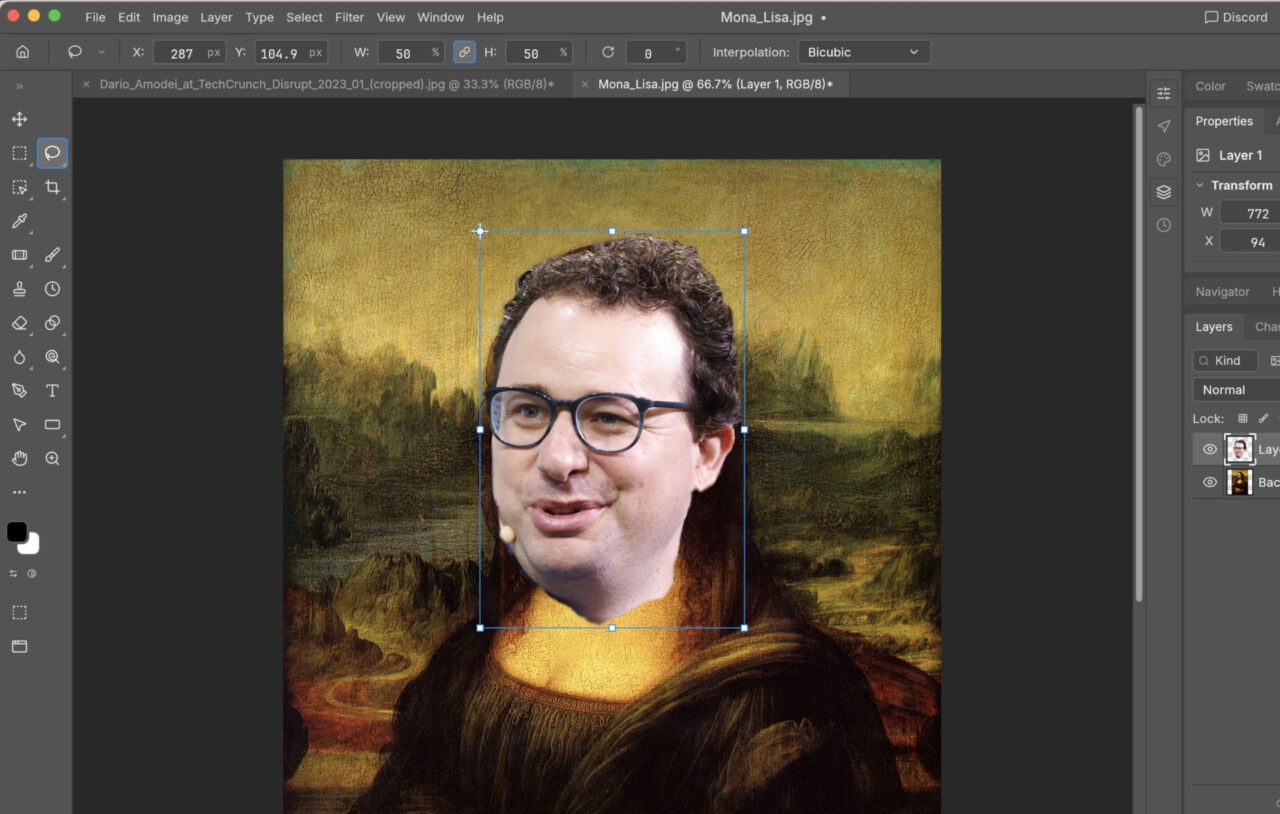
Sometimes you’ll want to perform detailed edits on one particular part of an image while still needing to see the bigger picture, as it were. Constantly zooming in and out of a photo can be difficult and time consuming, but Photoshop Elements has a solution: You can easily open up the same image in multiple windows, all set to different zoom levels.
With your photo opened up in the Expert mode inside Photoshop Elements, select View and then New Window for… which will have the name of the current image added to it. When you’ve got multiple windows on screen you can arrange them however you like (try the Layout button for example), just as you would if they all showed different images.