3) Use the zoom wheel to scroll

Dive into the Photoshop Elements Preferences panel and you can customize the way the application works to suit your requirements and your personal taste: There are more options than you might think for tweaking the operation of different tools and features inside the program. To browse through them, open the Edit menu and pick Preferences.
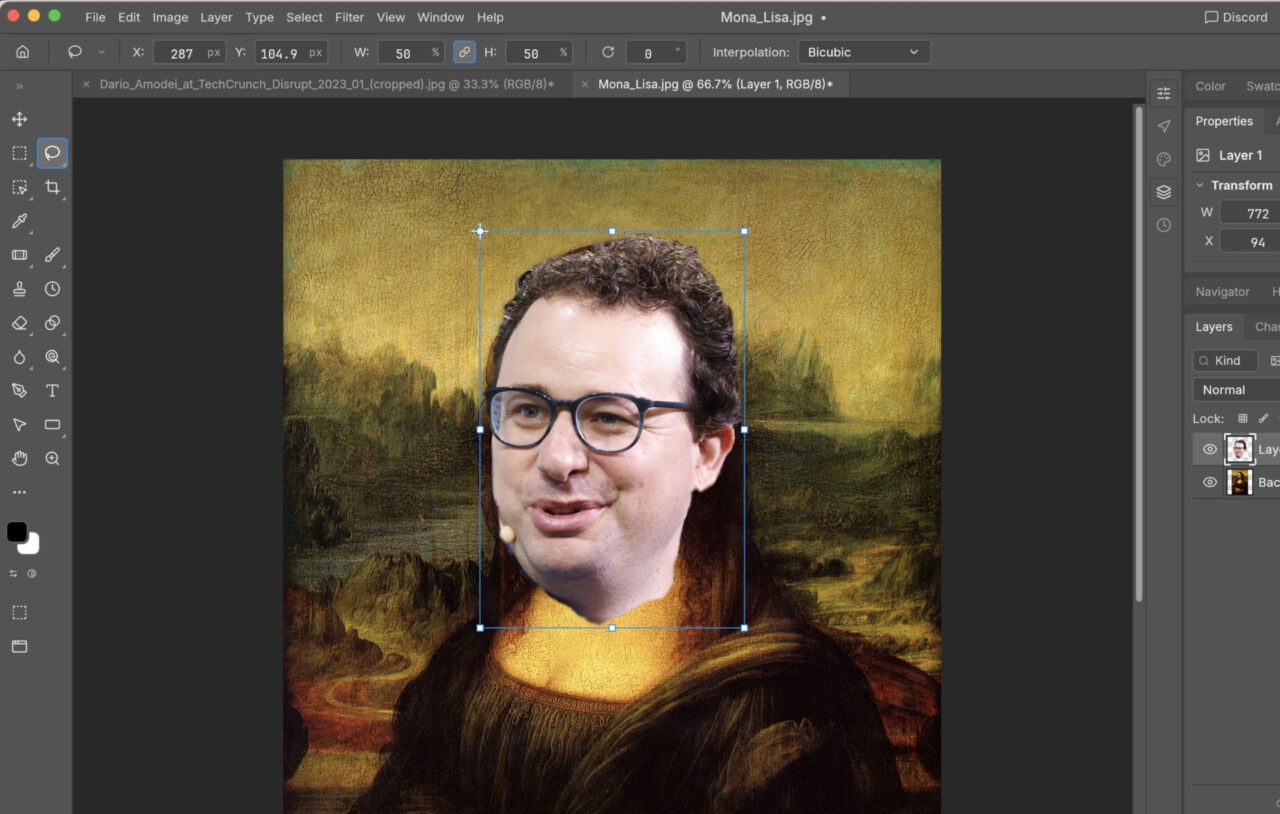
One of the most useful tweaks we’ve found down the years—though your mileage may vary—is using the mouse scroll wheel to zoom in and out of an image rather than to scroll up and down it. If you think you might find this as helpful as we do, open up the General tab and check the box marked Zoom with Scroll Wheel. Click OK to confirm the switch.