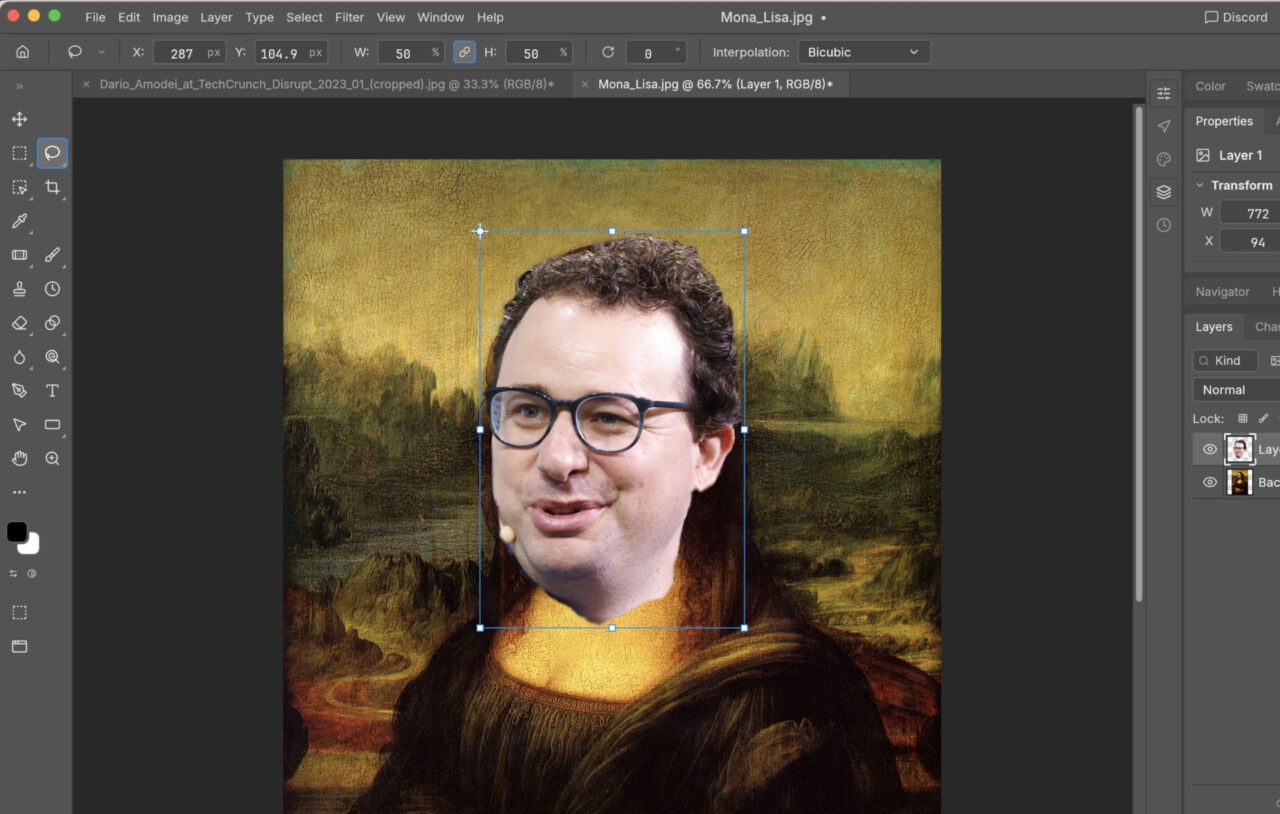
2) Turn your photos into art

Photoshop Elements excels at enabling you to produce professional-looking edits with the minimum of effort. For example: Open an image in Expert mode and click the FX Effects button in the lower right corner to choose between a variety of simple Classic effects and more advanced Artistic options (these include Modern, Cubist, or Expressionist).
If you find any of the effects a little too much, use the slider underneath the effects to change the intensity. Check the Keep original photo colors box to have the filter change the style of the image without altering the colors or their saturation. You can quickly add some style to the most mundane of images, and effects can be combined together too.