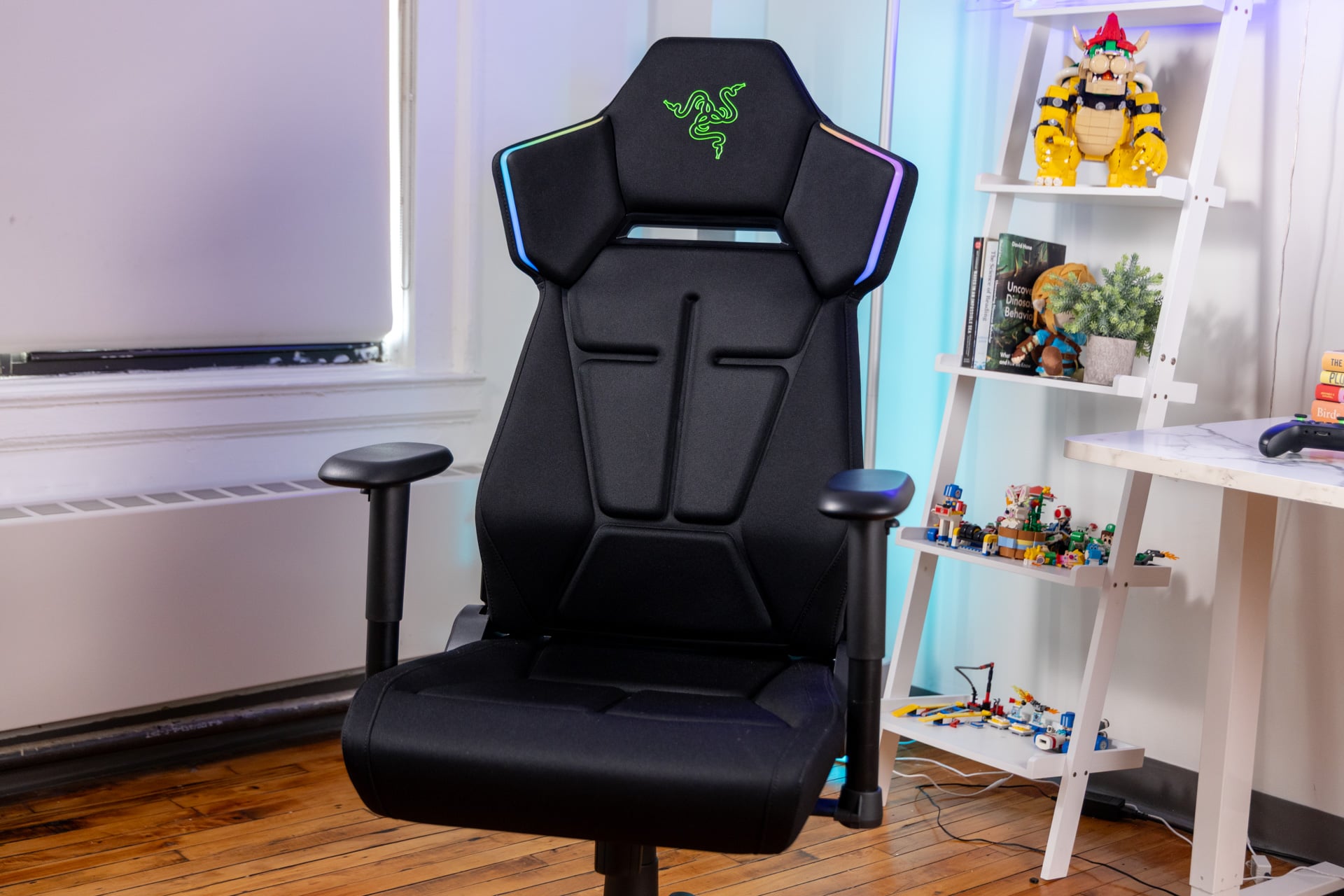
After decades of pushing dumb and/or weird PC peripherals, Razer has reached apotheosis. The company known for shoving RGB lights into everything, down to its misguided attempts at a face mask, has added RGB lights to a chair.
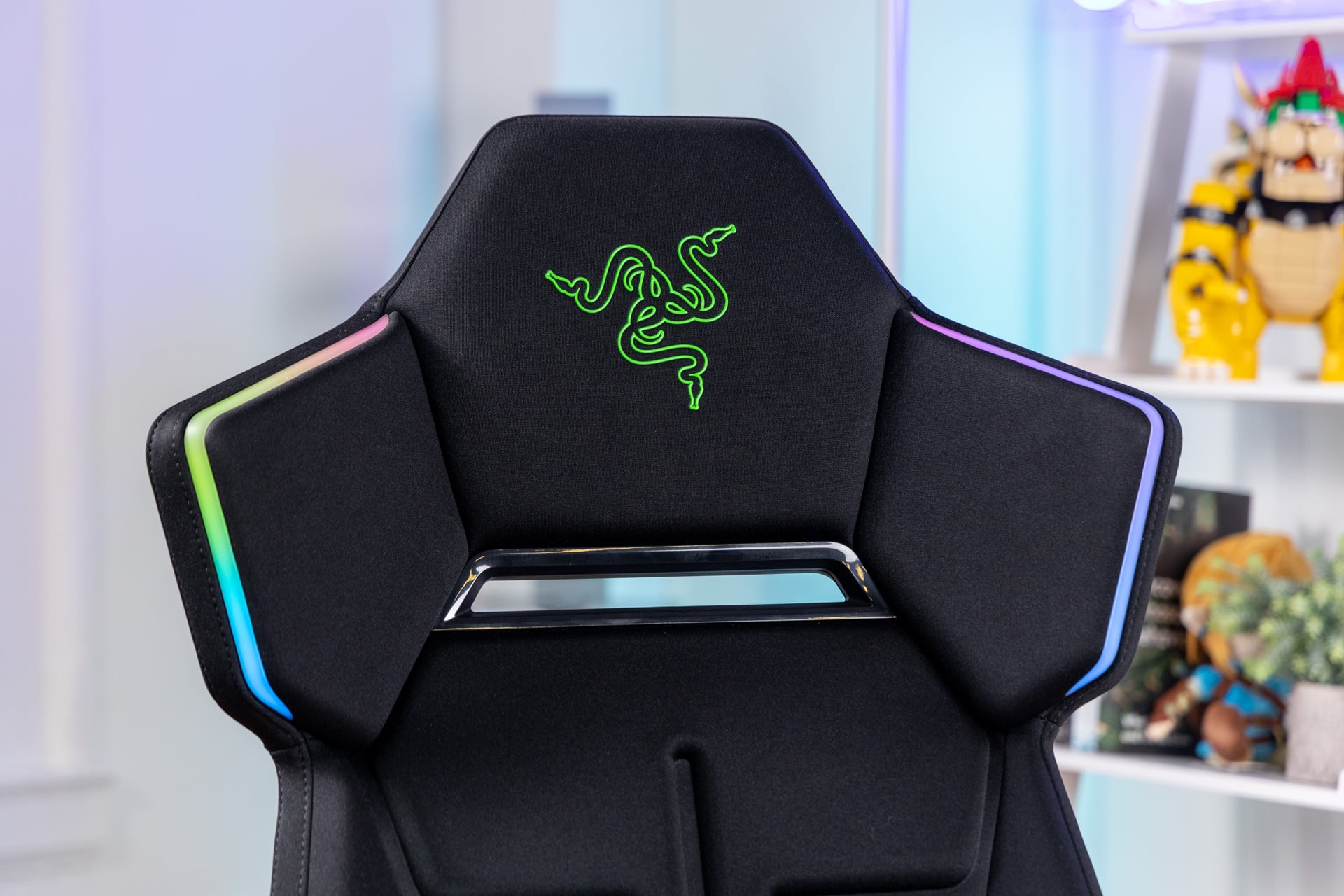
The $500 Razer Soma Chroma is the kind of seat that’s comfortable to sit in and fun to look at but is ultimately designed for people who care more about the gamer aesthetic than anything else.
Razer Soma Chroma
It's a solid chair by itself, but you'll get limited use out of the RGB lights that hang out behind your head.
Pros
- Comfortable and ergonomic cushions
- Lumbar support
- Premium chair feel
- RGB lights are unique
Cons
- Requires a separate battery pack
- Chroma games don't all sync well
- RGB lights aren't super noticeable
Razer’s new chair offers a lot of firsts. The Soma Chroma gaming chair is the company’s first piece of “immersive” furniture. It’s also the first seat I’ve ever used that requires an external battery pack to power it and a USB dongle to connect to your PC. However, this isn’t the first chair to try to incorporate RGB lights. You can go on Amazon and find several from brands like GTPlayer.
Still, there’s a reason to be at least curious about what Razer is doing, because the next step beyond RGB lights is turning a chair into an extensive “immersive” media suite.

Back at CES 2026, I planted my posterior into a very similar-looking chair devised by Razer. In addition to RGB lights, that concept chair, dubbed Project Madison, also incorporated speakers and a set of haptic pads directly into the back and seat cushions. That chair is essentially a combination of Razer’s Freyja haptic cushion and its Clio headrest speaker, all contained in one comfortable unit.
Razer reps told me the company intends to offer multiple versions of its Soma furniture line, where the Chroma is only the first. What has me more perplexed is how Razer intends to power all these disparate immersion capabilities.
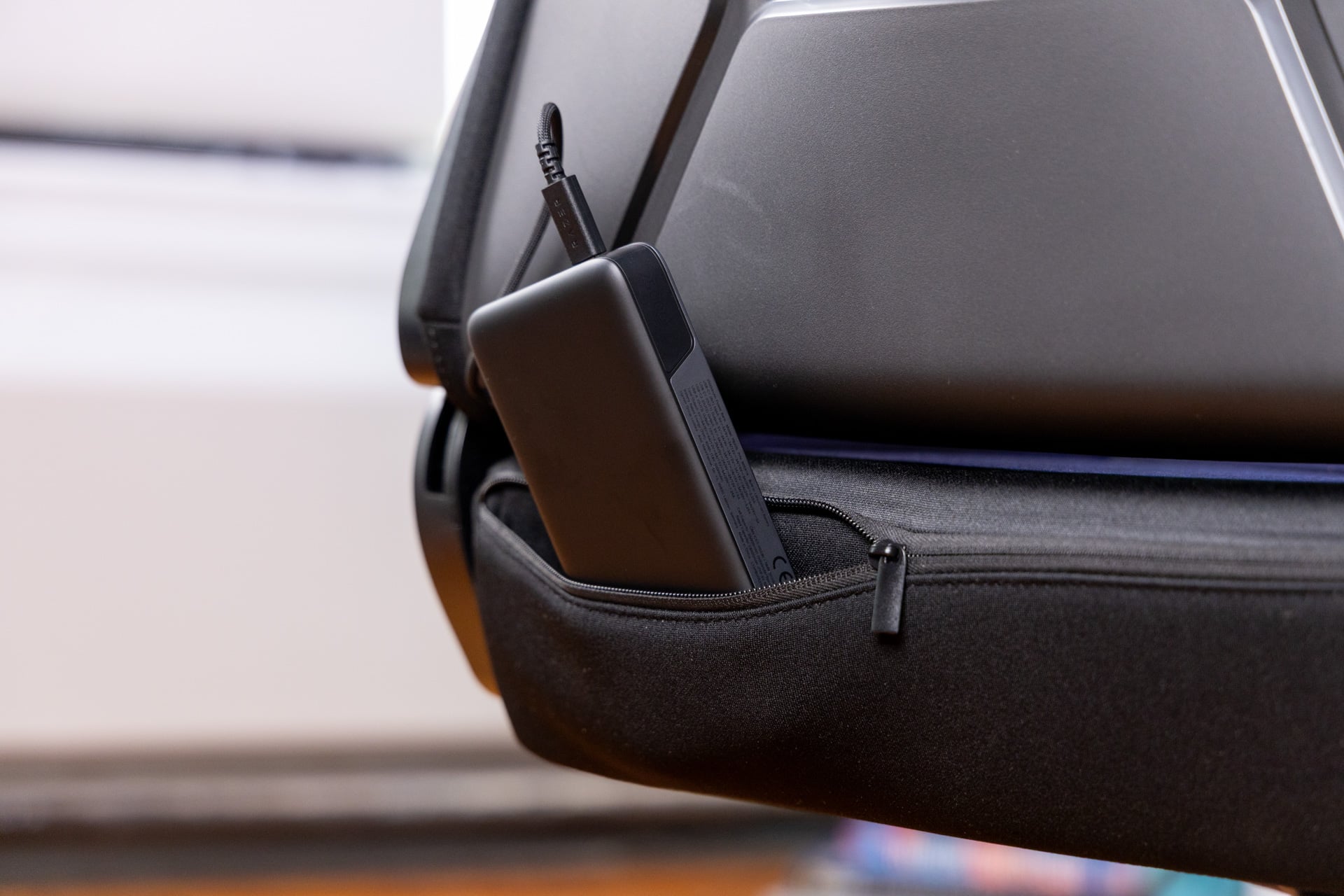
The Soma Chroma doesn’t include a cable you can plug into an outlet. Instead, it features a single, 4-inch-long USB-C cable dangling behind the chair like a rogue tail. Razer told me in a briefing that it expects players to grab a separate power bank and plug that in to supply the juice necessary to power the RGB lights. Otherwise, you’ll need a USB-C female to male output cable that you can run to another power source.
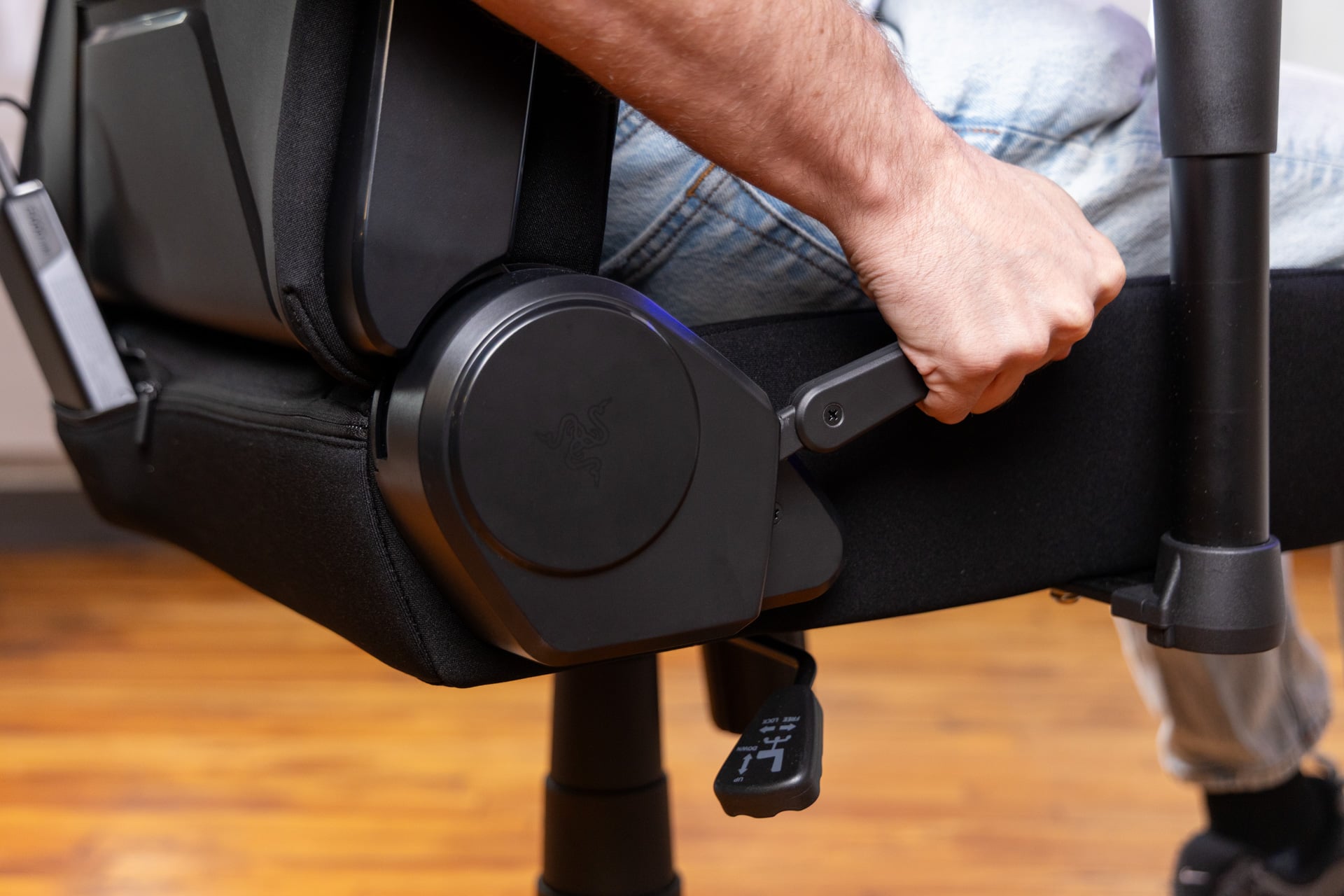
There’s a zipper in the lining behind the chair where you can tuck away said power bank. The RGB strips built into the Soma Chroma don’t draw too much power, but I still had multiple issues getting the chair to run consistently with a 10,000mAH power bank. Instead, I opted for a massive 25,000mAH brick from UGreen, which seemed to help it run in a stable fashion. On the flip side, dangling a cable so close to your rolling wheels is a recipe for accidental shutdown or, worse, damaged cords.
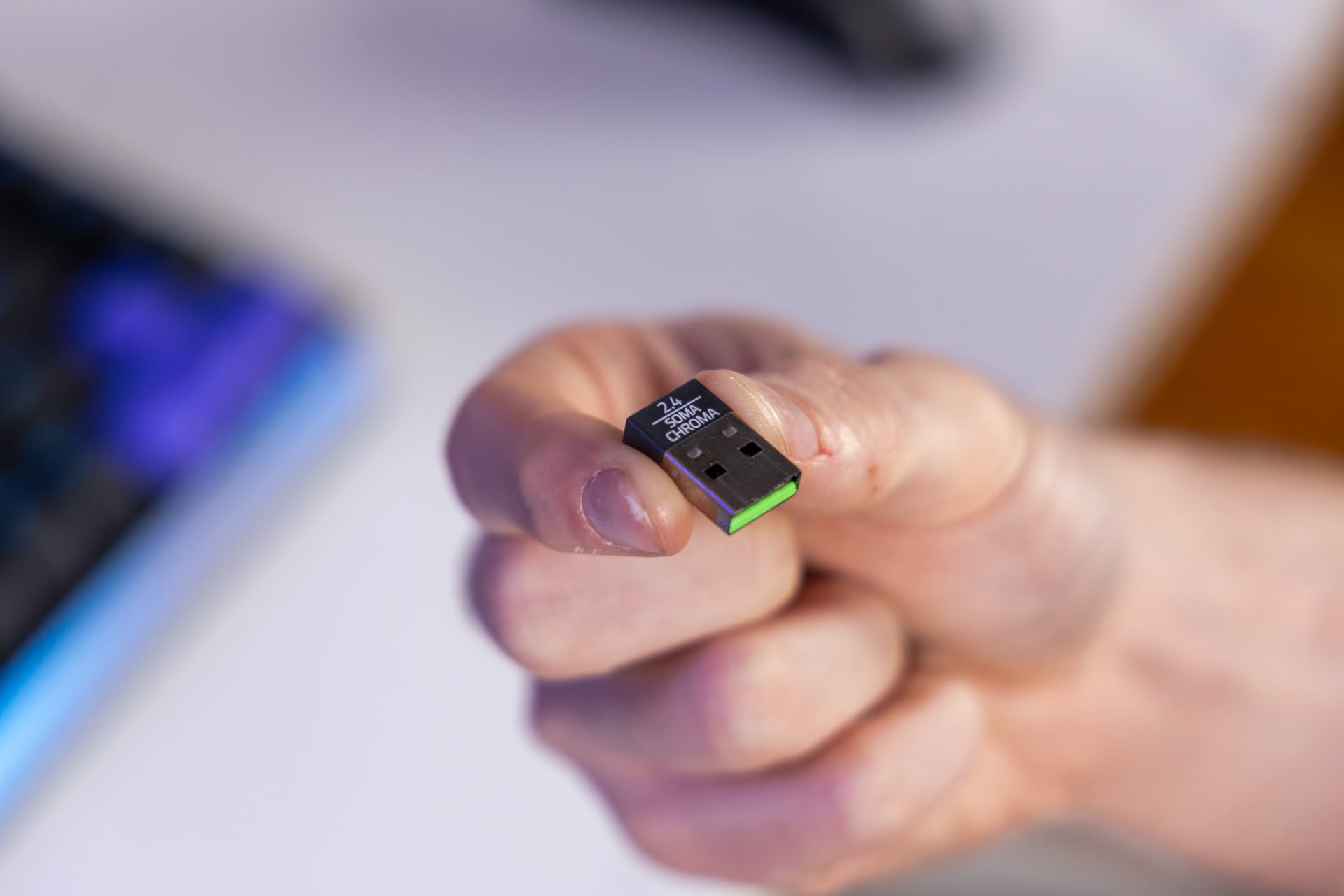
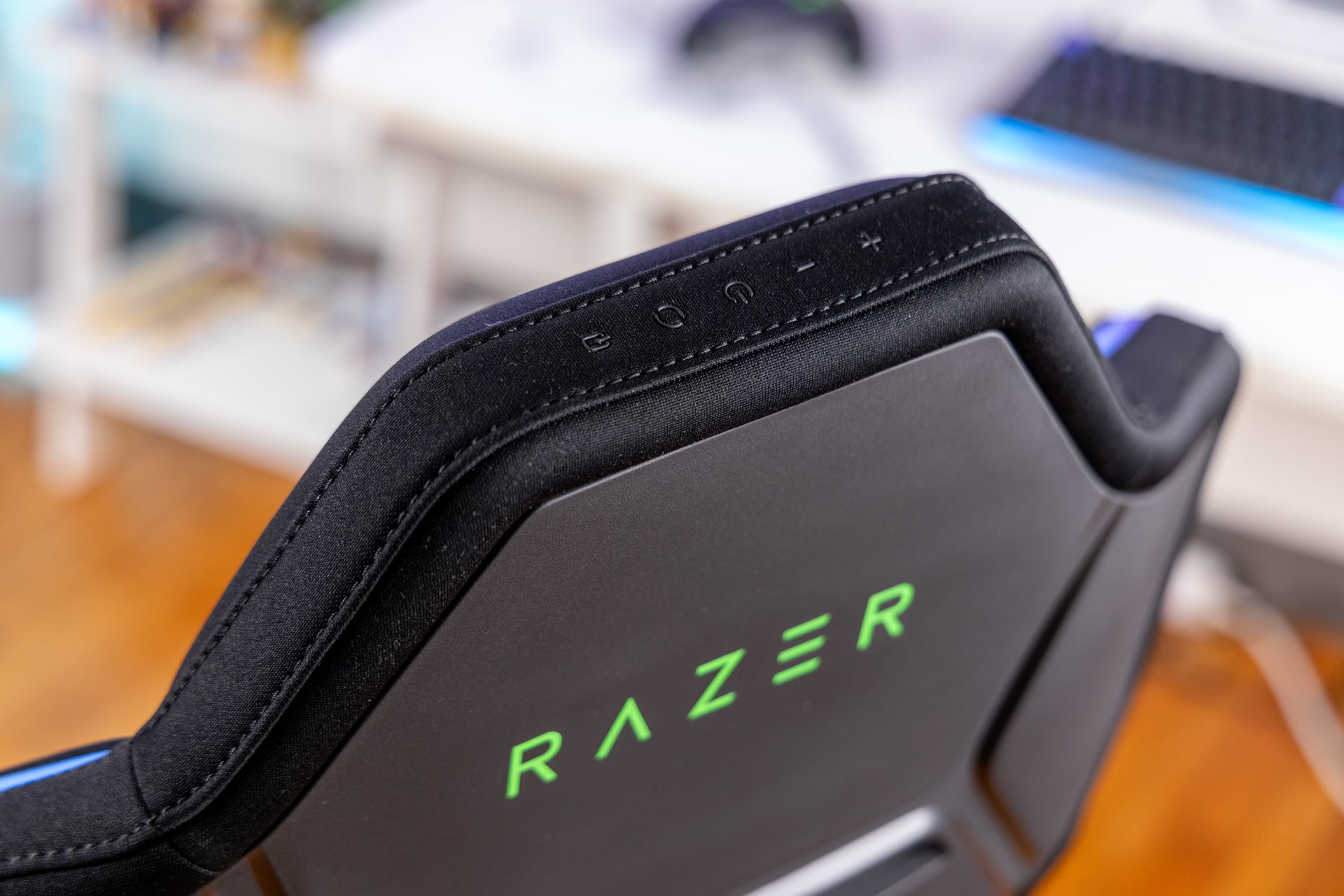
The chair includes several controls above the headrest. These let users control the RGB brightness (the lights aren’t too bright, and you can just leave it at 100%), swap between different RGB profiles, or pair the chair. That’s right: you need a separate 2.4GHz dongle to make this chair work. If you already have a mountain of Razer accessories, you know the pain of finding a spare USB slot on your crowded laptop or desktop.
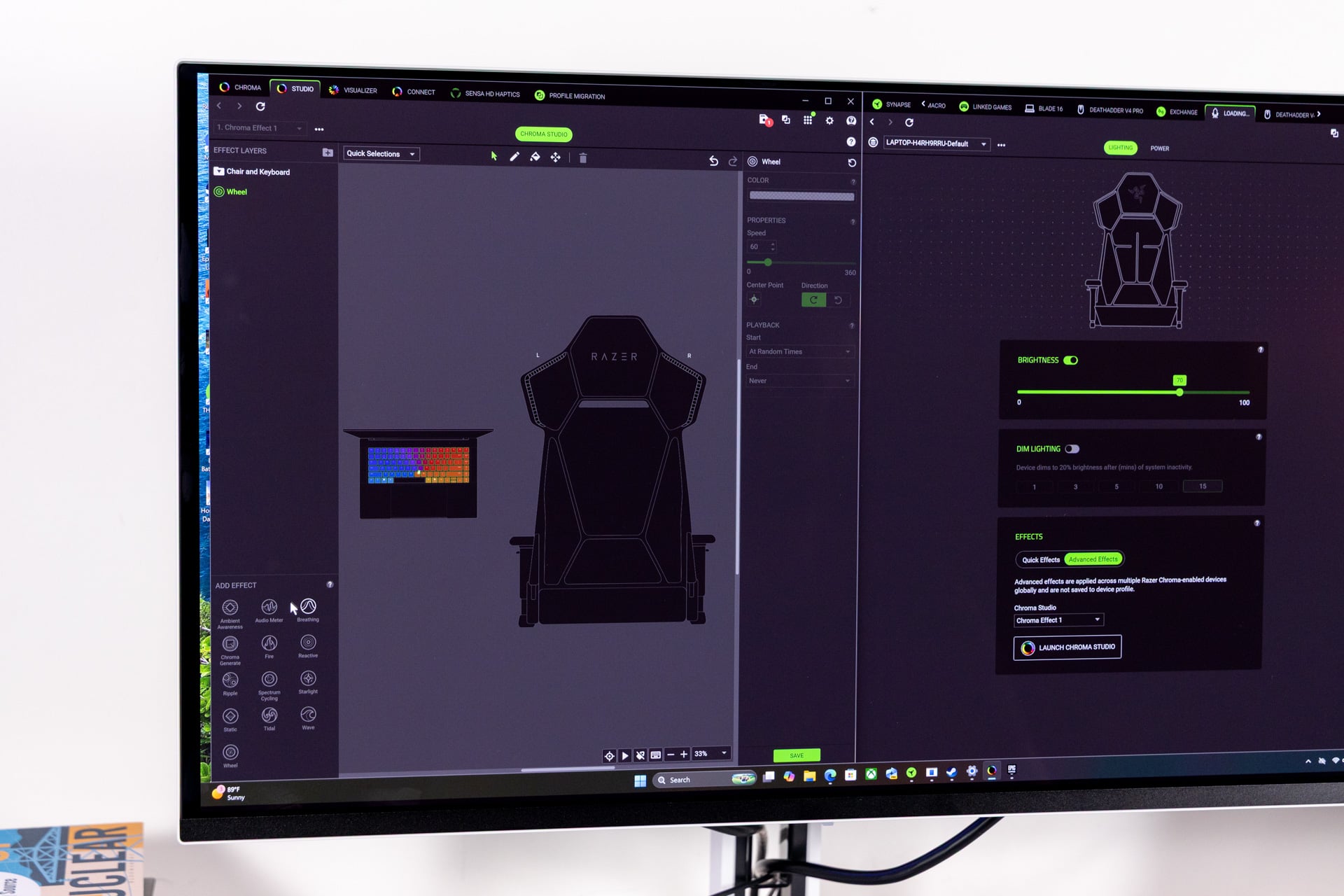
As with any Razer product, you’ll need to manipulate the various RGB functions with a combination of the Razer Synapse and Razer Chroma apps. These apps help sync all your various Razer light sources, as well as any other Chroma-compatible devices, together. While you have a standard selection of quick lighting profiles to choose from, Razer imagines you’ll use this chair with the selection of games that sync with Chroma products.
See Soma Chroma Chair at Razer.com
Even though Razer promotes there are more than 300 games that support Chroma, you may have to look far down the list to find a game you’re actually playing. Even then, not all your products may sync together to make content more—say it with me—”immersive.” In a game like Cyberpunk 2077, each Chroma product lights up in menus, but only a keyboard lights up during gameplay.
In testing, I became the ultimate Razer gamer. I hunkered down in front of a 2026 Razer Blade 16 laptop with its per-key RGB keyboard. I plugged in a Razer Firefly V2 mousepad with built-in RGB and adorned the pad with a Razer DeathAdder V4 Pro mouse. I wrapped a Razer Kraken V4 Pro around my head, which adds an extra ounce of Sensa haptics to my noggin. Then I dived into 007 First Light and watched golden lights dancing from every device surrounding me. Each RGB source flashed red as I was taking damage in a firefight.
I’ll admit, swarming yourself with RGB is fun exercise if only for the pure excess of it all. But of all the RGB products in front of me, the one that made the least impact on my “immersion” was the chair.
Still, the Soma Chroma did leave an impression on my aching spine. Razer’s RGB chair has a rigid, though well-cushioned, back and butt rest. I prefer stiffer cushions, so Razer’s cold-cured foam made me feel ready to dive into hours of desk-based gaming. Still, I could say the same thing about the Razer Iskur V2 X, a chair that costs $350. At $500, this one costs as much as a Razer Enki chair, even though it lacks many of the ergonomic comforts you can get with some of the company’s everyday office seats.
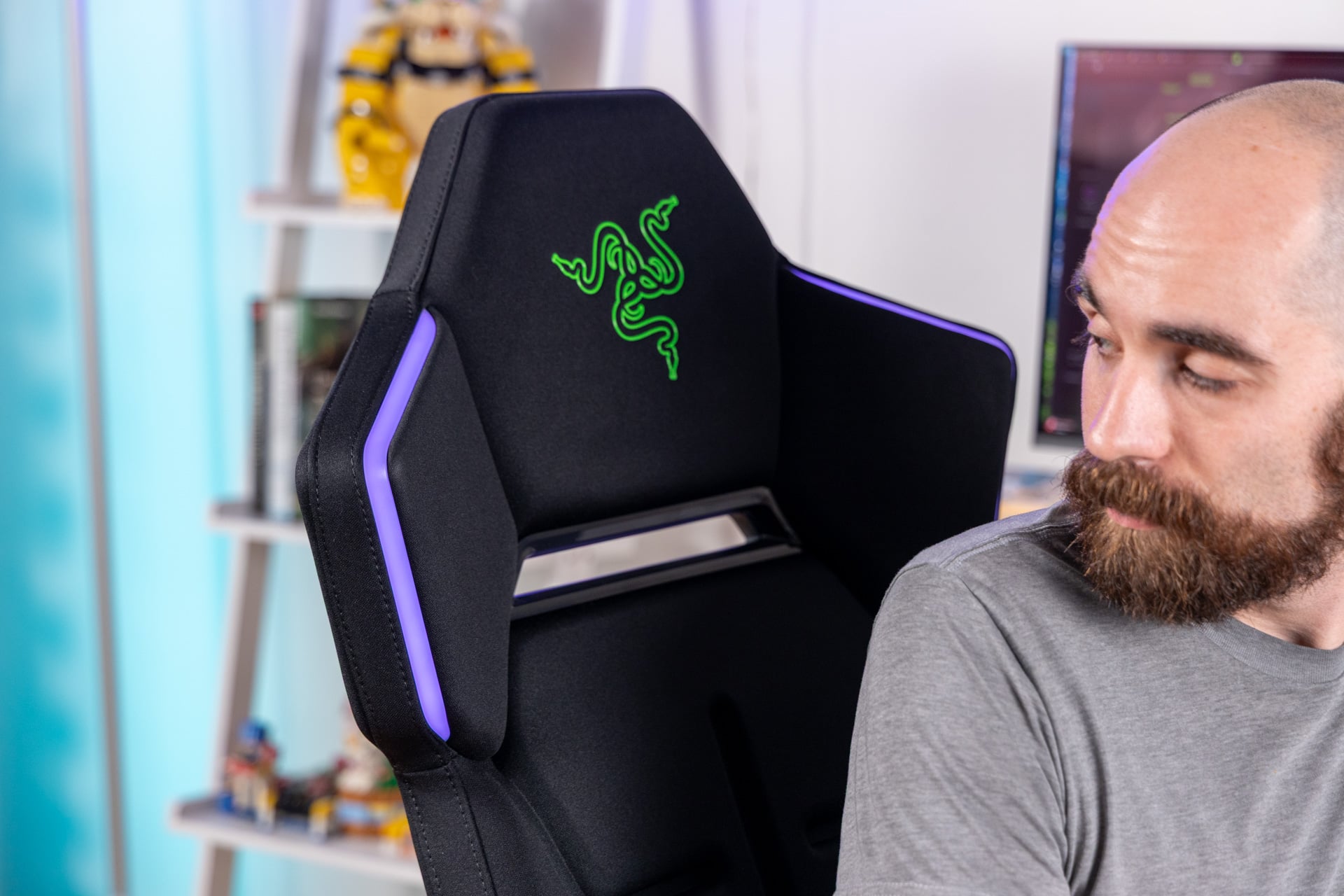
This is a seat built for gamers who love the aesthetics of PC gaming, who want to turn on video chat and look like they’re surrounded by a halo of gamer-fueled goodness. The Soma Chroma isn’t a bad chair. It’s just a weird chair. The next Soma chair has to get even weirder if it wants to push an “immersive furniture” experience.