Sonos is back in the hardware game in a big way, and its Play wireless speaker was just the start.
There are now two new installments in the Sonos universe: a pair of wireless headphones, the Sonos Ace Ultra, and a new soundbar, the Sonos Beam Ultra. While neither breaks new ground category-wise in Sonos’ repertoire, both have new tricks for real Sonos stans, including upgrades to hardware and a whole host of new features designed to draw you even further into the Sonos solar system’s gravity.
Whether those tricks are significant enough to justify an upgrade will vary from person to person, but in the case of Sonos’ new wireless headphones, the $449 Ace Ultra, the question you’ll have to ask yourself before you buy is, “Just how much of a Sonos head am I?”
Sonos Ace Ultra
The Sonos Ace Ultra are solid ANC wireless headphones that play nice with Sonos' home audio ecosystem, but aren't the best in this price range.
Pros
- New Wi-Fi features are cool if you have Sonos speakers at home
- Solid sound
- Love the new colors, like Agave
Cons
- ANC and sound are solid, but not the best in this price range
- Wi-Fi features are nice to have but probably not critical for most
- Not as comfortable during long periods of wear
A “balanced” approach
Before I get to the more Sonos-specific side of things, let’s start with the bread and butter. In this generation of Ace wireless headphones (only the second pair that Sonos has released), the company has switched up the sound with custom 40mm drivers that are meant to deliver deeper bass, more clarity, and better balance. Sonos is positioning the Ace Ultra as an all-around upgrade in the audio department.
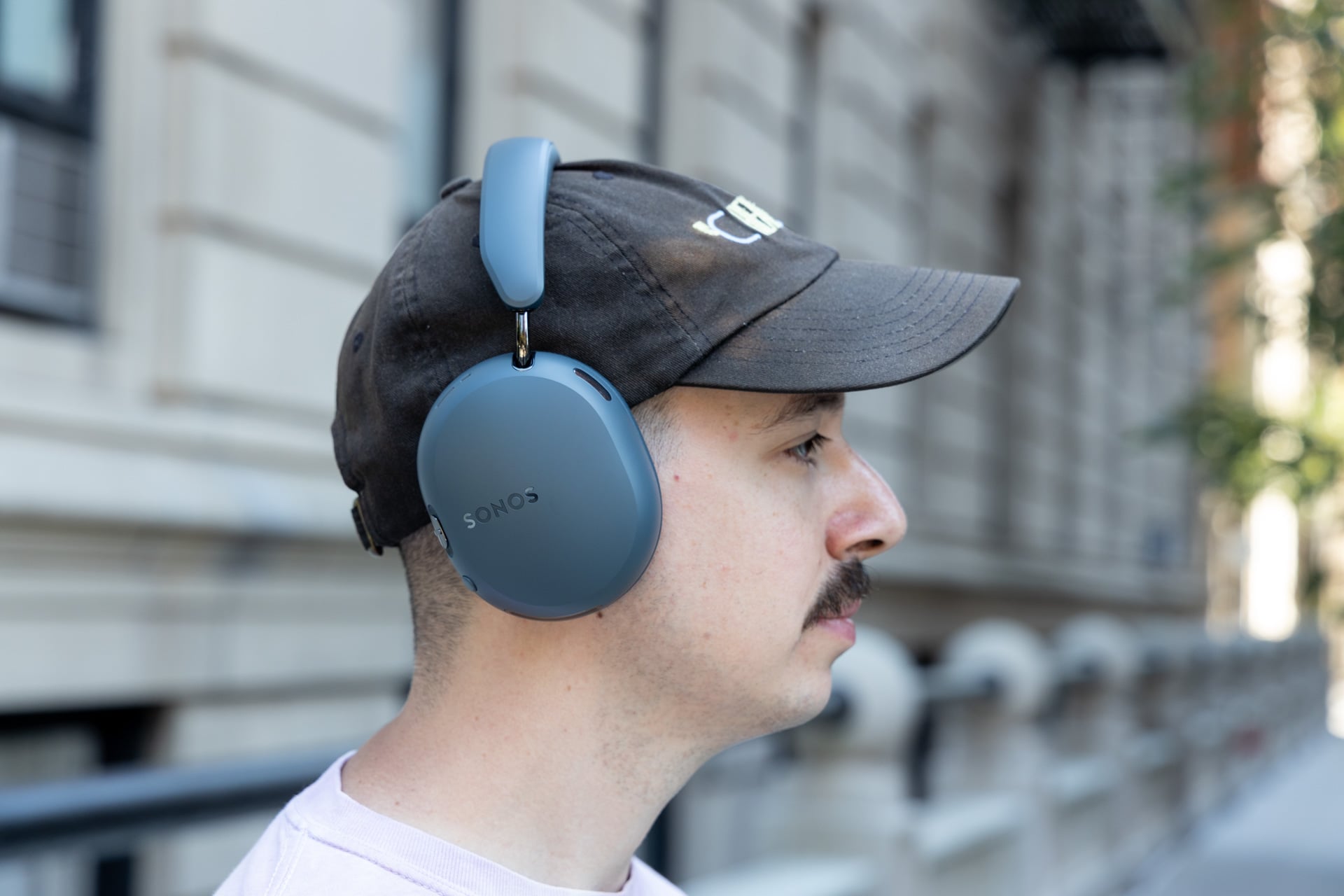
While I haven’t used the original Sonos Ace wireless headphones, I got a pretty good chunk of time with the Ace Ultra, and the sound is solid. With my usual test songs, I was satisfied with the sound quality. There’s good stereo separation, and the soundstage is fairly roomy. If I had to describe the sound, it would be “balanced.” While some wireless headphones have a “brighter” or “darker” quality, leaning towards mids or highs, the Sonos Ace Ultra feels like dappled sunlight, in keeping with the metaphor.
In songs like “Any Major Dude Will Tell You” by Steely Dan, I got a very equitable dose of mids, highs, and lows. Vocals were probably a bright spot—they sounded clear and well-balanced.
In electronic songs like Daft Punk’s “Da Funk,” I definitely got a better sense of the low-end performance that Sonos worked on. I got a hefty dose of bass, though it wasn’t oversaturating or too artificially punchy. In songs like this, which are heavy on one end of the frequency range, I felt like Sonos’ balanced tuning really pays off, allowing everything to breathe a bit.

It’s worth noting here that the Ace Ultra have adaptive EQ for the first time, meaning they can adjust the tuning on the fly depending on the gaps in the seal around your ears or whether you’re wearing a hat or glasses, or you have hair getting in the way. I listened to the Ace Ultra with a hat on and off and didn’t notice any difference in the sound, so I guess it’s safe to say the feature works. There’s also support for spatial sound and Dolby Atmos, as well as dynamic head tracking, which isn’t usually super high-priority for me, but if you’re using these to listen to movies (which is part of the pitch of Sonos wireless headphones), it’s good to have.
Overall, I find the Sonos Ace Ultra’s sound quality to be good but not excellent, like Sony’s similarly priced $460 WH-1000XM6 wireless headphones. When compared with Bose’s $449 QuietComfort Ultra Headphones (2nd Gen), the sound quality is closer, but I think Bose still has a slight edge. The Ace Ultra have good sound quality, but not great, which is a bit disappointing for the price. That being said, there are other things to factor in since this is a Sonos pair of wireless headphones we’re talking about, and that means you have a whole ecosystem to consider.
The most Sonos pair of headphones yet
One of the biggest reasons to buy a pair of Sonos-branded wireless headphones is the fact that they play nice with the rest of the Sonos ecosystem. In this generation, Sonos upped that compatibility even further, adding more Wi-Fi features that let you switch seamlessly between your headphones and your at-home speakers. Since I have a few Sonos speakers at home, I got to try “Headphone linking,” as Sonos calls it, and the feature worked well aside from some initial bugs.
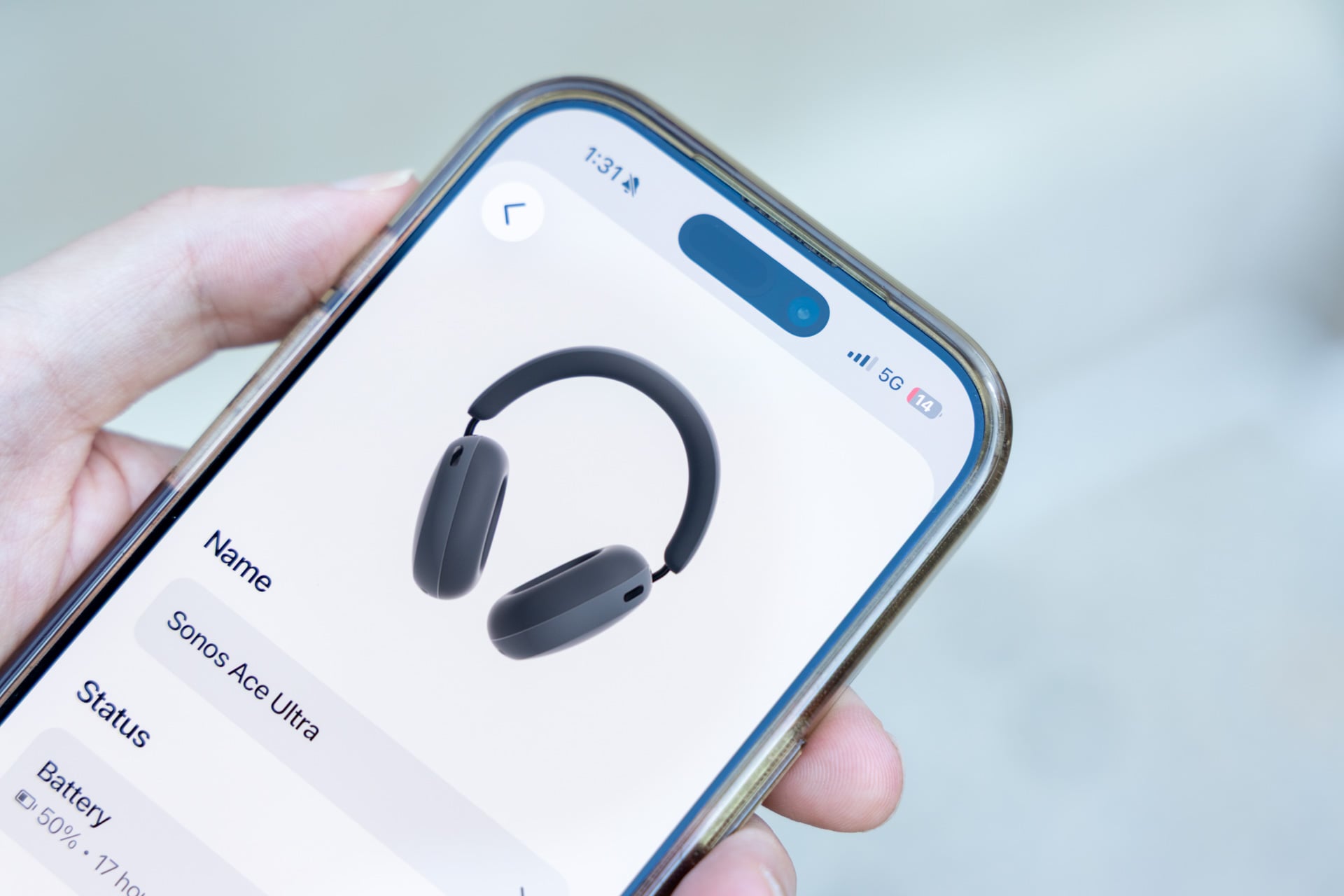
With one long press of the “Content Key” button, I was able to switch the audio from the Ace Ultra to my Sonos system (two Sonos Plays and an Era 100 SL set up on Wi-Fi). It seems like a small thing, and for some people it might be, but I actually really like the addition. Sometimes, when I’m coming home from work, I want to be able to take my wireless headphones off and go straight to listening to audio sans cans, and having a button to do that is a thoughtful detail.
Just note that this feature is in early access, so you may run into bugs. When I first linked the Ace Ultra, I couldn’t get the audio to switch to my home speaker system—I would hold the Content Key, and nothing would happen. Eventually, a day or so after I linked them, it started working.
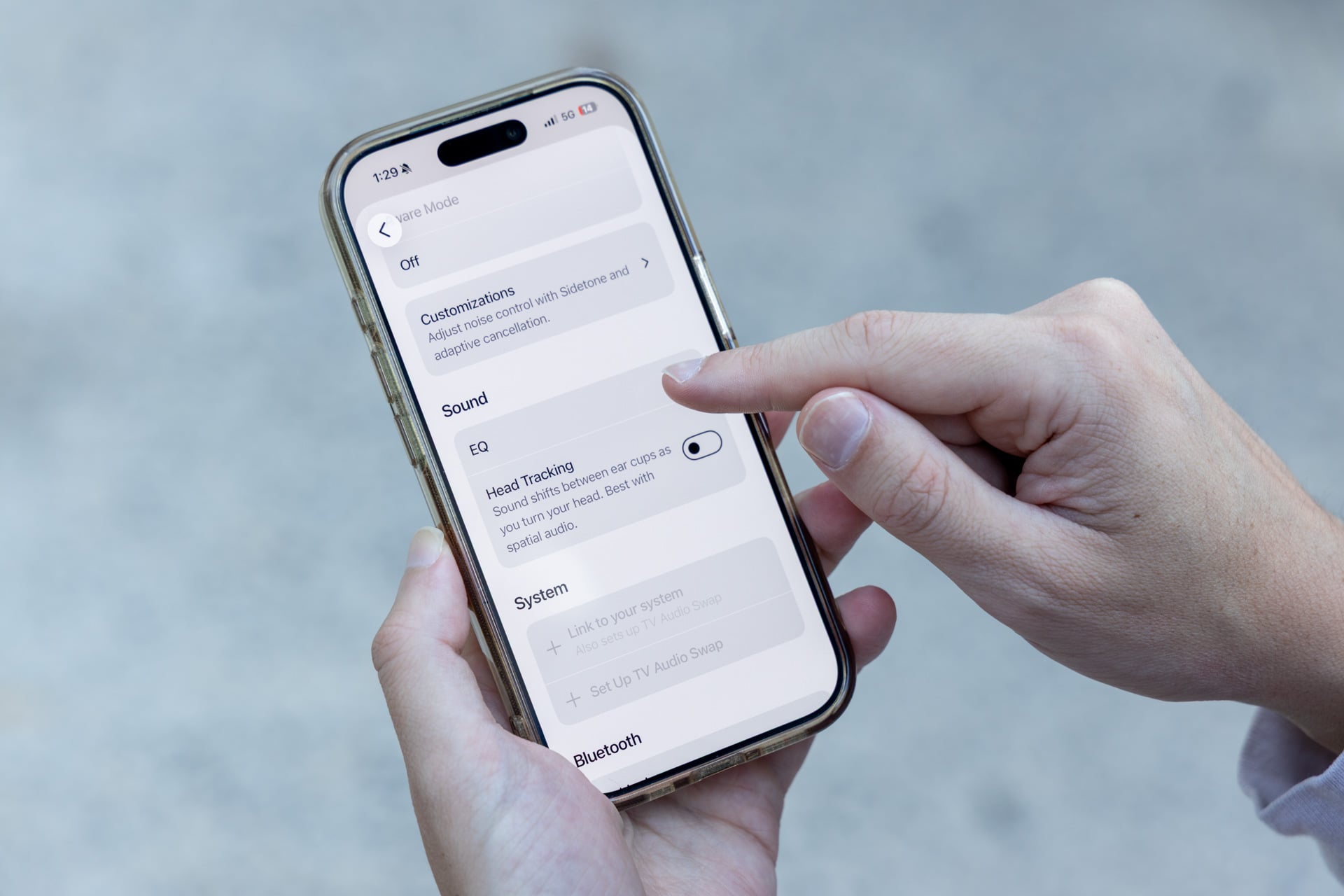
Switching audio with the Content Key isn’t the only new trick. You can also control your Ace Ultra headphones with the Sonos app now while listening on Wi-Fi. Theoretically, with Wi-Fi streaming, you should get higher quality and more stable audio compared to Bluetooth. For me, this is also a nice touch, though maybe not much of a difference maker for most people. I liked the option of being able to select the Ace Ultra in the Sonos app for playback just like I would any other speaker, but I ran into some bugs here, too.
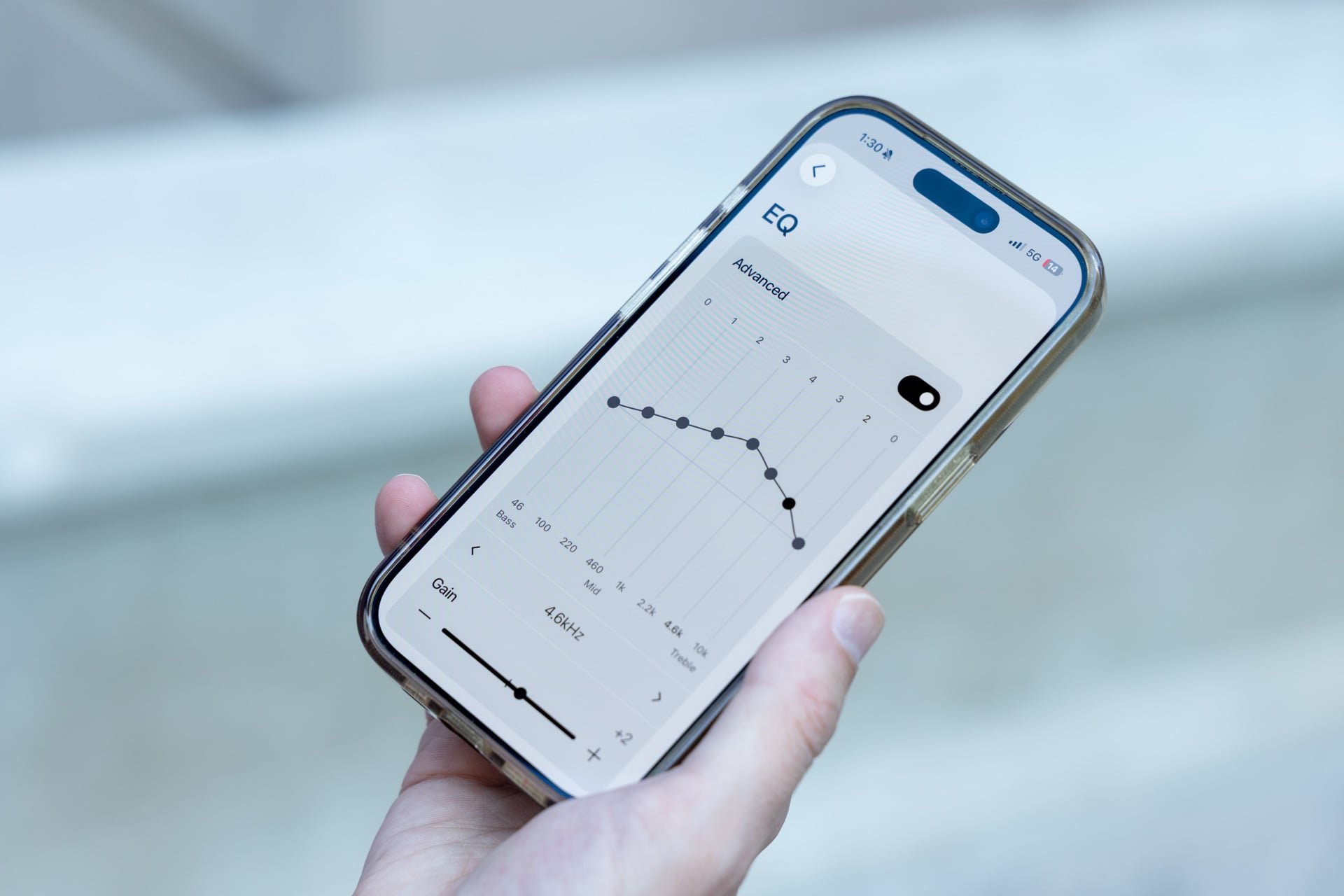
A couple of times, when I went to switch the audio to playing on the Ace Ultra in the Sonos app by singling it out in the group, audio kept playing on the rest of the speakers out of sync. To correct it, I had to exit the app and try the whole thing again. As of publishing this review, that bug appears to have been dealt with, but it’s worth mentioning here since you may experience some hiccups of your own. And for anyone wondering, you can’t add the Ace Ultra to a group the way you would a Sonos Wi-Fi speaker.
Like the last generation, there’s also TV Audio Swap, which lets you bounce audio back and forth between your wireless headphones and your Sonos soundbar, which is nice if you want to listen to something late at night without disrupting others or if you just want to lock in on audio. Like the Wi-Fi features, I don’t find it to be a total game-changer, but it works fine and it’s nice to have.
As for standard features like active noise cancellation (ANC), the Sonos Ace Ultra are similar to my review of the sound quality—they’re good but not the greatest. I put the Ace Ultra through a few different ANC trials, including two long flights and the New York City subway, and they’re solid ANC-wise, but not the best.
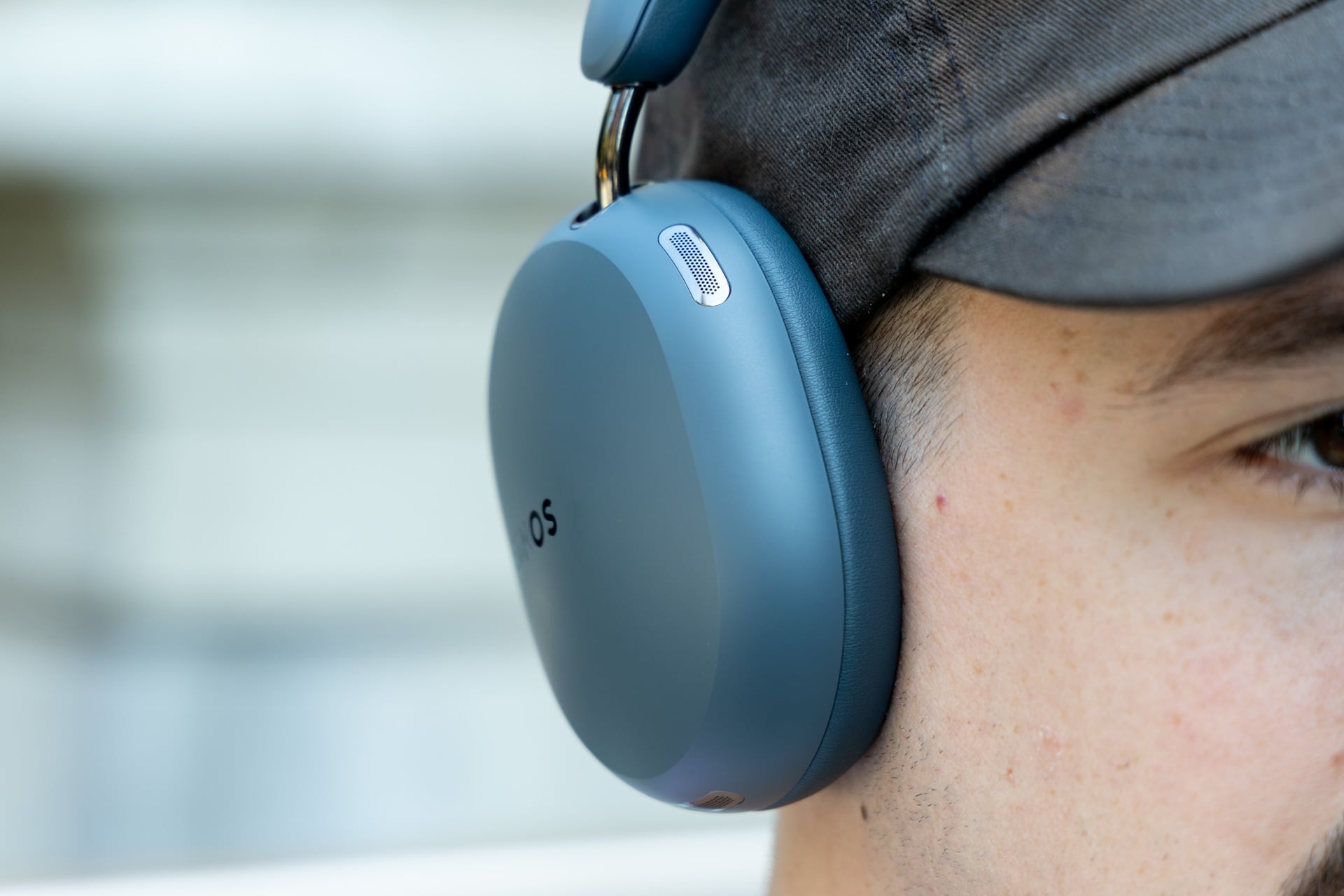
If you’re used to the original Ace, you might notice a big difference—Sonos says the Ace Ultra are 2x more effective at ANC than the first generation—but personally, I find competitors still have the edge here. I think both Sony’s WH-1000XM6 and the Bose QuietComfort Ultra Headphones (2nd Gen) have better noise cancellation that blocks out a wider array of frequencies.
On the subway, for example, the Ace Ultra dealt with a decent chunk of train noise, but I was still able to hear chatter and screeching reasonably well. On the plane, the Ace Ultra also let in a noticeable chunk of airplane drone—more than the QuietComfort Ultra Headphones (2nd Gen), which I’ve also used on a plane.
Overall, I’d probably put the Ace Ultra on par with the Nothing Headphone 1, which is to say, middle of the pack, though unfortunately, the Ace Ultra cost $150 more than the Nothing Headphone 1, so do with that information what you will.
Transparency was a surprisingly bright spot; I liked how natural things sounded when I switched ANC off and used the passthrough via the Ace Ultra’s 10-mic array. It didn’t give me super hearing (which is good, since that can be jarring), nor did it sound too artificial.
Points for style
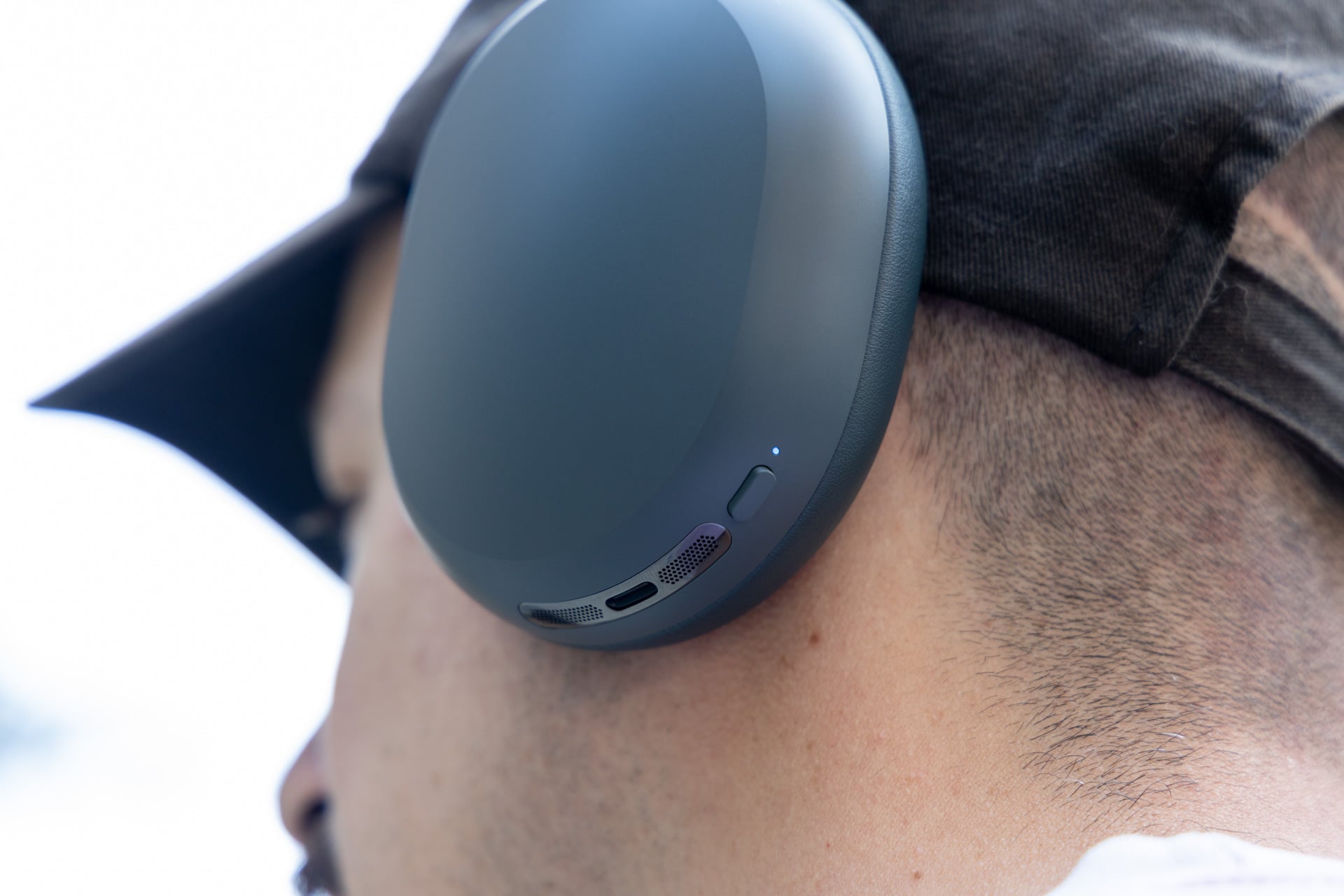
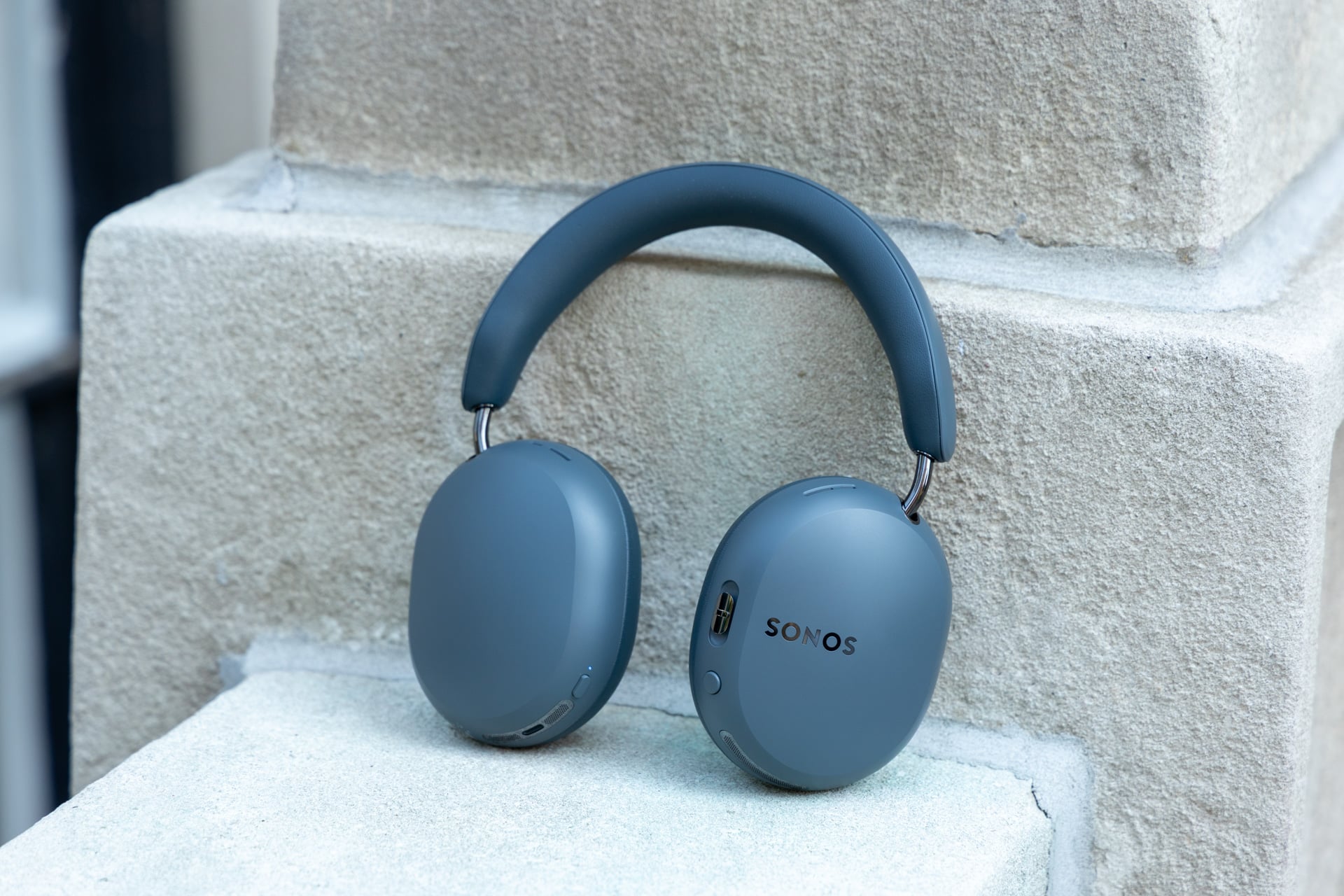
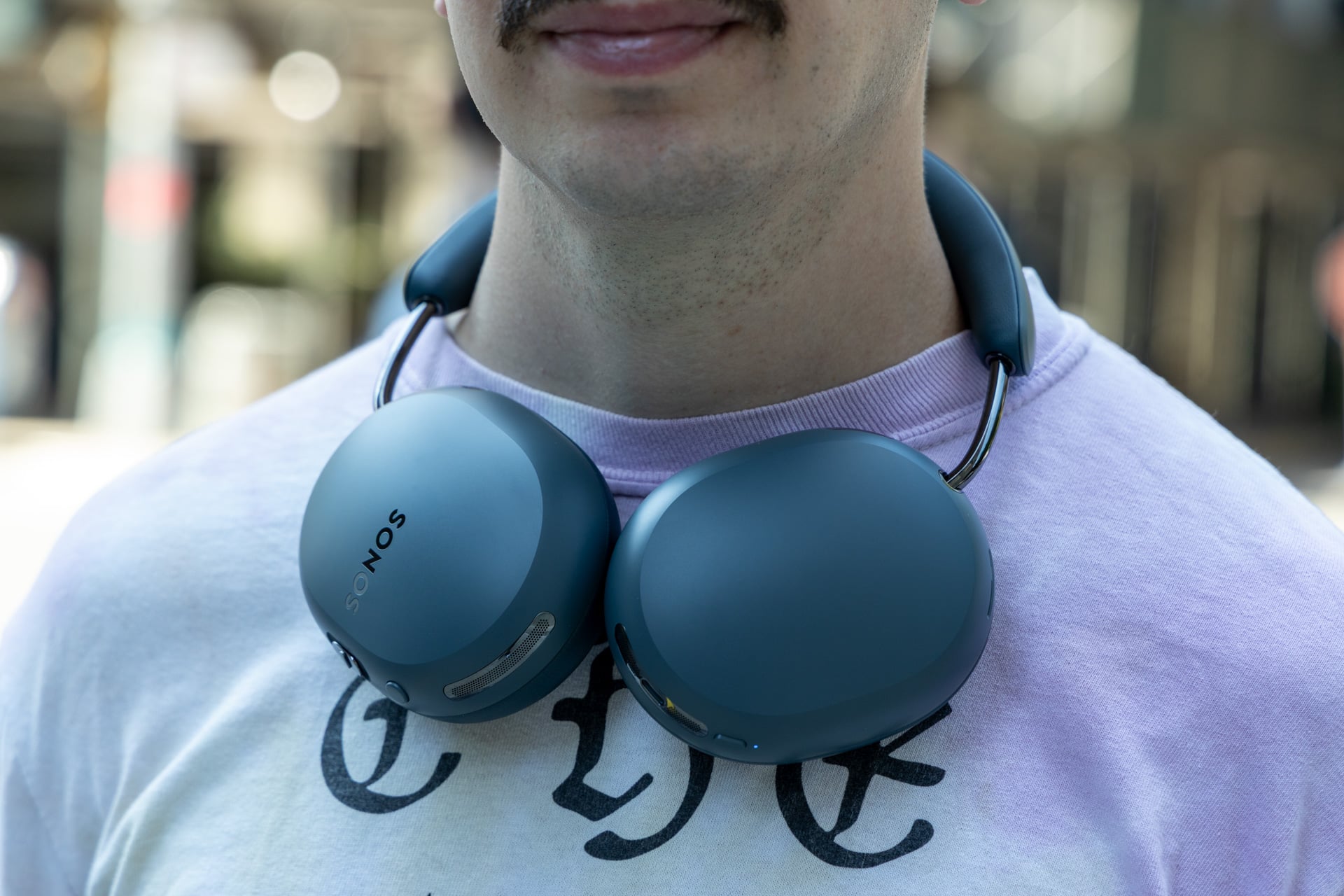
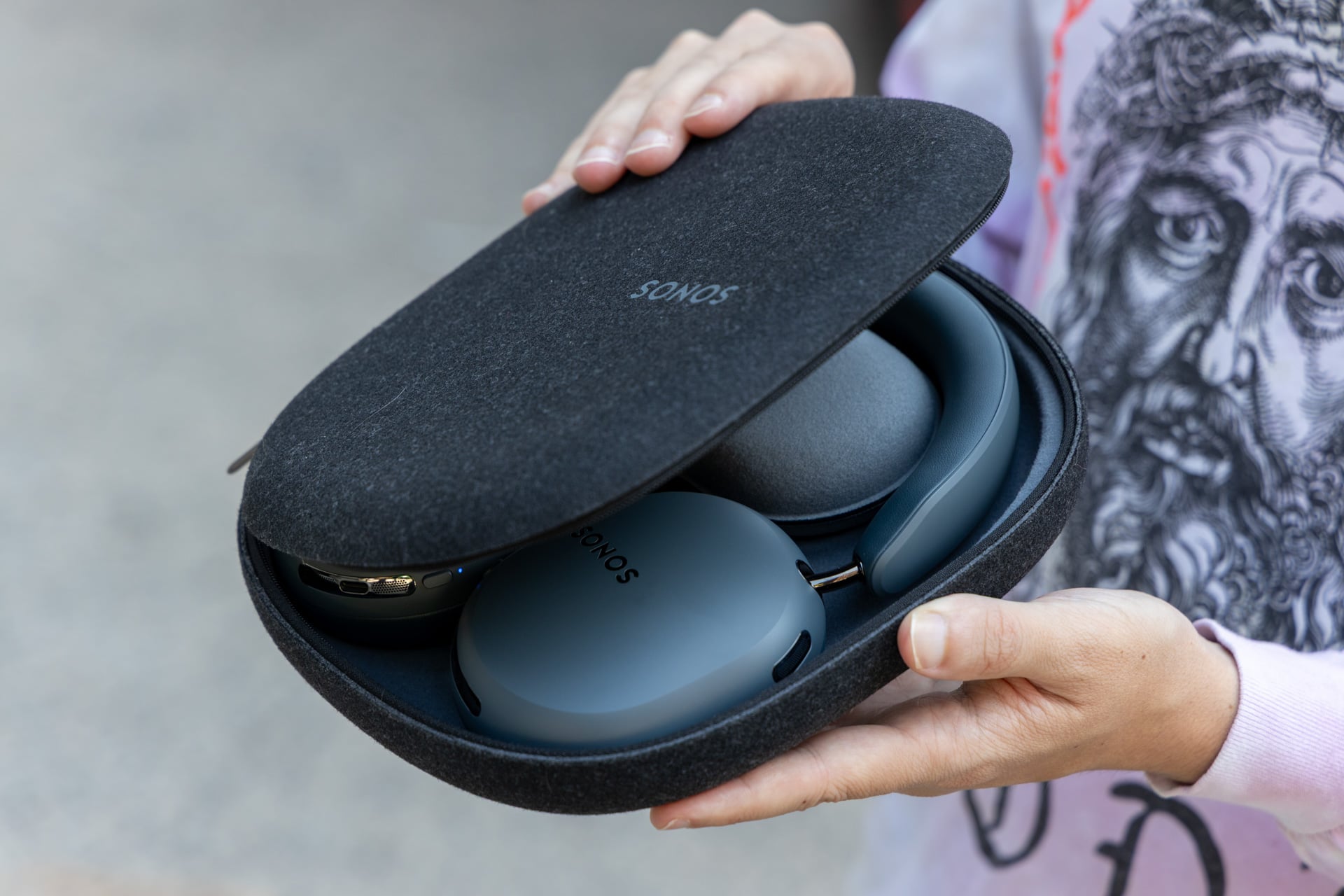
I’m a fan of most Sonos products’ look, and you can group the Ace Ultra in that category. There’s nothing particularly flashy about the Ace Ultra—in fact, they’re pretty minimalist—but in this case I think it works. I’m into the new grayish-blue Agave color that you see here, and there’s also a new Sand color, which expands on the previous black and white colorways of the first generation. Outside of new colors, they look fairly similar to the original Ace. I like the matte-ish plastic, too, though it can be a bit of a fingerprint magnet.
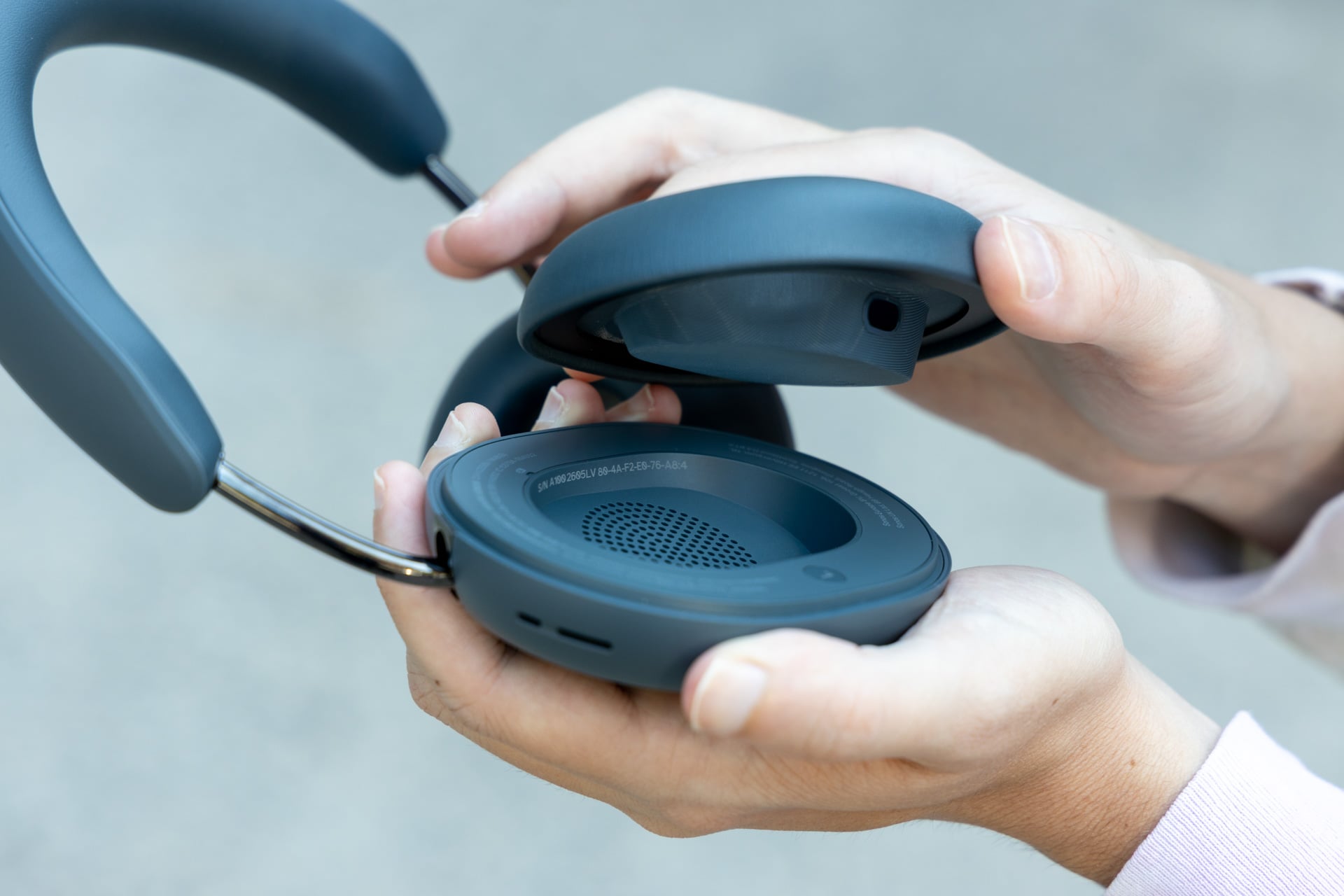
One thing that’s different is the swivel of the earcups, which are designed to lie flatter when they’re on your neck and also increase the rotation range. The earcups are also magnetically attached, so if you want to remove them or replace them, you can do so easily.
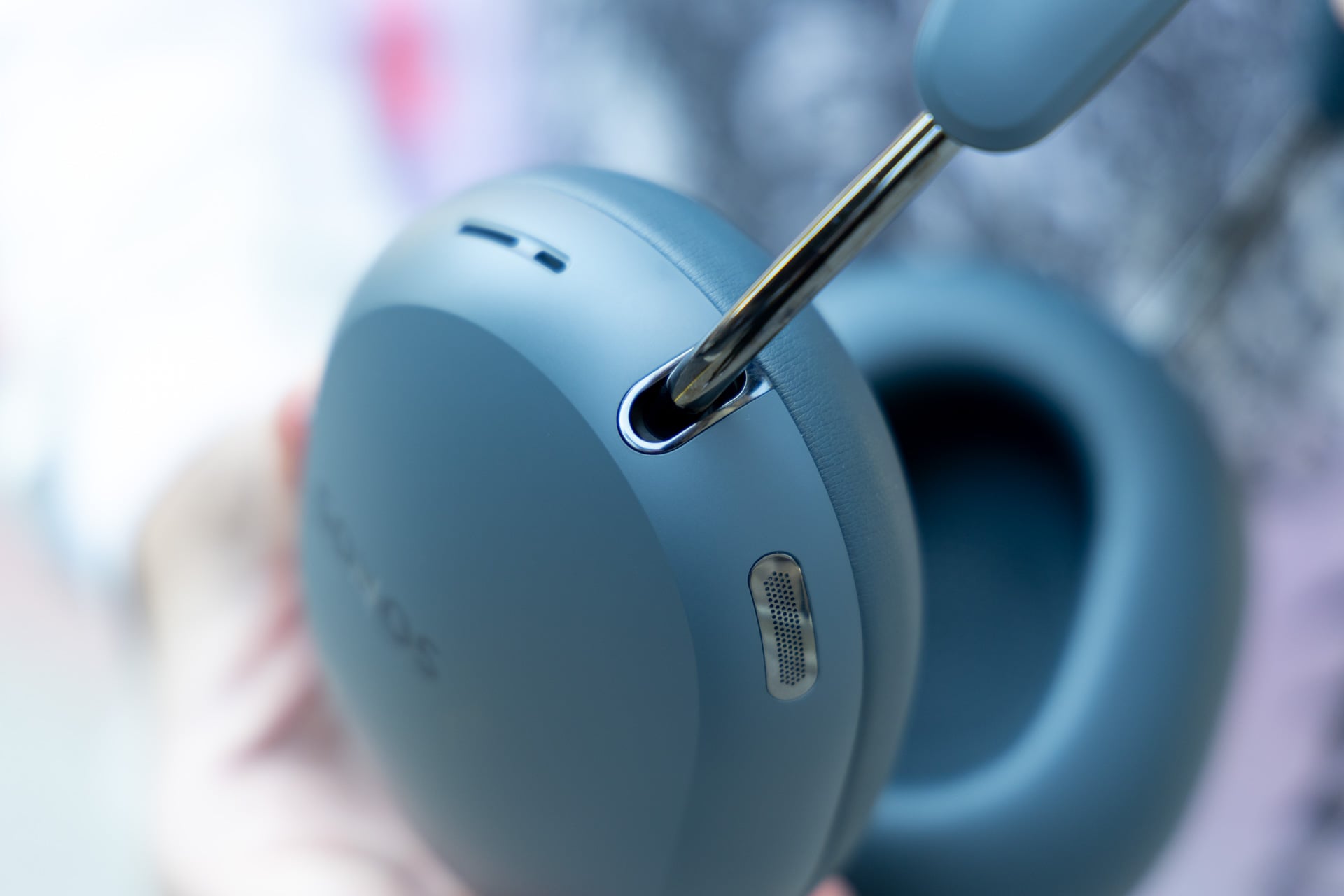
On a couple of coast-to-coast flights, I tested the Ace Ultra extensively, and while they were comfortable on my ears for the most part, I did start to get some discomfort after long periods of wear—it felt like the earcups were pressing just a bit too much against my ears. It’s hard to say why that discomfort happens, but I don’t register the same pressing while wearing wireless headphones like the Bose QuietComfort Ultra (2nd Gen).
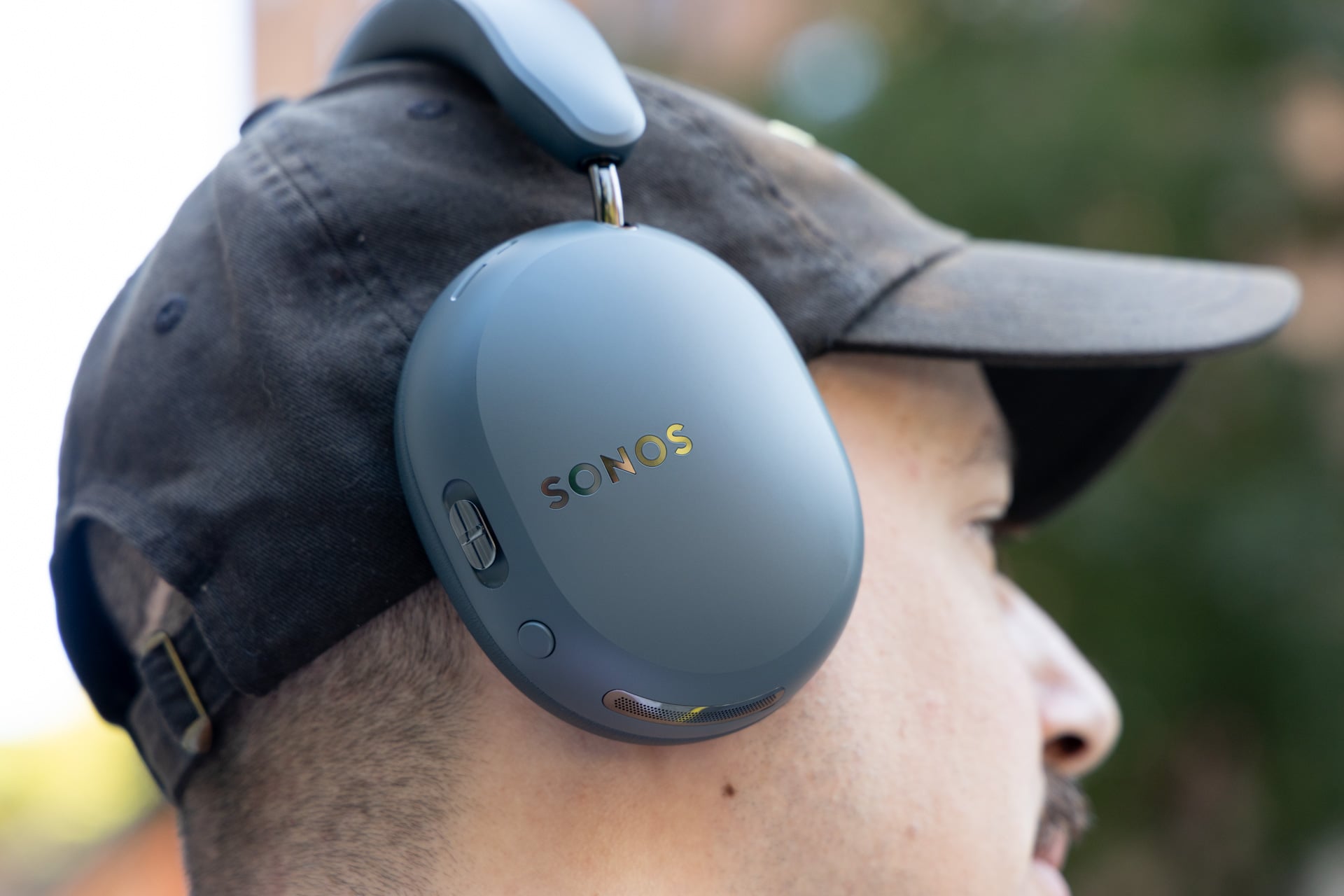
No complaints about the buttons. There’s the “Content Key” on the right earcup that you can use to adjust volume, play/pause, and switch audio to your Sonos home system, as I mentioned before. There’s also a circular button on the right earcup for switching between noise modes. On the left side, there’s a power button that you can hold to turn the wireless headphones on or off, or you can hold it longer to initiate Bluetooth pairing. I prefer an on/off switch personally, so there’s no guess-and-check whether the button press is working, but that’s a pretty minor complaint.
There is USB-C, but no 3.5mm headphone jack port, but Sonos includes a USB-C to 3.5mm adapter if you want to listen wired that way. One thing you should know if you plan on using the Ace Ultra in the elements is that there is no official IP rating, which most pairs of wireless headphones have. Sonos says on its site FAQ that the Ace Ultra are “not waterproof.” Be careful in the rain, I guess?
Another neat touch is the removable magnetic earcups for easy washing, as well as an included case, though the material of the case leaves something to be desired, and it is a bit bulky to carry around since the Ace Ultra don’t fold.
As for battery, Sonos says the Ace Ultra get 35 hours on a full charge when ANC is activated, which is five more hours than the last generation. In my testing, I saw the Ace Ultra drop from 100% to 97% after one hour of listening with ANC on at 50% volume. That would work out to around 33 hours of battery life.
Tough competition
The Ace Ultra are a solid pair of wireless headphones on paper: the sound is solid, the ANC is solid, and the look and feel are nice. If there’s one area where Sonos really tries to separate itself, it’s in the Wi-Fi features. Swapping audio between your wireless headphones and a Sonos home speaker system is not something you can do with any other pair of wireless headphones. Nor can you swap audio with a Sonos soundbar. Being able to do those things is decidedly a perk.
The issue I have is that I’m not sure the Wi-Fi capabilities are enough to justify the Ace Ultra over competing wireless headphones in this price range. Bose’s QuietComfort Ultra Headphones (2nd Gen) have better ANC and are more comfortable, while Sony and Apple outpace the Ace Ultra and the QuietComfort Ultra Headphones (2nd Gen) in sound quality with the WH-1000XM6 and the AirPods Max 2, respectively.
Whether you find the Ace Ultra to be a good buy will depend on just how much you value Wi-Fi features, in my opinion, and I guess if you’re a real Sonos diehard, then these are the pair for you. For everyone else, I’m not sure the Ace Ultra will hit the way you’d expect for the $449 price tag.