Lock Screen smart home controls
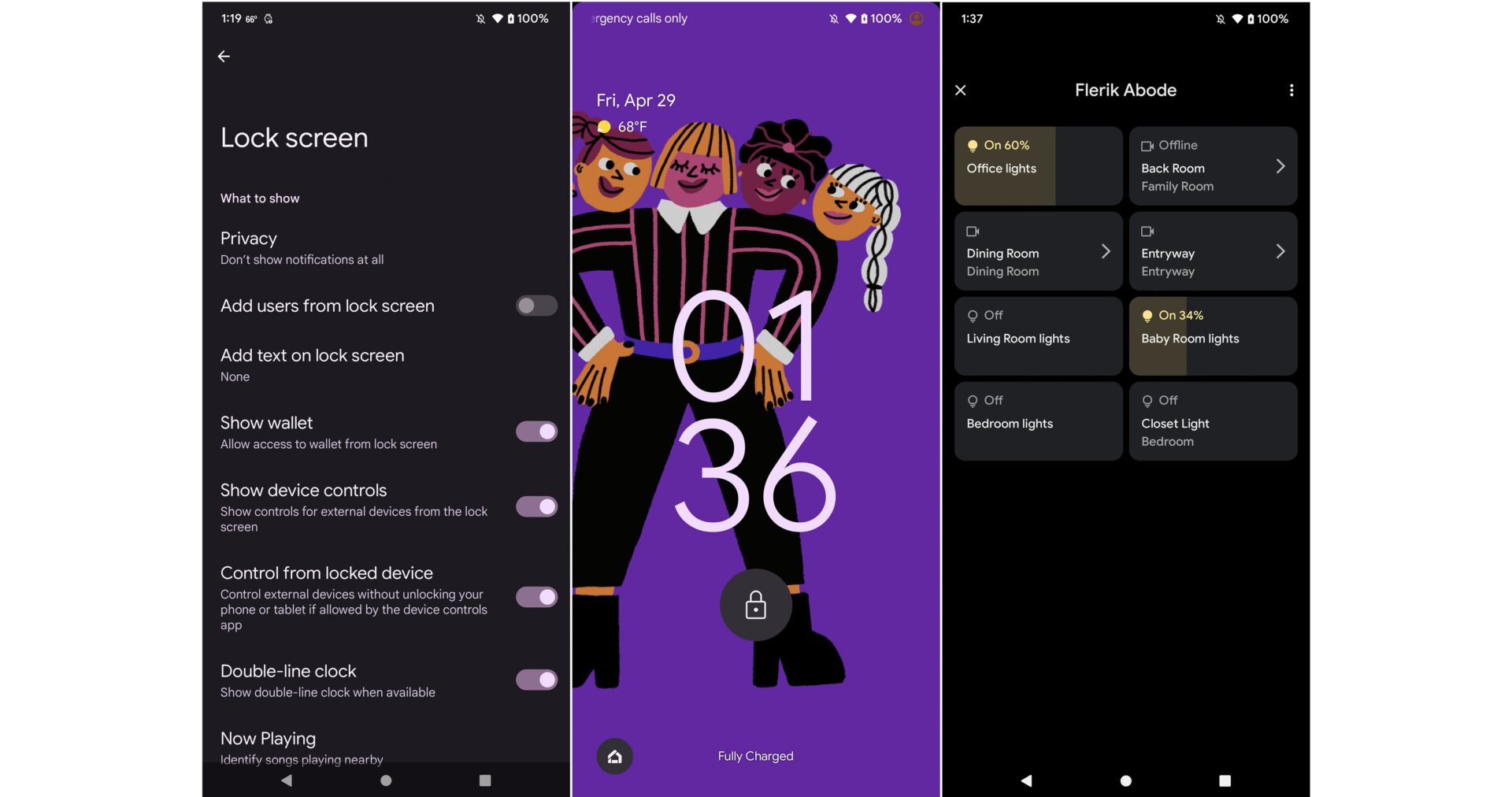
For all the ways Google has tried to entice us to smarten up our homes, you think it would have figured out sooner how to properly present smart home controls without burying them behind another screen or a pull-down window.
Google’s answer to all this is to put the device controls on the Lock screen. I appreciate this because it is now much easier to turn the lights on or adjust the temperature without having to unlock my phone, swipe around, etc. I also like this mechanism because I can use it for any guest device that I’ve set up to help any friends or family members sleeping over so that they stop manually shutting off the lights. It’s not intuitive to swipe around a smartphone to do all that.
You don’t have to use the smart home controls if you’re worried about privacy or someone messing up with your IoT-stuffed abode. Make sure “Control from locked device” is toggled off if you don’t want folks snooping in your smart home.