5) Block out distractions
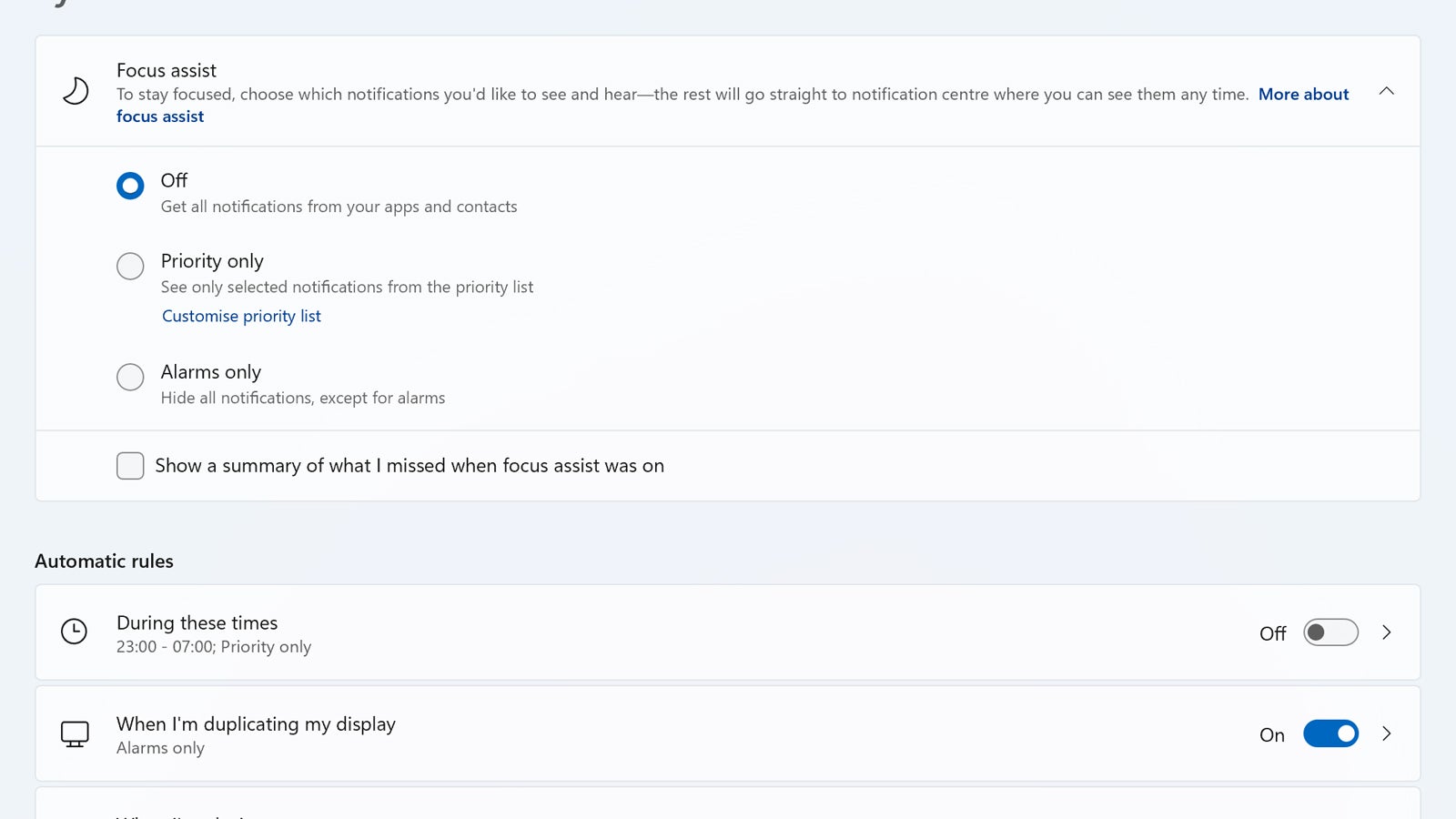
Windows 11 comes with a variation on the classic do not disturb mode that you might find really useful. To find it, open up Settings and then go to System and Focus assist: You’ll see that you can set which times the mode is active for, which notifications are allowed through (if any), and tweak the options for times when you’re gaming or presenting.





