6) Control your computer with your voice
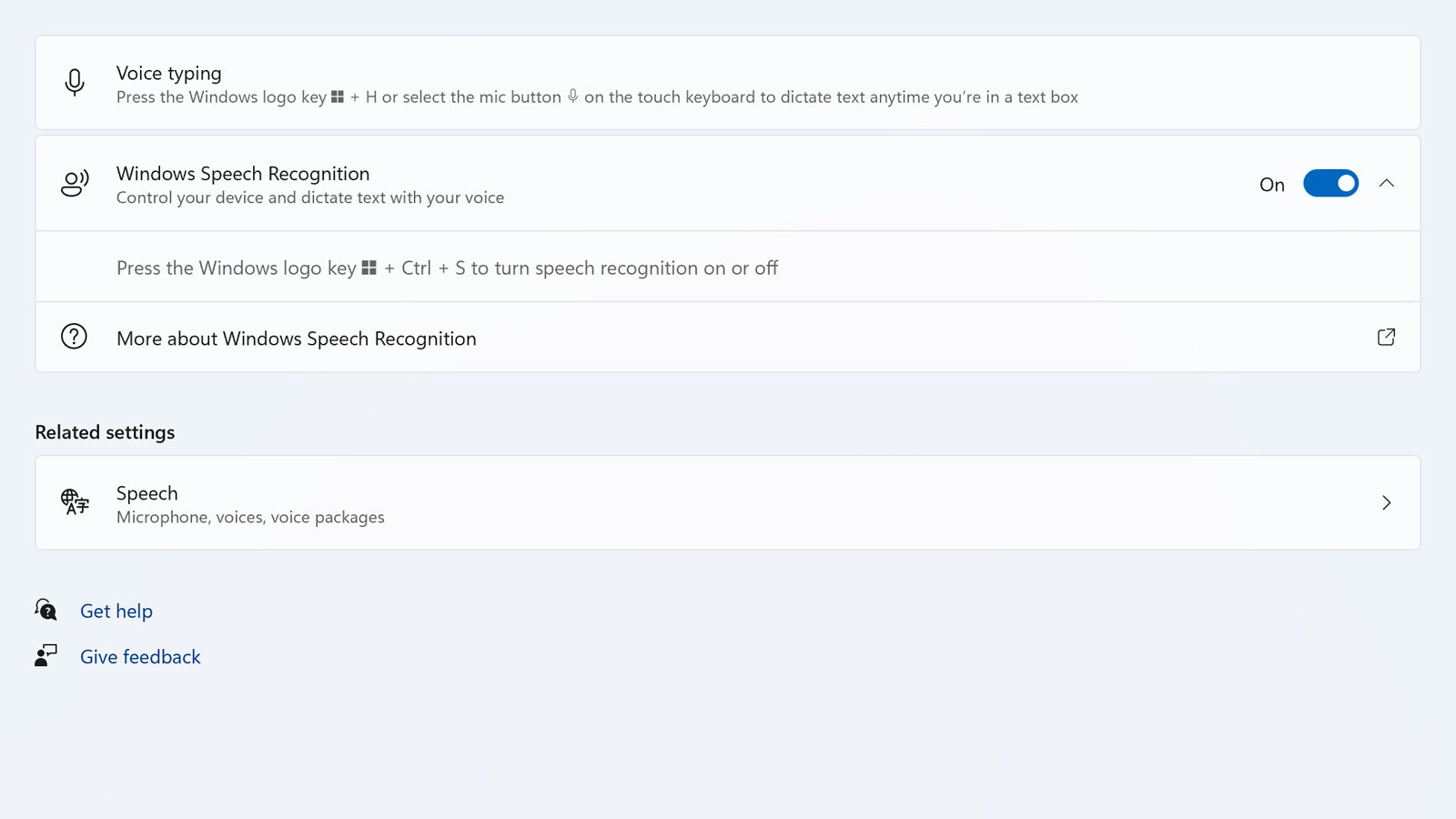
You can do just about anything on Windows 11 with your voice, from dictating documents to launching apps to opening up menus. To get these features set up, you need to visit Settings and then choose Accessibility and Speech: Select the Windows Speech Recognition option and you’ll be taken through the process of getting it up and running.





