Connect a controller or mouse/keyboard
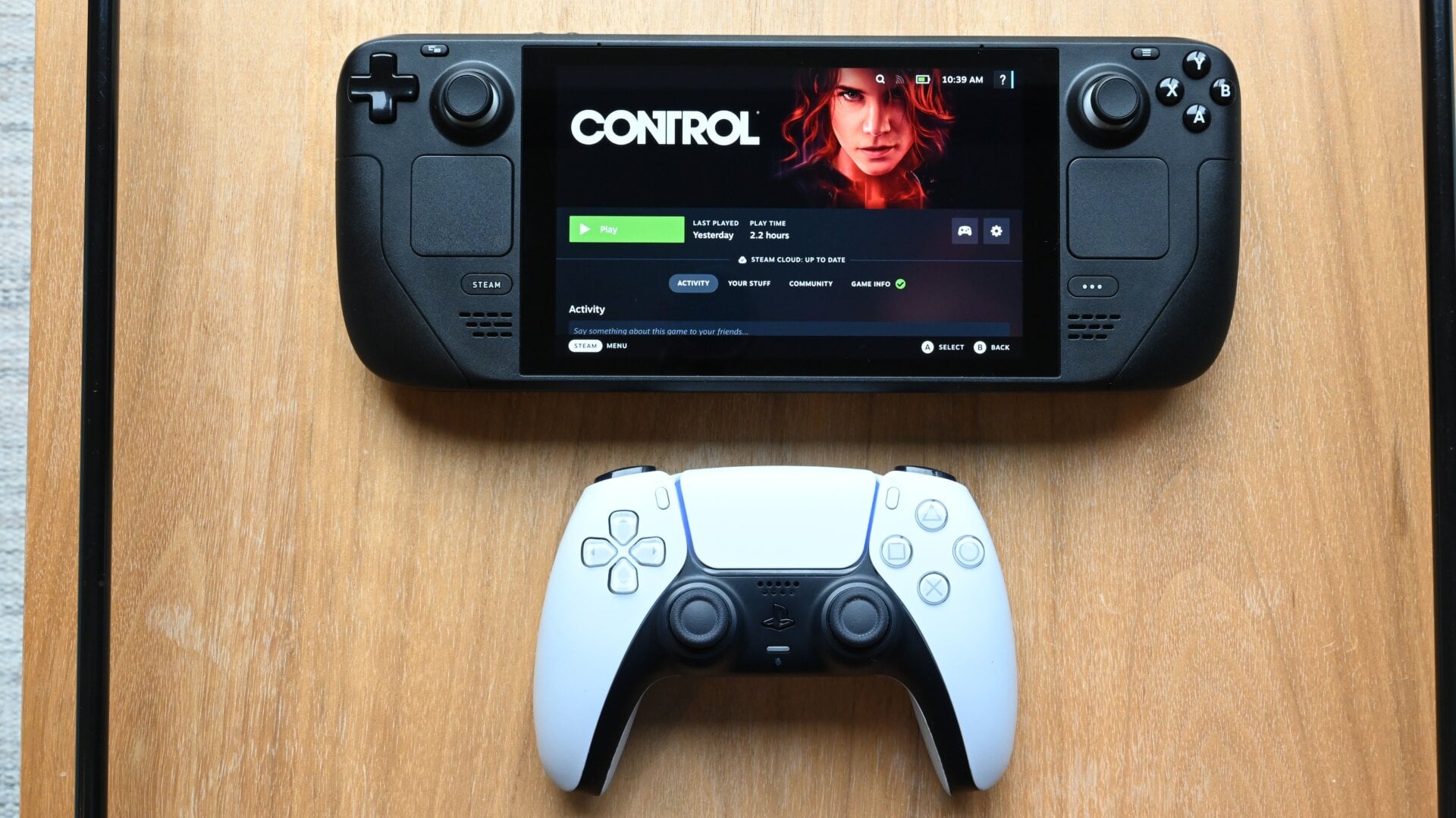
You can navigate Steam OS (or your OS of preference) on the Steam Deck using only the controller, but that’s no way to live. The console has a Bluetooth radio for you to connect wireless peripherals like a gaming mouse and keyboard. Pairing my Lenovo ThinkPad TrackPoint keyboard and Logitech Bluetooth mouse to the Steam Deck was effortless and made it much easier to navigate the desktop mode when I needed to browse the web. And since I prefer using a console controller to the Steam Deck’s controls or even a mouse and keyboard, I attached my PS5’s DualSense to the Steam Deck via Bluetooth (you can also go wired) and used it instead.