Use the FPS limiter
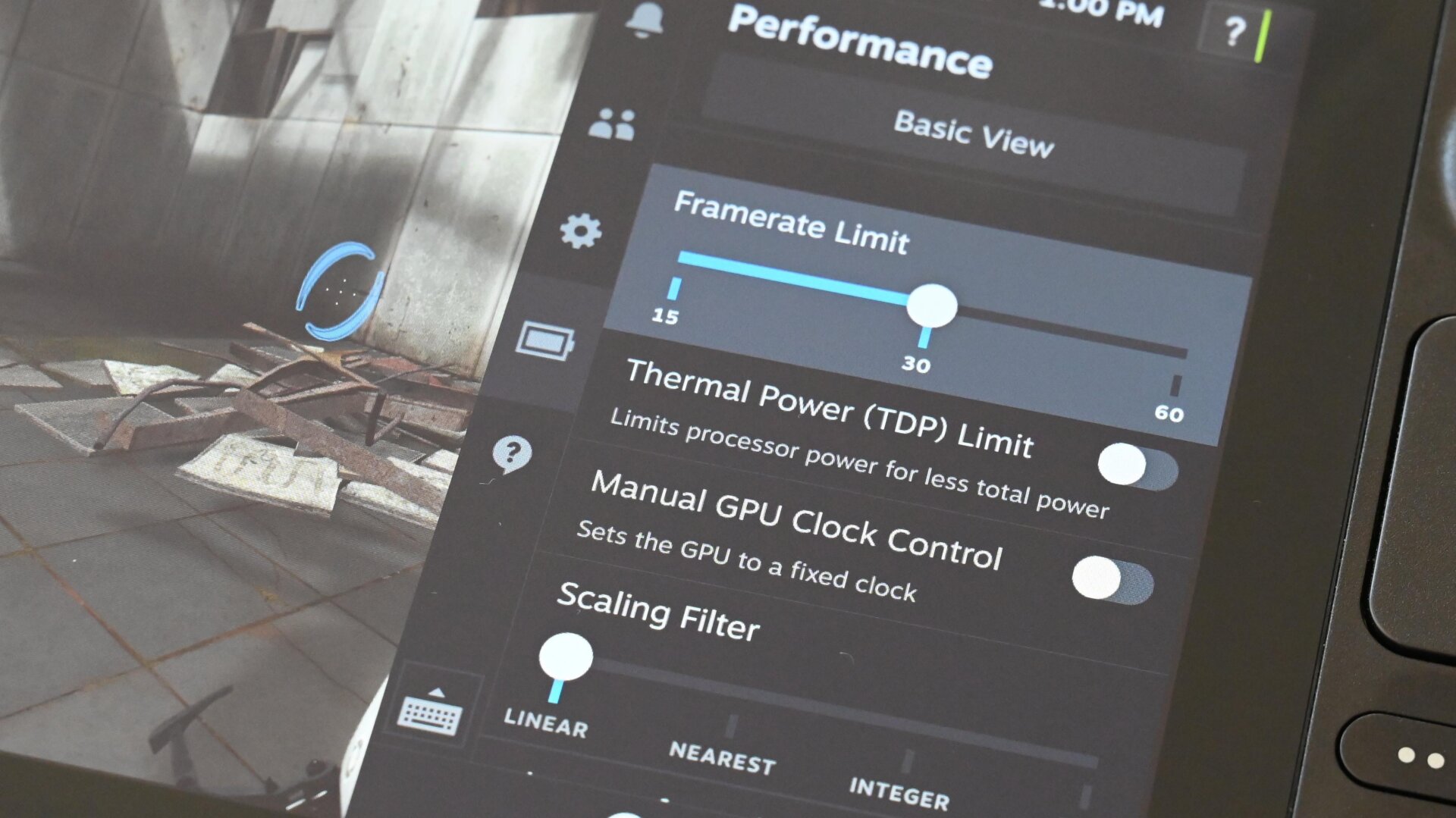
Baked into the quick settings menu is an FPS limiter with 15 fps, 30 fps, and 60 fps options. This setting purposefully throttles the console the moment you hit those designated frame rates. Why would you limit performance? Mainly to preserve battery life and reduce fan noise. A game running at 15 fps doesn’t expend as much power as if it demands full power to hit 60 fps.
You won’t want to dial down the frame count for every game, but dropping from 60 fps to 30 fps shouldn’t ruin your gameplay so long as you aren’t playing a fast-action game. As for the 15 fps limiter, that option is best for extending battery life when playing slow-moving titles like the turn-based strategy Civilization VI.