Change screen brightness while you game
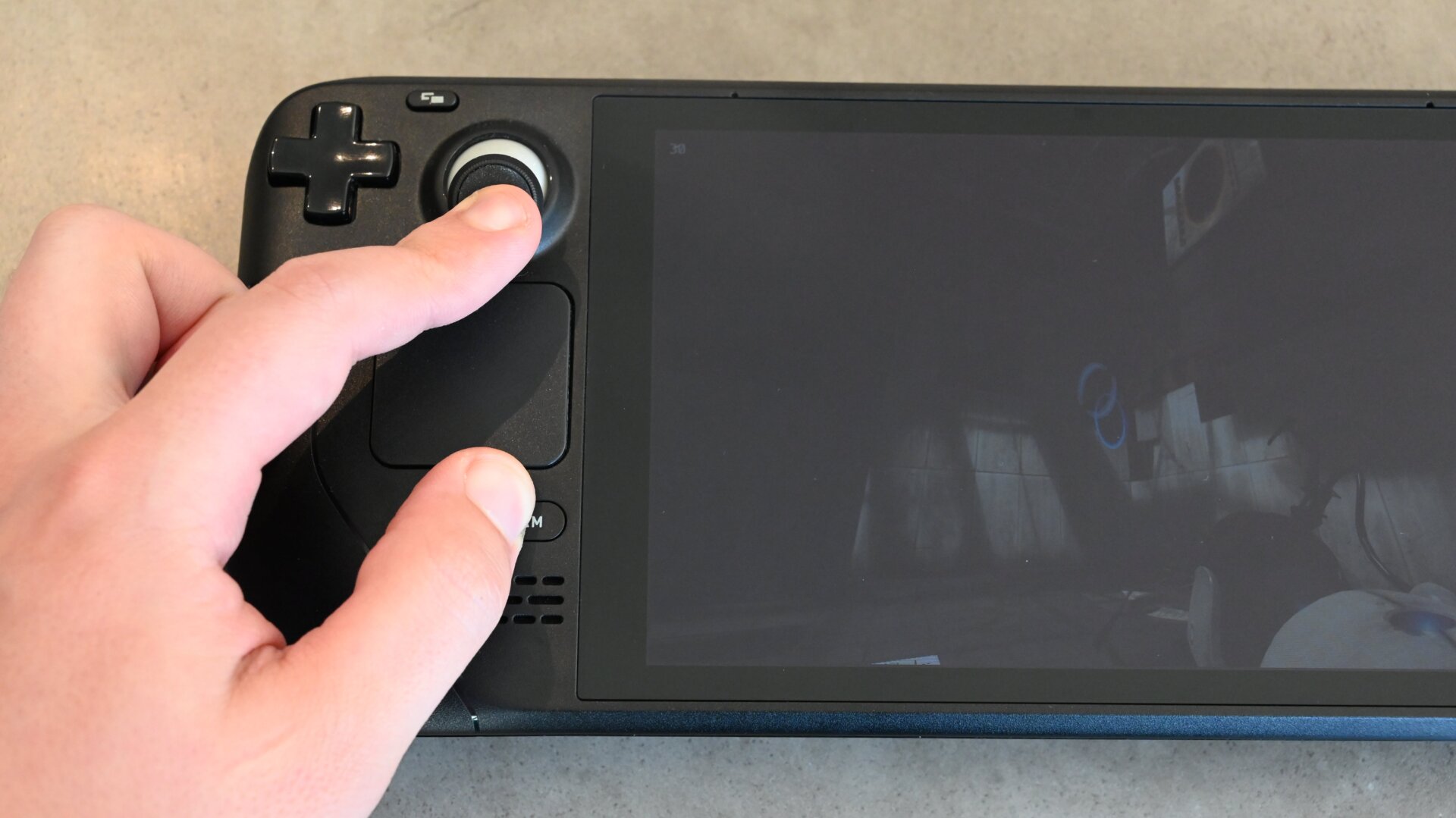
You’re mid-game, enjoying your Steam Deck in the beautiful fresh summer air when the sun creeps from behind the clouds. All of a sudden, the 7-inch screen is difficult to see under such bright conditions. Sure, you could open the quick settings and move that brightness slider to the right. But you’re in the middle of a high-octane shootout; there’s no time for settings menus!
Thankfully, Valve agrees. It implemented a clever brightness adjustment shortcut that you can quickly use to brighten or dim your screen in the middle of a game. It’s an awkward button combo, but it does the job: press and hold the Steam button while moving up (brighter) or down (dimmer) on the left toggle.