A practical guide to the best antivirus software in 2026. See how Bitdefender, Norton, Surfshark, Avast, and Avira perform during everyday tasks like downloads, email, and public Wi-Fi.
Choosing a digital safety tool used to feel straightforward. Install something, run a quick scan, move on. Online life looks different today. Trouble often begins quietly: a fake shipping email, a browser add-on grabbed in a hurry, a login page copied almost perfectly. Picture someone working in a café, public Wi-Fi active, downloading a small utility during a lunch break.. Nothing looks suspicious at first glance.
Modern tools now watch behavior rather than relying solely on old virus signatures. Suspicious links trigger warnings. Strange activity inside an installer may stop before damage spreads. In practice, quiet background monitoring matters far beyond flashy dashboards.
Several widely used options were tested through everyday scenarios: opening attachments, installing small utilities, browsing unfamiliar sites. Lab scores matter, but real-world use tells the real story. Alerts should explain risks clearly. Performance should remain steady during ordinary work.
Below is a shortlist covering five widely discussed options. Each follows a slightly different philosophy. Some lean toward lightweight monitoring. Others bundle privacy tools such as VPN access or password storage. You can also browse our antivirus comparison to see plans and pricing side by side. What matters most: reliability during routine habits online (email checks, document downloads, quick installs grabbed without much thought).
The 5 Best Antivirus Software for 2026 Ranked
- Bitdefender – Best Overall Antivirus
- Surfshark One – Best for Privacy Protection
- Norton 360 – Best All-in-One Security Suite
- Avast Premium Security – Best for Phishing Protection
- Avira Prime – Best for Extra Privacy & Optimization Tools
Best Antivirus of 2026: Detailed List & Reviews
#1 Bitdefender Antivirus Plus
Bitdefender Plus shows up in a lot of security roundups, and the reasons usually sound pretty similar. People tend to like how little attention it asks for once it’s installed. After the initial setup, it mostly fades into the background while everyday things keep happening—opening a dozen browser tabs, downloading files, checking email, the usual routine.
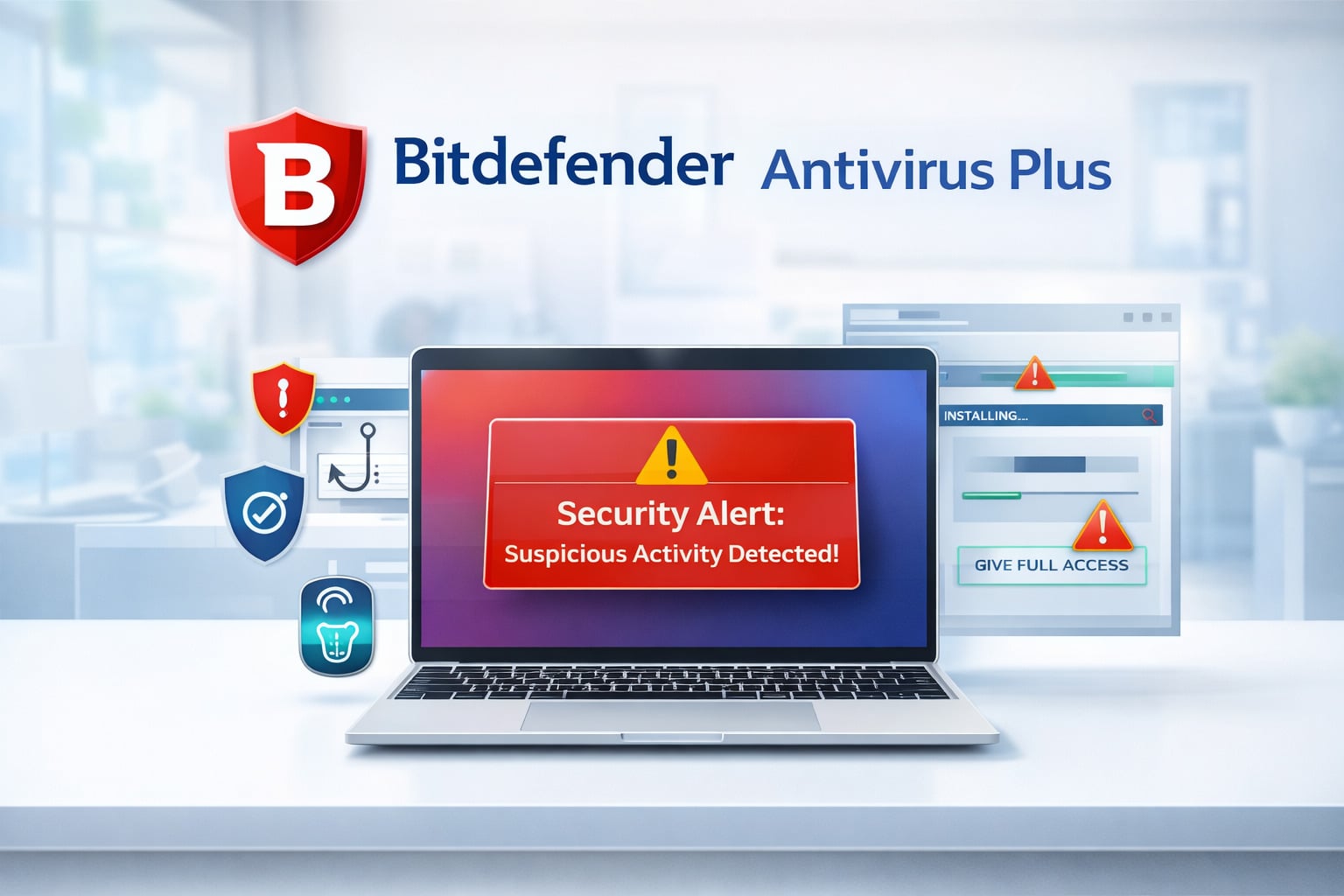
User reviews often mention how the tool reacts when something looks questionable. A common situation might be grabbing a small utility from a random download page or installing a tool suggested in a forum thread. Bitdefender typically scans the file right away and throws up a warning if the installer behaves oddly or asks for unusual permissions.
What people seem to appreciate most is how simple those alerts are. Instead of a wall of technical language, the message usually explains the issue in plain English and lets the user decide whether to keep going or cancel the install.
Features
- Real-time threat monitoring that watches apps as they run
- Anti-phishing filters blocking fake login pages
- Behavior analysis designed to catch unfamiliar threats
- Limited VPN access for quick public Wi-Fi sessions
- Alerts if personal data appears in known data breaches
Pros
- Strong detection results in independent testing
- Quiet background performance
- Reliable phishing protection
Cons
- VPN traffic limited in lower plans
- Interface slightly dense at first glance
#2 Surfshark One Antivirus
Surfshark One takes a slightly different approach than many traditional security suites. Rather than offering a standalone security tool, it’s part of a broader privacy bundle built around Surfshark’s VPN.
The idea is simple: one app that handles several common concerns at once, from malware detection to safer browsing. Many users mention that the interface feels lighter than the dashboards found in older security softwares, which often come loaded with menus and settings.
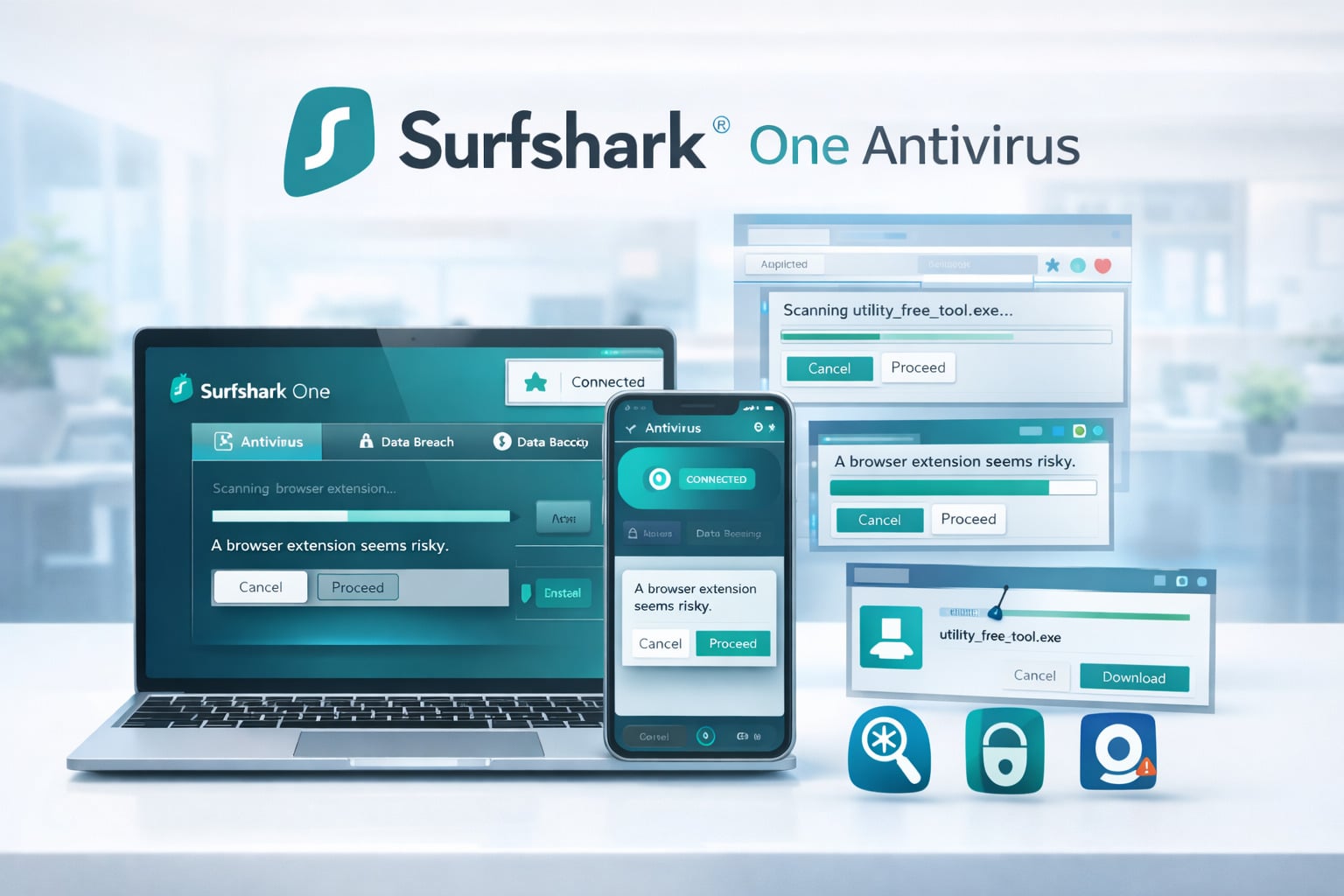
Feedback from customers often highlights how quickly the app reacts when something unusual shows up. Someone might install a browser extension suggested in an online forum or download a small utility from a site they’ve never visited before. In those situations, Surfshark typically scans the file right away and warns if the app asks for suspicious permissions or behaves strangely. Reviews frequently point out that these alerts are short and easy to understand, which helps people decide quickly whether to continue or cancel the installation.
Features
- Real-time scanning of downloads and installations
- Integrated VPN for private browsing
- Webcam monitoring blocking unauthorized access
- Email and phishing detection tools
- Alerts when leaked data appears online
Pros
- Lightweight interface
- Unlimited device coverage
- Privacy tools bundled in the same ap
Cons
- Smaller feature set than traditional suites
- Antivirus component less advanced than some competitors
#3 Norton 360 Deluxe
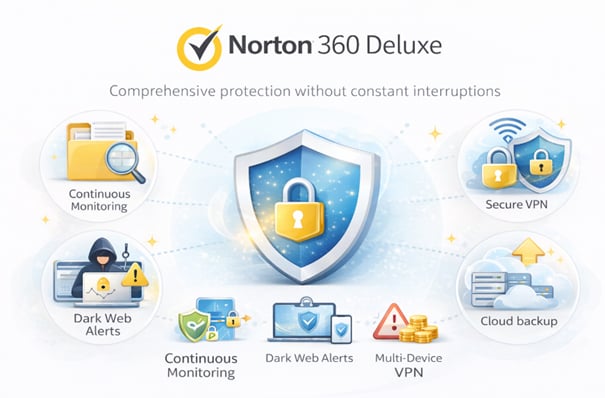
Norton 360 Deluxe works more like a full safety bundle than a simple virus scanner. Along with threat detection, it includes tools such as a VPN, dark web alerts, and cloud backup. User reviews often highlight how quietly it runs once installed. People describe opening email attachments, downloading shared files, or installing everyday apps without constant pop-ups. When something suspicious appears, Norton usually steps in quickly with a short warning. Consistently strong results from independent labs also help explain why many households continue to rely on it.
Features
- Continuous monitoring of files and downloads
- Scam detection for suspicious links and websites
- Secure VPN for safer browsing on public networks
- Dark web alerts tied to leaked personal information
- Cloud backup storage for important files
Pros
- Reliable detection performance
- Multiple safety tools bundled together
- Coverage for several devices
Cons
- Dashboard can feel crowded
- Renewal pricing increases after the first year
#4 Avast Premium Security
Avast Premium Security builds on the company’s well-known free version, adding extra layers around email, downloads, and suspicious websites. Many user reviews mention how the program focuses on common scams rather than just traditional viruses.
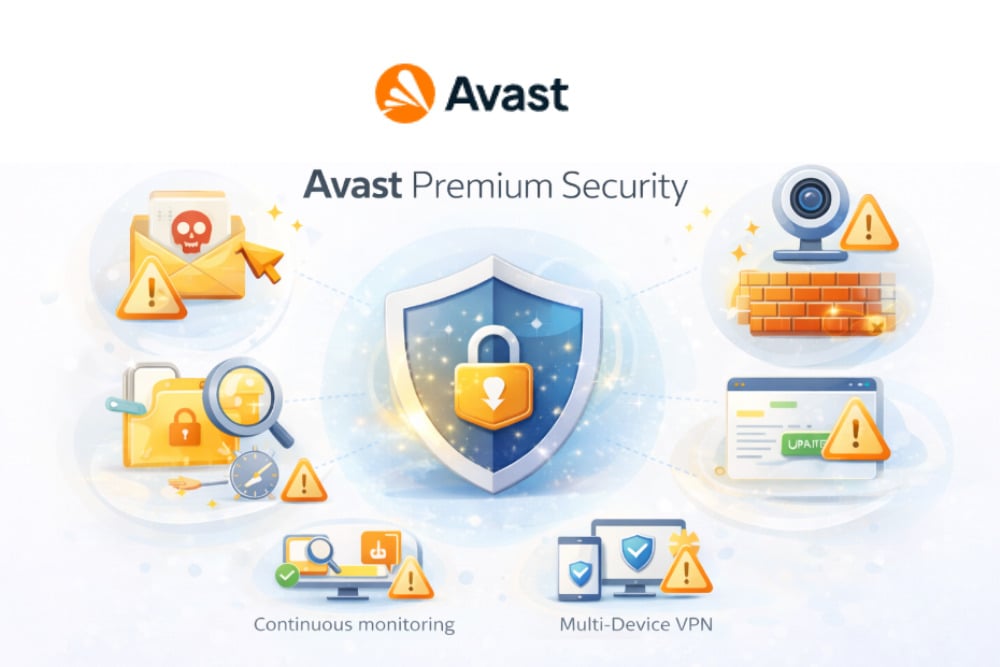
People often point out that when a questionable link appears in a message or a download looks unusual, Avast throws up a warning before anything opens. The alerts tend to be short and easy to understand. That simple approach is part of why the product remains popular with everyday home users.
Features
- Real-time scanning of files and applications
- Phishing protection across email and websites
- Firewall and network monitoring
- Webcam access alerts
- Automatic updates for vulnerable apps
Pros
- Reliable malware detection
- Strong phishing warnings
- Interface easy to navigate
Cons
- Upgrade prompts appear occasionally
- Some privacy tools require additional subscriptions
#5 Avira Prime
Avira Prime takes a broader approach than many traditional security tools. Instead of focusing only on virus detection, it bundles extras like a VPN, a password manager, and system cleanup tools. User reviews often highlight how simple the interface feels once everything is installed.
People mention that the program quietly checks downloads and flags suspicious installers before they run. It’s the kind of setup that appeals to users who want several privacy and maintenance tools in one place without digging through complicated settings.
Features
- Real-time monitoring of downloads and installed programs
- VPN access for private browsing sessions
- Password manager for storing credentials
- System cleanup and performance tools
- Privacy settings that limit online tracking
Pros
- Clean interface
- Useful system optimization tools
- VPN and password manager included
Cons
- VPN traffic limited in certain plans
- Fewer advanced controls than larger security suites
Why We Avoid Most Free Antivirus Software
Many no-cost security apps look reassuring right after installation. A quick scan finishes, a green checkmark appears, everything seems fine. On a spare laptop mainly reading news, opening documents, or checking email, such coverage may appear sufficient at first. Over several weeks, limits usually become clearer. Many no-cost options concentrate on older malware patterns. Modern online fraud often hides inside convincing webpages or harmless-looking installers.
Imagine a typical situation. A person sitting in a café downloads a small utility from an unfamiliar site while connected to public Wi-Fi. A basic scanner may examine the file itself. Scripts embedded inside an installer, or unusual behavior once a program launches, often pass through unnoticed during that first check.
Another detail appears after regular browsing continues. Upgrade reminders gradually begin appearing inside menus or dashboards. Sometimes they show up after a system scan finishes. Other times they appear when settings open. Those prompts exist by design. No-cost apps rely on upgrade messages to encourage paid subscriptions.
Gaps in capability also become more visible over time. Ransomware defenses, network activity monitoring, or alerts connected to leaked passwords usually sit behind premium plans. Without those layers, older malware still gets detected while newer scams sometimes slip past quietly.
Help is another place where cracks tend to show. When something goes wrong, maybe a scan stalls halfway through, or a perfectly normal file suddenly gets flagged, getting a clear answer isn’t always easy. Most free tools point people toward community forums or long help articles instead of direct support. Sometimes those threads help, though it can mean digging through pages of old posts hoping someone ran into the same issue. On an older laptop used once in a while, that may not matter much. On a machine holding work documents, tax files, or banking information, the lack of real assistance can start to feel uncomfortable.
FAQ
Is basic security software enough during everyday browsing?
Basic tools cover common threats such as known malware. On a secondary laptop mainly reading news or streaming video, such coverage may feel adequate. Trouble appears once sensitive tasks enter daily routine, online banking, shared work documents, saved logins. Modern scams rarely look like traditional viruses. Many arrive through fake sign-in pages or disguised downloads, situations where basic tools sometimes struggle.
Do security tools slow a computer down?
Older systems once struggled under heavy scanning tools. Modern solutions behave differently. Background checks run quietly during email, web browsing, or document editing. Deep scans still consume resources, especially on aging laptops, though slowdowns usually last only a short period rather than hours.
Can security software stop phishing emails?
Certain products analyze links contained inside messages. When a link leads toward a known phishing domain, a warning appears before the page fully loads. Results vary depending on detection databases. Healthy skepticism still matters when unexpected messages request passwords or financial details.
Is protection important during public Wi-Fi sessions?
Shared networks carry additional uncertainty. Coffee shop or airport connections route traffic through infrastructure shared by many strangers. Suspicious downloads, hidden scripts, or altered pages sometimes appear in such environments. Monitoring tools help detect unusual activity before damage spreads across a device.
How often should system scans run?
Most modern products scan files automatically during downloads or installations. Full system scans normally occur weekly or monthly depending on settings. Many people simply leave default schedules untouched. Background monitoring already inspects most activity in real time.
What does security software typically cost?
Prices vary widely depending on included tools. Entry subscriptions often fall around thirty to forty dollars annually. Larger bundles containing privacy tools, password managers, or VPN services cost more. Introductory discounts remain common, while renewal pricing later increases across most providers.