After last year’s Liquid Glass makeover, Apple is prioritizing performance and stability for iOS 27. That may not sound as exciting as iPhone app icons that reflect and refract light, but it’s much-needed considering how buggy iOS 26 has been for so many users.
iOS 27 will be supported on iPhones all the way back to the iPhone 11 series, the same devices that could update to iOS 26.
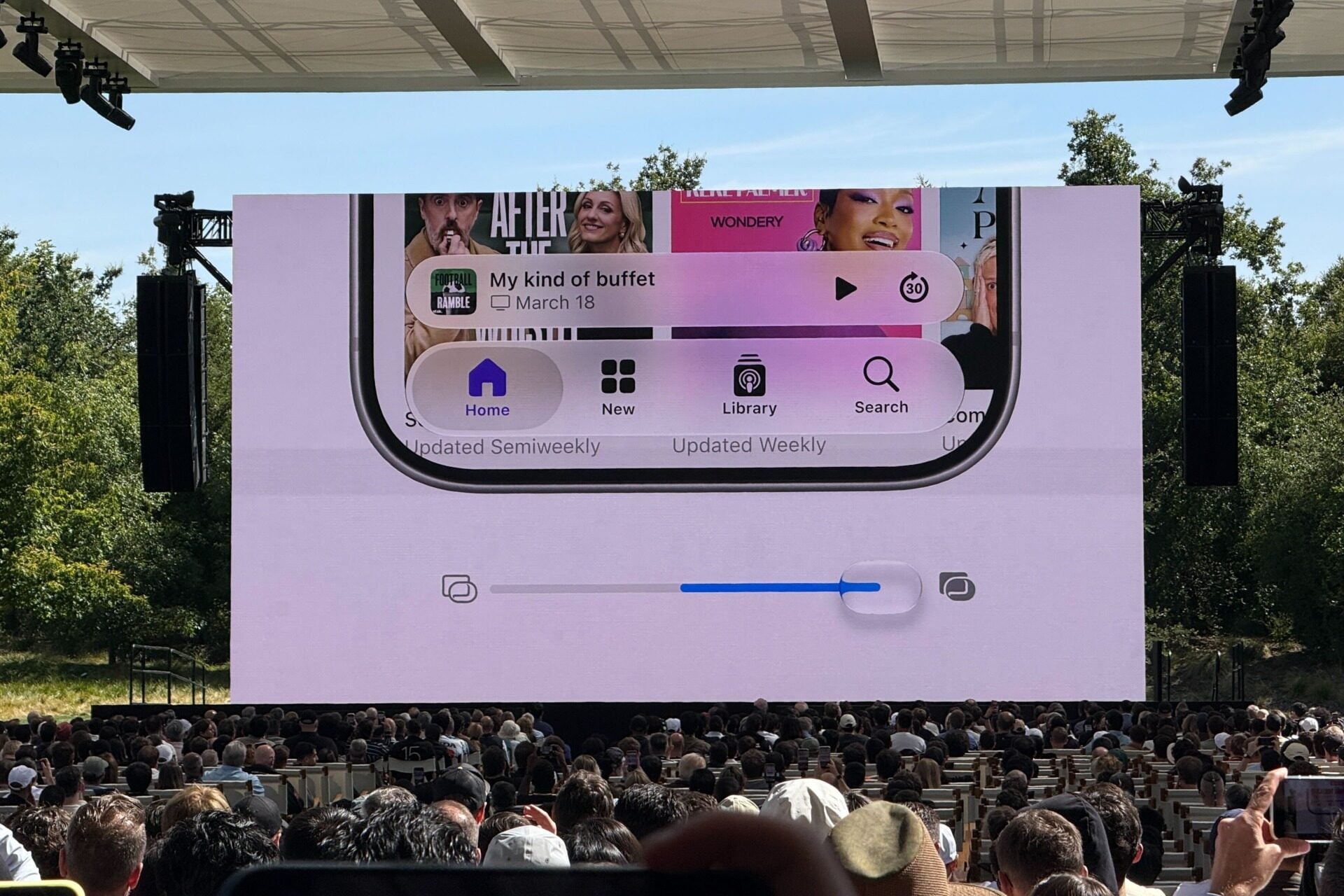
Right off the bat, Apple says there’s a new slider within the Settings app to adjust how much of the Liquid Glass effect you want. You can dial the effect down to be more clear or crank it up to tint it as much as you want. App icons also have more layers that refract light to give them more depth so that they appear sharper and more defined.
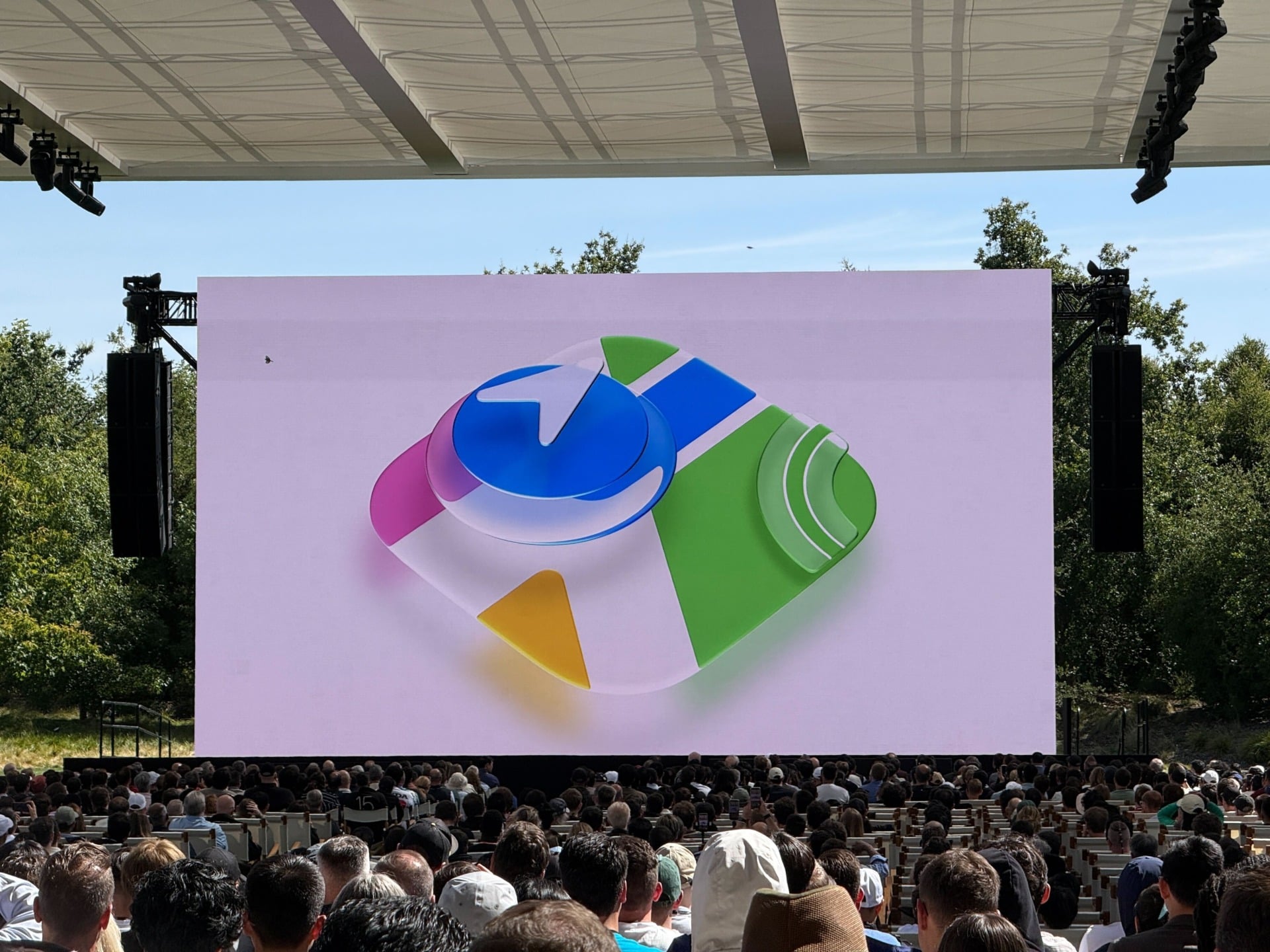
“To ensure exceptional readability, we tuned Liquid Glass so it diffuses complex content behind it much more effectively, while also creating more depth and separation,” said Shubham Kedia, a director on the Human Interface team.
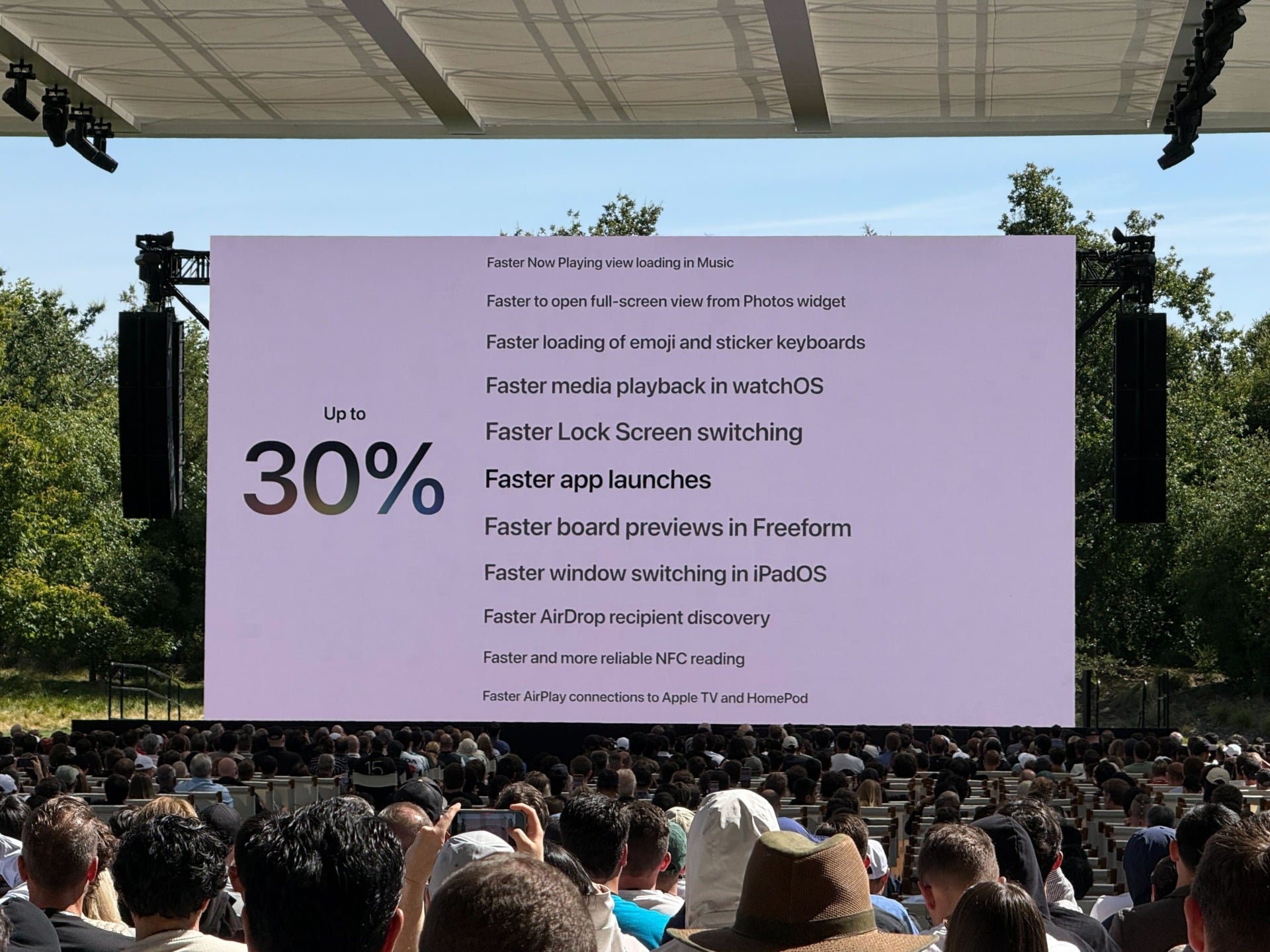
Apple says it’s scoured the software from top to bottom to find ways to optimize the software for speed. System animations and swiping around the home screen should be smoother. Apps should launch up to 30% faster thanks to a new data preloading feature. Captured photos appear in your Photos library up to 70% faster. AirDropping files between devices is up to 80% faster.
In the slide below, you can see a list of all the ways that Apple states it’s optimized iOS 27 for perfomance and responsiveness. Even little things that you might not notice, like faster loading of emoji and sticker keyboards and lock screen switching, are included.
I’ll be installing the developer beta (available today) to see if any of the speed improvements are actually noticeable.
There are some subtle tweaks to the UI as well. If you look closely at the status bar at the top of the screen, you’ll see that Apple rounded the iconography for the cellular signal bars, Wi-Fi, and battery. Other parts of iOS 27 also have more rounded corners.
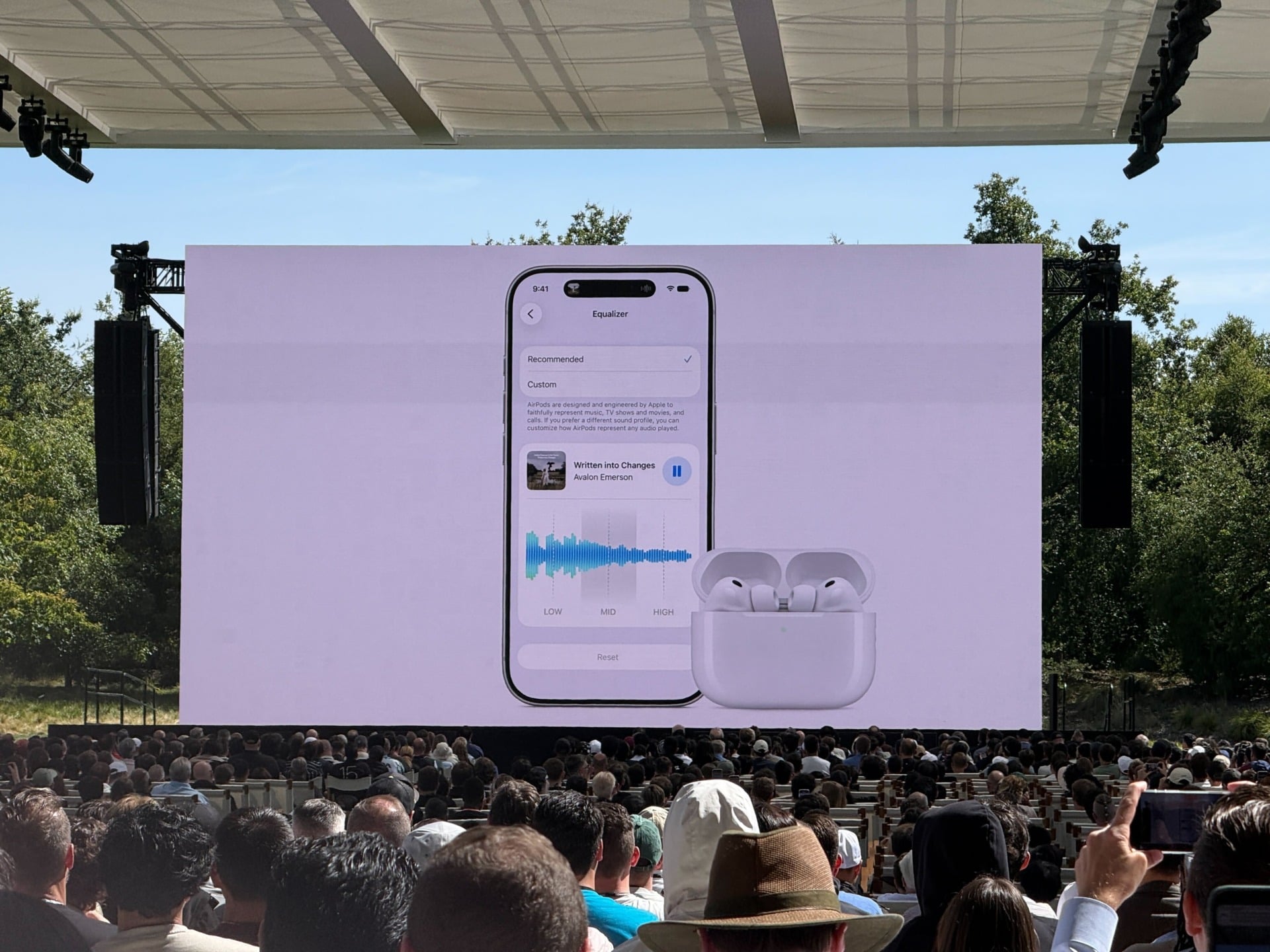
Other highlights in iOS 27 include stronger privacy, especially settings for child safety, and a redesigned Screen Time. Search has also been redesigned to be faster and more intelligent at digging up the information you’re looking for. Cycle tracking in the Health app has support for perimenopause and menopause. If you have AirPods, there’s a new customizable EQ so users can create a sound profile that’s exactly the way you want it.
The marquee iOS 27 feature is, of course, the new Siri, now called Siri AI, which Apple also announced at WWDC 2026 after two years of start-and-stop delays. The revamped assistant is Apple’s most ambitious attempt to reboot it for the AI era that’s been dominated by chatbots like ChatGPT and Gemini. It’s deeply integrated into iOS 27 and will allow you to use voice or text to interact with it. Furthermore, Siri AI will be able to understand what’s on your screen, providing useful information about what it “sees.” And making good on its WWDC 2024 promises, Siri AI will be able to perform multiple actions, one after another.