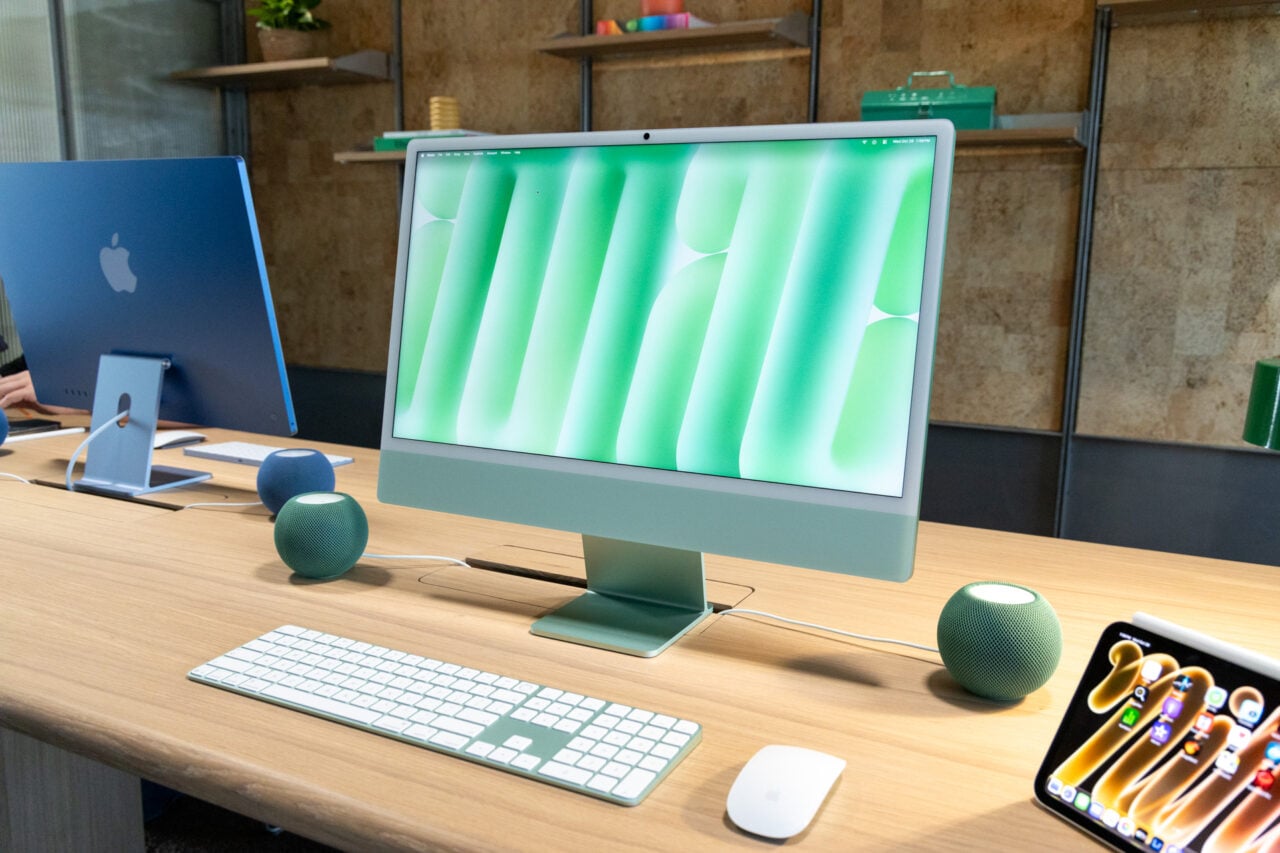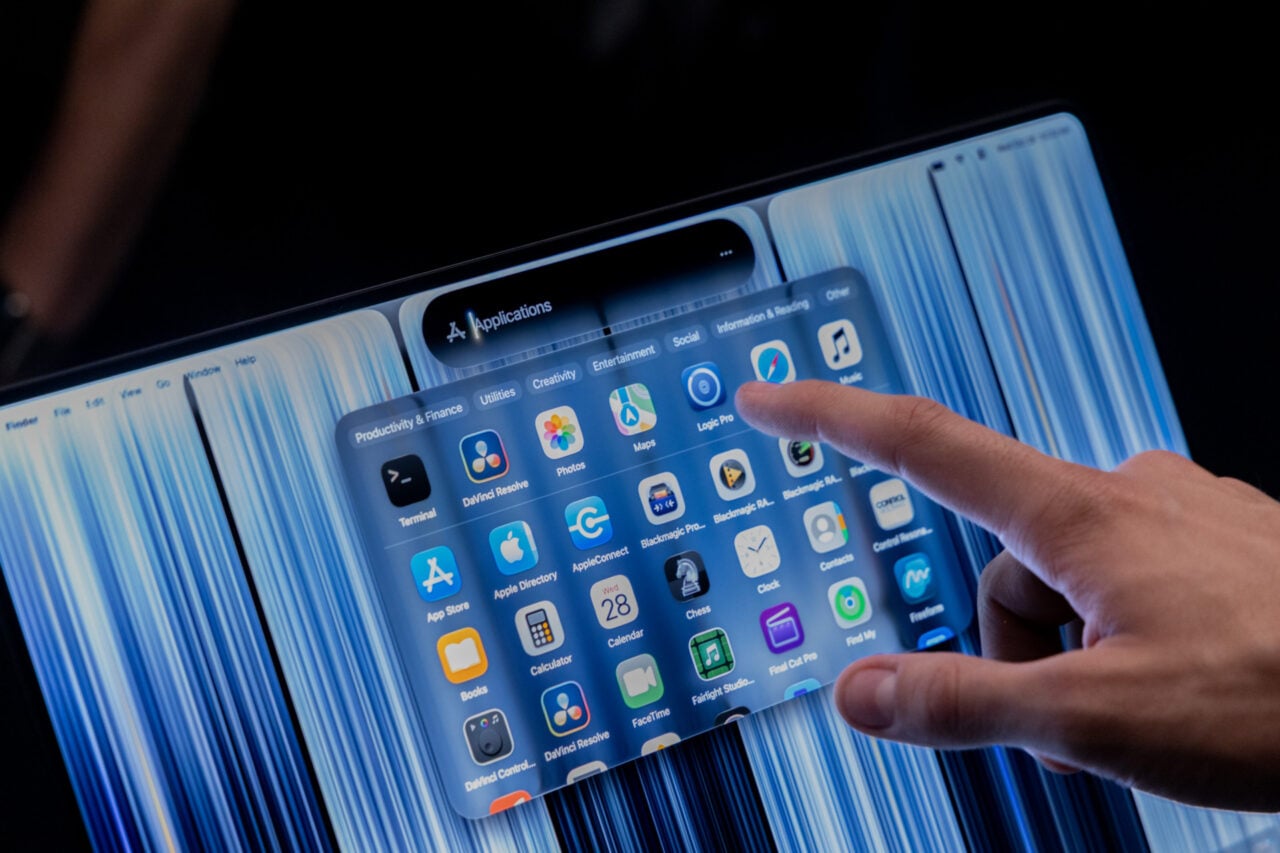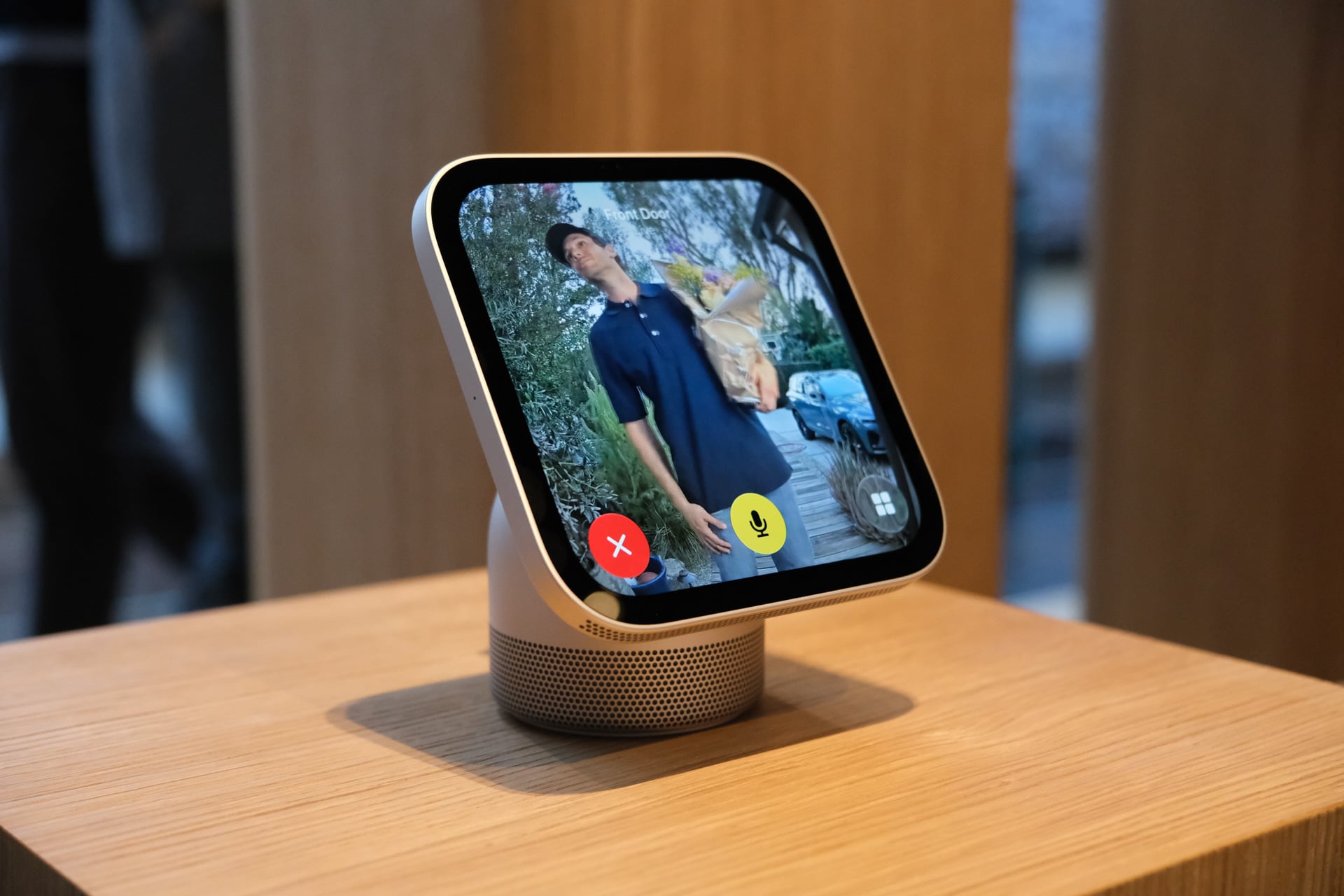
My first reaction after laying eyes on Apple’s new HomeView smart home hub is that it’s sooo smol. My second thought was: gosh, it’s kawaii.
Apple’s design chops were on full display at the HomeView (and HomePod mini 2 and Apple TV 4K 4th generation) debut event this morning. With a design with shades of the iconic iMac G4 and its half-domed base and tilting screen, the HomeView shows even a product category as boring as the smart home can be made fun—or at least look the part.
First look at the Apple HomeView! pic.twitter.com/PJB0kQdU6y
— Ray Wong (@raywongy) October 13, 2026
As expected from Apple, the device feels very premium. It might be the highest-quality smart home hub or smart display designed to sit on kitchen counters and islands that I’ve ever used, and I’ve tried almost all of them. The HomeView makes smart hubs like the Amazon Echo Show 10 and Google Nest Hubs feel like cheap junk.
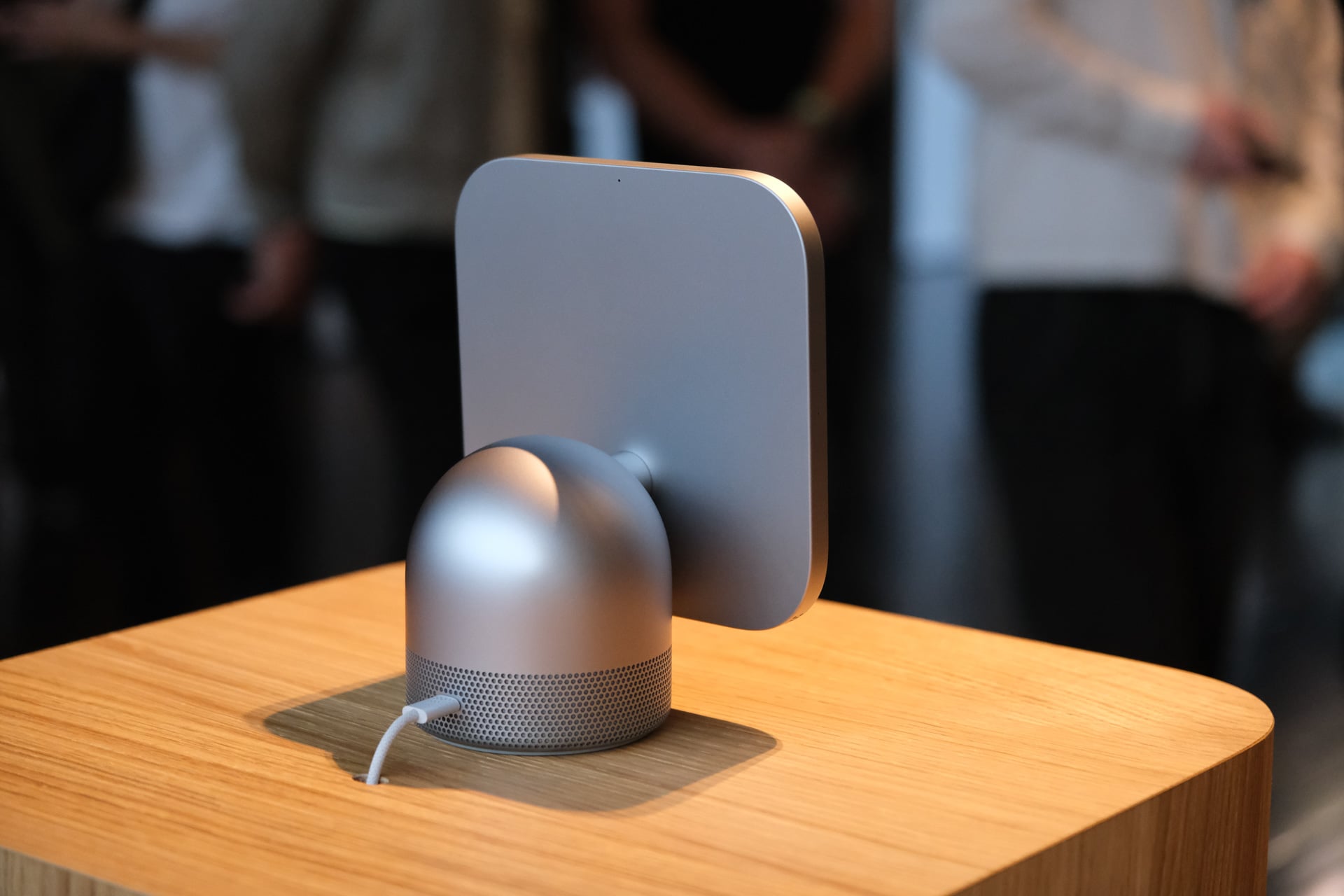
The 7-inch square Liquid Retina display is connected to its aluminum base with a stainless steel neck that tilts up and down. It was previously rumored that the HomeView would tilt and swivel and even move to face a recognized user using its built-in camera, but it only tilts up and down manually. You’ll need to physically turn the device if you want it to face another direction. The good news is that the tilting is smooth as butter. There’s little resistance, and you can do it with one finger pushing on the top or bottom of the screen. The braided, color-matched cables are a nice touch.
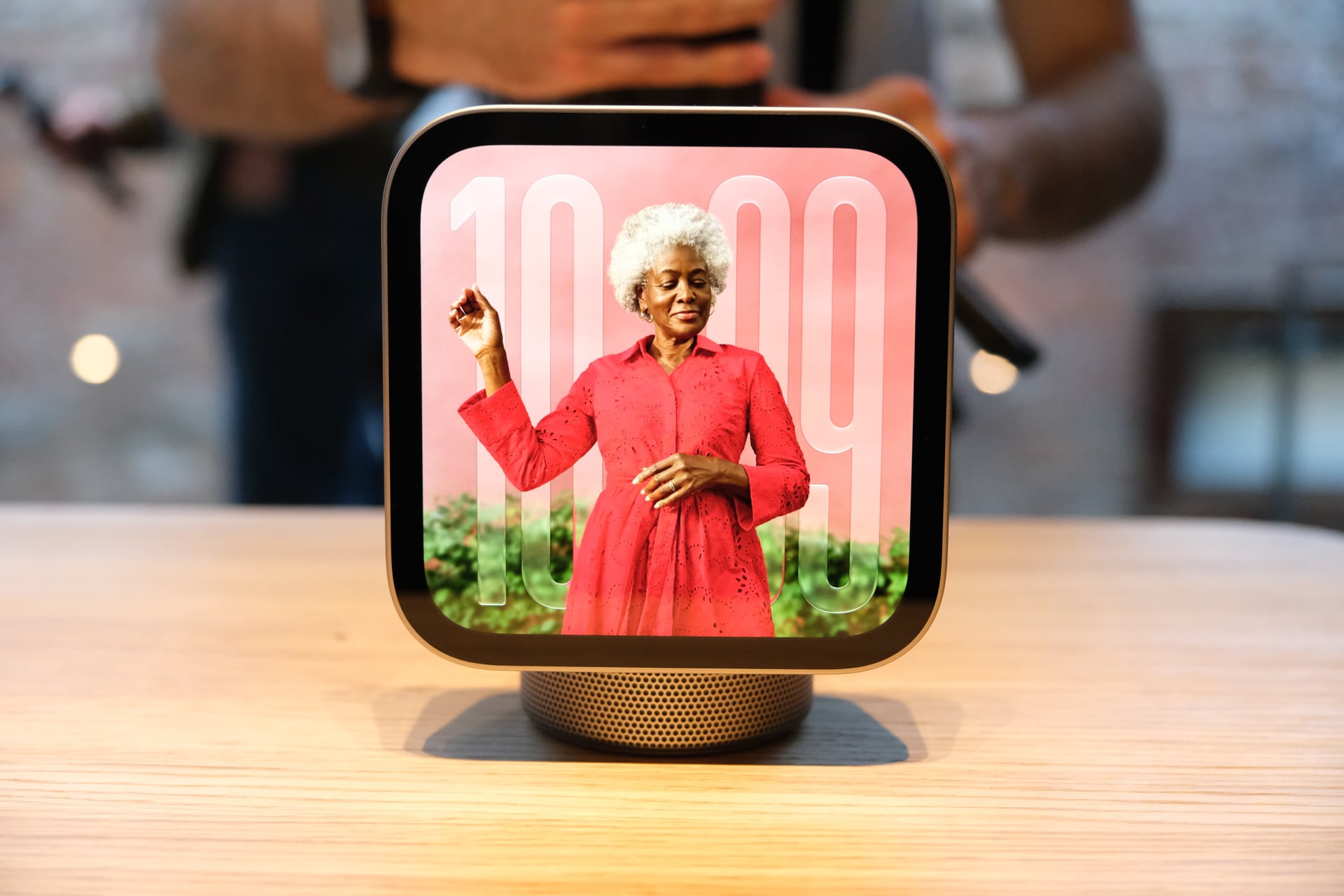
I had my doubts that the speaker on the HomeView would sound good. Nope, it sounds really good. I listened to a HomeView at 100% volume streaming music from Apple Music, and the nightstand that it sat on rattled. The bass was deep, and I didn’t hear any distortion. Apple touts the bass response thanks to a down-firing woofer and two force-cancelling passive radiators in the base. I didn’t get to listen to the wall-mounted version of the HomeView, but it doesn’t have the same speakers. Instead, it has “two custom drivers and computational audio tuned specifically for on-wall placement.” It’ll be interesting to hear a comparison between the two versions.
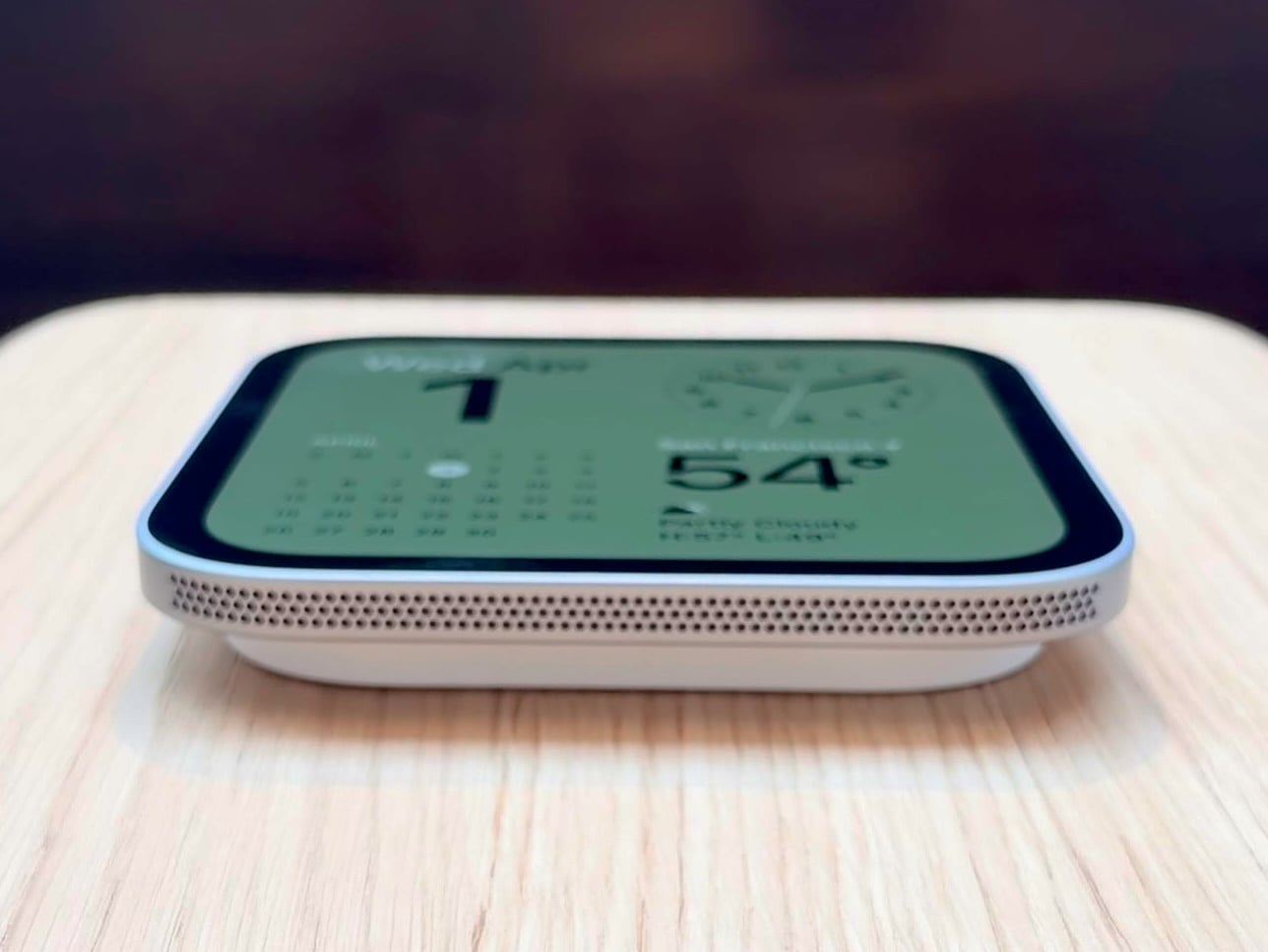
One of my followers asked if there is USB-C port on the bottom of the wall-mounted version. Unfortunately, there isn’t. There are only speaker grilles on the bottom of the screen. The USB-C cable connects through the back of the wall-mounted HomeView, and you’ll need to wire it through your wall. And speaking of USB-C cables, the cable is only 1.5 meters (about 5 feet) for both versions, which could prove challenging if an outlet is out of reach. In all the units Apple had sitting on kitchen islands, there was a hole drilled into the counter to tuck the wires away.
Okay, enough about the hardware. How does the damn smart hub work? Kind of like a giant Apple Watch, if I’m being honest. The HomeView runs its own operating system called “HomeView software” and relies on Apple Intelligence and Siri AI to display your personal data. It doesn’t have any built-in storage to store anything. It displays a family member’s personal data through face and voice recognition and proximity when paired Apple Intelligence-enabled devices like an iPhone and Apple Watch.
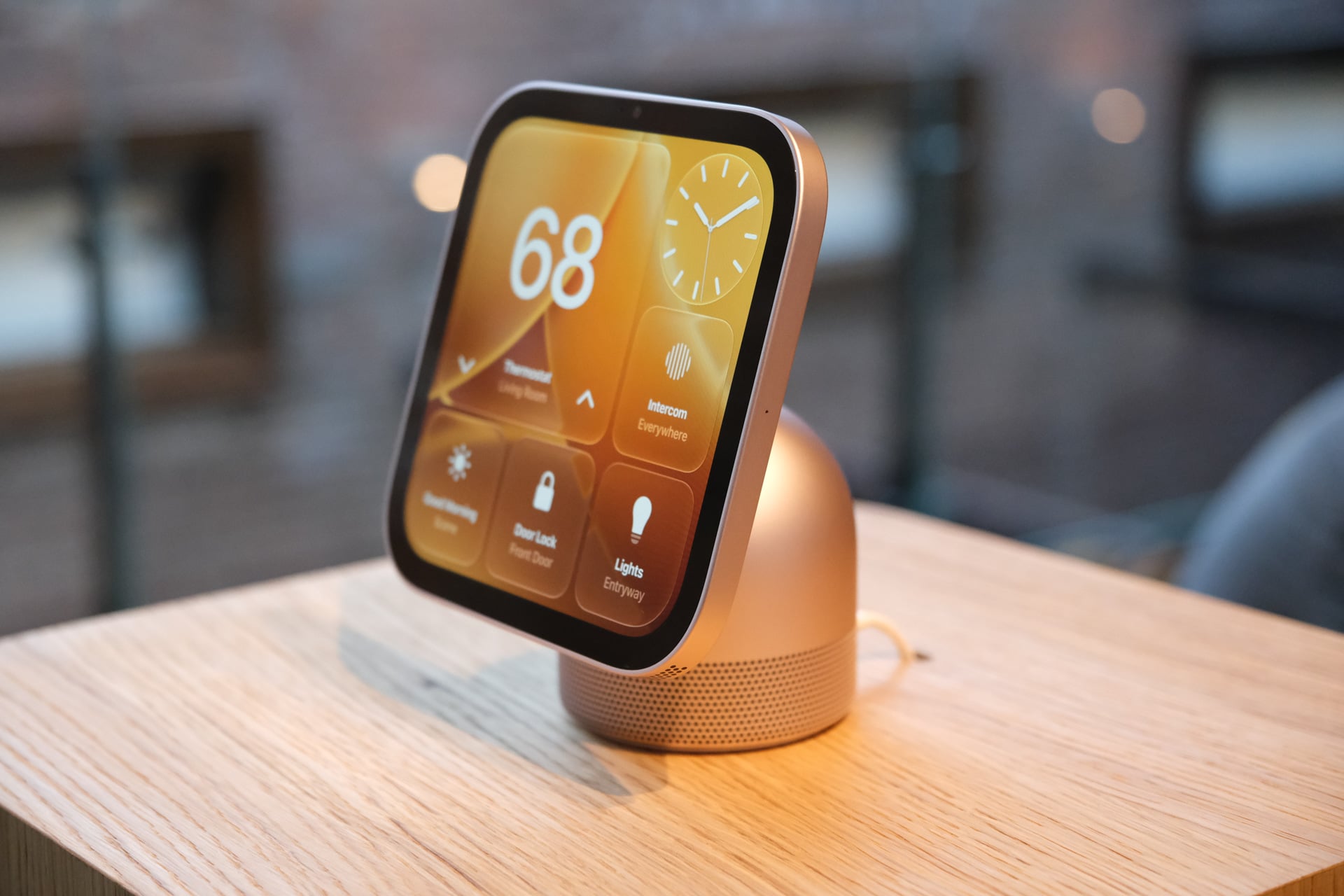
No invited attendees at Apple’s “Welcome Home” event could try out the face or voice recognition, but I watched an Apple spokesperson demonstrate the feature several times with their already-paired devices. At least in Apple’s perfectly tricked-out town house, all of the features worked flawlessly. I saw a FaceTime call, footage from several connected video doorbells and security cameras, and recipes that contained timers that you could tap and launch a countdown for.
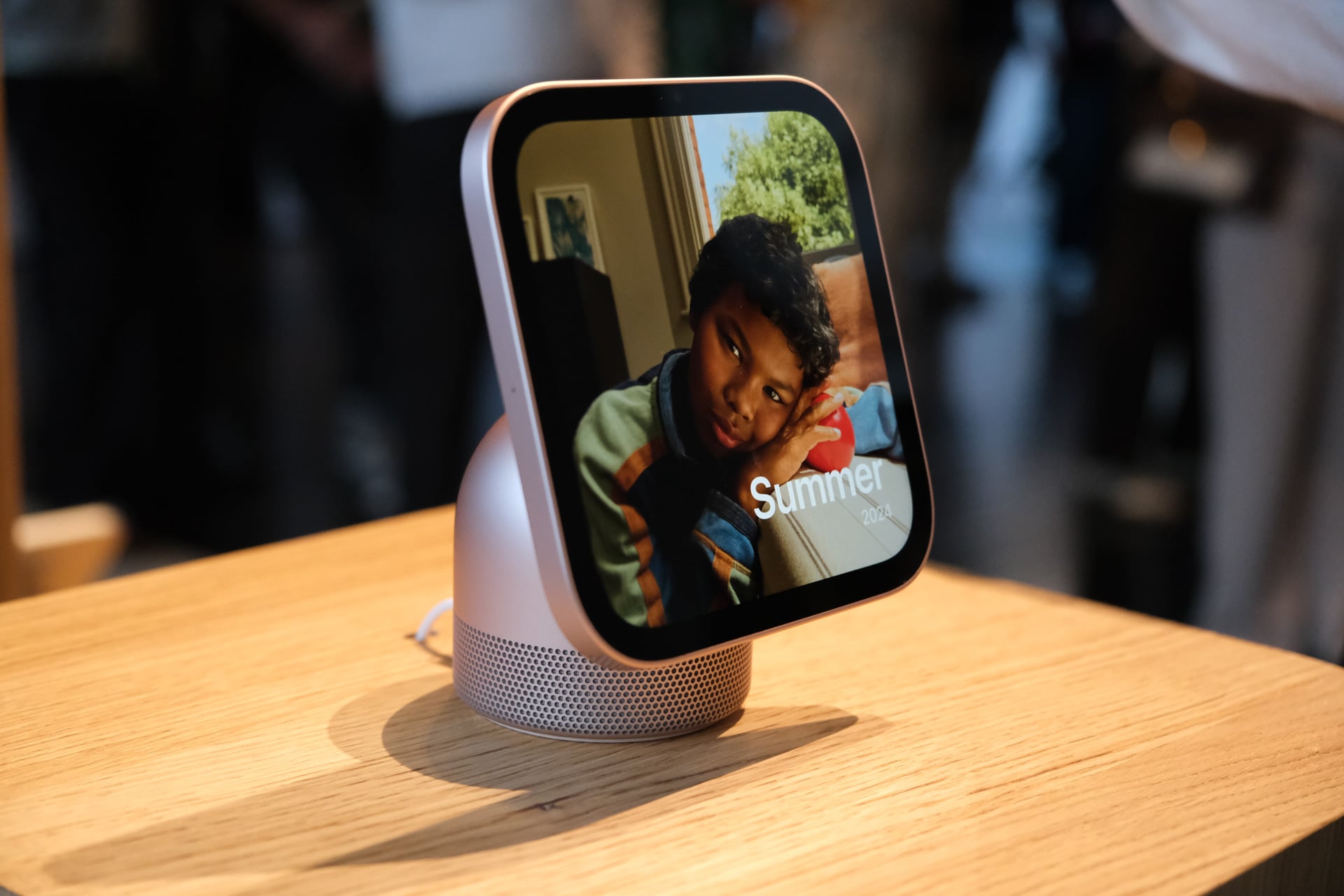
What I did get to try out were the different clocks. It works almost exactly like an Apple Watch. I could swipe left and right to switch between different clock faces, including an adorable Snoopy-themed one. (I am also a huge sucker for Peanuts in addition to Pokémon.) To customize the clock with different widgets, colors, and styles, I simply long-pressed the clock face to open up the customization interface, which—again—works like it does on an Apple Watch. I also got to tap and swipe through some of the HomeView screens under Apple’s supervision.
The HomeView software felt very smooth and responsive. That shouldn’t be surprising since the device is powered by an A18 chip. The video quality from the 12-megapixel Center Stage camera looked more than good enough, and the audio quality sounded clear and distortion-free.
Firsf look at the Apple Home Collection of smart home devices designed by Apple in collab with Lg and Schneider pic.twitter.com/EysYAHrlMk
— Ray Wong (@raywongy) October 13, 2026
I also got to check out several of the “Apple Home Collection” smart home devices from LG and Schneider Electric. As expected from devices co-designed by Apple, they all have a very sleek and minimalist design to them with no extra flourishes. Simple and clean is the look. They’re also kinda pricey.
I’ll need to spend real time with a HomeView plugged into my home and connected to smart home devices, but Apple has certainly made a statement here. Sure, it’s just a mini kiosk for controlling your home at the end of the day, and the ability to relay personal info like calendar events, notes, messages, reminders, photos, music, and more based on the recognized family member is cool. But is it $299 cool? That depends on whether you own a home to really make full use of the HomeView and whether you got the dough to invest into smart home devices for it to control. Apartment dwellers like myself might find less utility from it even if it’s a cutie-patooty device.
Though pre-orders for the HomeView start today, it doesn’t come out until Nov. 13. You’ve got a month to decide if you need a smart home or not, or if you have one, whether you want to switch away from whatever platform you’re currently using.