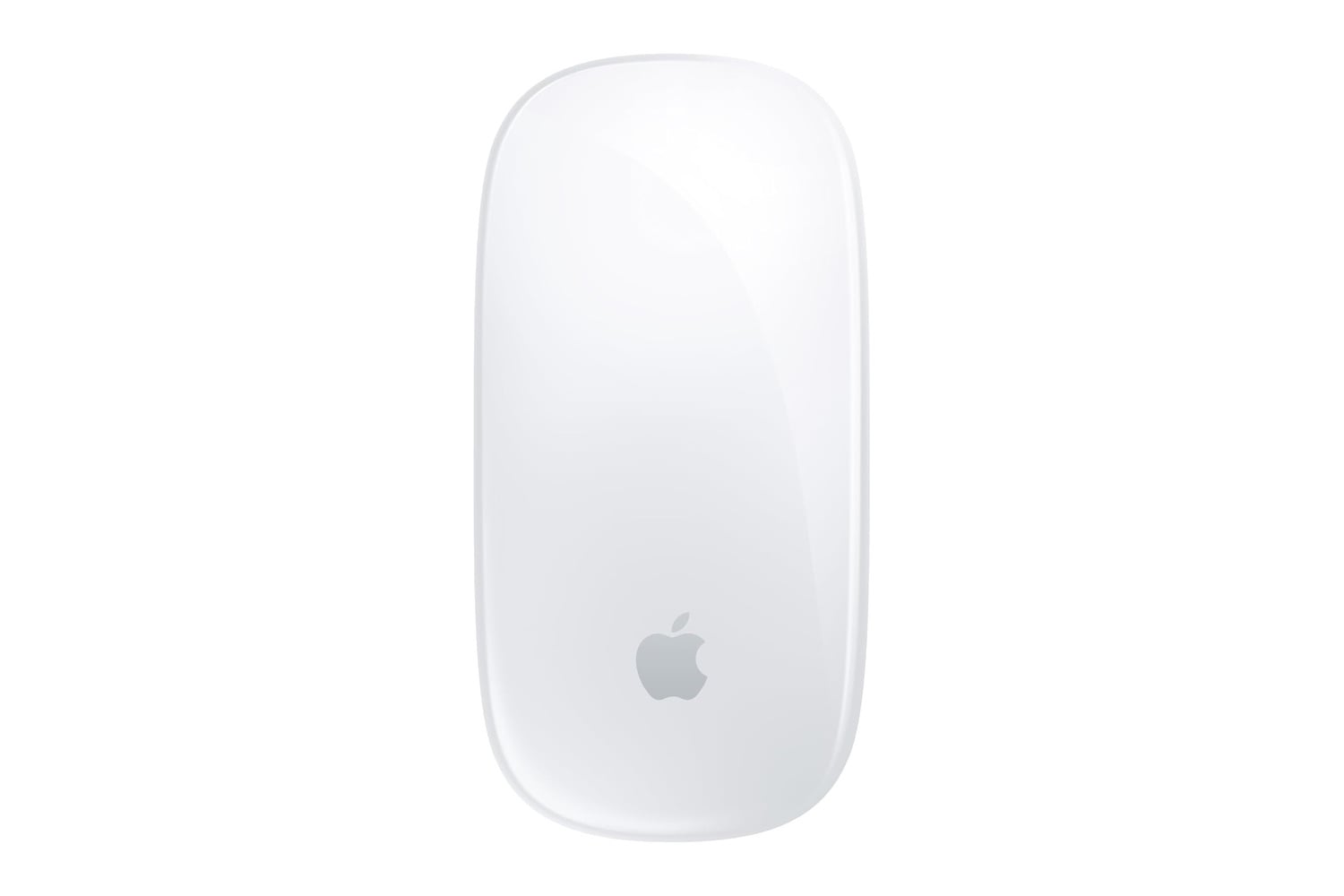
Apple’s Magic Mouse turns the front of the mouse into a touch-sensitive area, letting you quickly slide from page to page, scroll through large documents, and easily navigate your Mac with various finger motions. The Magic Mouse pairs with your Mac automatically, connects via Bluetooth, and now uses a USB-C connector for charging, so you can share the same cable as your MacBook, iPad, or iPhone. Apple says a single full charge provides about a month of average use.
A wireless Mac mouse with a touch-sensitive surface and USB-C charging
Apple created the Magic Mouse for Mac owners who want a small, wireless mouse that complements the look of their Macs while offering gesture-based controls. You receive a smooth Multi-Touch experience on the top of the mouse, a rechargeable internal battery, USB-C charging capability along with the included USB-C to USB-C cable, Bluetooth connectivity, automatic connection to your Mac, and a low-profile white design that’s also compatible with an appropriate iPad model.
Multi-Touch capabilities replace both button inputs and scrolling wheels by using one continuous surface. With one finger, you can scroll horizontally or vertically and swipe between web pages or photos, and you can use two fingers to swipe between open applications in full-screen mode. You can also personalize gestures and tracking sensitivity in your Mac’s settings to match your workflow. Once you get used to gestures, switching between applications and pages typically feels much faster than navigating menus with clicks.
A unique foot configuration lets the Magic Mouse glide effortlessly across most surfaces with minimal friction. The curved profile lets you hold it in a natural position, and its white finish keeps a clean, organized look with most Macs, iMacs, and Studio Displays.
Connecting the Magic Mouse to your Mac with the included cable initiates Bluetooth auto-pairing. Once you remove the cable, you can immediately use the Magic Mouse wirelessly. The Magic Mouse also supports some compatible iPad models, letting you create a more ergonomic tablet setup for document editing, email management, and web browsing at a desk.
Battery life averages about one month but may last longer, depending on how often you use it. To recharge it, simply use the USB-C charger you use for other Apple products. This feature reduces clutter in your laptop bag because you don’t need to pack additional cables when traveling. The Magic Mouse is small and light enough for use inside most laptop sleeves, so you could carry the same gestures everywhere you take your laptop, whether that’s to a coffee shop, a public library, or even a hotel room. As a result, it gives you a convenient way to keep the same environment wherever you work.
The Apple Magic Mouse adds gesture support and long-lasting battery life in an aesthetically pleasing design that complements your Mac. This is an ideal addition to either your workspace at home or at the office.