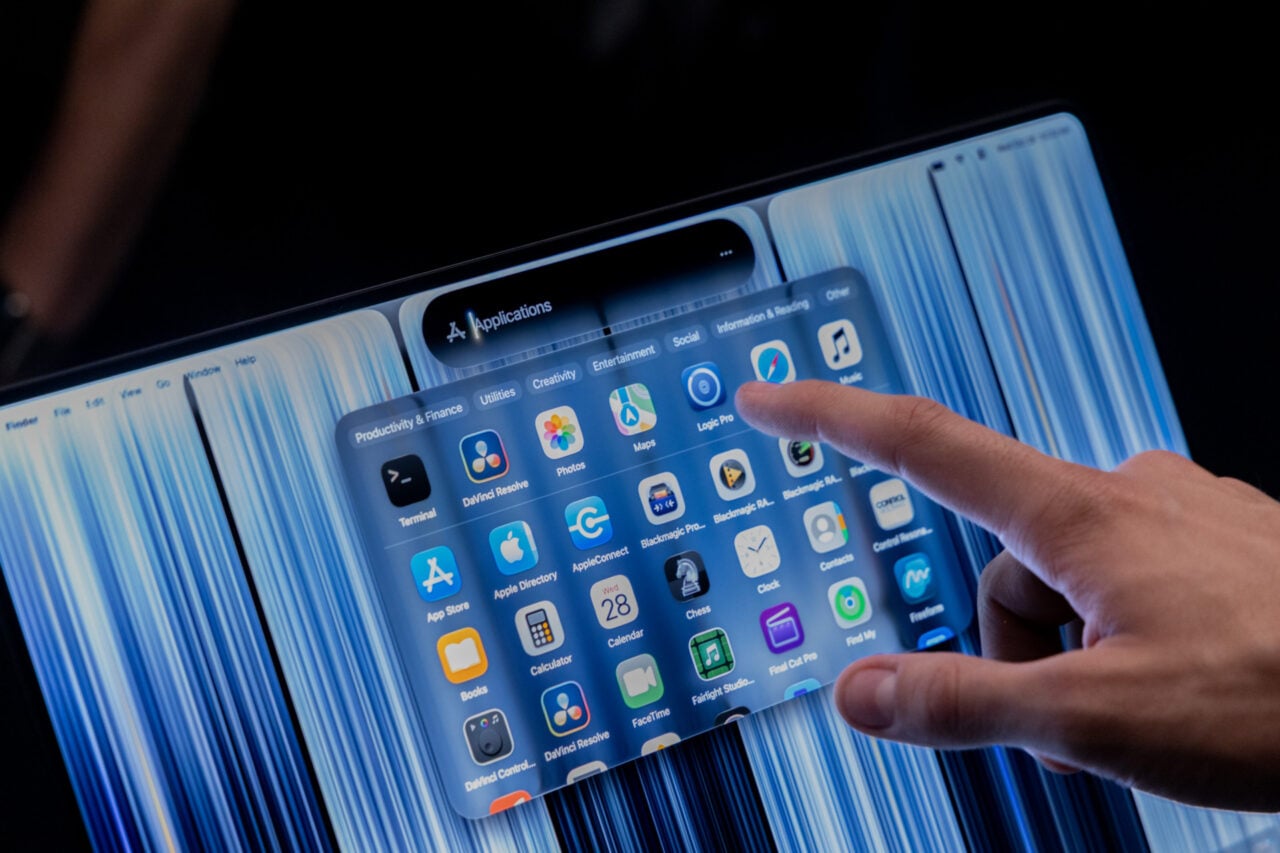
I wish I could tell you to hold off on buying a laptop in 2026, but I know—for many people out there—that’s just not possible.
Today’s spiking cost of memory, driven by the rush for AI data centers, has caused a cascade of price hikes in nearly every aspect of the PC industry. For everybody who needs to replace their PC now, you’ll have to do even more work than normal to ensure you’re getting exactly what you need at a price you can afford. At the very least, you’re spoiled for choice. Today’s laptops are getting excessively good, with devices using the whole spectrum sporting Intel, Qualcomm, and Apple M-series chips promising excessive battery life and strong performance across the whole gamut of shapes and sizes.
The problem is that you will find laptops that cost $2,000 today that would be priced at hundreds of dollars less just a year ago. The spike in memory costs means that the most powerful devices with the highest-end components are experiencing the worst inflation. Devices with Nvidia RTX 50-series laptop GPUs are excessively expensive, but many of the lightweight devices sporting the more performant Intel chips are similarly costly.
This list tries to take into account the obscene prices of today, but up to a point there’s no way to avoid rampant inflation. You can sit back and wait for some future day when RAM prices are no longer out of control, but you may have to face the fact that major memory makers could keep prices high going into 2027 or beyond.
Which laptop should I buy?
With all that in mind, you need to take extra care to analyze exactly what you need from your laptop. Most people don’t need anything more powerful than a low-end Mac or PC that can surf the web and run Spotify when done with work. There are several sub-$1,000 laptops still available today, and some of them are pretty dang good for their price.
Just be sure to avoid any Windows 11 PCs with 8GB of RAM. For potential MacBook users, the 8GB MacBook Neo is your starting point with its surprisingly deft mobile-first chip. We’re seeing more Intel Wildcat Lake PCs hit the scene to compete with Apple at the sub-$1,000 price point as well. In either case, all mobile designs are a juggling act. You can find some laptops with both strong battery life and strong performance, but those may cost you thousands of dollars. You may be more invested in a pretty and bright OLED screen for watching all your favorite streaming content, but—again—you should expect to spend more for the privilege.
-
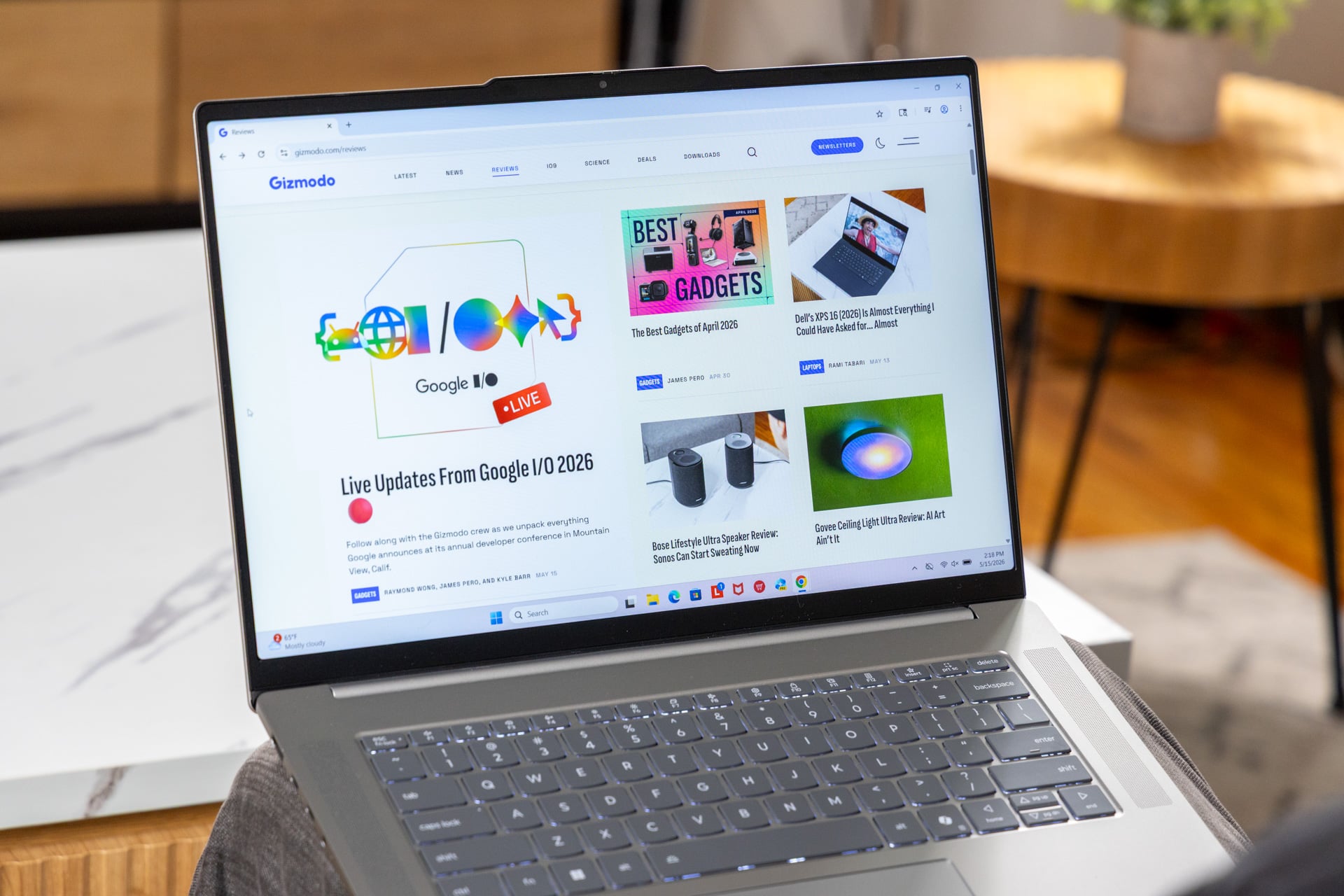
Laptops like the Lenovo IdeaPad Slim 5x include a Qualcomm Snapdragon X2 Plus chip, which means you’ll need to be aware of what kinds of programs you plan to use to make sure they’re compatible. © Raymond Wong / Gizmodo
For this year, your choice of processor is really a contest between Qualcomm and Intel. While AMD promoted its Ryzen AI 400 series back at CES, we’ve seen few examples of PCs with these chips available for sale. Excluding Apple and its benchmark-crushing chips, the PC contest rests between Qualcomm’s ARM-based Snapdragon X2 platform and Intel’s latest Panther Lake for lightweight laptops. Qualcomm’s Snapdragon X2 Elite Extreme and Snapdragon X2 Plus chips rank high on CPU performance but lose to Intel for the sake of graphics tasks. Any ARM-based PC will inevitably create issues with legacy drivers and software. However, Qualcomm has significantly improved app compatibility since 2024. Unless you know you have certain printers or venerable software you need to use, you can feel relatively safe with an ARM-based machine.
In our list below, we’ve identified several of those use cases and our laptop picks for each. If money’s no object, we have our picks for the “everything” laptop across Mac and PCs. We’re still waiting for the next-gen laptops to hit the scene, like the upcoming Snapdragon C devices, Googlebooks, and RTX Spark laptops. Which is to say: 2026 may yet hold the one perfect laptop for what you’re looking for.
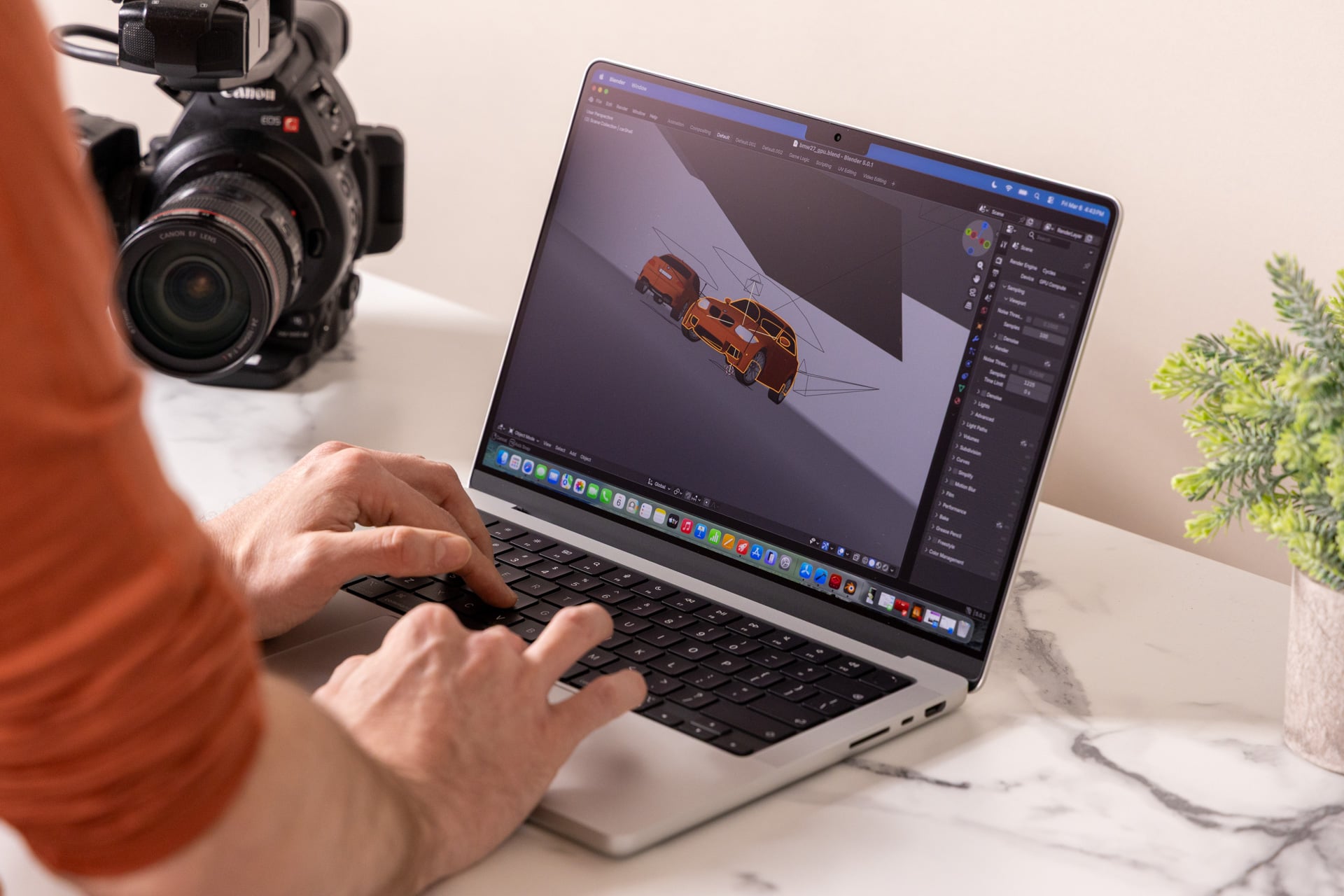
Best everything MacBook: Apple M5 Max MacBook Pro 14
-
© Raymond Wong / Gizmodo
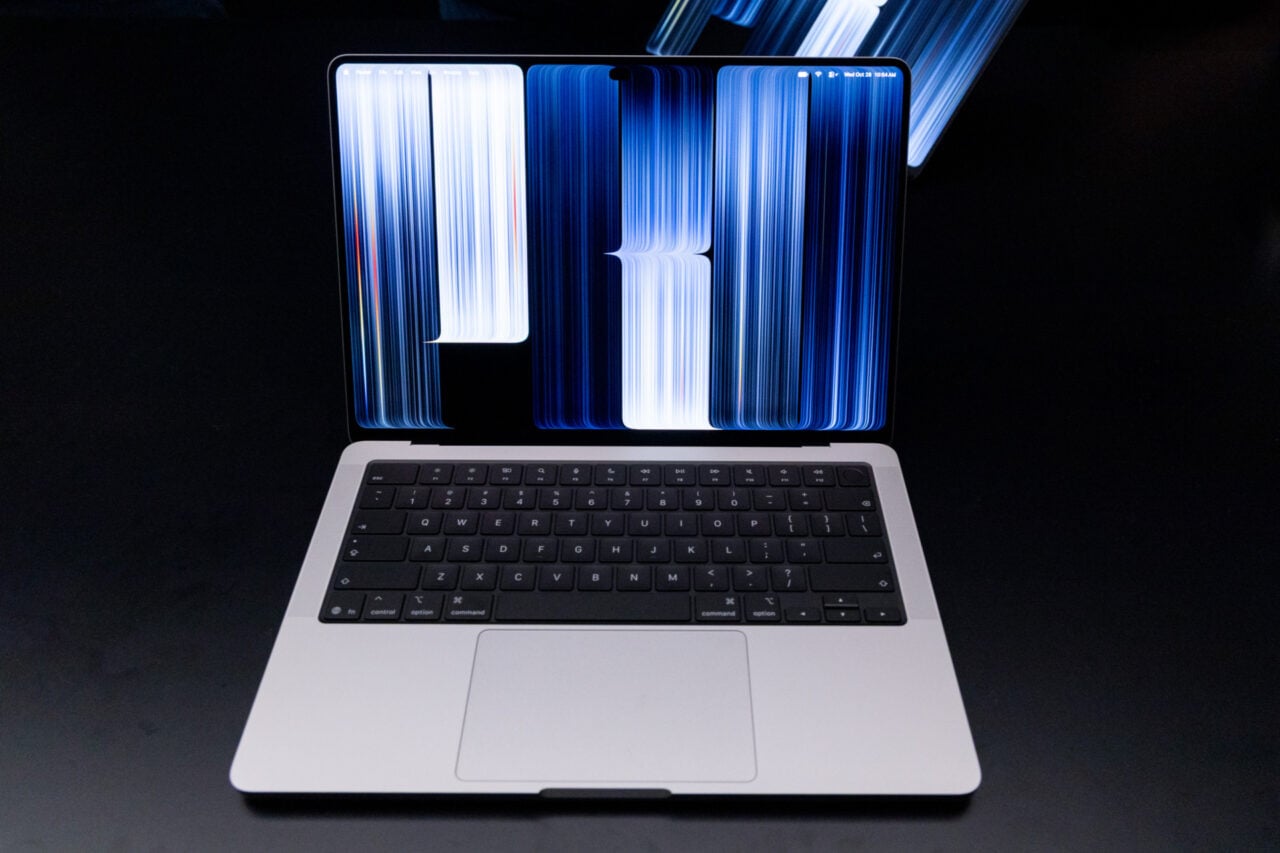
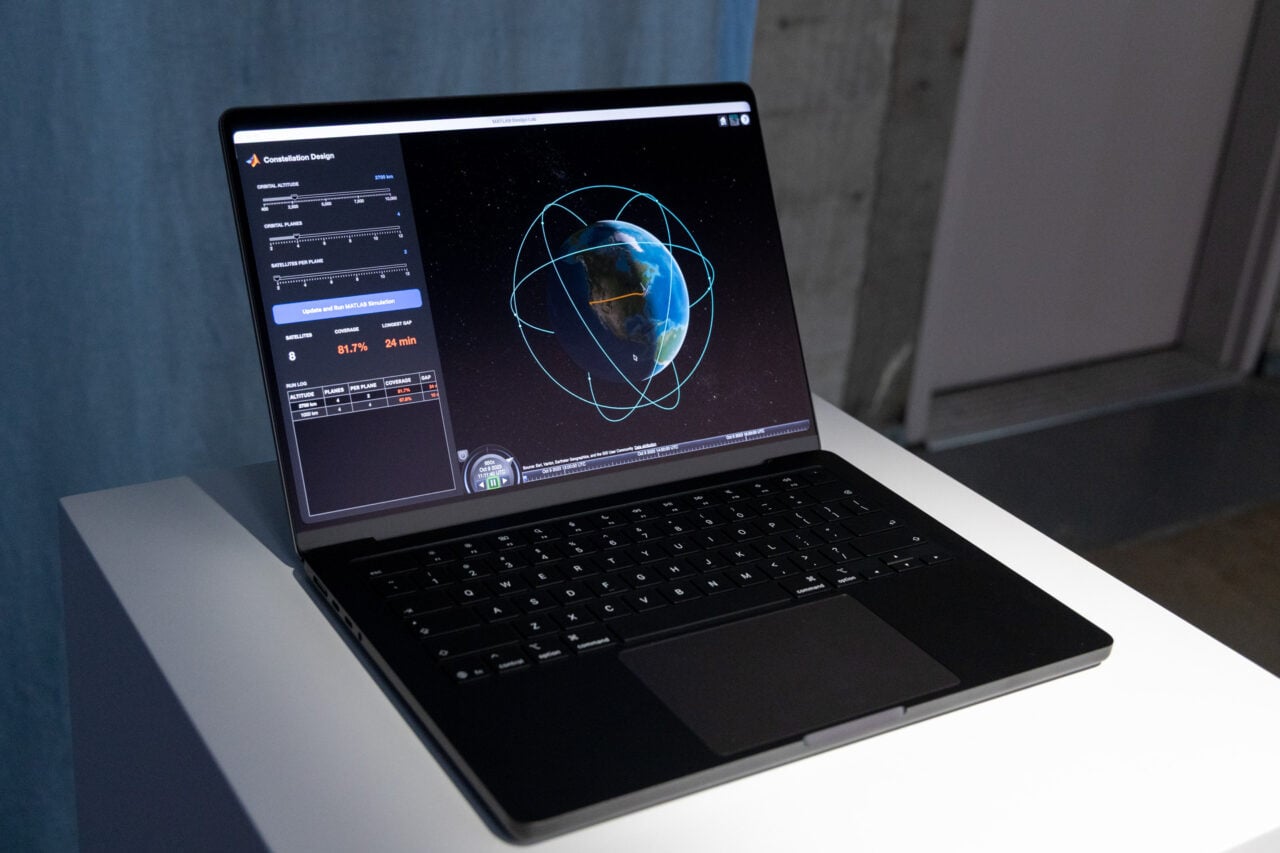
Let’s get one thing out of the way: the M5 Max variant of the MacBook Pro is not an inexpensive laptop by any stretch of the imagination. But when spending several thousand dollars, I cannot think of a device that promises such obscene power in a relatively thin frame. With an iGPU (integrated graphics processing unit) that can match up to some discrete laptop GPUs, the top-end MacBook can feel like you’re holding the sun in the palm of your hand, and it still has a great trackpad, bright screen, and excellent sound stage you’ve come to expect from Apple.
See M5 Max MacBook Pro at Amazon
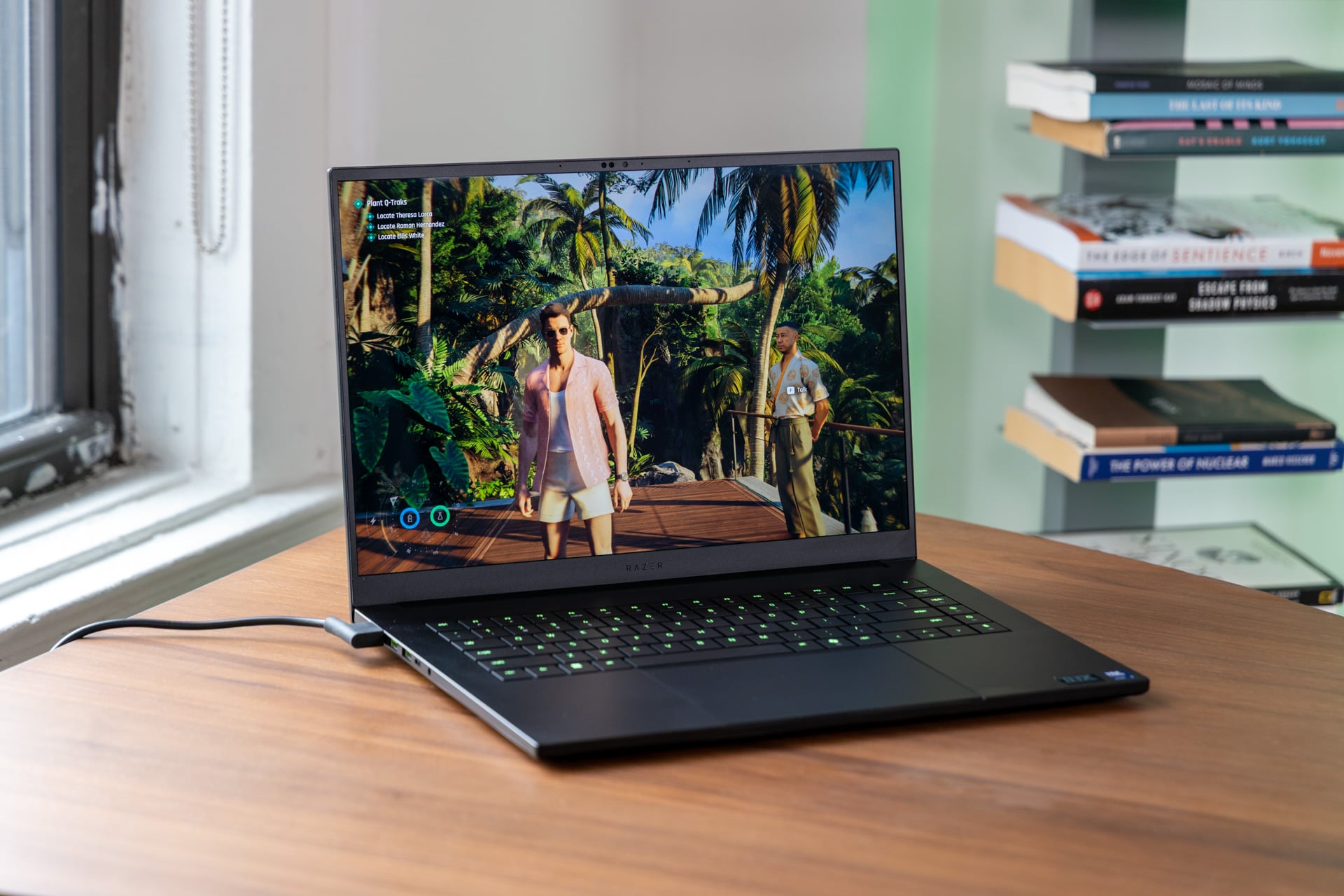
Best everything PC: Razer Blade 16 (2026)
-
© Raymond Wong / Gizmodo
This may be a controversial choice, especially considering the overt cost of this near-$5,000 behemoth of a gaming laptop. Still, if I were somebody looking for a strong selection of ports, a pretty screen, and the CPU and GPU performance to handle practically anything I throw at it, I would choose the Razer Blade 16. It even has a thin size that lets it fit into most backpacks. Thanks to its Intel Panther Lake chip, it has a better-than-average battery life for a device built for performance first. If money is no object, this would be the laptop I buy first.
Best Cheap(ish) Laptop: Apple MacBook Neo
-
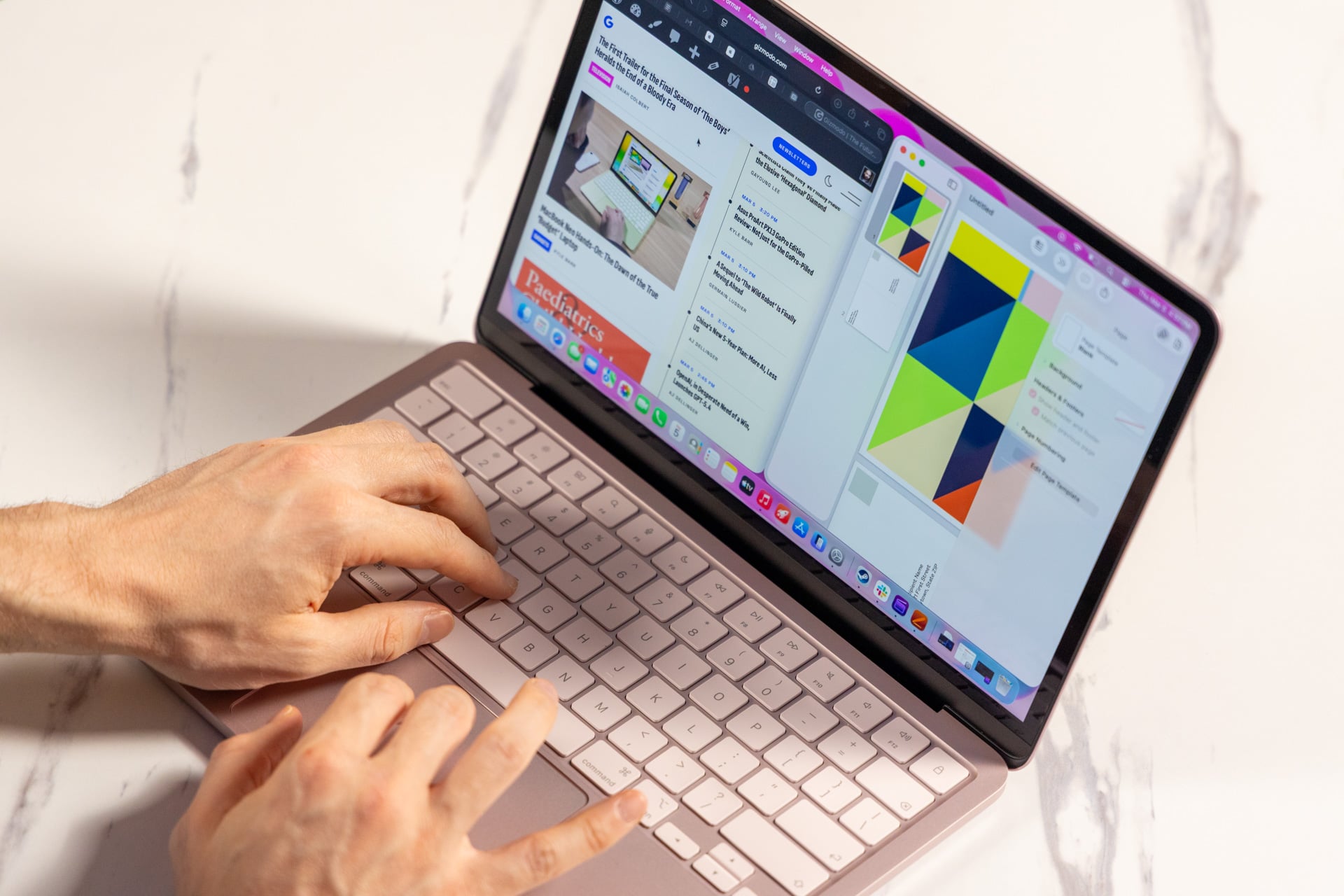
© Raymond Wong / Gizmodo
Apple set the stage for the race for a better, cheaper laptop. Even after multiple competitors tried their best, and despite price hikes, the $700 MacBook Neo is still the best all-around cheap laptop you can buy today. It has a nice, bright screen, good sound, and an overall feel that’s more reminiscent of a MacBook Air—a laptop that now starts at $1,300. The Neo is powerful enough for daily browsing, streaming, and even some light editing. You can also grab the laptop for $100 more for a version with 512GB of storage and a TouchID button.
Also consider: Dell XPS 13
-
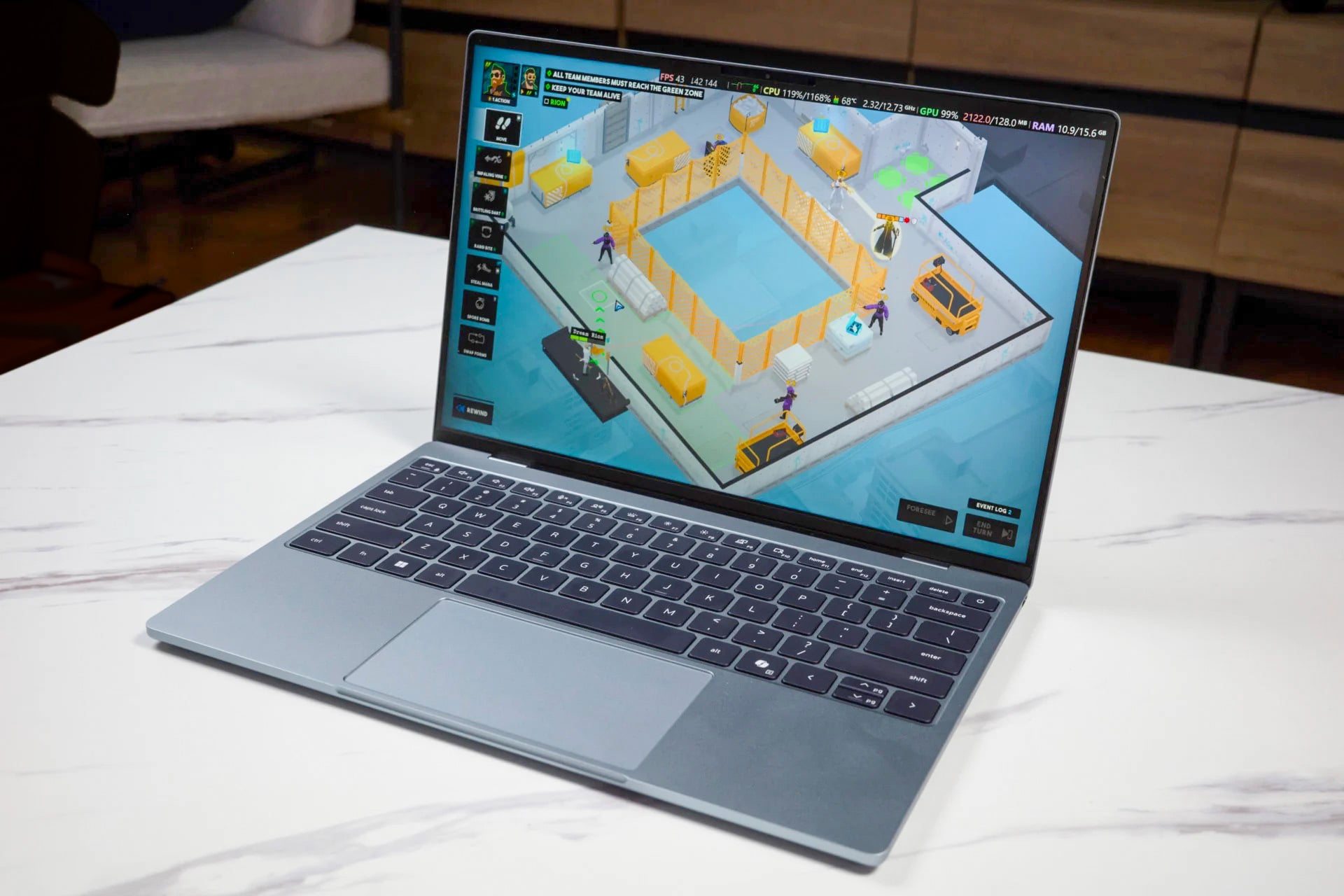
© Kyle Barr / Gizmodo
Dell’s ultra-slim PC takes after the Neo with excellent build quality, though with a screen that supports up to a 120Hz refresh rate. Its performance is on par with the MacBook Neo, but its bigger issue is that you do need to spend $900 for a Dell XPS 13 with 16GB of RAM. The minimum 8GB simply isn’t going to cut it with Windows 11. Still, it’s so slim and so light that you can carry the laptop around in your backpack and hardly feel any strain in your shoulders.
Best laptop for flexible workstations: Asus Zenbook Duo
-

© Raymond Wong / Gizmodo
We’ve used laptops with folding screens and laptops with rolling screens, but the most usable of these extending workstations is a laptop that simply has an extra screen. Asus’ Zenbook Duo’s two screens are separated by super-slim bezels, so the experience of reading across the screen is relatively seamless. The addition of a high-end Intel Panther Lake chip enables strong CPU and GPU performance for whatever apps you’re planning to multitask with. It also bears a surprisingly strong battery life, even with using both screens.
See ASUS Zenbook Duo at Amazon
Also consider: Asus ROG Zephyrus Duo
-
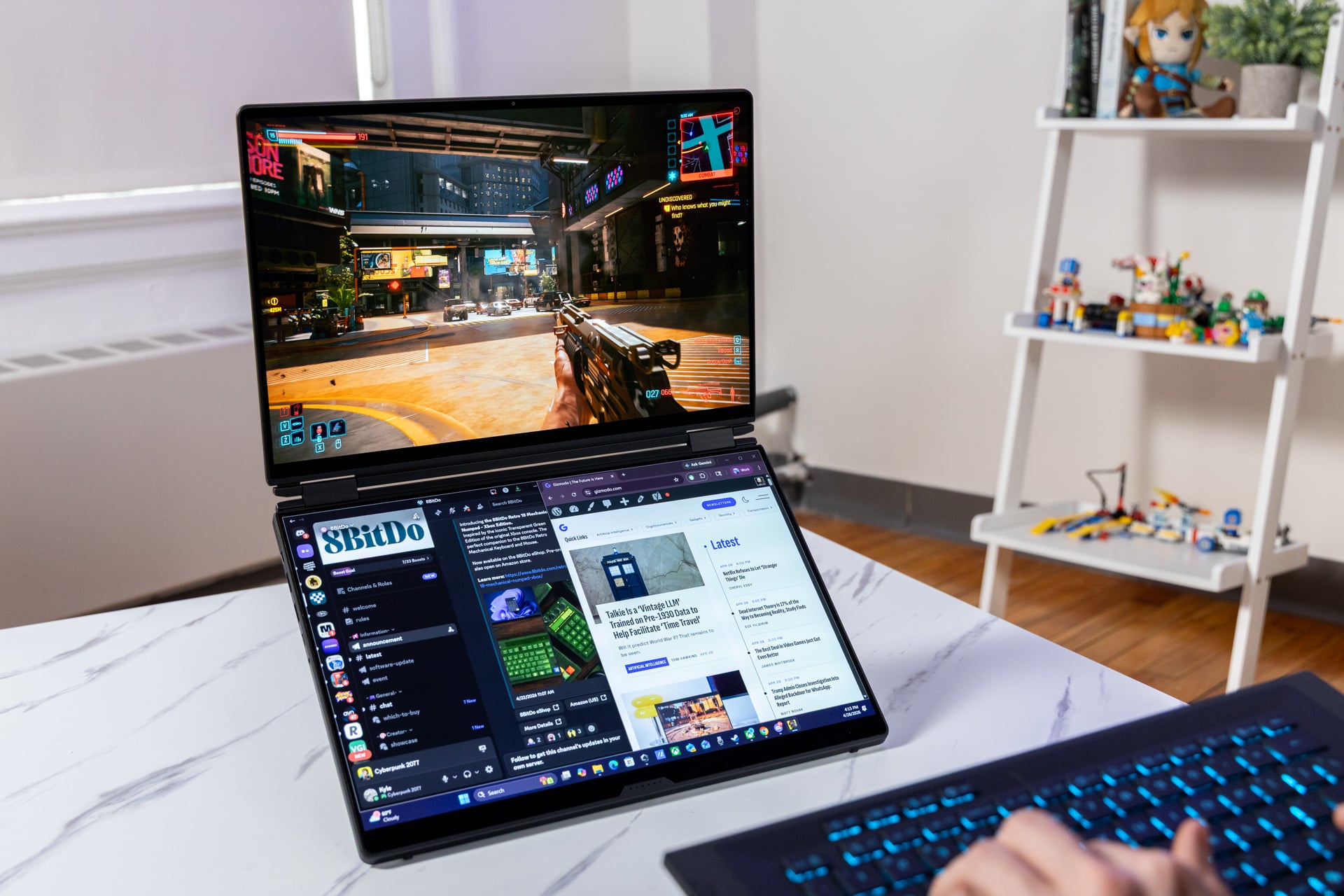
© Raymond Wong / Gizmodo
If you looked at the Zenbook Duo and thought you could use something with a little more graphics oomph, the Asus ROG Zephyrus Duo is your best option. It includes slightly larger bezels, but with two 16-inch OLED displays, this beast of a laptop has way more versatility than you may expect. Plus, it sports the kind of gamer aesthetics that may be more appealing to you.
See ASUS ROG Zephyrus Duo at Amazon
Best ultrathin laptop: HP Omnibook Ultra
-
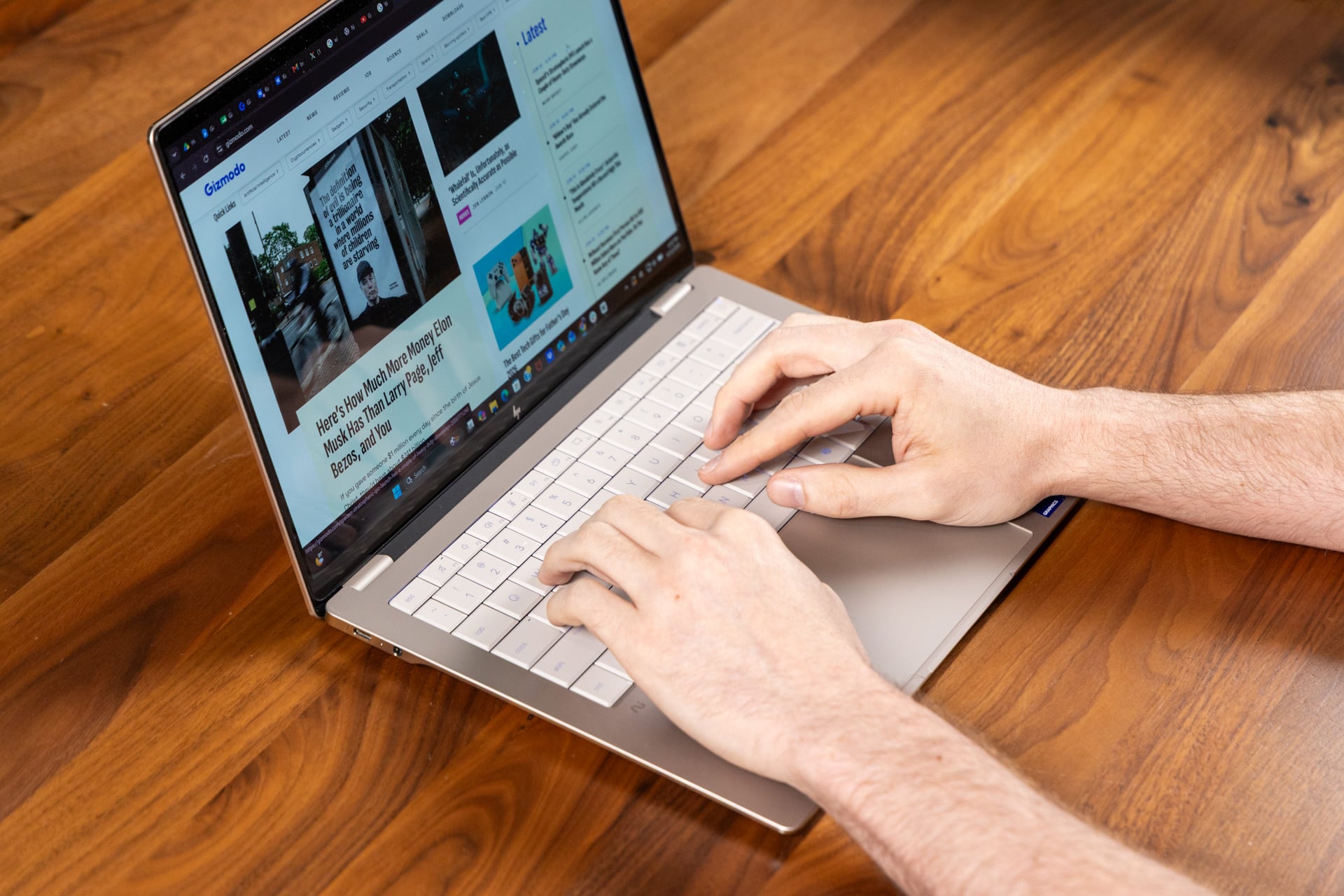
© Raymond Wong / Gizmodo
If HP’s 2026 Omnibook Ultra says anything about laptops in 2026, it’s that you don’t have to sacrifice performance for size. The 14-inch laptop is 0.42 inches thick when closed up, and it still can come configured with an Intel Core Ultra X9 388H chip that packs strong CPU and GPU performance. It’s further decked out with a bright and glossy OLED display with a wide color gamut. If all you need is a sturdy laptop that doesn’t feel like you’re losing out on performance, the Omnibook Ultra is an excellent choice.
See HP OmniBook Ultra 14 at Best Buy
Also consider: M5 MacBook Air
-

© Raymond Wong / Gizmodo
Apple’s thinnest laptop is still a top contender despite maintaining the same shell for the last five years. The M5 version updates the laptop with enhanced GPU and ray-tracing capabilities, plus it now comes stocked with 512GB of storage and 16GB of RAM. The thinnest MacBook comes in either 13-inch or 15-inch flavors, though most people who want something light enough for their bag should be well situated with the smaller version.
Best creator’s laptop: Asus ProArt PX13
-

© Raymond Wong / Gizmodo
Pretty 3K OLED display? Check. Tentable 2-in-1 with stylus support? Check. A hefty GPU for video or graphics editing? Check and check. The Asus ProArt PX13 is a super-solid small-frame laptop that can pack a serious performance punch thanks to its AMD Ryzen AI Max+ 395 chip. The extra iGPU power built into the processor is currently unmatched by any Qualcomm or Intel chip you can find in the laptop space. We reviewed the GoPro Edition of this laptop, which comes in an unnecessary case, but it also packs 128GB of RAM. Most buyers will do perfectly well with less.
Best semi-affordable gaming laptop: MSI Crosshair 16 HX
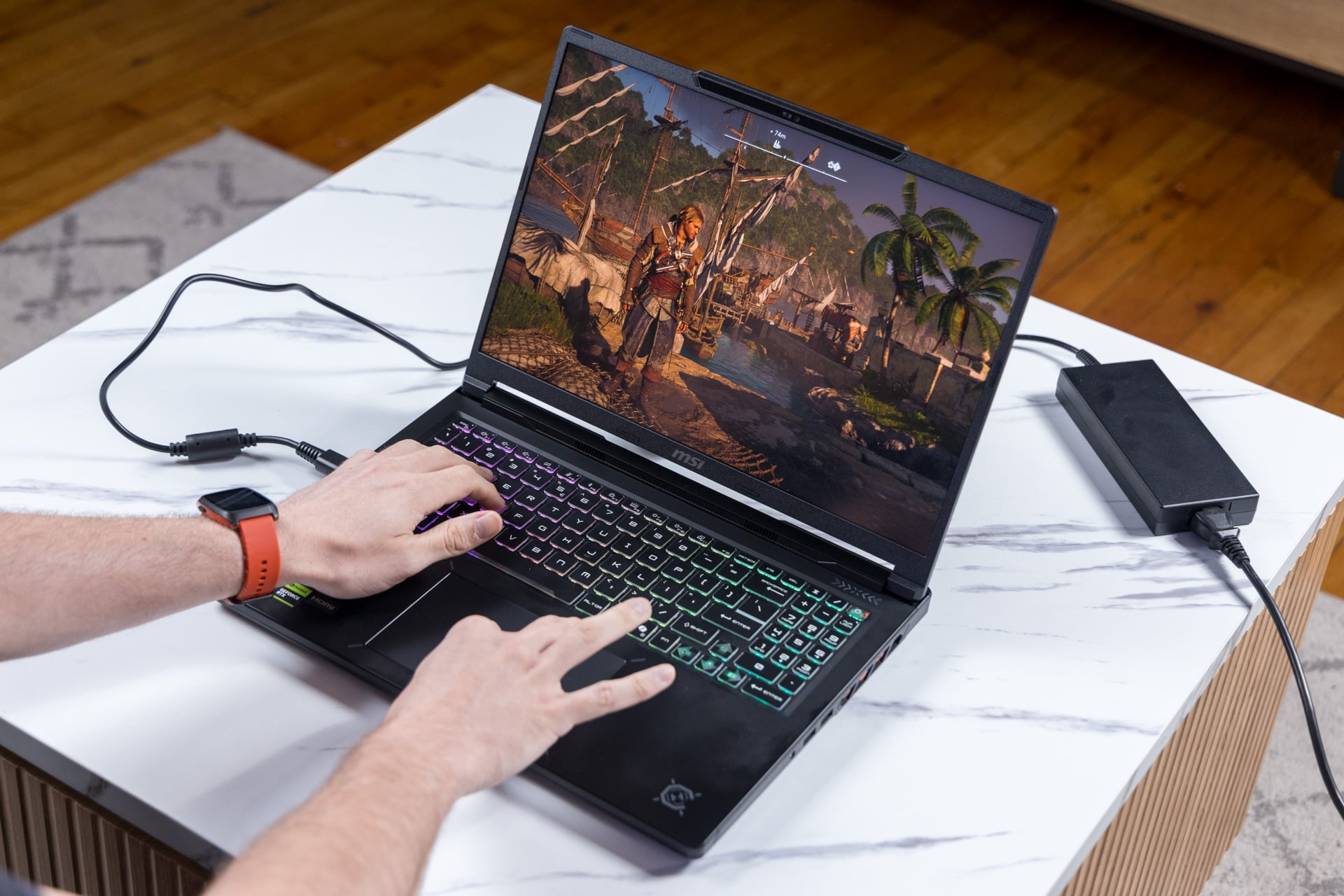
With memory prices absolutely out of control, there are few to no good “deals” to find in 2026. However, you can still make out with a pretty dang good gaming laptop if you’re willing to lose out on RAM and storage. The MSI Crosshair 16 HX manages an excellent build quality, a bright 240Hz IPS LCD panel, and strong performance despite relying on a last-gen Intel CPU and an Nvidia RTX 5060. The issue will be relying on its mere 16GB of RAM and 512GB SSD storage. Both are upgradable if you plan to take this laptop long into the future.
See MSI Crosshair 16 HX at Amazon
Best high-end gaming laptop: Alienware 16 Area-51 (2026)
-
© Raymond Wong / Gizmodo
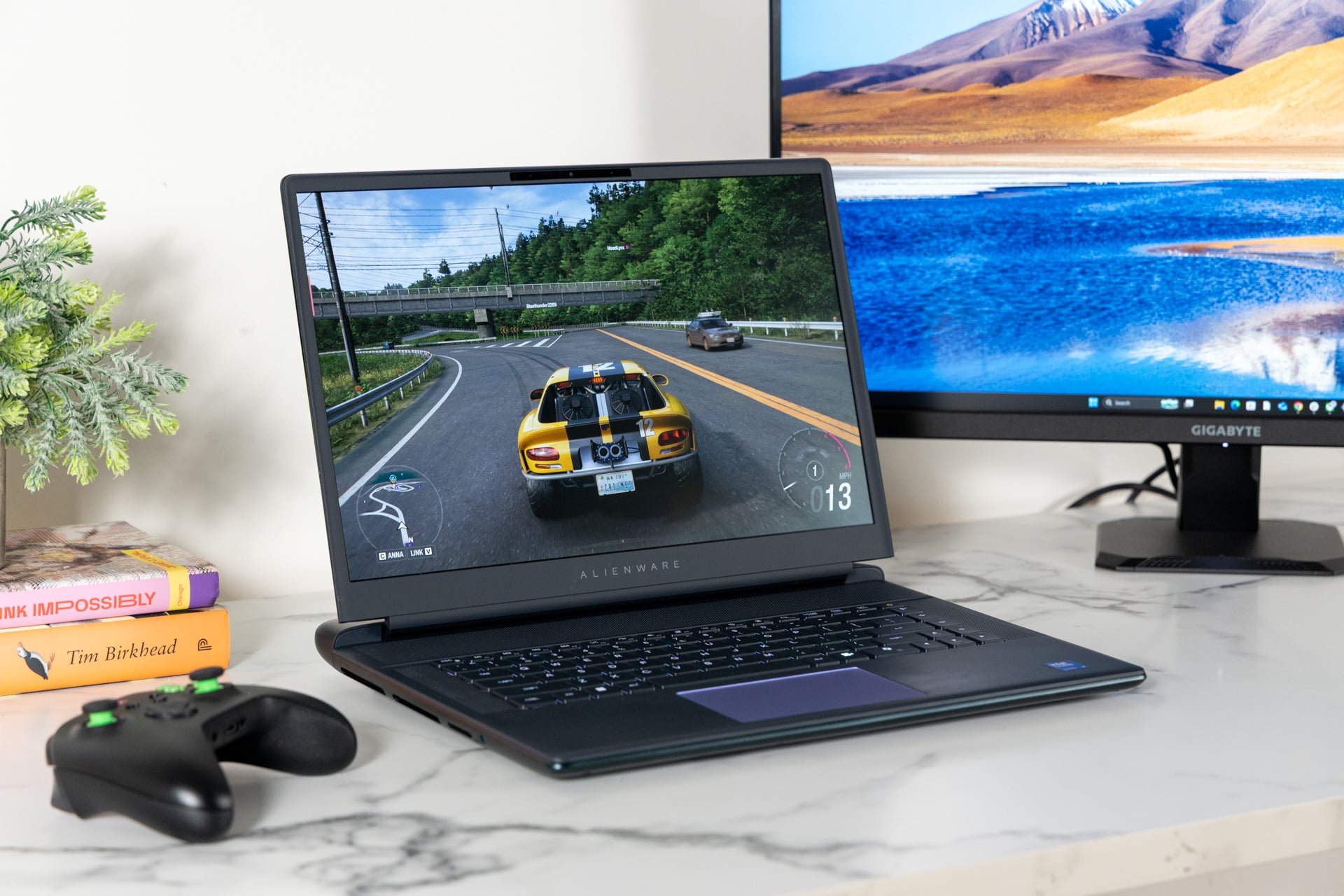
As a desktop replacement laptop, the Alienware 16 Area-51 has everything you need to start gaming, except for a mouse. Compared to the 2025 version, the newer model sports an improved Intel Arrow Lake chip and an OLED display. It’s the combination of the bright, pretty screen and high-end performance that already set this laptop up for greatness, but the secret behind the Area-51’s success is that clacky mechanical keyboard that makes the laptop a joy to play on.
Best Chromebook: Acer Chromebook Plus Spin 514
-
© Acer
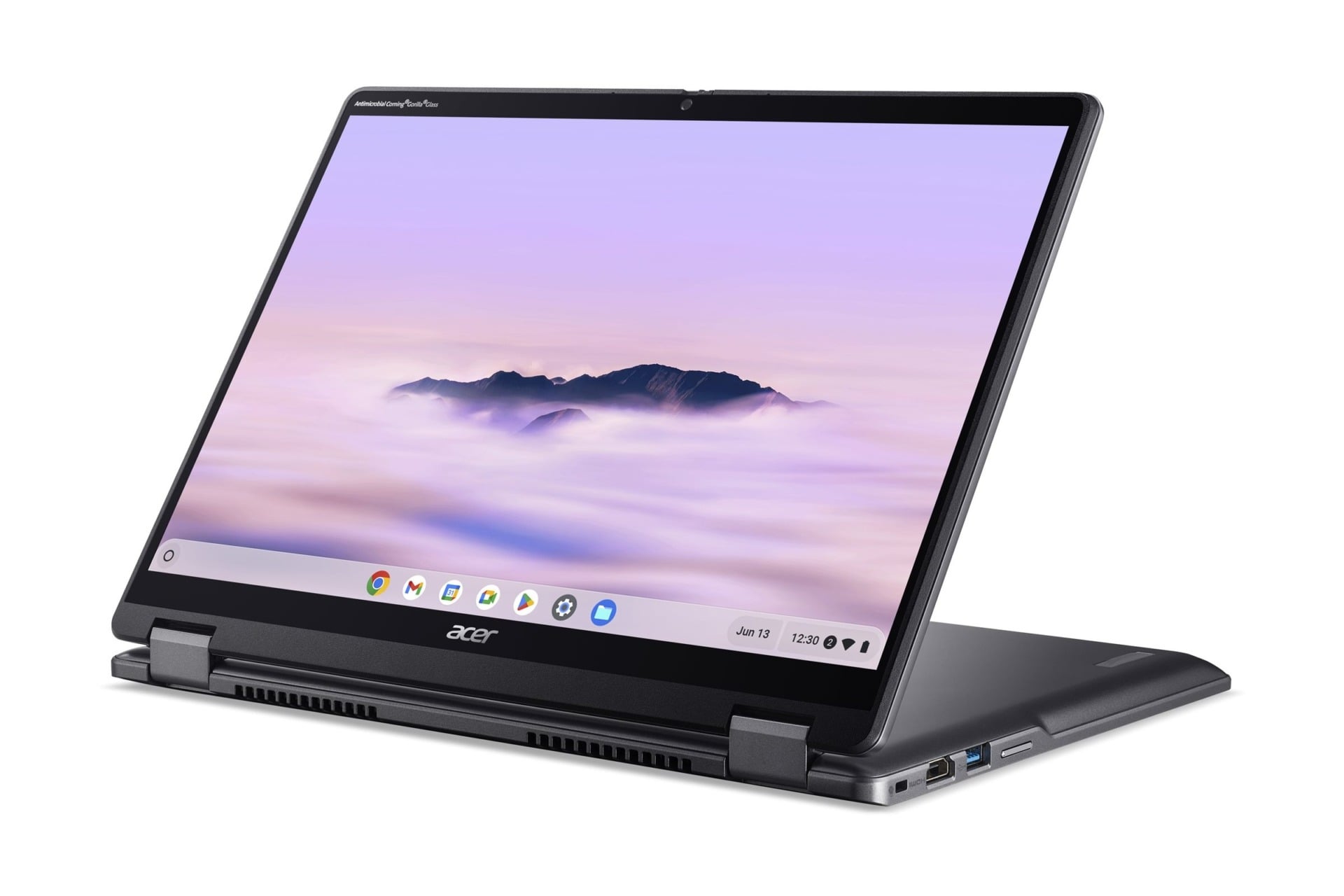
Thanks to the ballooning price of RAM, Chromebooks may still be your best answer for cheap clamshell computers. That doesn’t mean they don’t have to lose out on versatility or build quality. The Acer Chromebook Plus Spin 514 is a 2-in-1 laptop that sports a relatively powerful MediaTek Kompanio Ultra 910 processor for ultra-fast browsing. Its strong build quality is just icing on the cake considering its long battery life. If you’re looking for a Chromebook that feels like it will last, this is your best option.
See Acer Chromebook Plus Spin 514 at Best Buy
Best customizable laptop: Framework Laptop 13 Pro
-
© Raymond Wong / Gizmodo
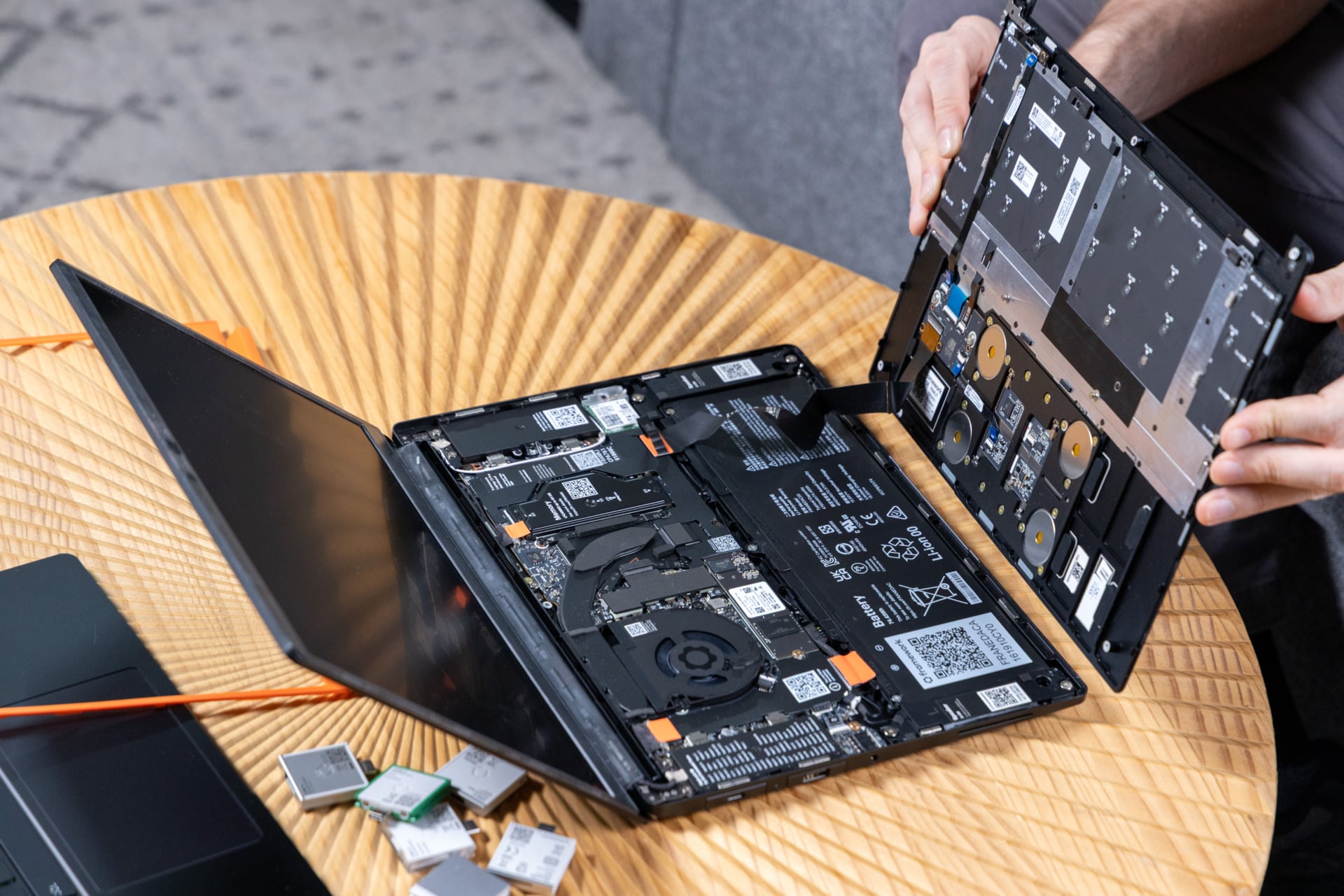
Whereas other laptop makers iterate with small changes to the thermal design, screen, or keyboard, Framework often changes the nature of laptops with each new release. The Framework Laptop 13 Pro is not just a great, customizable, and ultra-repairable laptop; it’s an excellent workstation in its own right. Along with its swappable keyboard and screen bezel, it packs a bright display and enough battery life to last you through the work day. Better yet, you can purchase a version of the laptop that comes pre-installed with Ubuntu, a Linux distro. If you want a more hassle-free way to avoid Windows 11, this may be your best option yet.