
Need a UAE IP address to reach Emirati websites, stream Dubai-based services, or log in to your bank from abroad? The fastest, safest way is a VPN with servers in the United Arab Emirates. This guide covers why you might need one, which VPNs have UAE servers, and how to set it up.
Get UAE IP With VPN: Short Guide
- Subscribe to a VPN with UAE IP addresses. Pick NordVPN for the fastest speeds, strong security, and apps for all devices.
- Install the VPN on your devices.
- Launch the VPN and sign in.
- Go to the server list, find the UAE, and select it. You now have a UAE IP address, which you can confirm on any online IP Checker.
Why Would You Need a UAE IP Address?
Changing your IP address to a UAE one keeps you connected to services that only work inside the country. The main reasons people need one:
- Streaming. StarzPlay Arabia, MBC Shahid, and OSN+ are geo-locked to the UAE. A local IP lets you watch Emirati shows, films, and sports from anywhere.
- Banking. Emirates NBD, Mashreq, and Abu Dhabi Islamic Bank often block foreign IPs. A UAE IP lets you log in without tripping security locks.
- Government portals. UAE Pass, MOHRE, and Emirates ID services usually require a local IP for visa renewals, fines, and records.
- Private access inside the UAE. The country restricts some sites and VoIP apps like WhatsApp calls. A VPN with a local server keeps your connection private while restoring access.
- Regional pricing. Flights, hotels, and shopping sites often price by location, so a UAE IP can surface local deals. On that note, a VPN can sometimes get you cheaper flights.
How to Get a UAE IP Address: Step-by-Step Guide
A VPN routes your traffic through a server in the country you choose, swapping your visible IP for a local one and encrypting the connection on the way. For this guide, I’ll use NordVPN, one of the most reliable VPNs with UAE servers.
1. VPN Setup
Go to the NordVPN website and choose a plan. The longer plans offer better value, and there’s a 30-day money-back guarantee, so you can try it risk-free. If you don’t want to miss out on NordVPN’s latest promotions, we recommend our dedicated (updated) article. NordVPN is available on Windows, macOS, Android, iOS, and routers, so download it for your device.
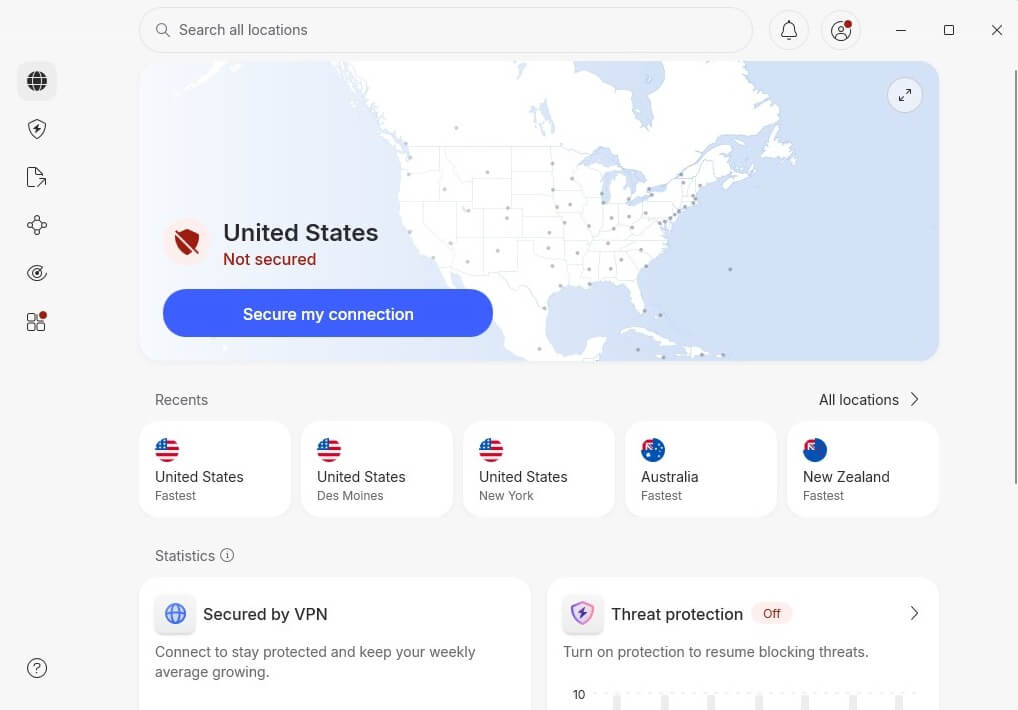
Once downloaded, sign in to the VPN app with the credentials provided during your subscription. You can use a third-party sign-in method like Gmail or Facebook, or provide your email and password.
2. Changing Your IP and Confirming It.
Navigate to the server list and find the United Arab Emirates. You can search for it manually, and when it appears, click on it to connect.
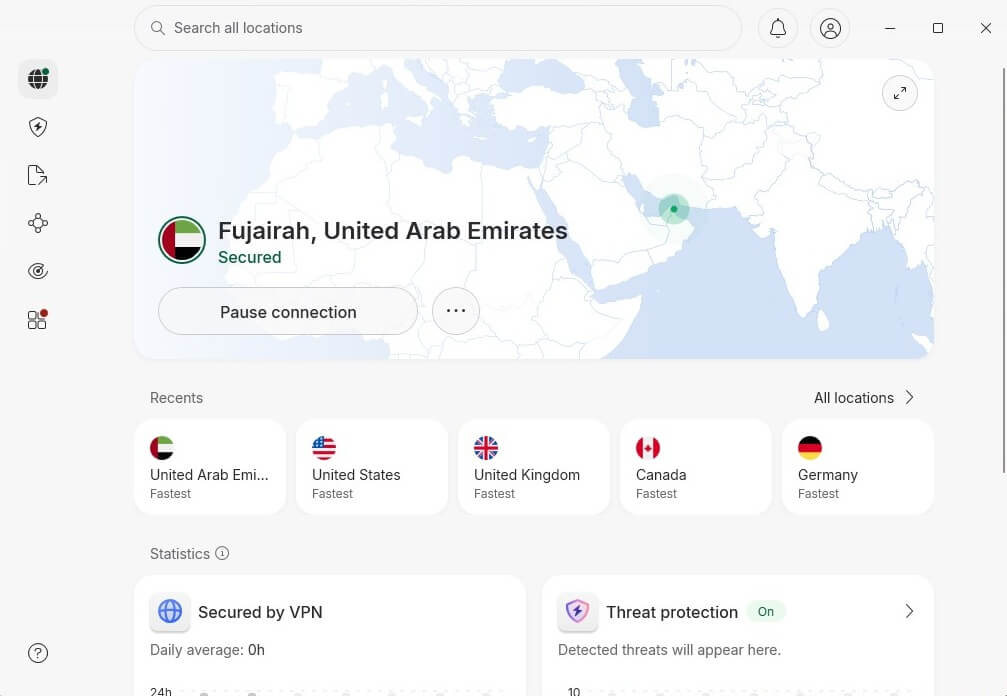
You can now verify your UAE IP address on an IP-checking site. I used iplocation.net, which displayed the results I already anticipated:
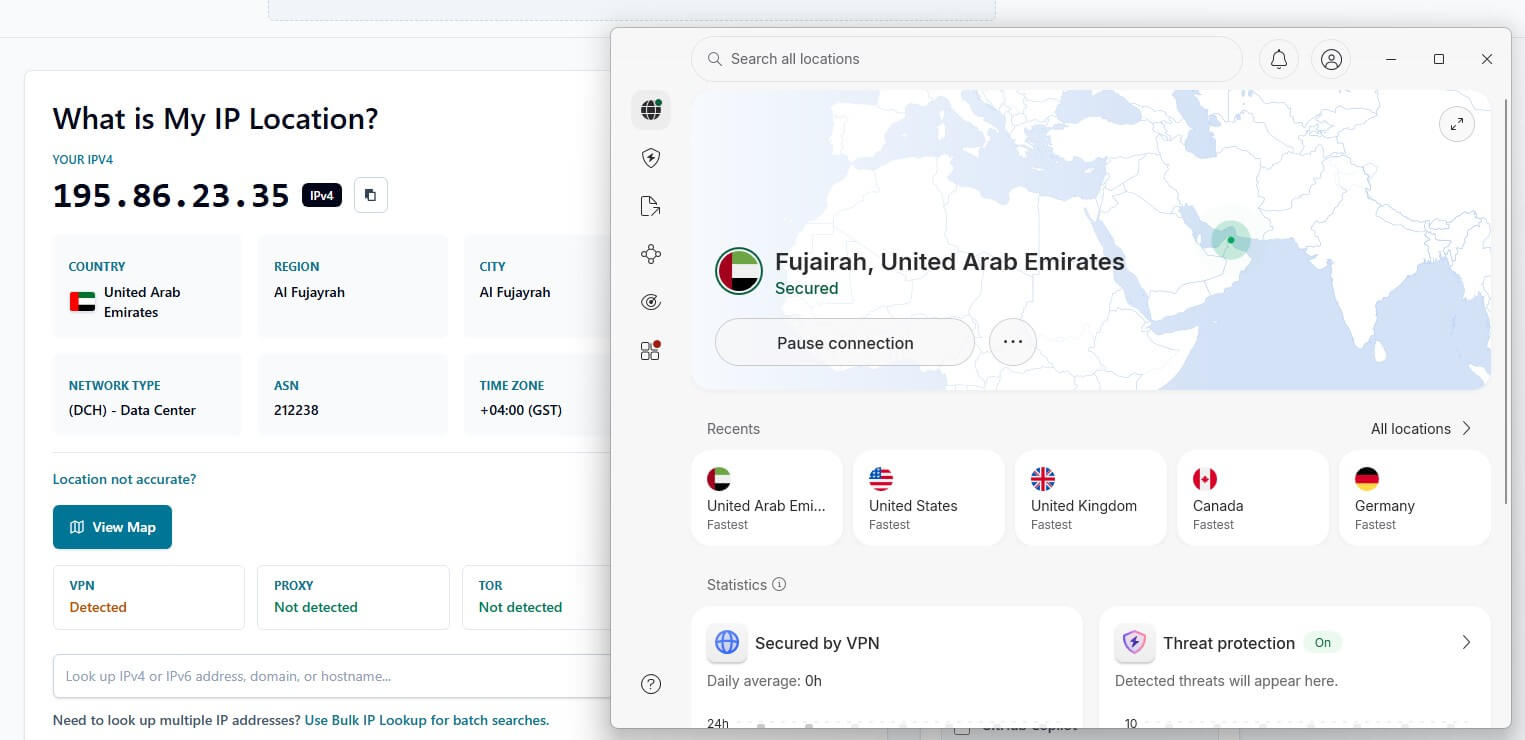
Two quick tips: turn on the kill switch so nothing leaks if the connection drops, and if you want a UAE IP on a smart TV or console, set the VPN up on your router to cover every device at once.
Best UAE IP Address VPN: Top 3 Picks
Not every VPN has UAE servers, and that’s the one feature this task depends on. We tested for a stable Emirati IP, speed, and security under the country’s strict network rules. These 3 VPNs came out as the best.
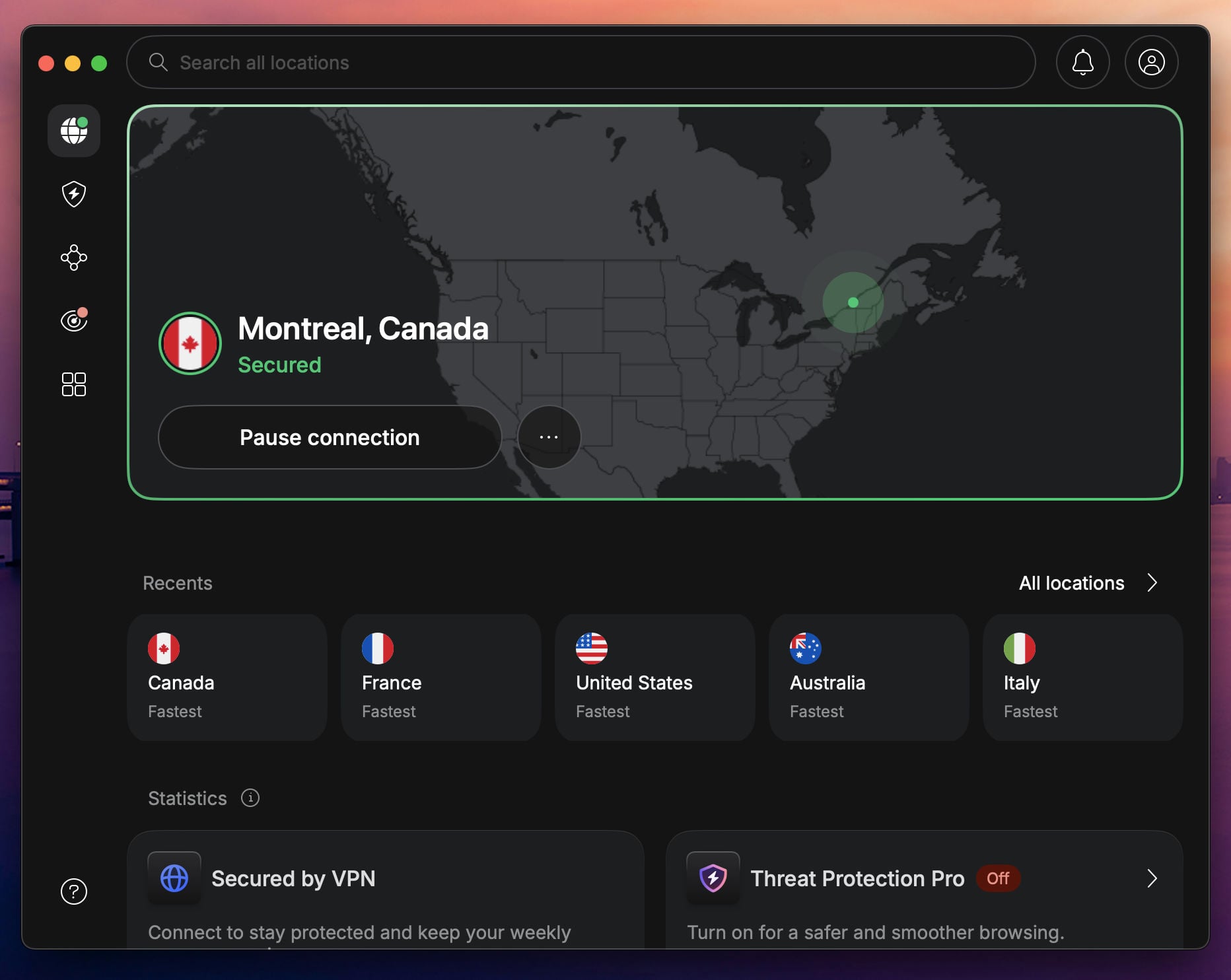
1. NordVPN: Best VPN to Get UAE IP Anywhere
Pros
- Fast UAE VPN servers
- Good for streaming
- Torrenting works
- Audited no-log policy
- Virus protection
Con
- Higher renewal cost
NordVPN is the best pick for a UAE IP, with dedicated UAE servers in a network of 9,500+ servers across 149 countries. That gives you reliable access to Dubai services like MBC Shahid and OSN+, plus international platforms when you need them. Its obfuscated servers disguise VPN traffic as ordinary HTTPS, which matters in a country that monitors connections closely.
You also get AES-256 encryption, the fast NordLynx protocol, an audited no-logs policy, and a Double VPN option that routes through two servers. In our tests, 4K streaming on beIN Sports and Netflix held steady even over long-distance connections. It runs on every major platform, supports 10 devices at a time, and the 2-year plan costs $3.49 a month with a 30-day guarantee.
2. Proton VPN Most Secure UAE IP VPN
Pros
- Best-in-class privacy
- Stealth obfuscation
- Tor over VPN support
- VPN Accelerator tech
Con
- Confusing interface
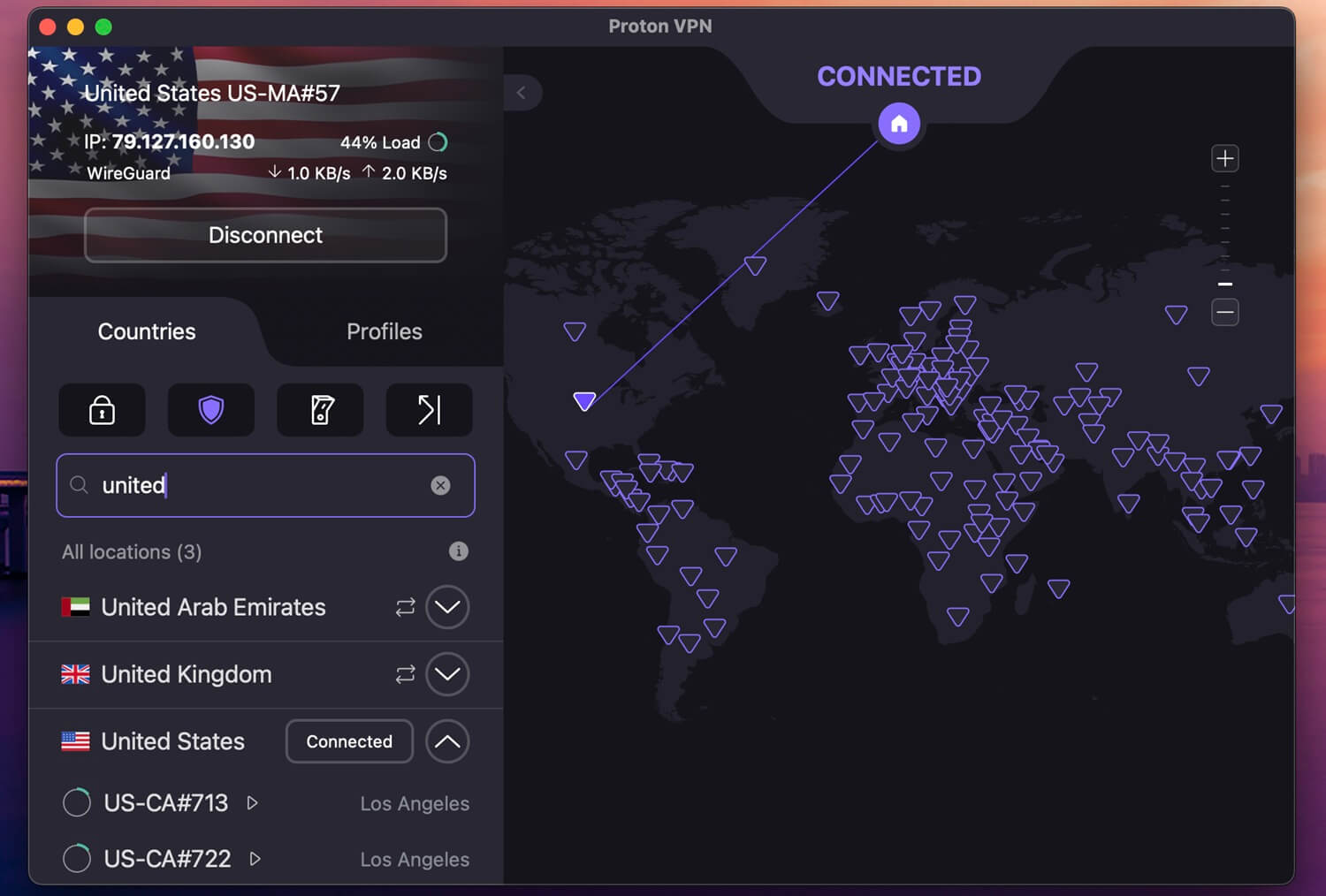
Proton VPN is the choice if privacy is your priority inside the UAE. Built by a Swiss company with an open-source, audited codebase, it runs a Stealth VPN protocol for restrictive networks and covers 148 countries as of 2026. Swiss jurisdiction and a strict no-logs policy make it one of the safest options to run in a country with heavy monitoring. Proton VPN has improved massively.
You can use it for secure browsing and unblocking global platforms from inside the UAE, download torrents, and browse the dark web with Tor over VPN. Proton VPN has nearly caught up with NordVPN in all aspects, from simultaneous connections (10) to no-log audits and performance (WireGuard + VPN Accelerator). See the breakdown in our Proton VPN vs NordVPN comparison.
3. ExpressVPN: Fast UAE VPN Servers
Pros
- Fast for HD streams
- Lightway protocol
- Unblocks VoIP apps
- Cheap 2-year Basic plan
Cons
- No MultiHop
- Higher-priced renewal
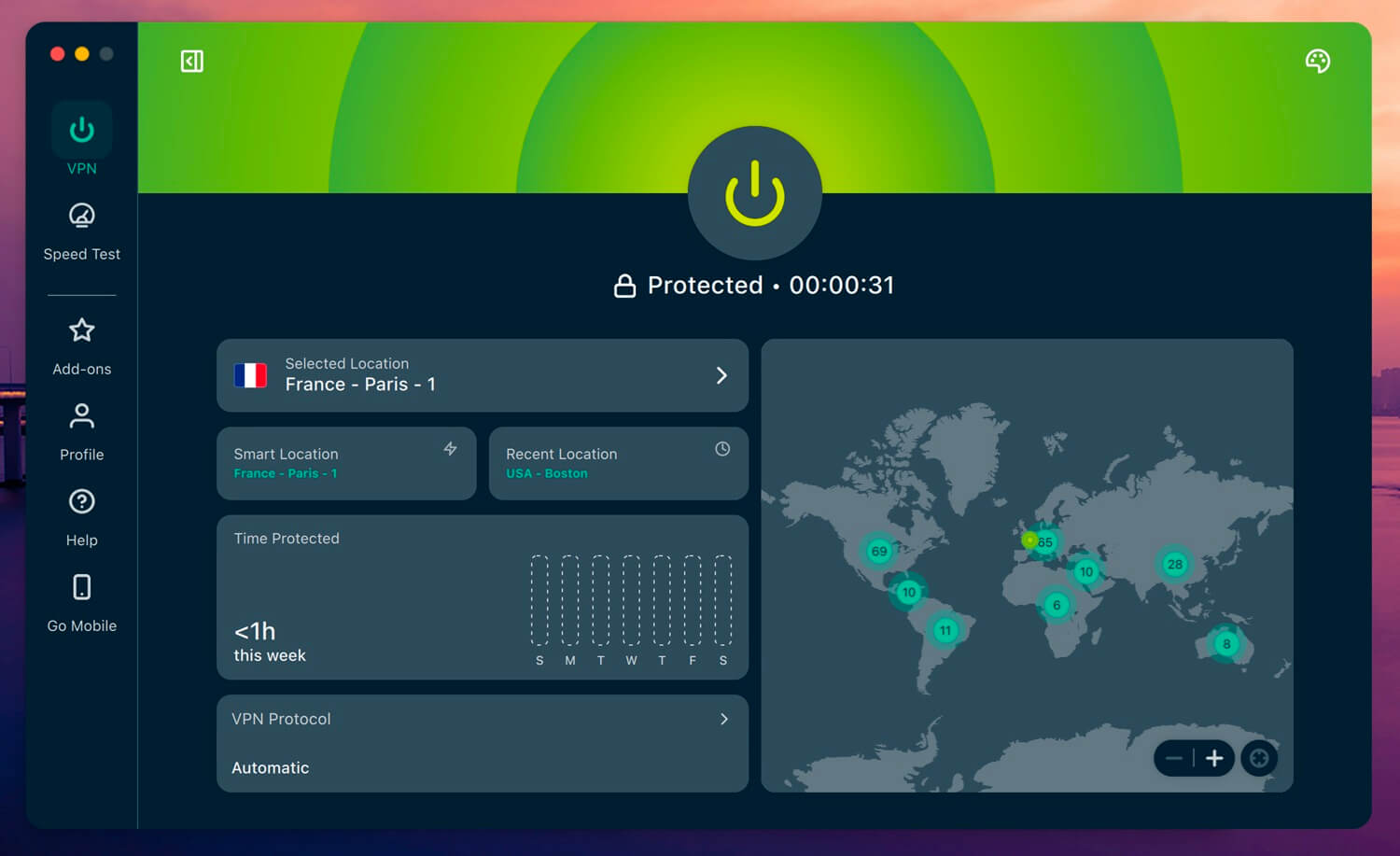
ExpressVPN is one of the fastest options with a UAE server, backed by a network across 113 countries. It handles UAE banking, local news, and streaming on MBC Shahid and OSN+, and works well for watching US TV from the UAE too. It’s not only about UAE IP. Its security is a strong point. TrustedServer technology runs every server in RAM (volatile memory) with nothing written to disk.
This counts for a lot under strict internet laws. The Lightway protocol keeps speeds high for 4K streaming, and stealth servers get VoIP apps like WhatsApp and Skype working. It supports 10 to 14 devices at once across all major platforms. Pricing sits at about $3.19 per month for the 2-year Basic plan. If that and 4 free months don’t cut it, you have 30 days to get a full refund.
Can I Get a UAE IP Address With a Free VPN?
No, you can’t, though it’s fair to ask why not just grab a free VPN. The answer is: almost none of them have a UAE server. Hosting in the Emirates is costly, and demand is niche, so free providers skip it, which means no local IP no matter how long you search their server list. The few that claim a UAE location route through a virtual server elsewhere, and those tend to be slow and unreliable.
Free tiers also lack obfuscation, so the UAE’s network filters flag them, and many carry data caps, throttled speeds, or logging practices that undercut the privacy you’re after. Proxies and Smart DNS have the same core flaw: no encryption, a risk on a monitored network. For a stable Emirati IP that holds up, a paid VPN with genuine UAE servers is the only dependable route.
Conclusion
A UAE IP address keeps you connected to local streaming, banking, and government services anywhere, and a VPN with UAE servers is the reliable way to get one. NordVPN is our top pick, with Emirati servers, fast speeds, and obfuscation. ExpressVPN is the strong alternative when you want a local IP, and Proton VPN is the one to get when privacy matters more than anything.