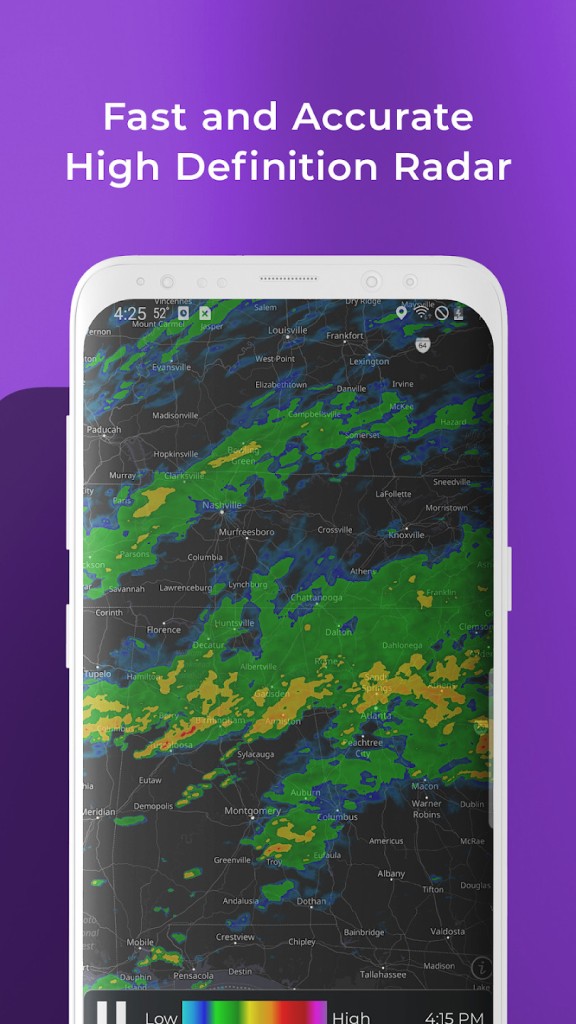
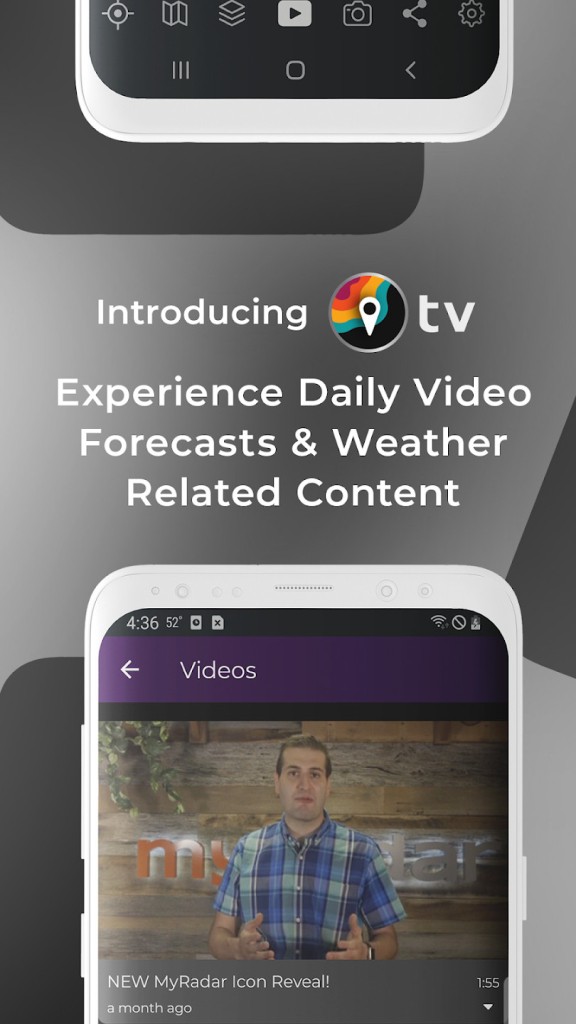
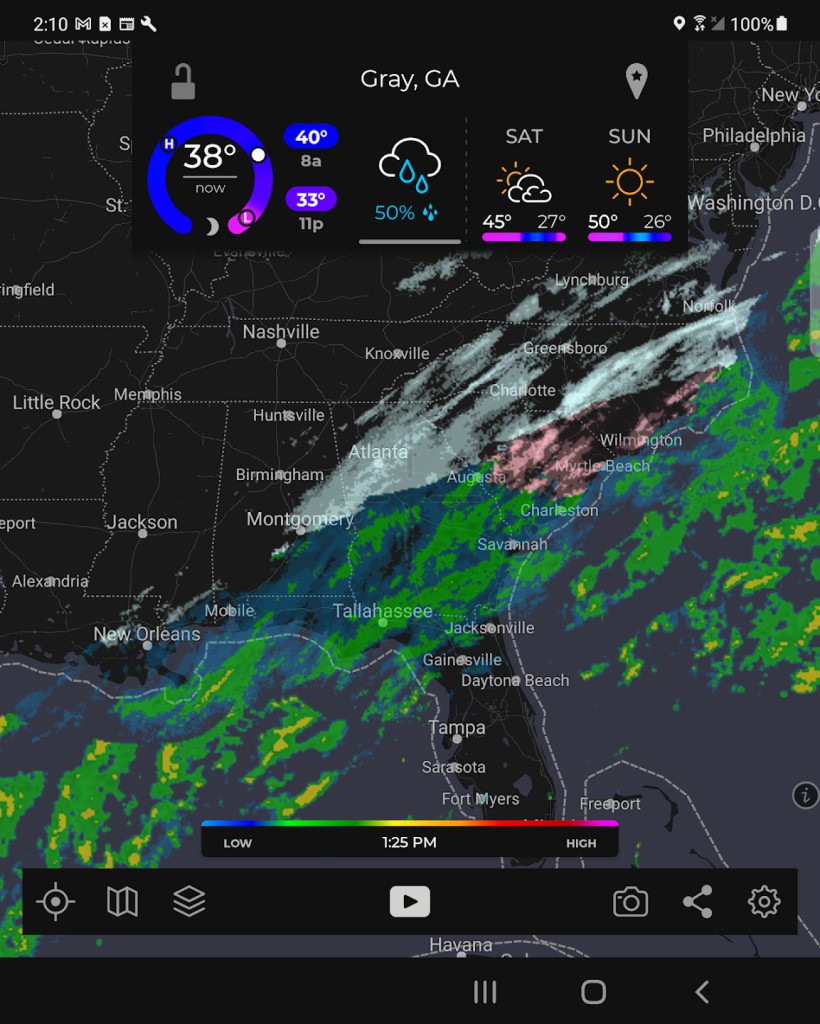
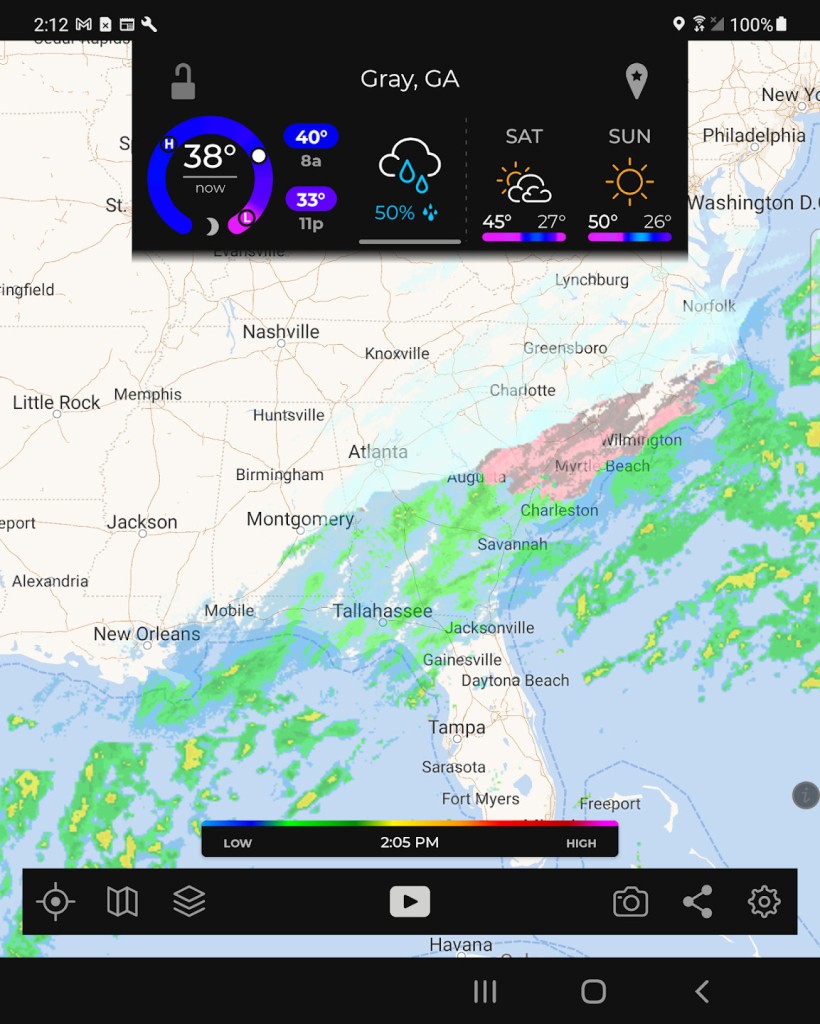
MyRadar is a real-time weather radar application that puts live storm monitoring and forecasting in the palm of your hand. The moment you launch the app, you are greeted with an animated radar showing rain, storm severity, and cloud coverage as it moves.
It synchronizes fast, so it displays a live summary without the need to search through long tabs and complex settings. The app makes it simple whether you want to know whether it will rain at your location, keep track of a thunderstorm that is approaching, or prepare to deal with snow, among others. It is designed to provide the weather in the simplest, quickest manner.
The radar is animated, the interface is centred around this animated radar, which indicates the activity as it takes place, and as such, you can see a practical view of what is going on above. Instead of using only the written information or the symbols, the app interprets weather information in a visual form. This visual design is useful to users who rely on accurate weather for outdoor activities.
The app also allows you to zoom in and out and observe the patterns in greater areas, and track weather patterns as they approach your location. Getting ready to travel, explore outdoors, or simply head to work, MyRadar is a simple, fast, and efficient application that will guide you through it.
Why Should I Download MyRadar?
The app is quick, consistent, and it is not cluttered. As soon as you turn on MyRadar, you see exactly what you expect: a live radar that moves clearly and intuitively. It does not drag around at all, and it does not waste time with excessive graphics or volumes of text. Immediately, you can understand whether you should take an umbrella or wait for a trip. Users appreciate this kind of responsiveness in a weather app. It allows you to make decisions, either to go to the store or have a road trip.
The animation of the radar is nice and precise. By observing its progress, one has a good indication of the speed at which a storm is approaching or is becoming dispersed. This is not a frozen lot of a weather report but a breathing map. It is possible to pan states at a time or even zoom to your own street to find out what is actually going on in your street. Such concrete control gives the users a greater sense of direct connection to whatever is happening beyond while using it without dealing with technical terms.
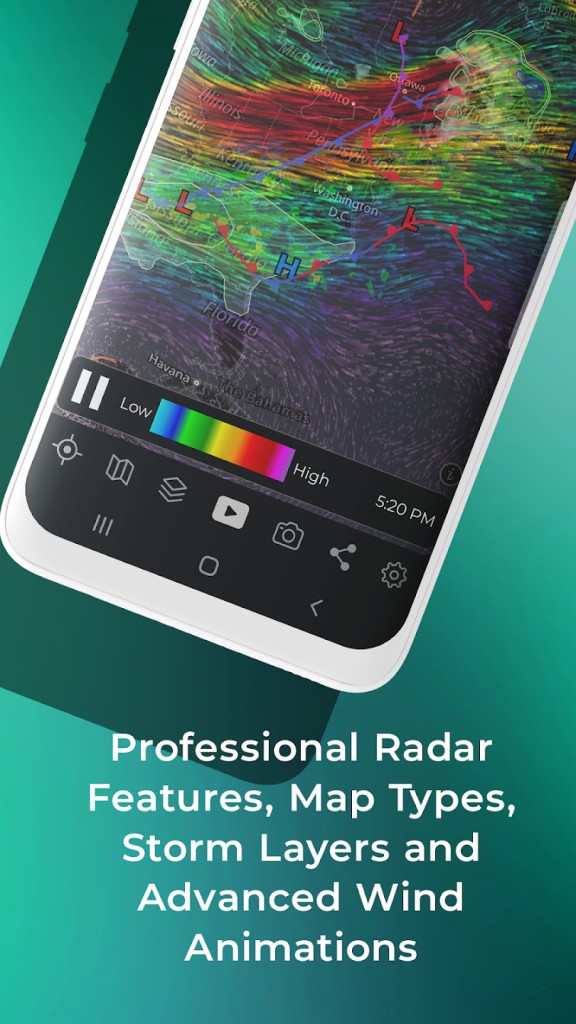
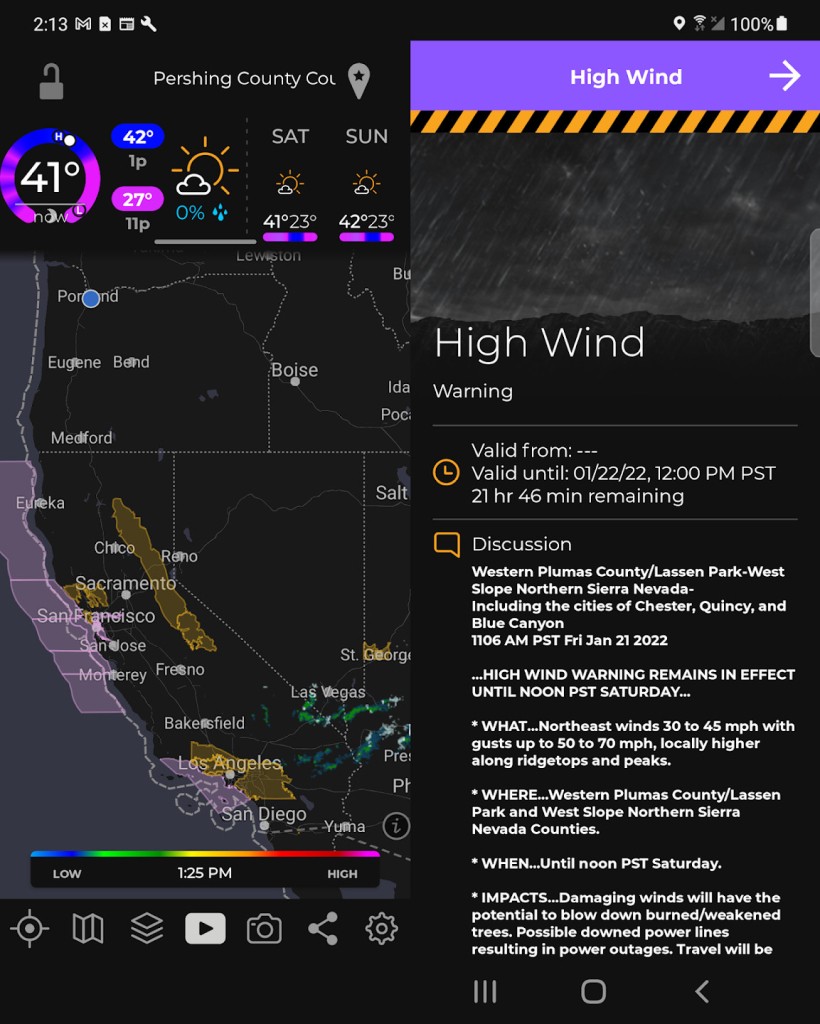
MyRadar links with real-time watches and alerts, such as severe weather, severe weather watches, or tornadoes. They appear based on location, not time, and do so without being intrusive. The application also provides such layers as the wind direction, temperature gradient, and even wildfire tracking in the region of a person. This makes MyRadar a highly effective travel partner in case you travel frequently and in places where weather changes are unpredictable.
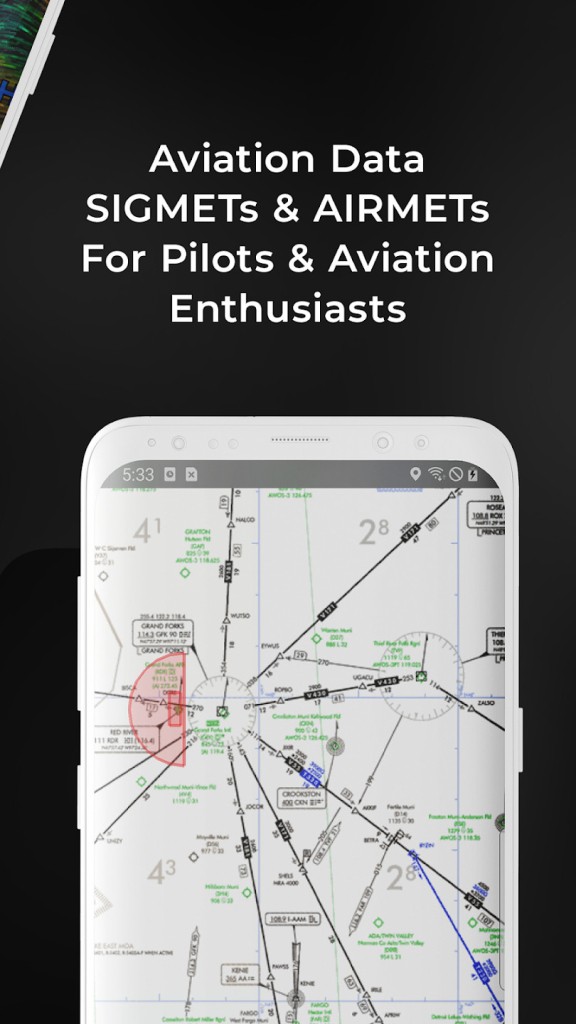
You have the right to select the radar layers you want to display, which include wind, temperature, clouds, aviation overlays, and others. You can even have an earthquake tracker. Such depth is important to storm chasers and pilots. But to everyday users, it means that you will receive the information that you desire in a way that fits your daily needs.
The main radar provides all information with just a quick glance. However, the app does not prevent you from exploring. You may observe historical storm tracks, hurricane tracking, and air quality index, particularly in premium versions. It is mindful of the unsophisticated user, yet it does provide tools that the detail-minded can use.
MyRadar does not affect your performance on the phone. It works very well in the background, keeps you posted when required, and never crashes or lags when you zoom around regions. This implies that you can rely on it at the end of the night, somewhere on the road, in poor conditions, and not worry about the app freezing or stalling, even in extreme conditions.
Is MyRadar Free?
Indeed, MyRadar is free of charge. The majority of features, such as the core radar and basic weather overlays, are free. Premium upgrades are available as optional features and give access to more layers, such as temperature maps, aviation data, and weather forecasting tools, and eliminate ads, though these features are not required to enjoy the free version.
What Operating Systems Are Compatible with MyRadar?
MyRadar is available on both Android and iOS systems. It performs great on mobile devices, both phones and tablets, supporting different screen sizes and orientations. The app is updated regularly to remain stable with newer versions of OS, and also supports widgets on some devices, where radar can be accessed quickly without opening the application. Being lightweight, it is highly functional on a wide range of devices, including older models.
What Are the Alternatives to MyRadar?
The Weather Channel mobile application is the most complete weather application. It provides meteorologists with news and gives hourly predictions and multi-day forecasts. It contains the radar apps such as MyRadar, but with special features such as pollen index, UV warnings, as well as video clips to clarify climatic conditions. It is more inclined towards a news-like format, and suits the needs of the user who likes to be kept in the loop with news even more, rather than mere maps.
Weather Underground is a substitute for those who desire hyperlocal information. It uses data from the personal weather stations, which implies that you can receive some updates that are, in certain cases, more certain than the average nationally. It is powerful because of its deep weather graphs, intelligent forecasts depending on your patterns, and abundance of community comments. Although the interface of this one is more data-intensive compared to MyRadar, it is a good choice when a person wants to know as much detail as possible about their immediate environment.
Windy.com targets more professional users such as pilots, sailors, and surfers. It offers top-notch wind analysis, pressure schemes, and temperature images. You may read some forecasting models, switch between different layers, and even compare the future predictions between different sources. It is technical and stylishly done, but not great at throwing in a glance. Nevertheless, in case you like getting a feel of the mechanics in the weather, Windy.com offers far more than just radar visuals.