If you’re one of the seven people out there who obsessively follow developments in electronic paper technology, then boy oh boy, are you in for a treat today. E Ink (which makes e-reader displays, if you couldn’t tell from the name) has announced the Kaleido 4, which is best described as a new type of tablet screen.
According to E Ink, the Kaleido 4 has doubled the color gamut volume of its predecessor (which currently powers devices such as the Kobo Libra Colour, Kobo Clara Colour, and Amazon Kindle Scribe Colorsoft) to “more than 40K.” If you’re currently scratching your head wondering why that number isn’t a percent, I’m right there with you. “Gamut,” which refers not to the specific number of colors a screen can reproduce but a much more approximate range of colors with which it can do so, is generally expressed as a proportion of an RGB reference color space (if you’ve ever read a laptop review before, you’ll be familiar with, and perhaps slightly traumatized by, the moniker of “sRGB,” which is one such set). That doesn’t work with e-reader displays for… reasons.
Here’s an explanation E Ink once gave to the prominent digital signage-focused publication Sixteen:Nine: “A reflective display that can reflect more light will be capable of showing brighter and more saturated colors, but this advantage will not increase its %sRGB or %NTSC. Therefore we measure the color capability of reflective displays as Gamut Volume in a 3D color space.” Right, hope that clears it up. Anyway, the reason I’m going into all this is that the “40,000 colors” figure floating around isn’t a straightforward color count. It’s a rough proxy for the size of the color gamut that you could plausibly distinguish if you look at the thing. Importantly, a wider gamut doesn’t automatically mean more accurate or higher-quality colors—it literally just means a wider gamut.
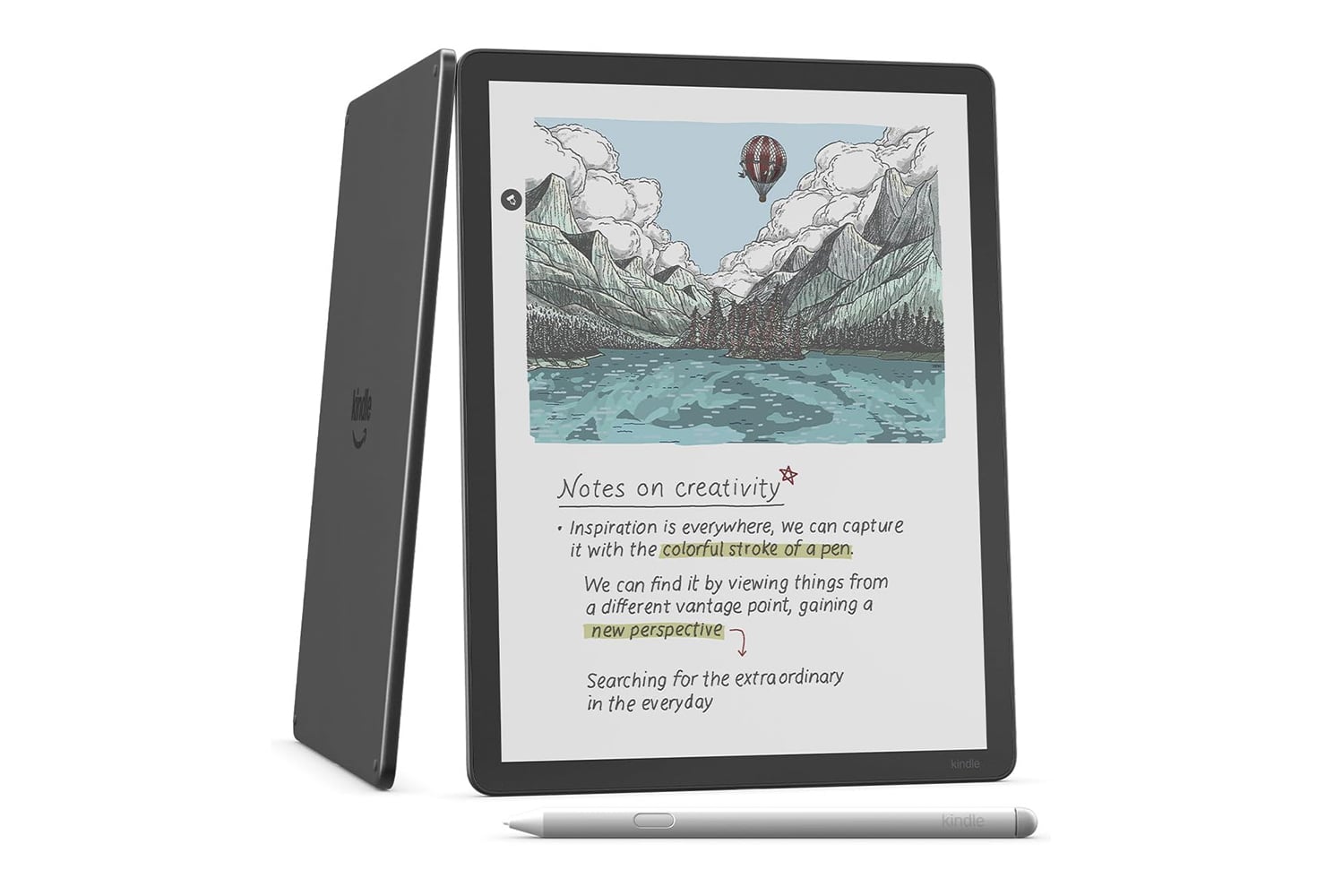
Here’s what I’m actually a bit more excited about: E Ink says white reflectance has increased 15% and contrast by a whopping 50%. If I’m buying a color e-reader, I’m not buying it to view high-quality artwork or watch nature documentaries (though it supports video playback at up to 18 fps). I’m buying it for two things: highlighting and annotation. Sometimes that’s for books, but it’s increasingly for stuff like professional documents, charts, graphs, maps, slide decks, and the like, especially as styluses get better. For those use cases, I’m not nearly as concerned about gamut coverage numbers as I am about whether I can actually read my PowerPoints and tiny-fonted quarterly reports in the required colors and settings.
And this, incidentally, is where the previous Kaleido generation had some room for improvement. Gizmodo’s Kyle Barr called it “notoriously dim” in a review of the Boox Note Air5 C, which he said is usable only at literally 100% brightness. Barr also found that pale purples made white text difficult to distinguish. Other reviews have also reported darker backgrounds and washed-out colors. These are things that improved white reflectance and contrast would hopefully help fix.
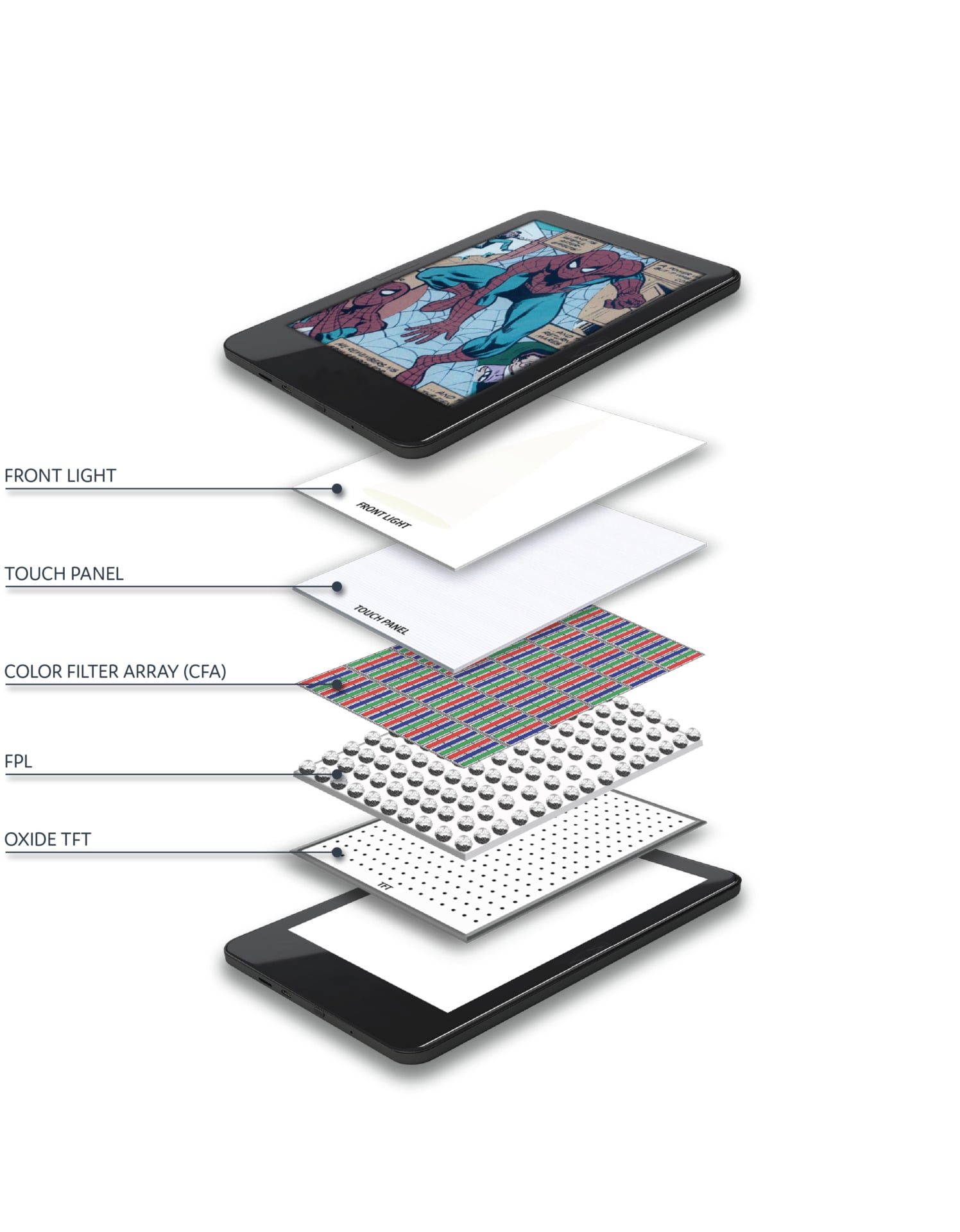
At the moment, the only place you’re slated to find one of these allegedly color-bursting displays is Hanvon Technology’s M10C II, which, of course, pairs it with “AI-powered” applications. This isn’t a product I see hitting U.S. shelves anytime soon.
But the real question is where we’ll see this next. Because the M10C II isn’t really being marketed as an e-reader. E Ink’s press release quotes Hanvon Vice President Wang Jie as saying that “We hope to take color ePaper beyond reading devices and into productivity scenarios.” The Kaleido 4 might bring us more vividly colorful book covers, but I’m hoping it also marks a stronger push toward e-readers that can double as productivity tablets—things we can use for sketching, note-taking, highlighting, marking stuff up, etc. That could be a very exciting development for e-paper fans, people who read at work, and various folks who enjoy paper-like resistance, outdoor usability, low power consumption, and other features for which e-readers are famously the gadget of choice. Let’s see how this all goes.