I don’t do windows. It’s not that I don’t want to; it’s just that, as a full-time parent and freelance technology journalist, I rarely have the time to keep even the inside of my house as clean as I’d like, let alone meticulously wipe away the steadily accumulating dust on the outside of my windows.
But boy, it’s nice to have a clean window to look out of! So, when I walked into a room at CES 2026 and saw the Ecovacs Winbot W3 Omni window cleaning robot crawling back and forth across a big sheet of glass, steadily cleaning as it went, it was hard not to be intrigued. Could this thing actually help me keep my windows clean, or would it just be another tech-based, disappointing semi-solution to my problems?
The cynic in me assumed it would be the latter, and yeah, it was for me. I’ve only realistically got three windows it could feasibly handle, and that’s just not enough to justify the $700 cost of the W3 Omni. But I’ve been in homes with more and larger windows than mine, and I’ve certainly done my fair share of window cleaning. There are people this robot is for; I’m just not one of them.
Ecovacs Winbot W3 Omni
A genuinely useful robotic window cleaner, but only if you have a lot of hard-to-reach, large windows.
Pros
- Quick, efficient window cleaning
- Very secure suction
- Great for very large windows
- Good battery life
- Responsive app control
Cons
- Bad option for homes with small windows
- Will never clean as well as a human
- Cleans as fast as by hand
- Lacking documentation
This robot does windows
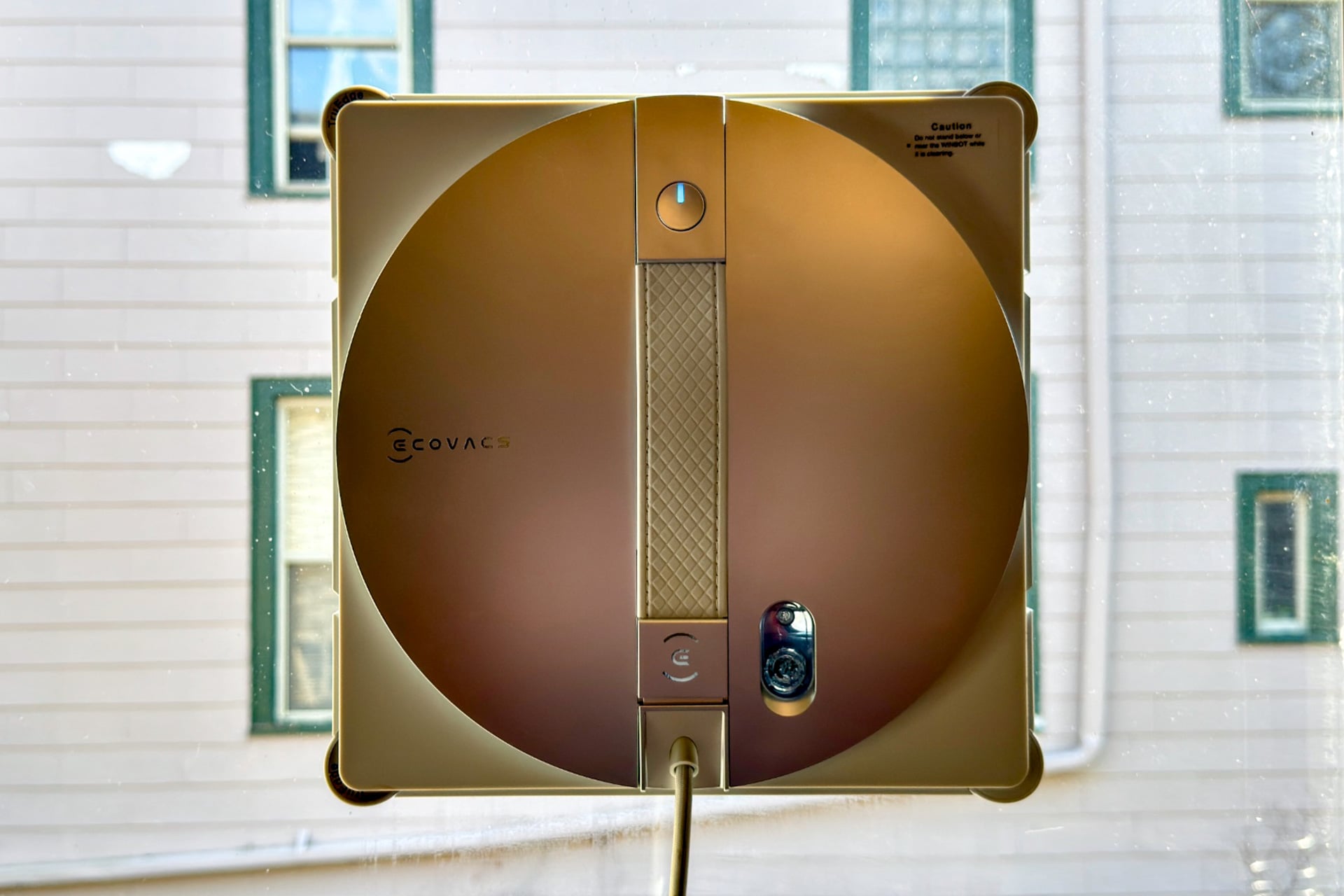
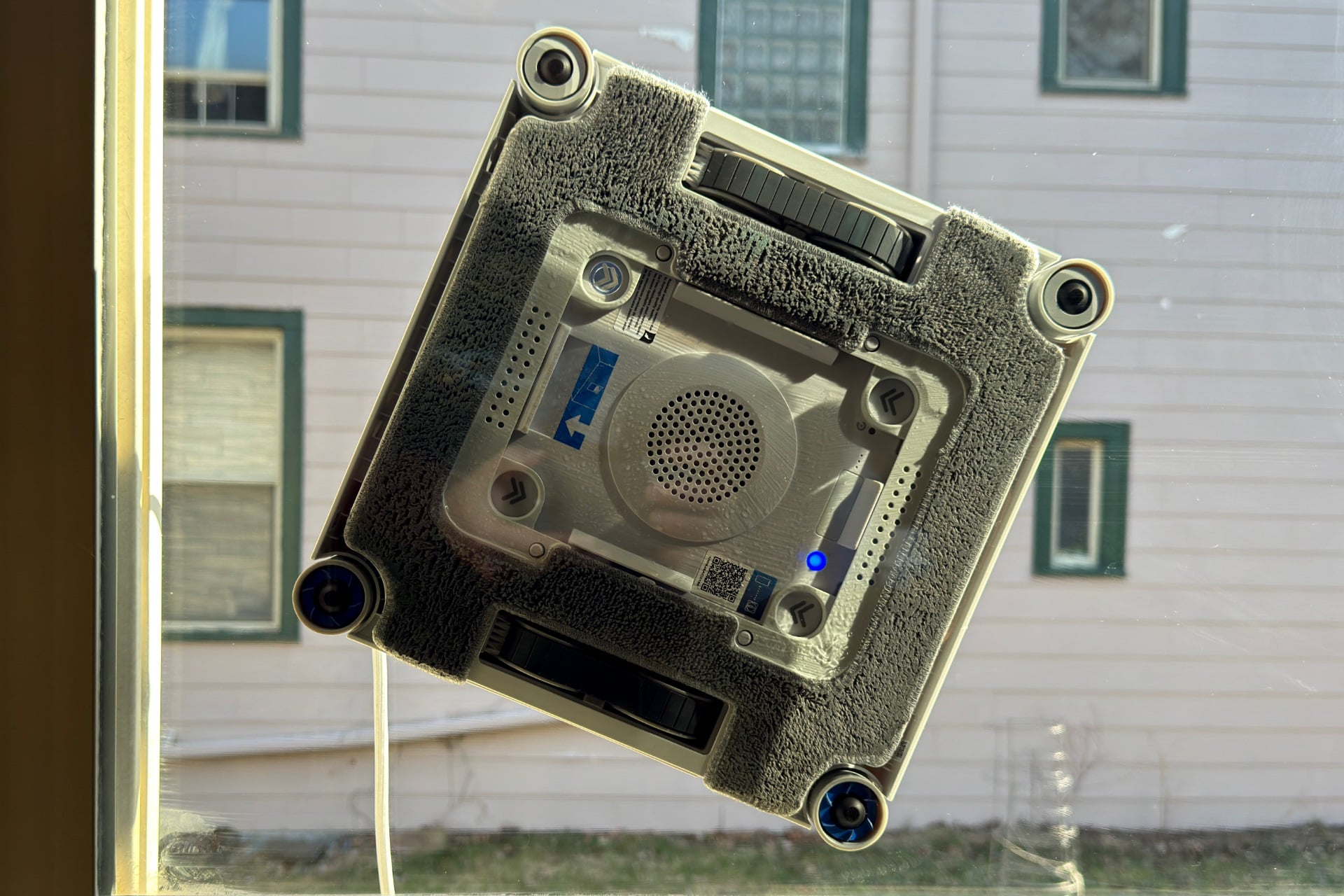
The Winbot W3 Omni is far from the first window-cleaning robot, but it’s the first one I’ve ever used. Going in, I wasn’t totally sure what to expect, but I was certain of a few things based on my experience with robot vacuums. I assumed, correctly, that it would suck at edges and corners, and that to get the best out of it I would have to rearrange my world around it, moving plants, curtains, and furniture out of the way to make sure they didn’t get bumped, knocked over, or sprayed with cleaning solution. The W3 Omni features “intelligent multi-sensor detection,” but that just meant if it encountered something that didn’t give way and its bump sensors triggered, it stopped and went the other way. And it took some fairly rigid pushback; my HomePod mini on a windowsill was too light to stop it and got shoved aside. Basically, it cleans like a well-meaning, but inexperienced teenager.
With that aside, let’s talk about what’s good about the W3 Omni for a bit. Like the fun way it actually sticks to and washes your window. Remember the suction-based, self-wall-mounting Displace TV that made such a big splash a few years ago, and re-emerged recently as a TV-mounting accessory? Winbots have used the same approach for years—you place one on your window and its internal motor starts the suction up, sticking to your window like a plastic-and-metal lamprey, or some alien creature that would have head-crabbed you if not for your window.
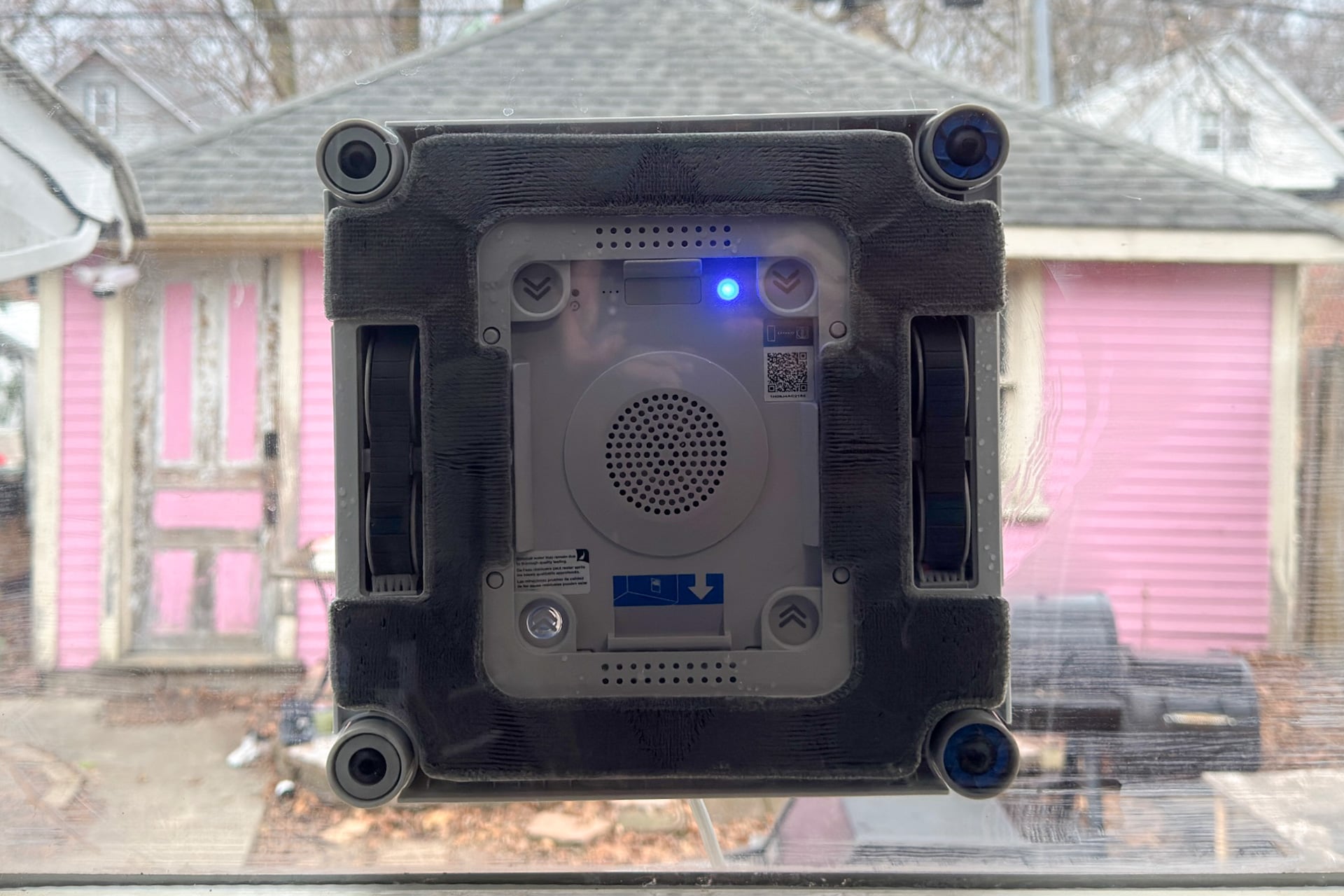
Once attached, the W3 Omni drives around using a pair of rubber tank-style treads, usually with overlapping, horizontal passes but sometimes vertical ones. The bump sensors on the sides of the robot are pretty good at detecting when it’s reached the frame around the outside edge of the window, and Ecovacs says it can also sense the edge of frameless glass. I had no such thing handy for testing, but I did see that capability in action on a frameless pane of glass in that room at CES. It worked well, the way a robot vacuum’s edge sensor keeps it from tumbling down stairs.
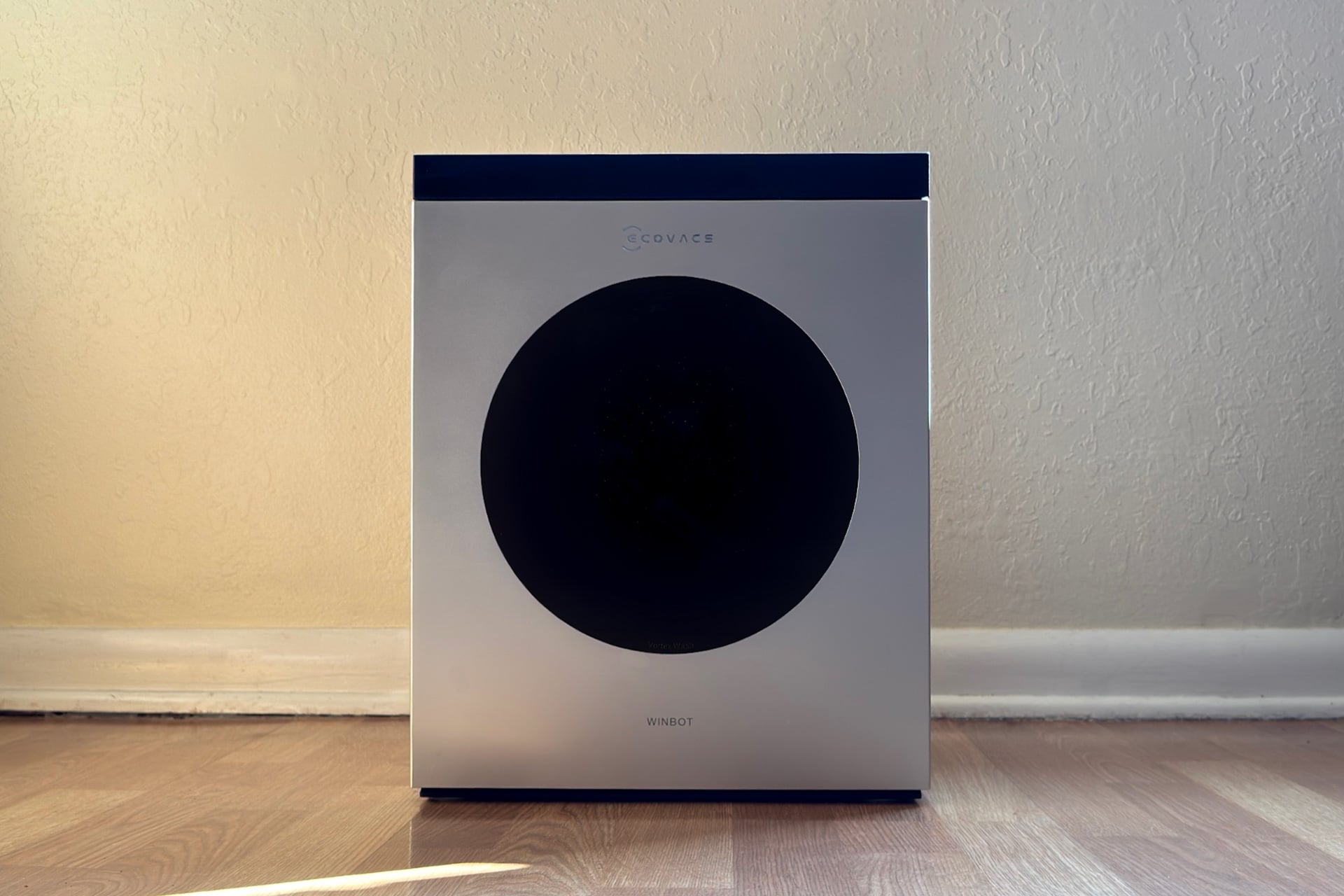
The W3 Omni is powered by a flexible braided cable that runs from the robot to a reel inside the dock that slowly unwinds, giving the robot more slack as it goes. The dock houses a battery pack that connects with a five-pin connector that looks a little like a small microphone XLR connector, making it portable enough to use outdoors if you need, although the cable was long enough to let it cover all of my window exteriors from inside the house. At the end of a clean, you’ll press a button on the dock to gently, but quickly, haul the cable back in.
As the W3 Omni goes, it drags a damp microfiber pad across the surface of the glass while periodically spritzing your window with cleaning solution. (Naturally, this solution is a first-party formula and the only one Ecovacs recommends or guarantees. A one liter replacement bottle costs $25.) It was very satisfying to watch as, on each drive from left to right or vice versa, more of the long-caked dust on my windows disappeared. None of this took much time. It finished with the exterior side of my biggest window (4 x 3.5-foot) in a little over five minutes on the “Thorough” setting, and just over two minutes on the “Fast” one.
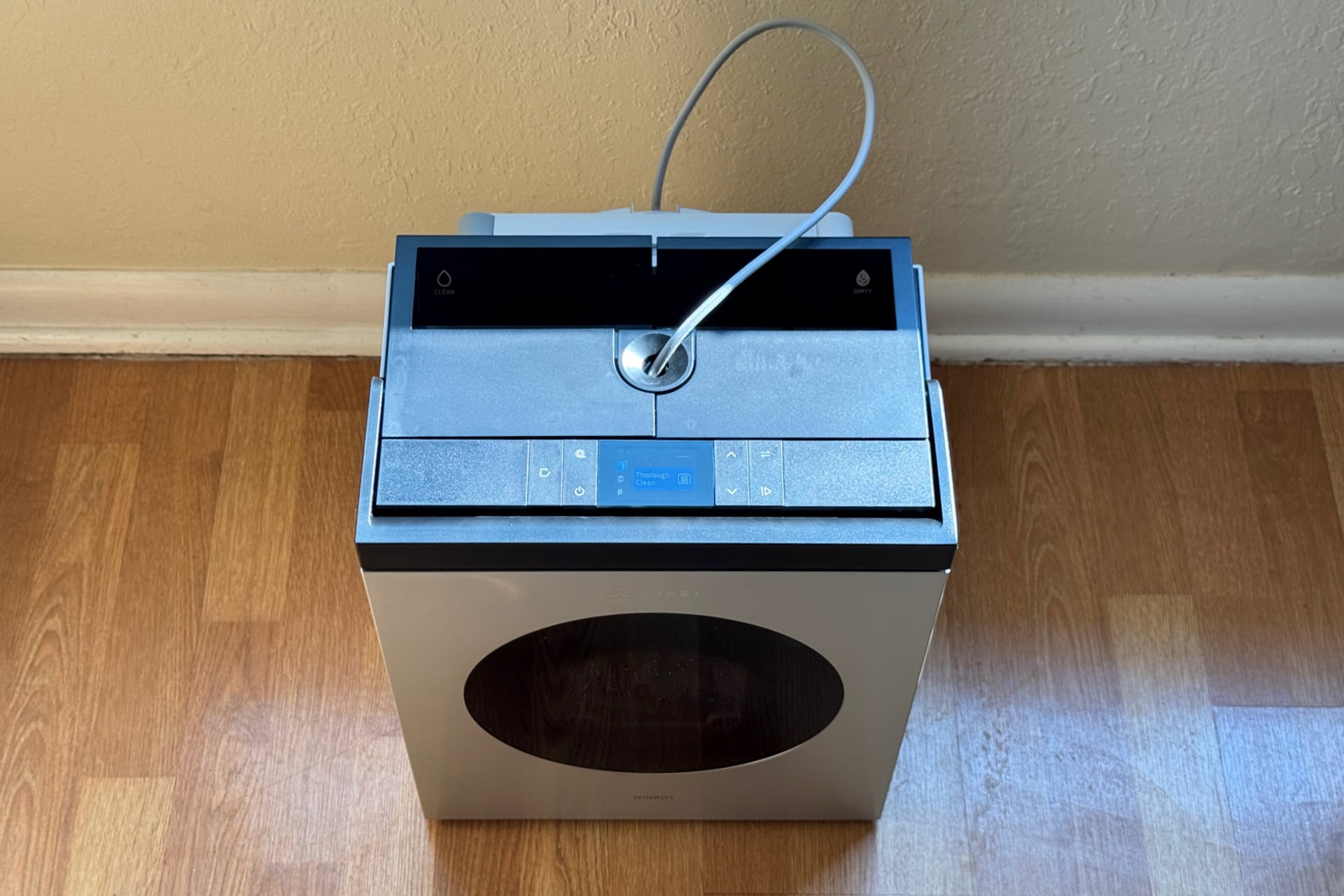
When the W3 Omni is done with a clean, it returns roughly to where it started from, and waits to be retrieved. To take it off the glass, you grab the robot’s handle, then press and hold its power button and wait for the vacuum motor to slow and stop. Then you can remove the pad (with the plastic frame that it’s glued onto) from the bottom of the W3 Omni, open a panel on the front of the dock, put the pad in, close it, and set the dock to wash it using water and four spinning brushes. That takes a minute or a minute and a half, depending on the settings you choose, using either the Ecovacs Home app or the display and controls on top of the dock.
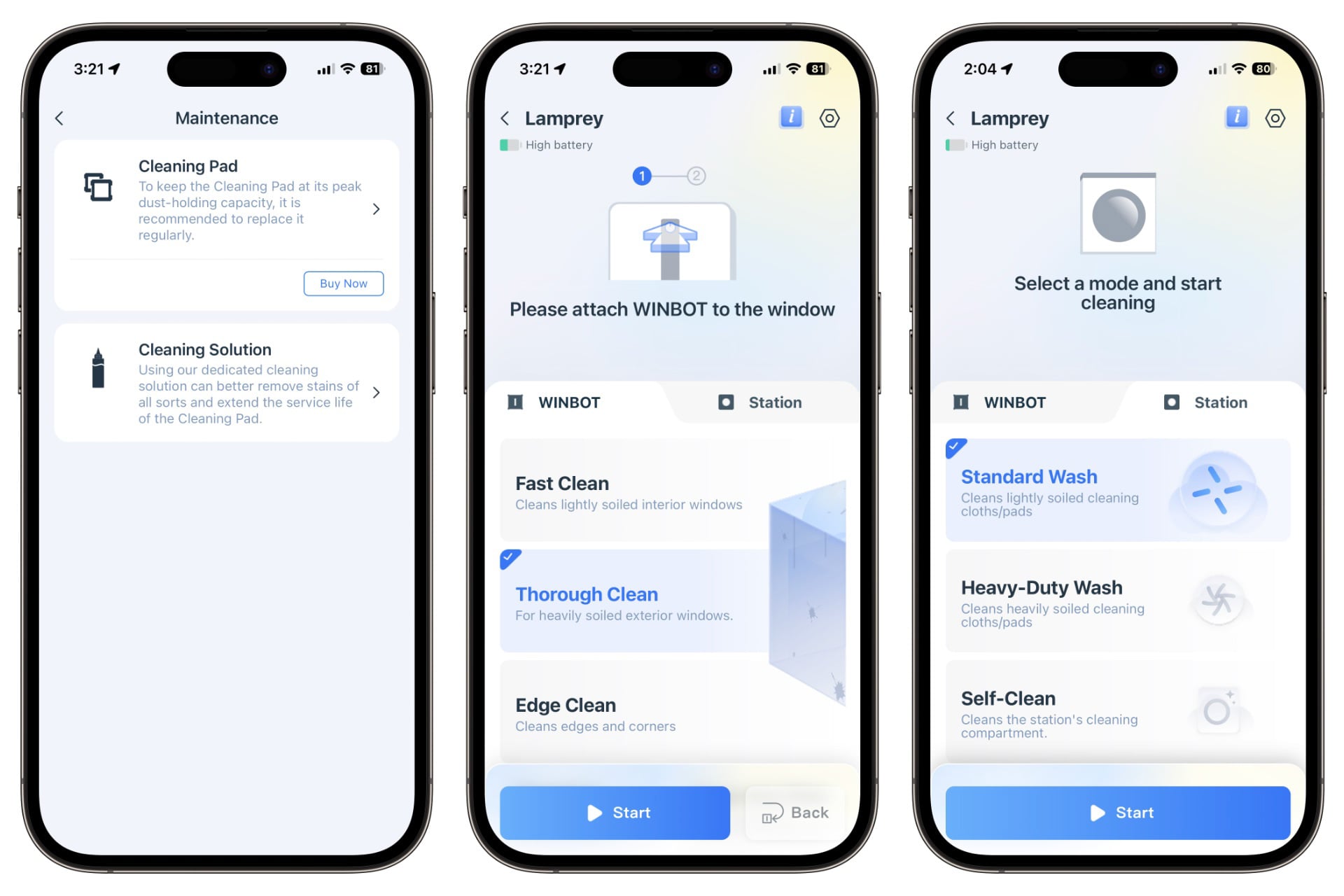
Speaking of the Ecovacs Home app: there’s not much to it. You’ll need it for firmware updates, but anything you can do with the app, you can also do from the display on the dock itself. That includes setting and switching cleaning modes—there are several available in addition to the ones I mentioned above, including a mode for “Heavy-Duty” cleaning that can remind you every five or 10 minutes to clean the pad and an edge-only one that can help shore up the robot’s not-great edge cleaning.
Don’t expect miracles
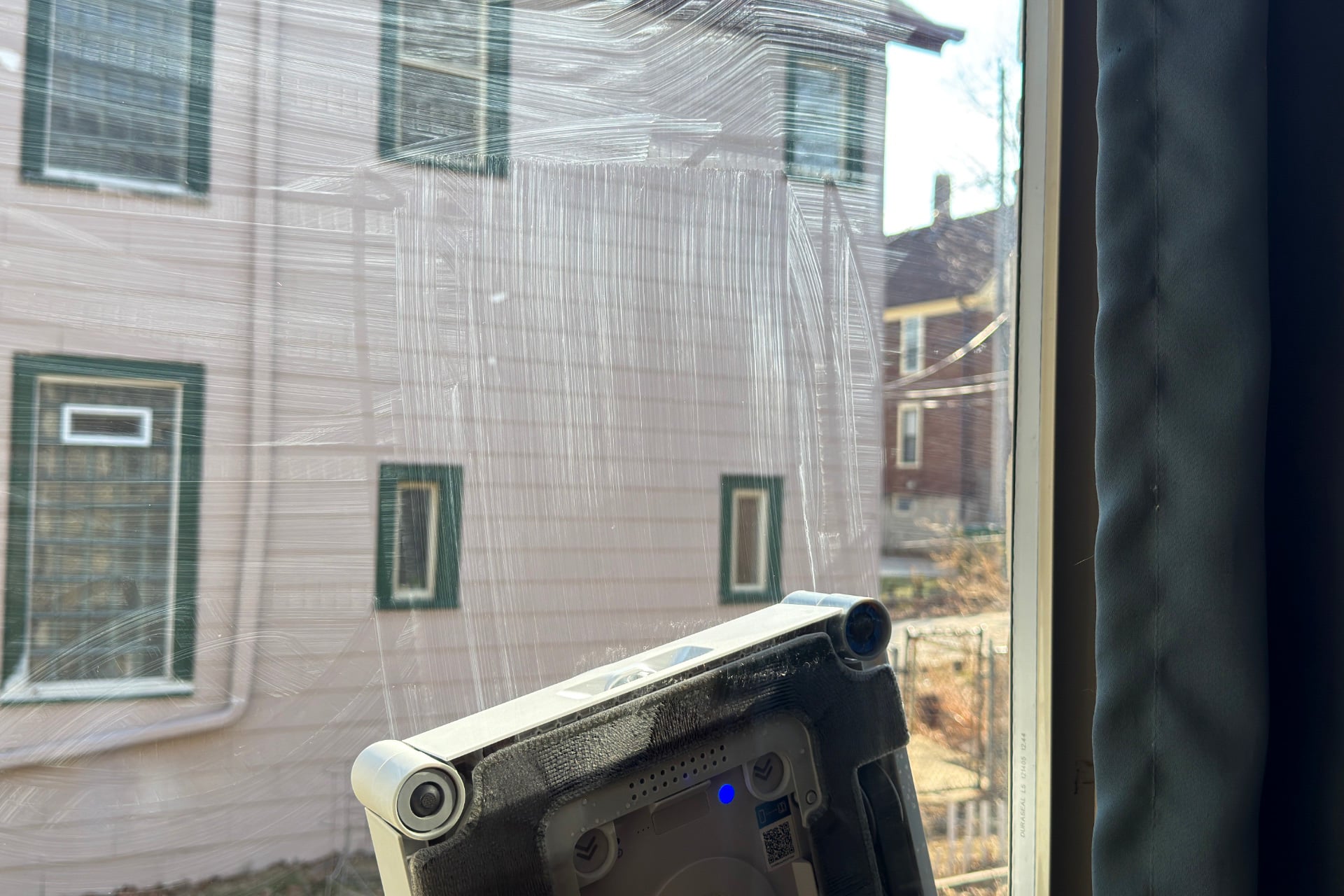
Using the W3 Omni to save myself from cleaning windows wasn’t without folly. On the first run, the W3 Omni left glaring, terrible streaks on the window. That seemed to happen because I hadn’t wet the pad enough before sending the robot off to clean a particularly dirty window, but I noticed even with a properly moistened pad (it doesn’t need to be dripping wet, but it does need to be more than a little damp), it could leave streaks in corners, particularly with smaller panes like the approximately 24 x 22-inch ones in the lower half of my home office’s windows. It also couldn’t handle the exterior of those windows. The tapered frame on the outside portions didn’t always catch its bump sensors, causing the robot to stop in place and issue an error, complaining that it couldn’t clean this particular window.
After my first round of testing, it seemed like the move for avoiding streaks was to wash and replace the pad every two windows or so when things are especially dusty. Otherwise, even with a properly soaked pad, the W3 Omni might not leave streaks but could still plant a dirty, square footprint when it parked at the end to wait for retrieval. Imagine if you finished cleaning your windows but decided to press your dirty rag into the glass afterward—that’s what happened here if I didn’t keep the pad clean.


My window before and after the the Winbot W3 Omni washed it.
The next issue I ran into was that, on the largest window in my house, the W3 Omni would initially only clean the bottom right quadrant before declaring its job finished. I tried fixing it with an extra-large window cleaning mode that’s actually intended for four-meter (13 feet) windows—wherein you manually drive it to the middle of your window using the Ecovacs App’s on-screen joystick (which is surprisingly responsive and fun to use), then tap buttons for cleaning the left or right half of the window—but the robot just sat, unmoving.
How frequent that kind of buggy behavior is I can’t say, as I only experienced it once during my testing. But it did highlight how unhelpful Ecovacs’ website and app are when it comes to troubleshooting, as I couldn’t find anything that describes what to do if the robot repeatedly ends its job early. Good thing I know about turning things off and on again—a restart of the dock fixed the issue.
Not your usual smart home device

The Winbot W3 Omni isn’t a smart home device the way so many things I write about are. You’re far more involved in its operation than something like a robot vacuum, since you have to put it on windows, take it back off, remove its pad for cleaning, and more. The W3 Omni won’t connect to your smart home and you won’t control it with your voice or trigger it with automations. In some ways, it’s more comparable to a yard sprinkler than a robot vacuum; it’s a tool with a very specific use but that doesn’t do anything without action from you.
Still, it has some smarts. Besides bump sensors for edge detection, it also has an air pressure sensor that lets it know when it’s losing suction. The W3 Omni could also tell when its tracks had started slipping because the window was too wet. I encountered both, and when they happened, a red light appeared on the bottom of the robot and an alert sounded from the dock to get my attention, in case the app notification didn’t.
That’s all very similar to the way robot vacuums work. Also like robot vacuums, the W3 Omni has consumables. Specifically: that cleaning solution I mentioned earlier, as well as the cleaning pad, which costs $32 a pair, but very much feels like it can’t possibly cost more than a few cents to make. It’s hard to say how long the pads would last between replacements, but unlike a robot vacuum, you’re not likely to run your window cleaning robot every day, so I doubt people will go through them terribly often.
Unlike a robot vacuum, I don’t think battery life matters all that much for the W3 Omni. Yes, it is a portable device that Ecovacs says is good for about 130 minutes of continuous use. But its dock also has a power cable, and is meant to be close to a wall anyway—if you’re using it indoors, chances are good that you’re near an outlet. That said, Ecovacs’ estimate does seem about right, based on my testing. And having generous battery means if I leave my house to run an errand and forget to turn it off, chances are better that it won’t fall off and destroy itself before I return.
Is this thing even good?
I know I just listed a whole lot of limitations and caveats, and that’s because I want to make sure you know what you’re getting into if you buy the W3 Omni. It’s not a miracle worker, but after doing the first passes on my windows, I think it’s fine for ongoing maintenance cleaning, which is exactly the niche I also see most robot vacuums filling. It’s more limited than a robot vacuum, but that’s not a bad thing; it helps keep expectations realistic.
But realistic expectations can’t save the W3 Omni from the fact that it asks a lot more of you than many smart home devices, and it’s really easy for that to flip the balance from worth it to extremely not worth it. If I have to spend more time moving it from one window to another than if I had just grabbed a spray bottle and a paper towel and applied myself for once, that’s an awful waste of $700. Still, if you live in a very fancy house with lots of gigantic windows or a luxury high-rise apartment, it could help keep things manageable. But you kind of also need to like watching simple robots work and have a healthy tolerance for troubleshooting. After all, buying something like this is as much about having a toy as it is about filling a need.