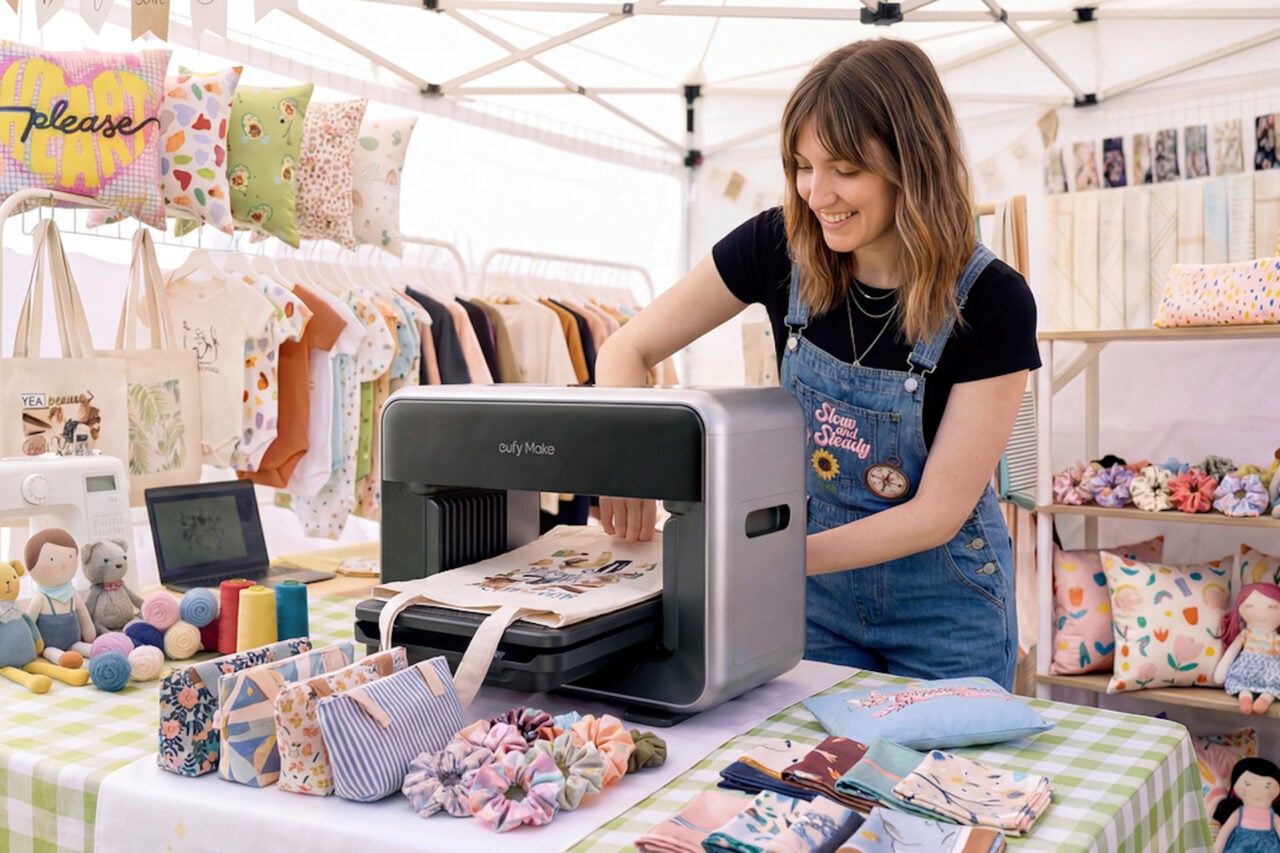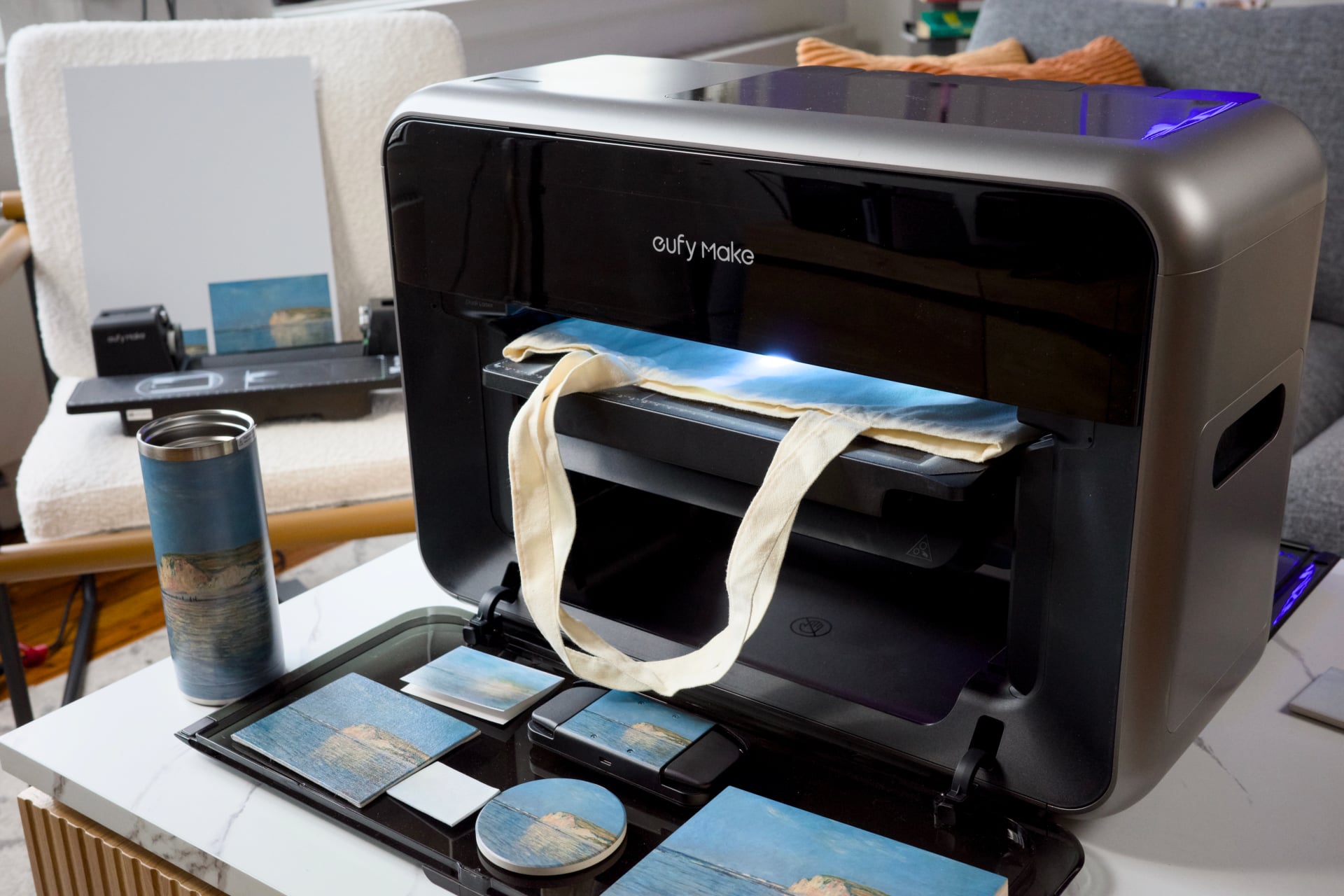
You all were clearly interested in (and in some cases, enraged by) Anker’s expensive, finicky, but altogether endearing EufyMake E1 UV printer. So much so, I’ve gotten more than a few questions about just what it can and can’t print on. So I’m back here again, printing up a storm to find the far horizons of the EufyMake E1’s limits.
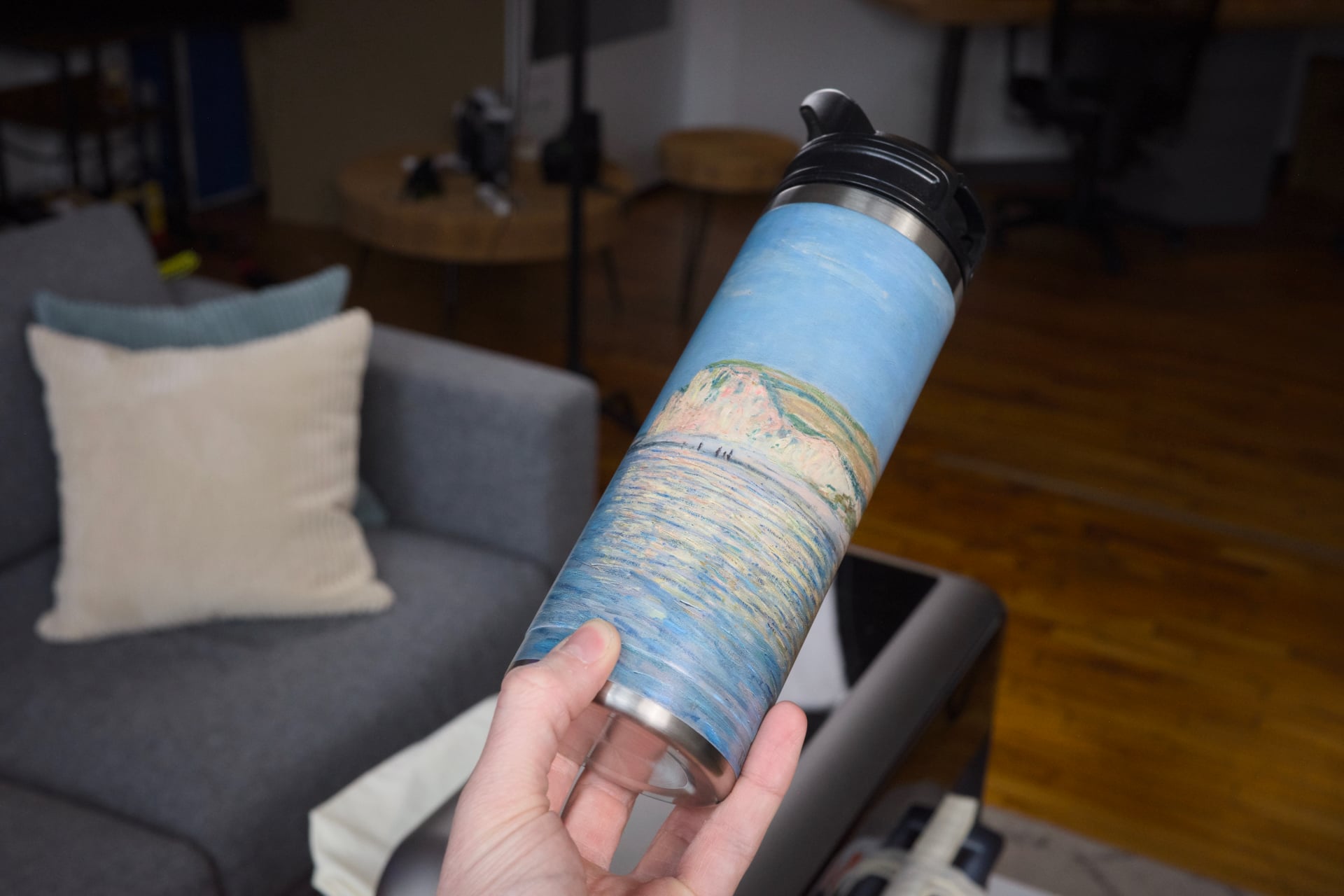
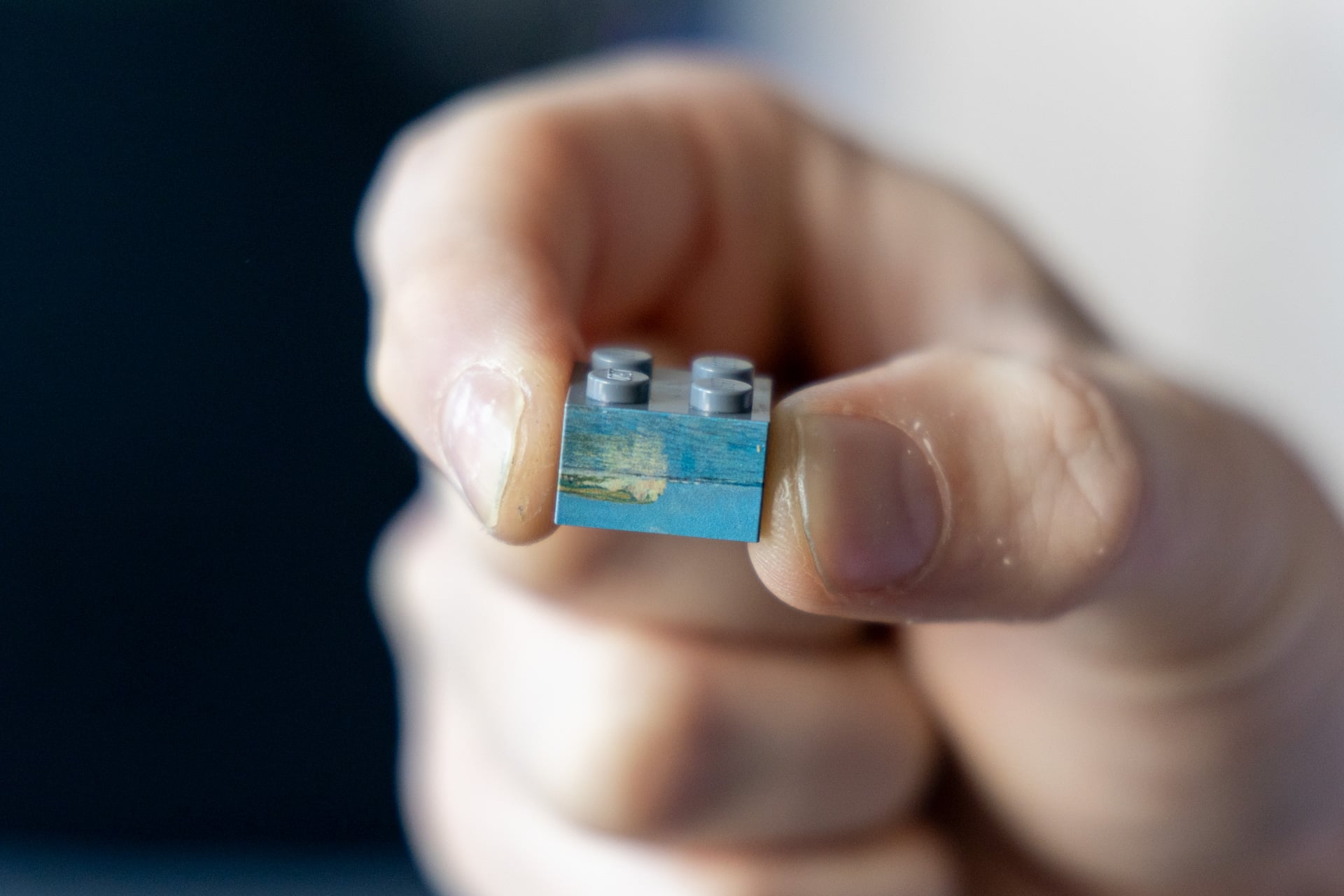
The $2,300 printer doesn’t act like your standard inkjet. It’s using a kind of ink that immediately cures when subjected to UV light. That means it can effectively print on almost anything, from ceramics to glass to plastic and everything in between. You just need to choose a flat plane or a round mug with the additional $400 rotary attachment. The EufyMake E1 prints at 1,440 PPI, or pixels per inch. That offers a high degree of image quality, even when printing on very, very small objects. You’re set for any size so long as you use a high-quality digital image for your print. If you imagine you’d want to print on a Lego brick and finally get rid of finicky stickers, you can.
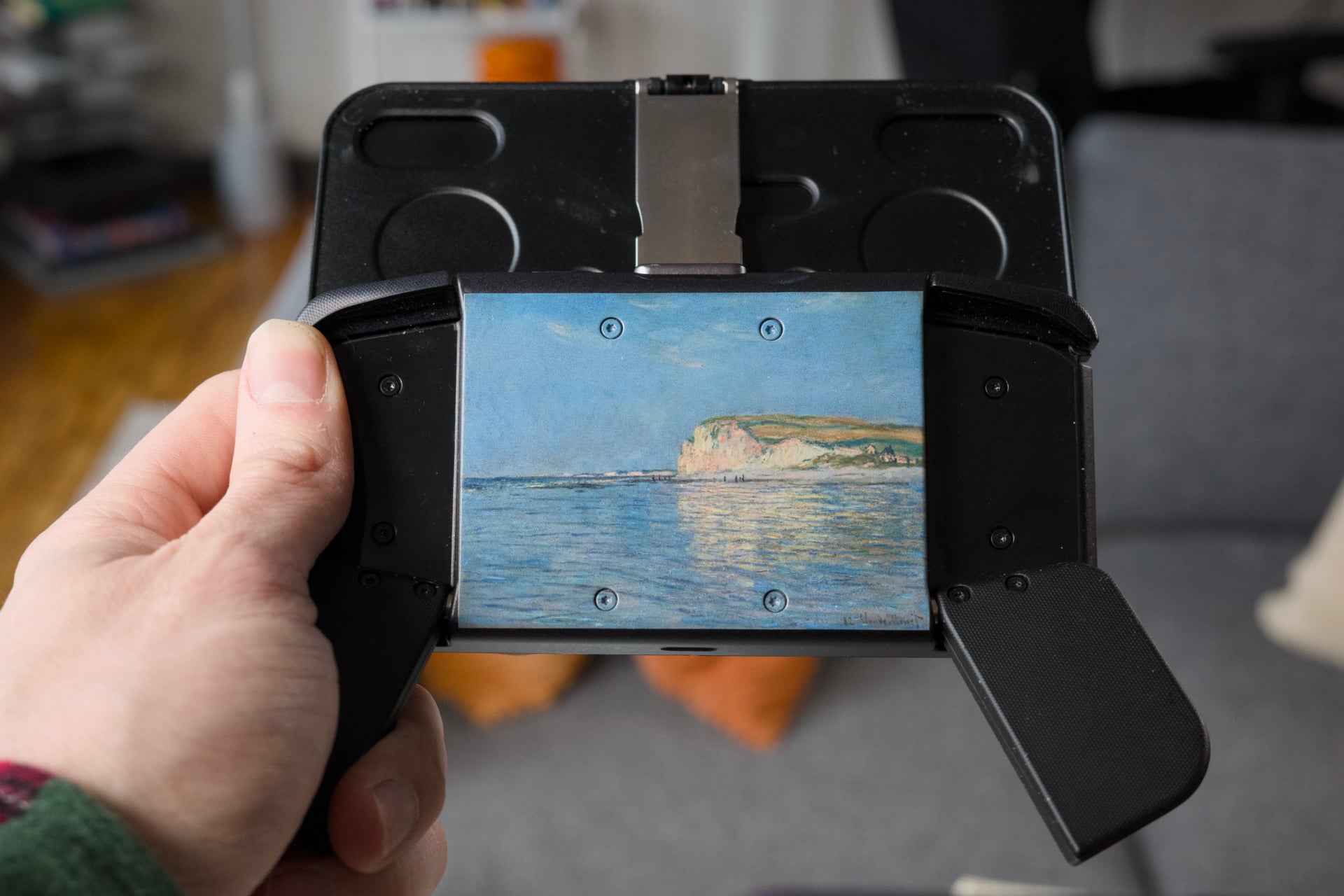
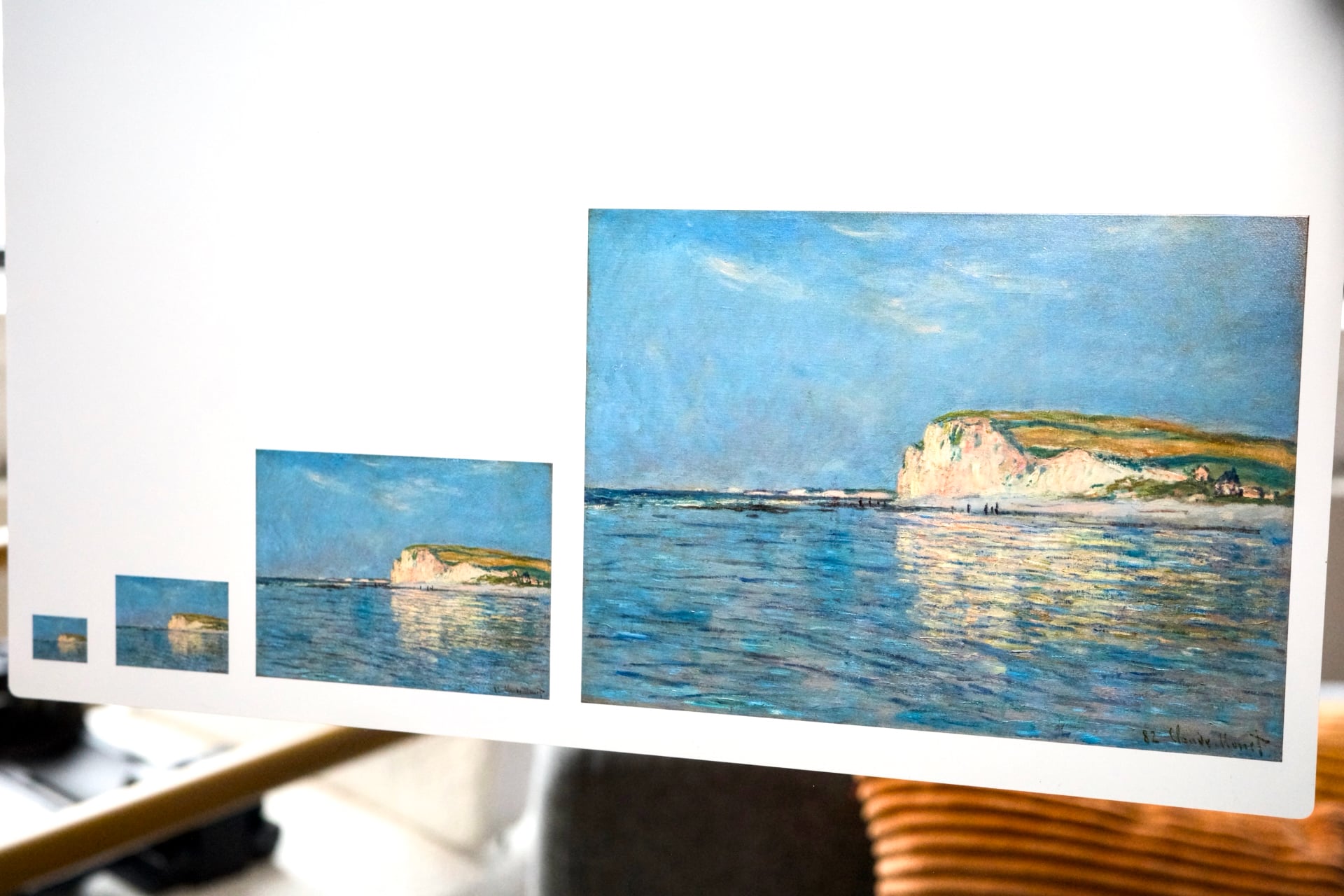
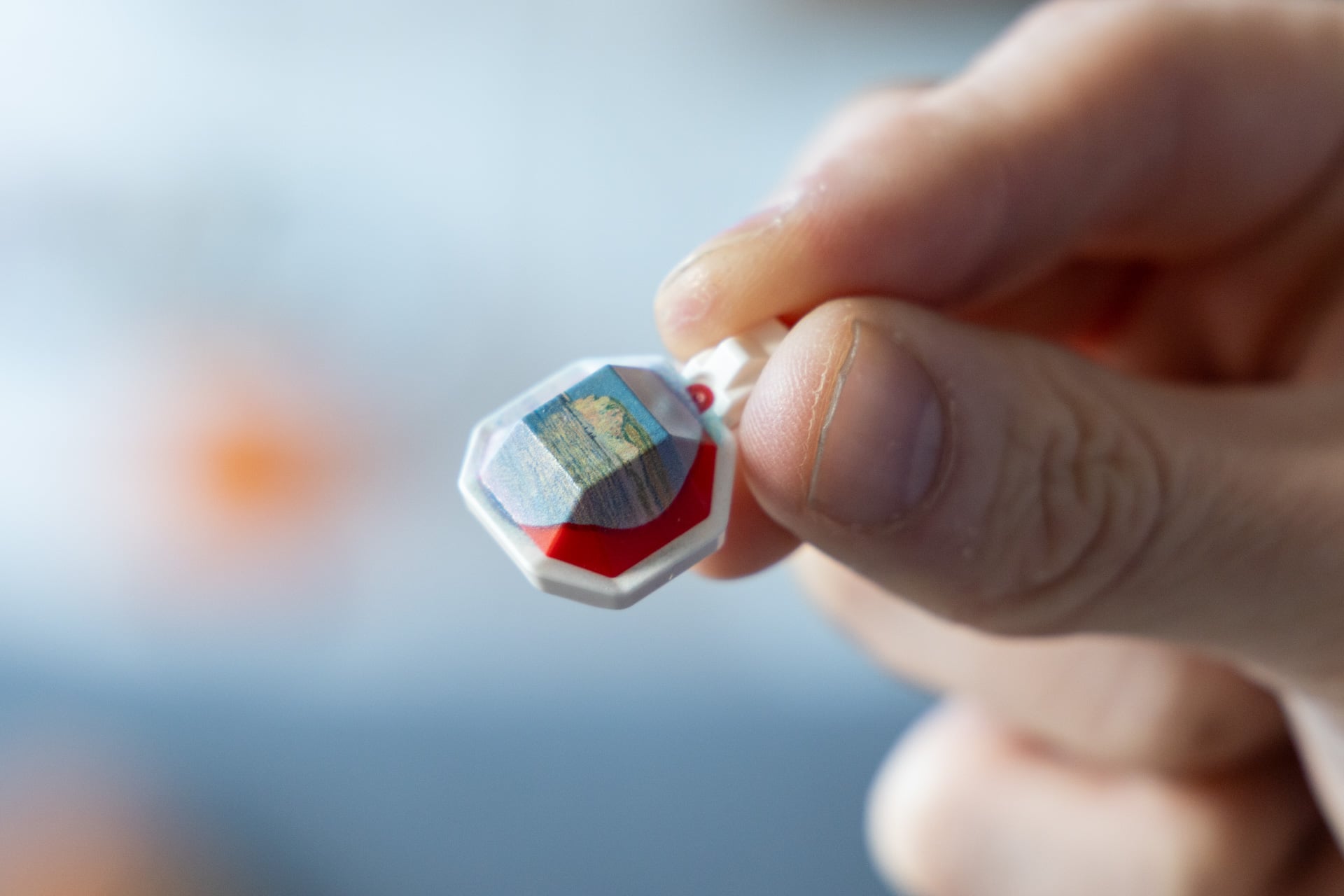
Whatever surface texture you introduce will show through the print to some degree. I printed the same image, Claude Monet’s famous “Low Tide at Pourville,” on a dozen different materials at various sizes. Some of these were items Anker says are not suited for the printer, like paper and foam. Yes, the EufyMake E1 may be the only printer you can buy that’s not built for paper prints. The problem with more permeable surfaces is the ink will start to absorb into the material first before the UV light can cure.
Don’t try to print on uneven surfaces
Basically any kind of plastic, wood, metal, or canvas surface will come out looking pristine. However, you should not use the EufyMake E1 to print on foam surfaces. The ink doesn’t even adhere to the surface and, in my tests, caused a misprint on other items on the same tray. On quality craft paper, the ink tends to run and lose all definition. I had moderate success on a larger print, but even there I could see the lines of where the printer’s inkjet ran across the surface.
I already mentioned that the EufyMake E1 wants you to use flat surfaces as much as possible. I tried printing on a canvas tote bag to see how it handles cloth. The problem with any uneven surface is that the printer doesn’t know the correct height to drop the nozzle down to. In two separate attempts, the UV printer blasted mostly empty air with the ink and let only a thin mist spread on the canvas. I could actually smell the ink in the air, which is likely hazardous to my health.
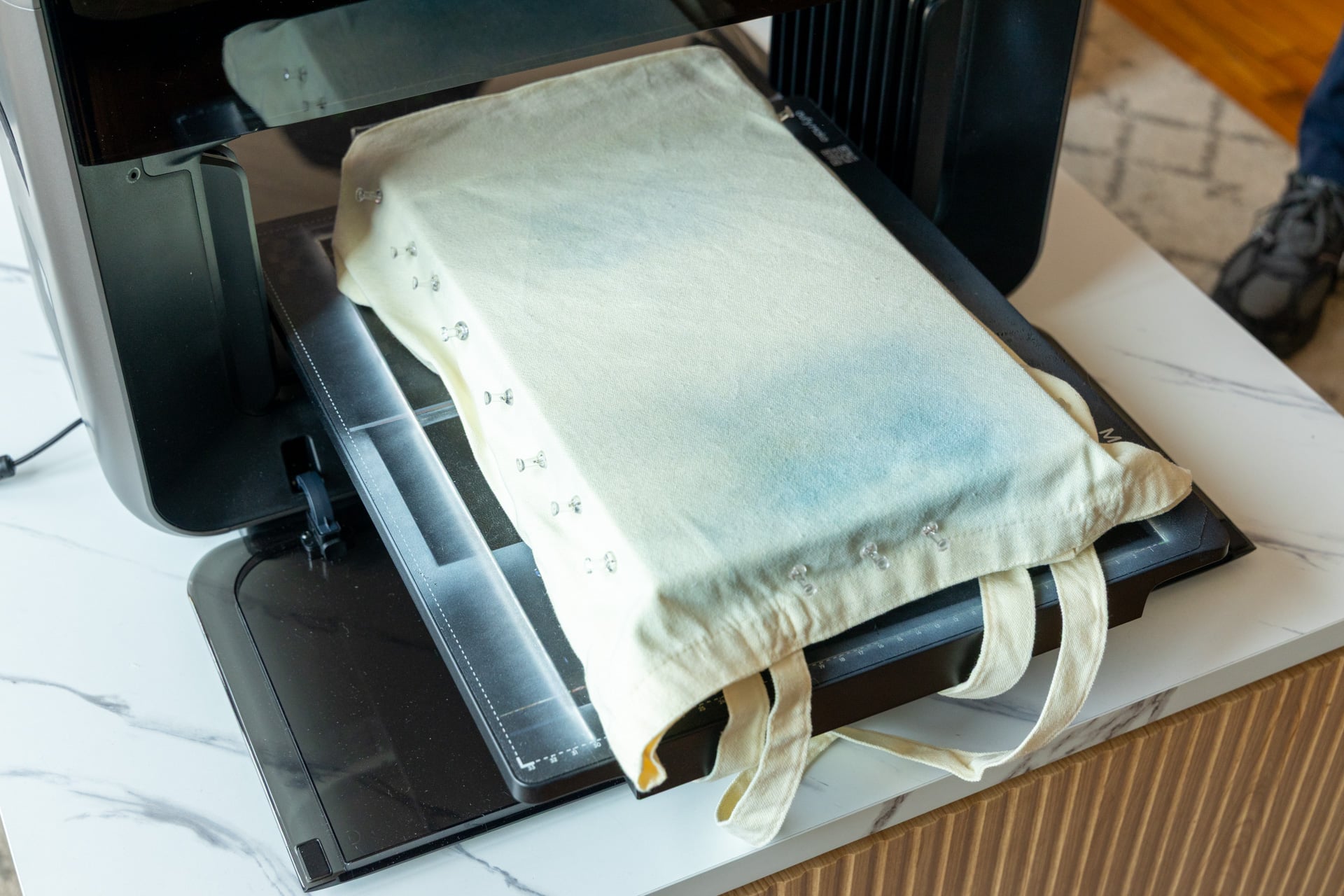
I then tried stretching the cloth around a box to give it more rigidity. The problem is, the EufyMake E1 limits the height of objects to just 60mm, or 2.36 inches. I gave up on making a customized tote bag after the UV printer told me the whole setup was too tall. You’ll need a very specific setup to even hope to print on a tote or shirt. Even then, it may not even successfully print, or the results may not be anywhere close to quality.
There are other considerations with other kinds of fabrics as well. When printing on a thin cotton canvas, the ink will tend to look slightly less defined than if it were printed on a sturdier surface. The printer initially lays a layer of white ink down before applying color. The initial layer defaults to 0.2mm. That means that the surface will lose some underlying sense of texture.
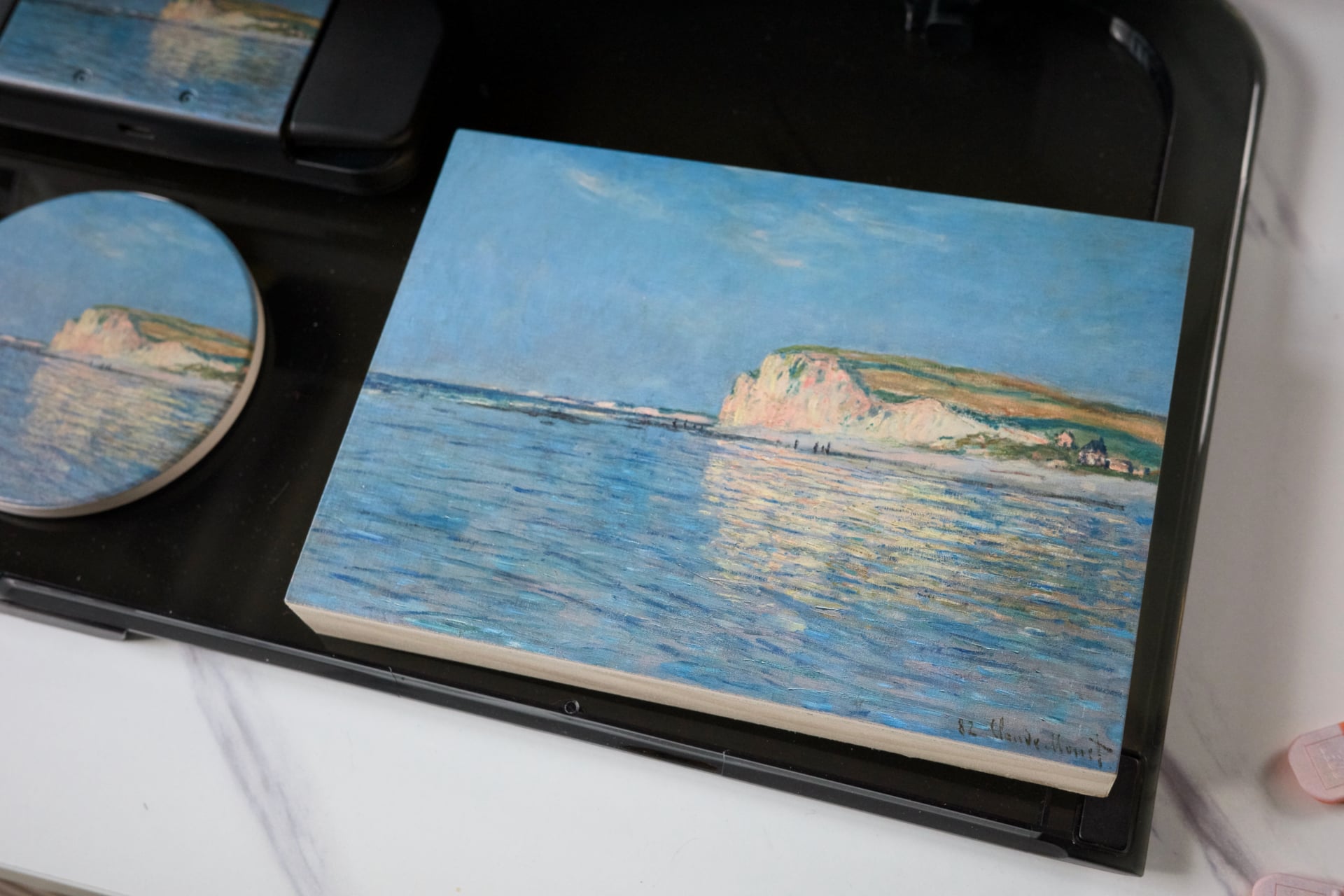
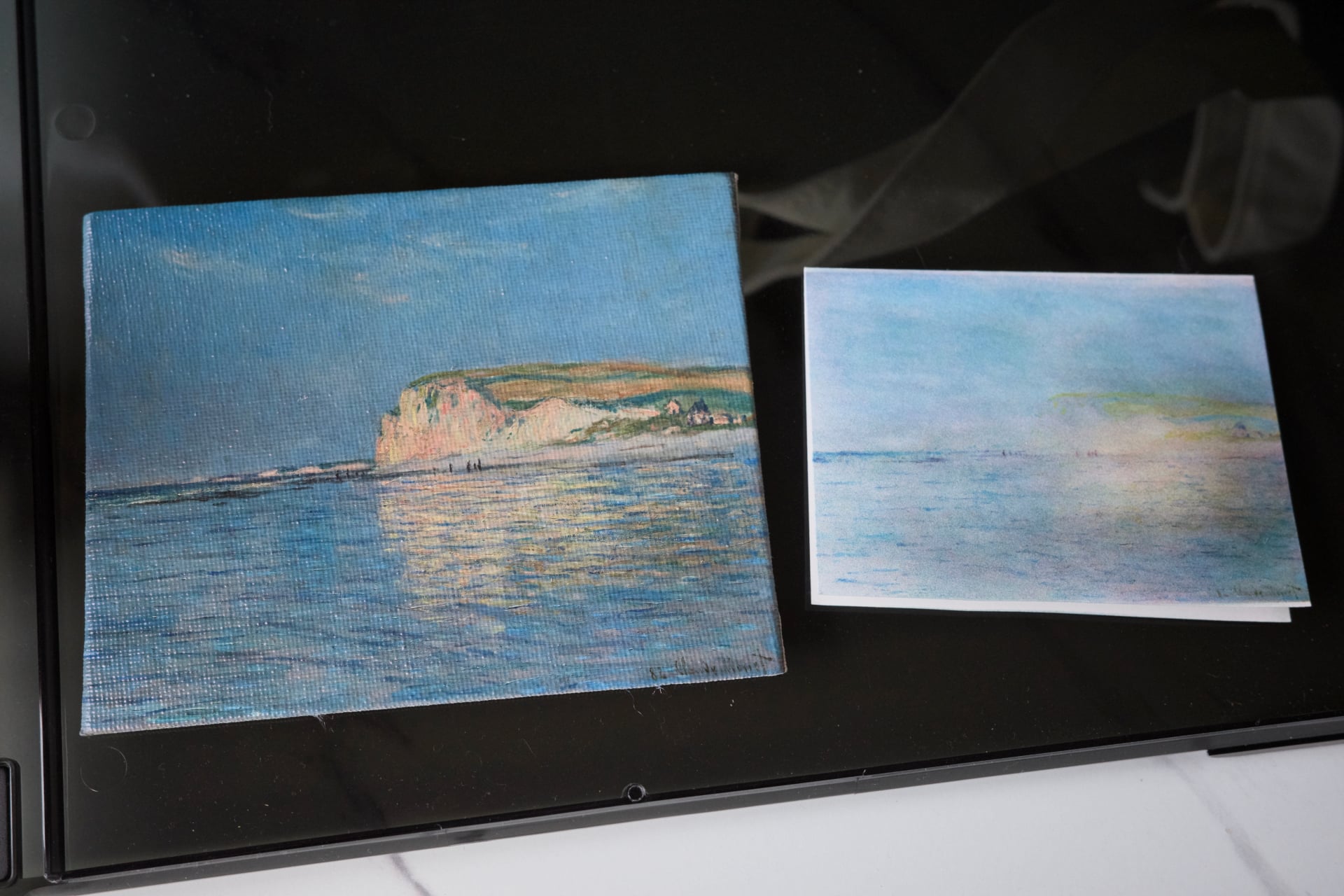
When I printed on a layer of thick gesso (a white paint-like mixture used to coat a surface before applying colors), you could still see the waves and initial brush strokes of the underlayer. Depending on what you hope to achieve with your print, this can make the canvas look more bespoke, as if it weren’t printed at all.
Mind the smell
You also have to take into account the underlying color of the object you’re printing on. Any artist will tell you that there’s a marked difference in the tone of a painting done on top of white or black gesso. You can spot this tonal difference only with a discerning eye, even with the printer using a white underlayer.
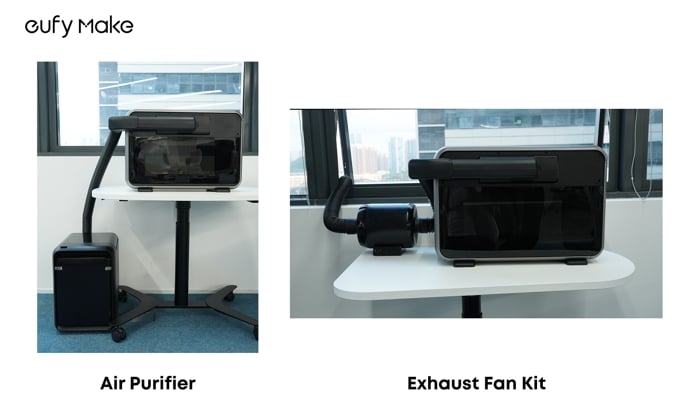
Some of our fine commentators also asked about the smell. If you don’t have a window cracked, the fumes produced by the EufyMake E1 will fill up a room with an unpleasant, headache-inducing miasma. Over email, Anker shared initial photos of upcoming Air Purifier and Exhaust Fan Kit attachments. These are supposedly coming in Q2 of this year. Just know they’ll likely be expensive. All of the EufyMake E1’s other attachments, like the rotary tool for printing on mugs and tumblers, cost $400.
Anker’s first-gen UV printer isn’t perfect—at least not yet. But there’s just nothing else quite like it. I still have colleagues coming up to me asking if I could print something special for them on a small canvas or mug. The look on their faces was enough for me to keep going despite the pungent odor dogging me at my desk.