Manage your bookmarks
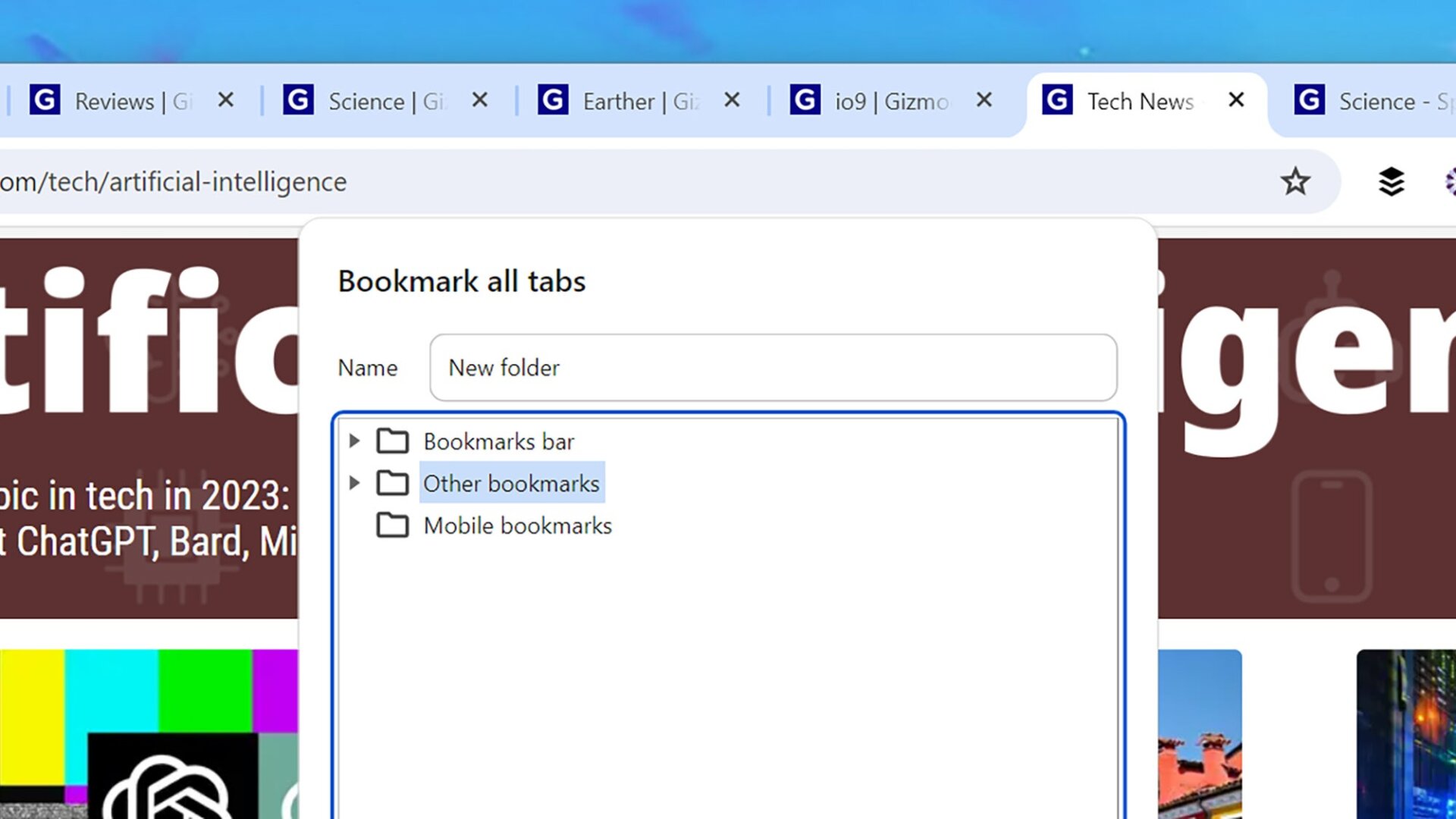
Getting bookmarks sorted can involve a lot of clicking around, so keyboard shortcuts can save you significant time. Use Ctrl/Cmd+D to bookmark the current page or Ctrl/Cmd+Shift+D to save all the tabs you’ve currently got open in a new folder. Use Ctrl+Shift+O (Windows) or Cmd+Option+B (macOS) to bring up the Bookmark Manager.





