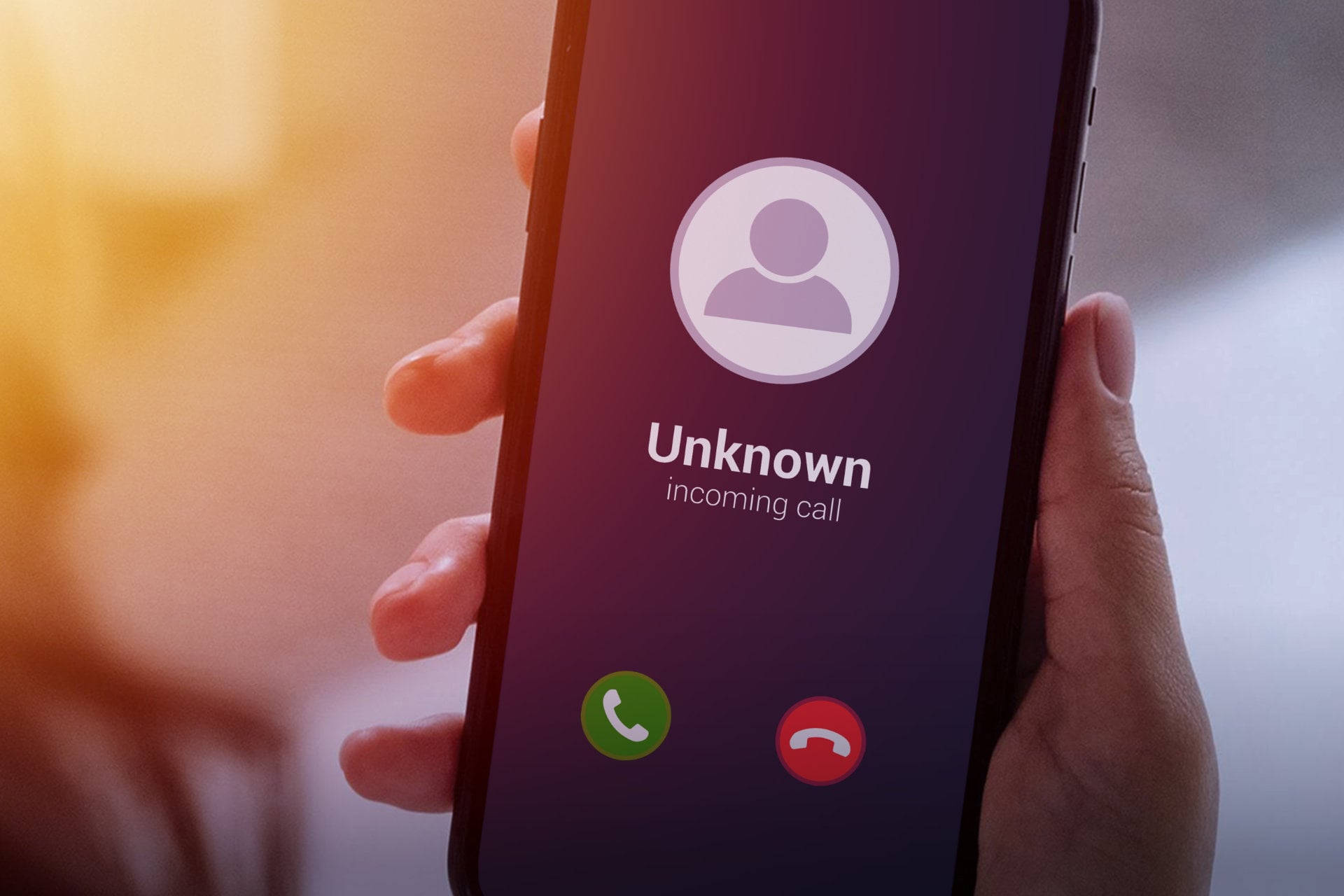
Your phone rings in the middle of dinner, the screen says “Scam Likely” or shows a number from your own area code, and by now you already know it is about a car warranty, a loan you never asked for or a problem with an account you do not have. You are far from alone in this: Americans received 52.5 billion robocalls in 2025, according to YouMail which works out to roughly 150 calls for every person in the country.
The good news is that most of these calls can be kept from ringing with settings you already have, on an iPhone, an Android phone or a landline. The less comfortable part is the reason they find you at all, which is that your number sits on lists that are bought and sold, and we will get to that after the quick fixes.
Why Do I Keep Getting Spam Calls?
The short explanation is that your phone number is not private, even if you have never posted it anywhere. Every time you give it to a store, a delivery app, a sweepstakes form or a loyalty program, there is a chance it ends up with a data broker, a company whose business is to collect personal details and resell them in bulk. Telemarketers buy those lists and so do scam call centers, often with your name and age attached so the caller can sound like they know you.
This also explains why the calls seem to come from a different number each time. Callers use software to fake the number that appears on your screen (a trick known as spoofing) and they often pick one that looks local so you are more likely to answer. Once a number gets flagged as spam they simply move on to another which is why blocking them one by one feels like bailing out a boat with a spoon.
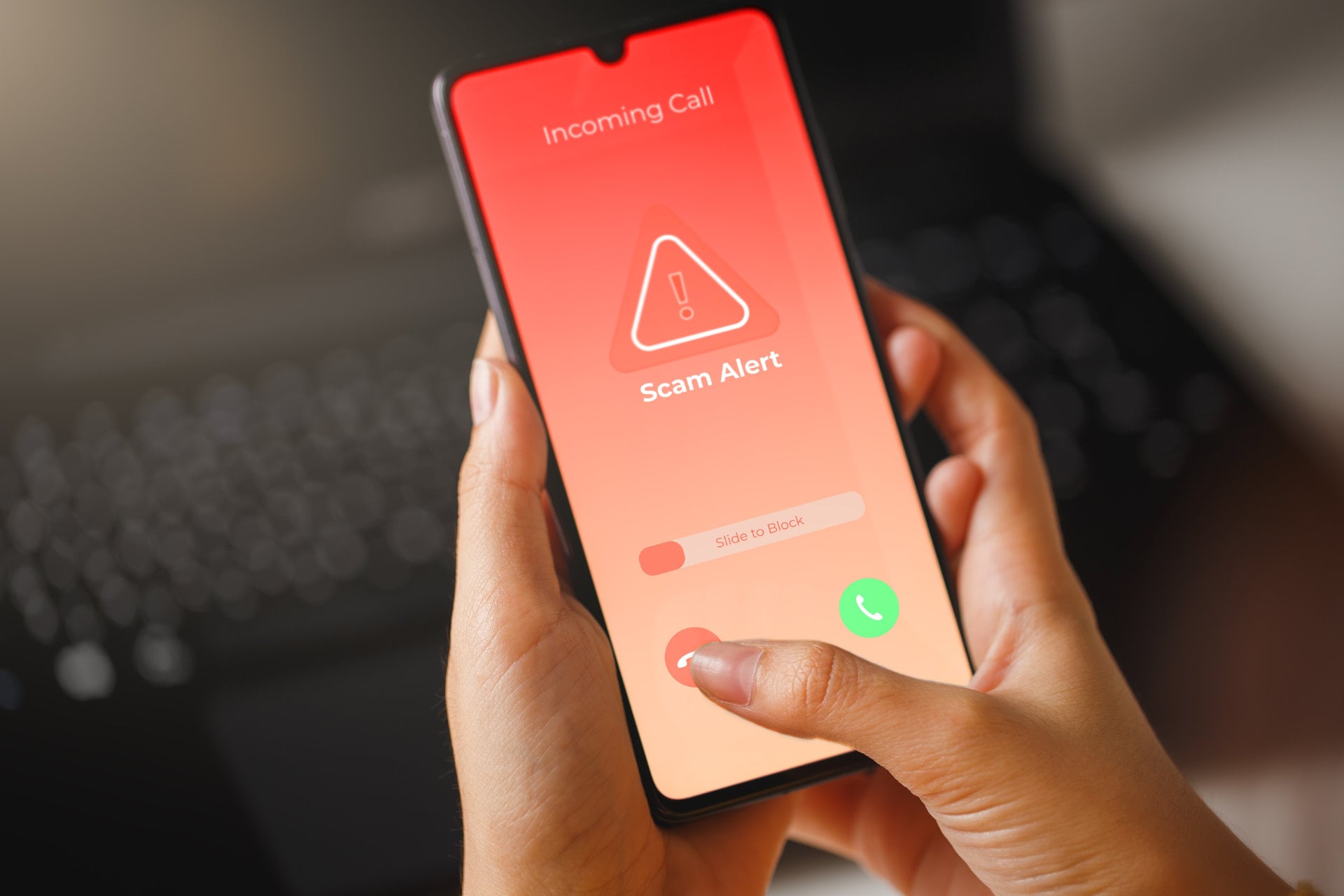
There is one more thing to know about the lists, and it is that answering makes things worse: When you pick up, or press a key to “be removed,” the system notes that your number belongs to a real person who answers, and that makes it more valuable to the next buyer.
How to Stop Spam Calls on iPhone
Apple changed this part of the iPhone quite a bit with iOS 26, so the old advice you may have read no longer matches what you see on screen. Open Settings, scroll down to Apps, tap Phone, and look for the section called Screen Unknown Callers, where you will find three options.
The one we would pick is Ask Reason for Calling: When a number that is not in your contacts calls, the iPhone answers for you, asks the caller to give a name and a reason, and only then rings with a transcript of what they said. A robocall cannot answer the question, so it never gets through, while the plumber or the school nurse can. This is also the answer for anyone who wants to stop spam calls on an iPhone without blocking anyone.
The second option, Silence, is more radical since it sends every unknown number straight to voicemail without ringing. It works well if you almost never take calls from strangers, although you will have to check your voicemail more often. Right below, a filter called Unknown Callers moves those calls and their voicemails into a separate list, which keeps spam voicemails out of your main inbox. If your iPhone runs an older version of iOS, the equivalent setting is Silence Unknown Callers, under Settings and then Phone.
To block one specific number, open the Phone app, go to Recents, tap the “i” next to the call and choose Block Caller. It is useful for a persistent caller, less so for robocalls, for the reason explained above.
How to Stop Spam Calls on Android
On a Pixel, and on most phones that use Google’s Phone app, the setting is two taps away. Open the Phone app, tap the three dots at the top right, go to Settings and then Caller ID and spam. Turn on See caller and spam ID so that suspicious calls are labeled, then turn on Filter spam calls, which stops flagged numbers from ringing at all. They go to your call history instead, so you can still check that nothing important was caught.
Samsung phones have their own version, and the path is nearly the same: Phone app, three dots, Settings, then Caller ID and spam protection. Pixel owners also have Call Screen, which works like Apple’s screening and has the Google Assistant ask the caller who they are before your phone rings.
All of this is free, which answers a question we see often. And as on the iPhone, you can block a single number by pressing and holding the call in your recent list and choosing Block or Report spam, which also helps the filter learn.
The Do Not Call Registry and Landlines
Putting your number on the National Do Not Call Registry takes a minute at donotcall.gov, it is free, and the registration does not expire. It is worth doing, as long as you know what it does. Legitimate telemarketers are required to check the list and will stop calling, usually within a month, but scammers and illegal robocallers ignore it completely, and they are the ones behind most of the calls you are trying to stop. The same site lets you report a call to the FTC, which uses those reports to build cases.
Regulators are also putting pressure on the phone companies that carry the calls. Since February 5, 2026, the FCC applies a base fine of $10,000 to any provider that files false or inaccurate information in its Robocall Mitigation Database, the register where carriers have to explain how they keep illegal calls off their networks.
Landlines get fewer tools, but they are not helpless. Many providers support star codes: dialing *77 rejects calls from anonymous numbers, and *60 lets you build a list of numbers to block, though availability and price depend on your phone company. If you have internet-based home phone service, ask your provider about its robocall filter, and if you are buying a new cordless phone, some models from Panasonic and VTech come with a call blocker built in.
The Root Cause: Getting Your Number Off the Lists
Everything above works on the calls once they have been made. None of it changes the fact that your number is for sale, which is why the calls keep coming from new numbers no matter how many you block. If you want fewer calls to be placed to you at all, the lever is the lists themselves.
You can do this by hand. Each data broker has an opt-out form, and several state privacy laws give you the right to demand deletion. The trouble is the number of brokers, since there are hundreds of them, many cannot be searched by the public, and most collect your details again a few months after deleting them. We describe the manual method step by step in our guide to removing your personal information from the internet.
The other route is a data removal service, and the one we recommend is Incogni. You give it your name, your address and up to three phone numbers, you sign an authorization form, and it sends deletion requests on your behalf to more than 420 data brokers, including the marketing brokers that sell contact lists. According to a limited assurance report by Deloitte, it then repeats those requests at least every 60 days for people-search sites and every 90 days for other brokers, which matters because of the way brokers refill their files.
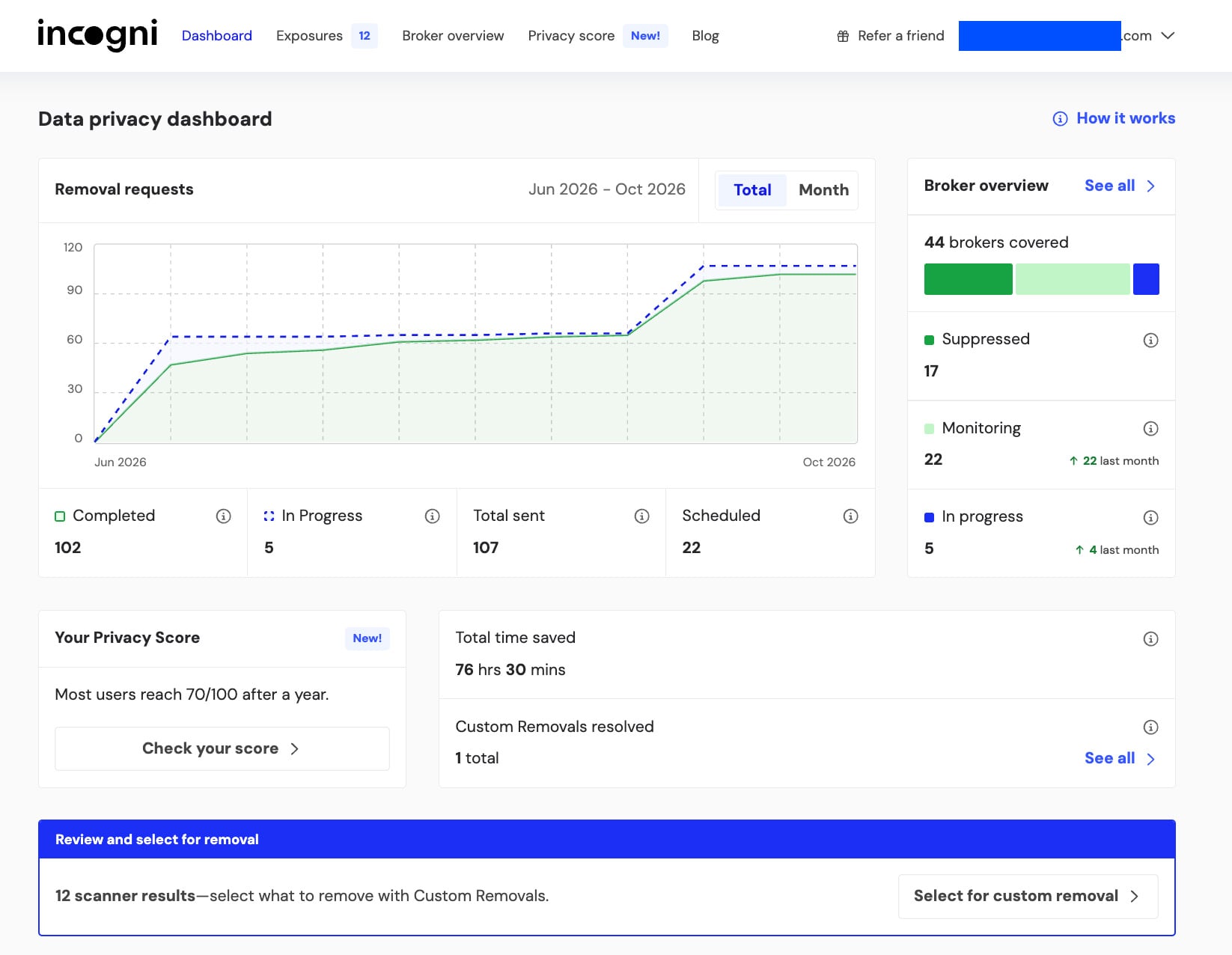
We ran Incogni on our own profile for almost four months and in that time it sent 107 requests to 44 brokers, closed 102 of them and got us onto 17 suppression lists, meaning those brokers should not rebuild the file. The Standard plan costs $95.88 per year, a Family plan covers five people for $191.88, and every plan has a 30-day money-back guarantee. Our Incogni review has the details, and our ranking of the best data removal services compares it with four alternatives.
We should be honest about the limits: Removing your number from broker lists reduces the calls that depend on those lists, and it takes a few months to show, because the lists already sold stay in circulation for a while – but it will not stop a scammer who dials numbers at random.
Get Your Number Off Broker Lists With Incogni
The Setup We Would Use
If we had to set up a phone today, we would start with the two free steps, because they give the fastest relief: screening for unknown callers on the phone itself, and the carrier’s spam filter on top. Add the Do Not Call Registry while you are at it, since it takes a minute.
Then we would deal with the source: As long as your number is traded between brokers, new callers will keep getting it, and no filter catches everything. Whether you send the opt-out requests yourself or let a service like Incogni do it for about $8 a month, that is the part that brings the volume down over time, even if no method will ever bring it to zero.
Start Removing Your Number With Incogni
FAQ
How Do I Stop Spam Calls Permanently?
No single setting stops them for good, because scammers change numbers all the time. The combination that works best is call screening on your phone, your carrier’s free spam filter, and the removal of your number from data broker lists, so that fewer callers get hold of it.
How Do I Stop Spam Calls on iPhone Without Blocking?
On iOS 26 or later, go to Settings, then Apps, then Phone, and set Screen Unknown Callers to Ask Reason for Calling. Unknown callers have to give their name and reason before your iPhone rings, and nobody gets blocked.
How Do I Stop Spam Calls on Android for Free?
Open the Phone app, tap the three dots, then Settings, then Caller ID and spam, and turn on Filter spam calls. The feature is free on phones that use Google’s Phone app, and Samsung phones have a similar option called Caller ID and spam protection.
Why Do I Keep Getting Spam Calls From Different Numbers?
Callers fake the number that shows on your screen, a practice called spoofing, and they switch to a new one as soon as the old one gets flagged. That is why blocking numbers one by one never ends.
Does the Do Not Call Registry Stop Spam Calls?
It stops calls from legitimate telemarketers, who are required to check the list. It does not stop scammers or illegal robocalls, since they ignore it, but registering is free and gives you grounds to report violations to the FTC.