The iPad Document Scanning Features Automatically Detect Any Kind of Text
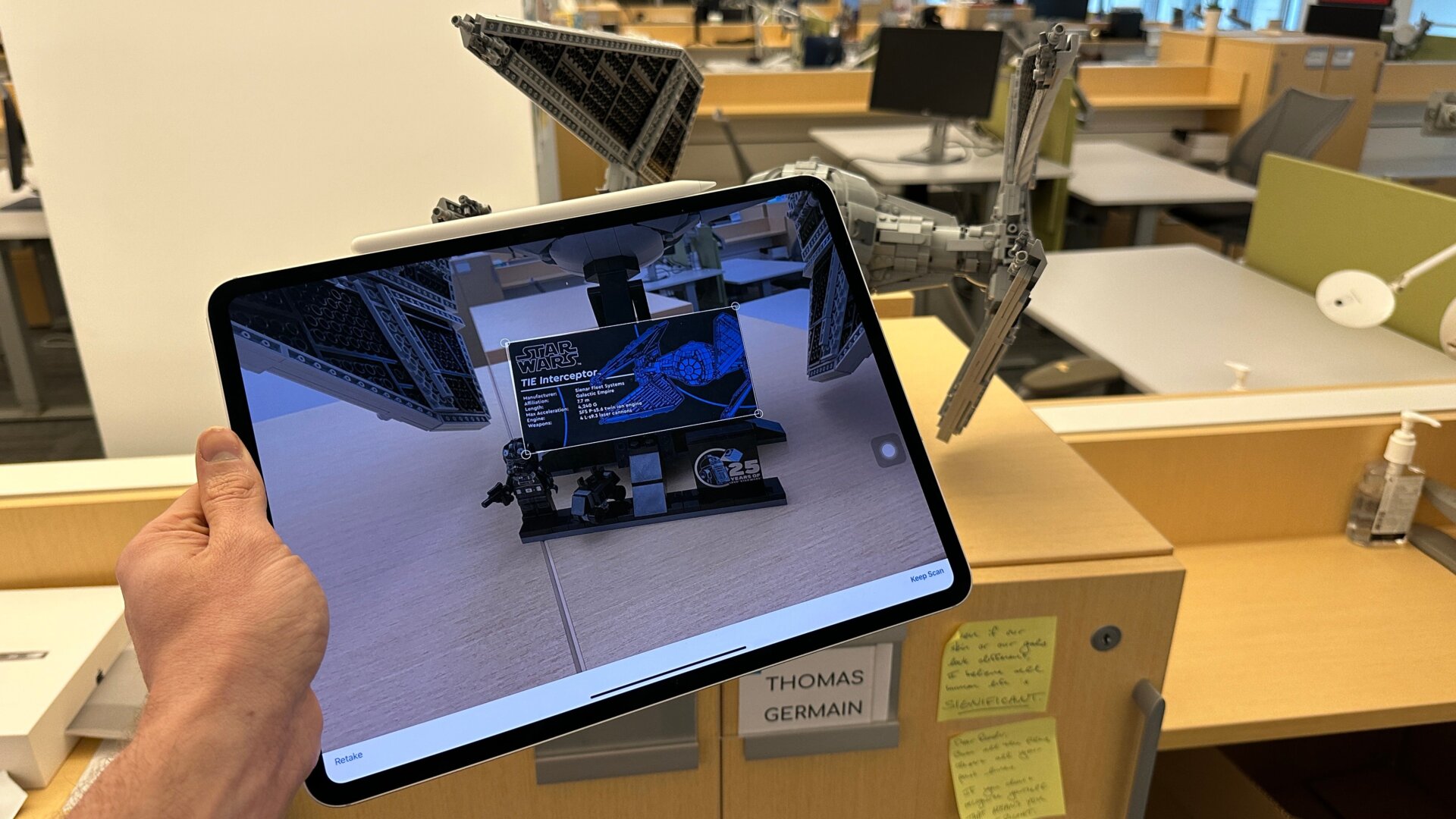
The iPad’s camera is incredibly adept at detecting when there’s text in its field of view, basically making it incredibly easy to digitally record anything from business cards or, in my case, the details of the recent Lego Star Wars TIE Interceptor. The document scanning feature itself is very good at detecting if you’re looking at a piece of paper, allowing you to scan multiple pages in a row and then quickly edit and save them.
What’s more, on the latest iPad Pro, the document scanning feature has gotten even better at recognizing forms or receipts. It also removes shadows with a so-called “adaptive flash” and then stitches together multiple photos to get the best scan. I tried this out on a set of documents under some pretty dim light settings, and it was indeed pretty damn good at picking out the right light level and orientation for the documents.