Turn Your Touch Keyboard Into a Floating Keyboard With a Simple Pinch
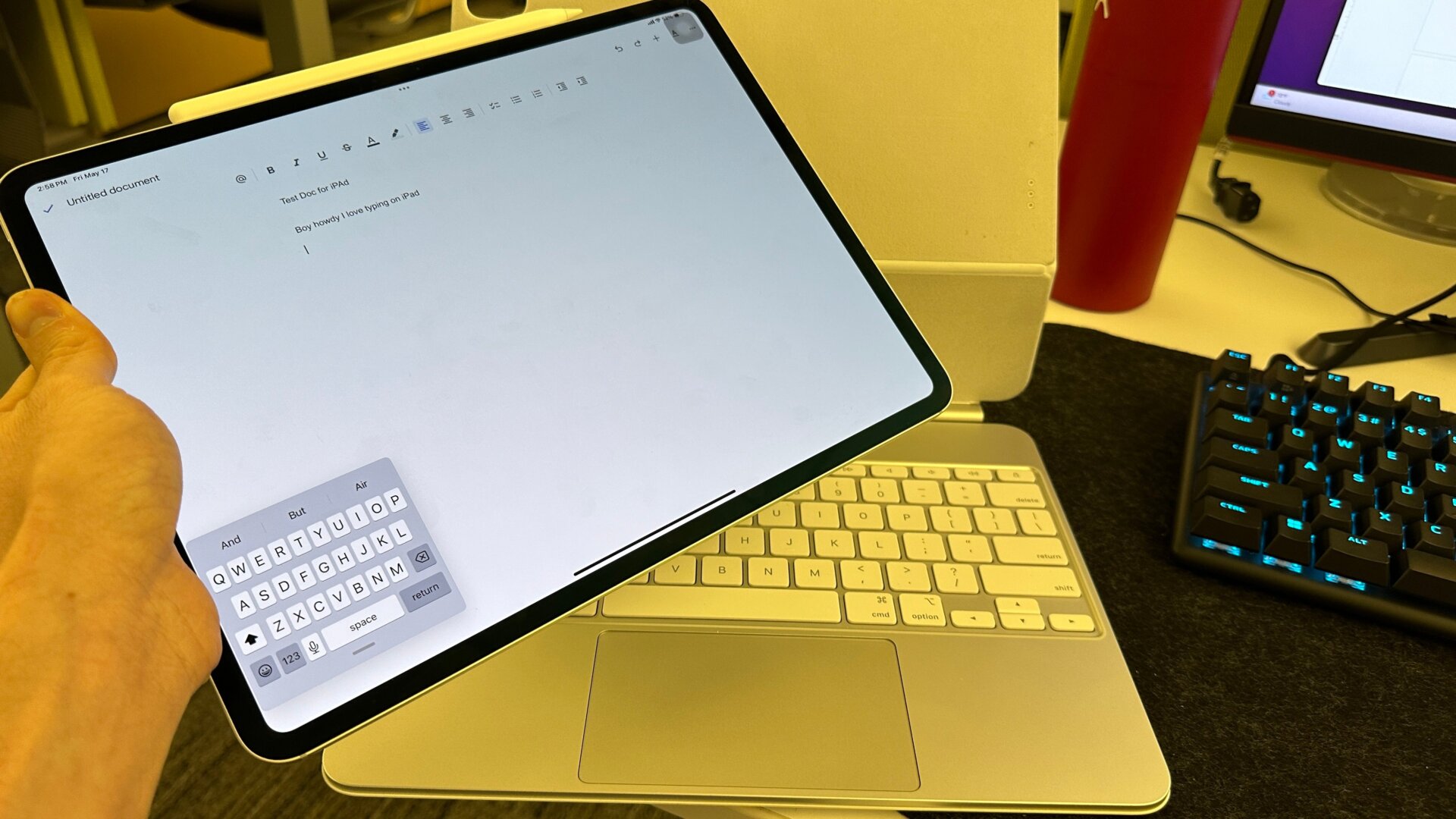
Here’s one for folks who don’t need the keyboard to take up their iPad screen. Pinch down on the keyboard to shrink it, then expand your fingers to make it big again.
If you hate gesture controls, there’s another way to do it. When you bring up the keyboard, hold down on the button on the bottom right with the small icon and the arrow underneath it. You’ll see a small button that says Floating. Hit that, and your keyboard will now look pretty much exactly like it does on iOS. You can drag it around anywhere on the screen, and when you want it to become big again, drag it to the bottom portion of the iPad.