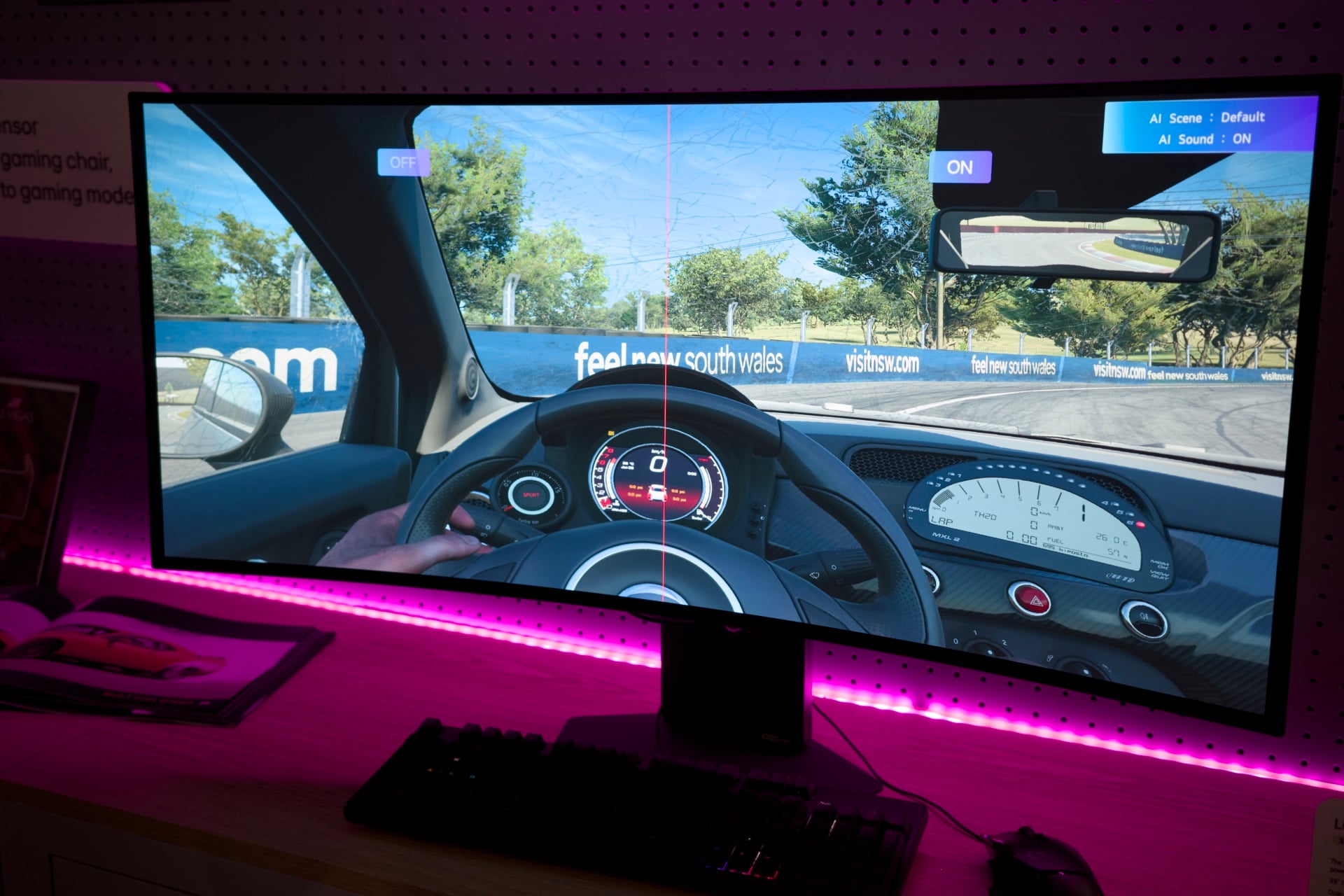
Sometimes, good things come to those who complain. Microsoft said that LG will stop shoving ads at users after they merely connect the company’s popular monitors to their PCs. Still, that doesn’t mean LG will quit auto-installing software just by connecting your screen to your HDMI port.
Over the last several weeks, LG monitor owners reported finding a mysterious “LG Monitor App Installer” app on their PCs without their consent. It turned out the company’s monitors pushed the app to their computers through Windows Update alongside typical screen drivers. The app wasn’t just a typical third-party app store. It would also automatically show pop-up ads for services like McAfee scam protection and for LG’s own streaming service on users’ desktops.
Over on X, Epic Games CEO Tim Sweeney was the one who finally got the attention of Windows boss Pavan Davuluri. In a follow-up tweet, Davuluri said that “We’ve connected with the team at LG and as an immediate next step, they have agreed to disable the McAfee pop-up from their app.”
Thanks again for bringing this to our attention. We’ve connected with the team at LG and as an immediate next step, they have agreed to disable the McAfee pop-up from their app. We appreciate LG working with us toward a shared goal of a better experience for our mutual customers.…
— Pavan Davuluri (@pavandavuluri) July 22, 2026
You could call this a win, but neither Microsoft nor LG has made any claim that these monitors won’t stop installing what’s effectively adware without permission. The monitor maker also showed pop-up ads for its own ads as well as McAfee services. Gizmodo reached out to LG again to ask if it still plans to install the LG Monitor App Installer without users’ consent, and we’ll update this post if we hear back.
LG defended itself in a statement to Gizmodo, saying it doesn’t install McAfee without users’ consent, adding, “The LG Monitor App Installer is distributed through Microsoft’s official Windows distribution process, which included McAfee as an option.”
Here’s LG’s statement in full:
“LG Electronics reiterates that McAfee is not installed automatically and is never installed without the user’s explicit consent.
The LG Monitor App Installer was designed to help monitor owners discover optional LG applications that enhance productivity, customization, and monitor performance.
When compatible LG monitors are connected, the Installer can make related software available to help customers access monitor-specific features and functionality.
During a limited period in the United States, a McAfee trial offer was also presented as an optional recommendation. McAfee was never installed automatically and always required a separate user choice and consent. After reviewing customer feedback, LG removed the McAfee recommendation.
The LG Monitor App Installer does not collect personal information from customers’ devices. Its function is to identify compatible monitor models and present applications supported by those models.”
Multiple hardware makers abuse the Windows Update pipeline to install software they didn’t necessarily want. For instance, Razer automatically downloads the installer for its Synapse firmware and device controller app as soon as you plug in any of the company’s peripherals, from a mouse to a webcam. Razer then tries to entice users to download other apps like Razer Cortex—a gaming PC optimization app that further attempts to coerce users with game deals.
Even ostensibly “dumb” devices like a typical gaming or productivity monitor can be a trojan horse for unwanted bloatware. Microsoft would be better off keeping any product from auto-installing unnecessary software in the first place. Instead, it’s merely stopping LG from advertising on users’ desktops. Perhaps Microsoft wants to be the only one allowed to show ads in Windows 11.
This post was updated to include a statement from LG.