Circle to Search
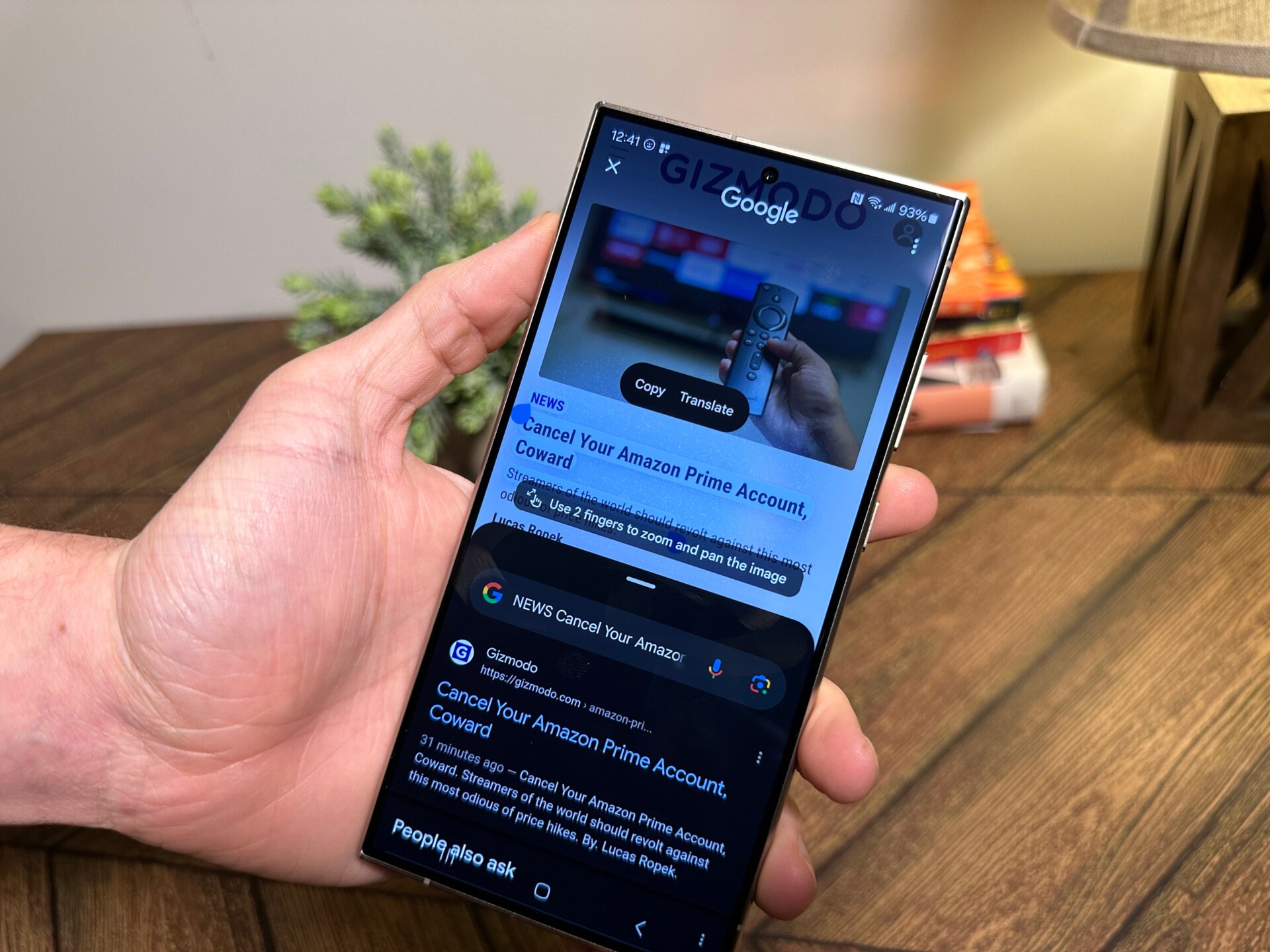
Google has already talked plenty about its new Circle to Search feature. Still, for those not in the know, you can hold down on the navigation bar or middle button (for those who refuse to give up their back button), and up pops a special UI where you can highlight or circle anything on the phone’s screen. This will then bring up a Google Search menu akin to Google Lens that lets you browse via images or text.