Generative Edit
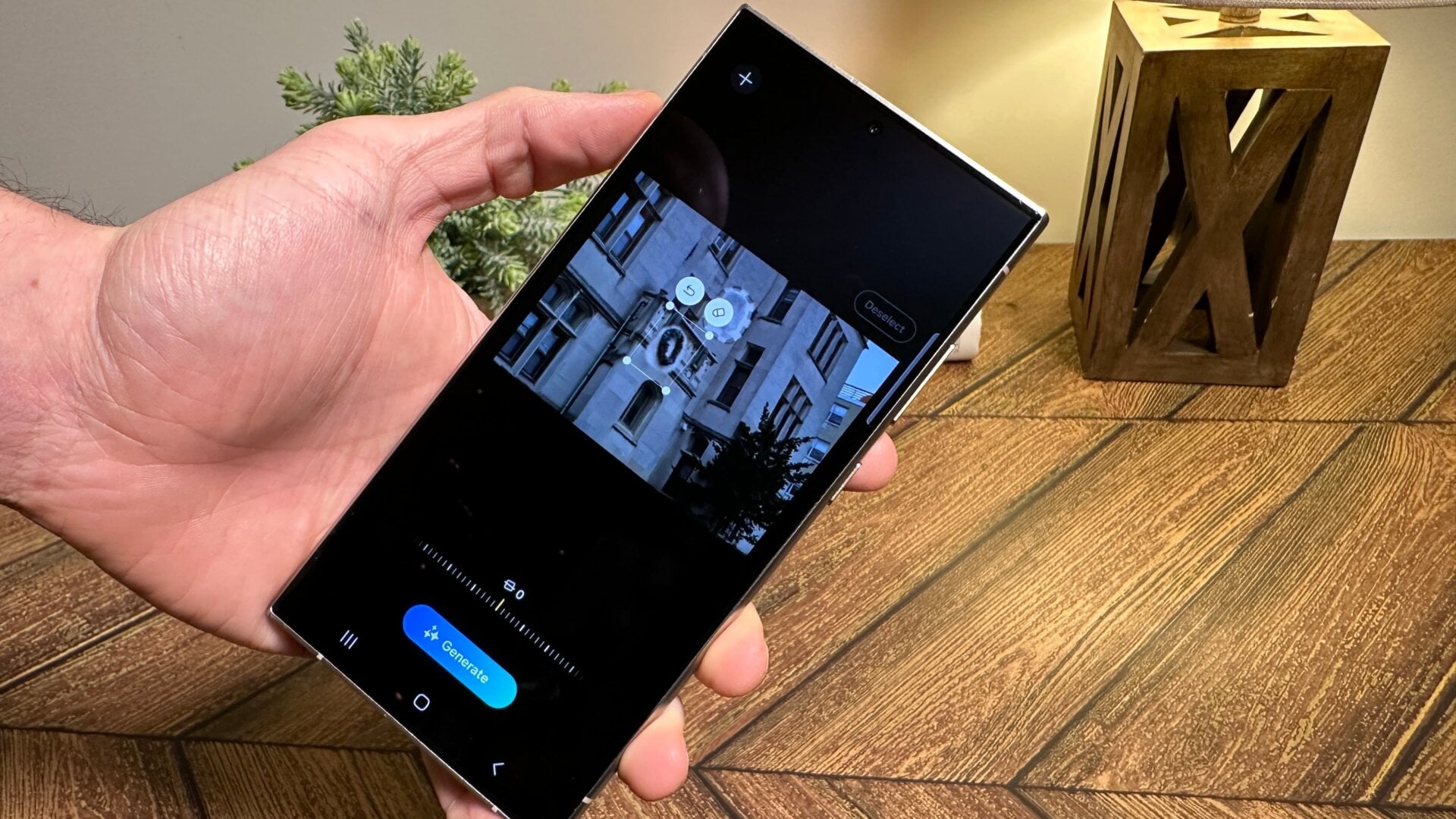
The generative edit function is very akin to the existing Magic Eraser-type tool on Samsung phones, but now when you’re in Samsung Gallery, you can more easily edit, move, or remove parts of photos you don’t want, or perhaps you want to screw with your friends by disappearing them in group shots.
You can access this by hitting the pencil edit button when viewing a photo in Gallery. After you click the blue sparkle button, you’ll get a new interface where you can highlight parts of an image by circling or touching them. Press and hold on to the object, letting you move it around or delete it. Hitting the “generate” button should replace any pixels you removed, though just as with Magic Eraser, it does far better at replacing out-of-frame or faraway objects than those with more detail.