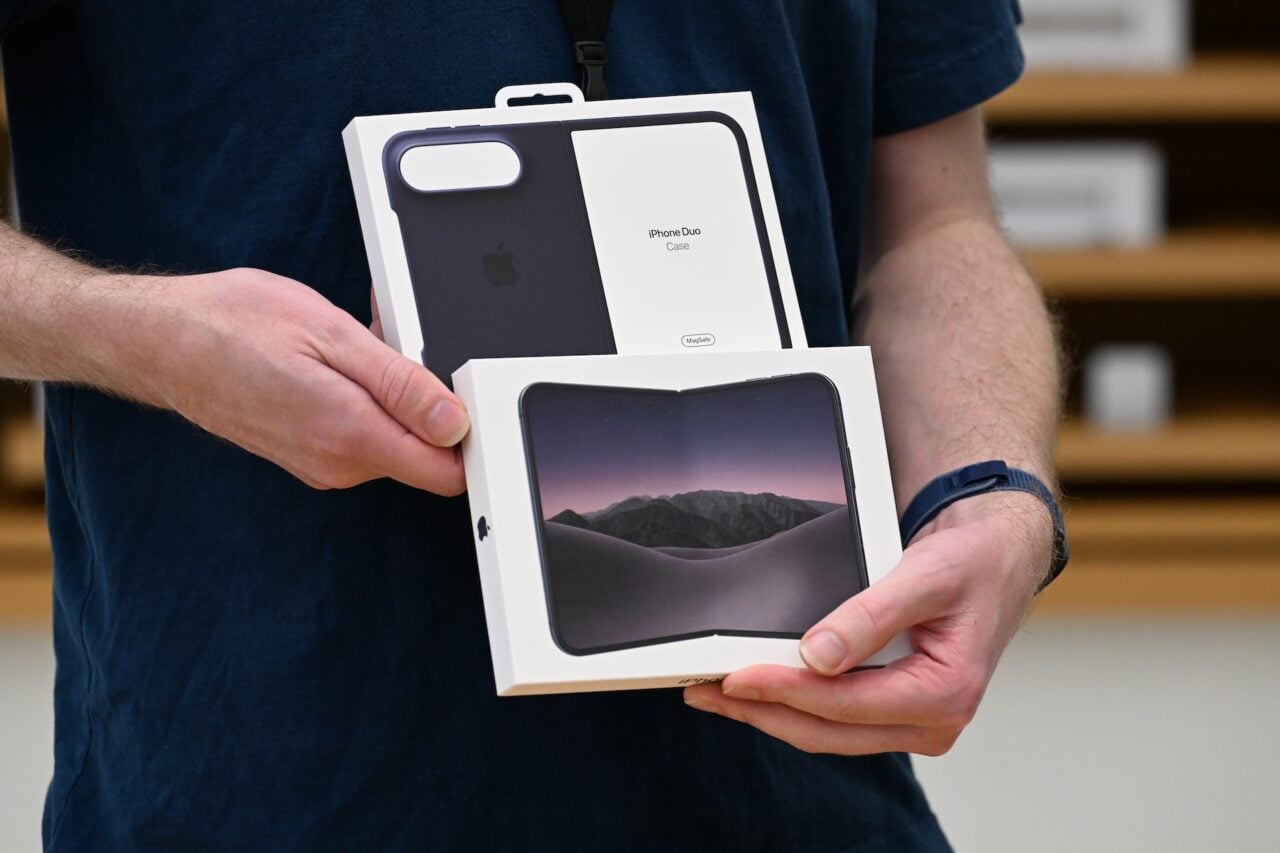
Reflections remover
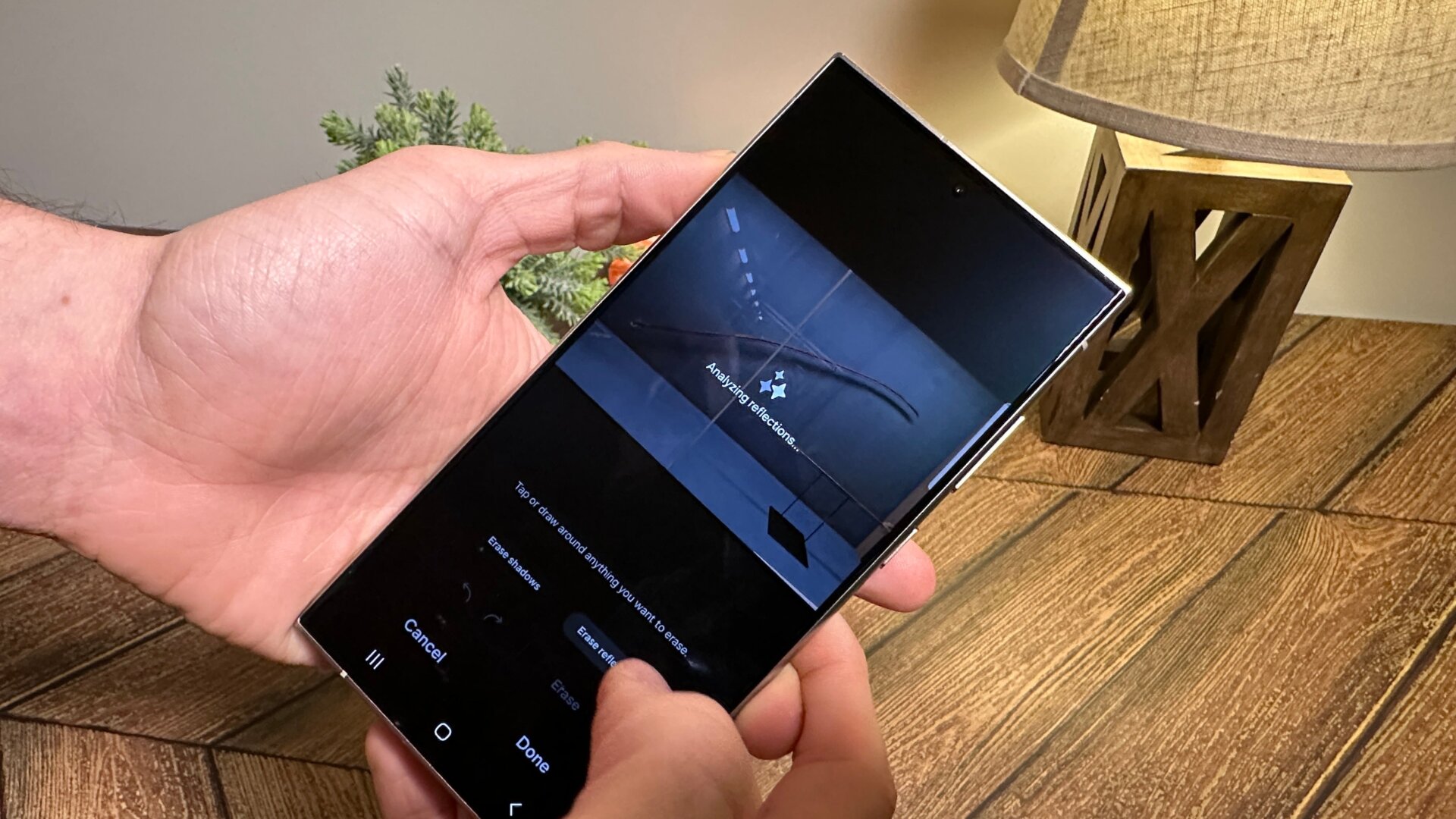
Strangely enough, Samsung has stuck other generative AI photo features in other parts of the gallery rather than keeping them all in the same place. The S24 also allows you to remove unseemly reflections from photos with a simple button press.
In Gallery, hit the edit button, then go to the four dots option on the right. Click on Object Eraser, and you’ll get a screen allowing you to remove shadows or reflections from the photo. This process is automatic, so you can’t be specific about what reflections you want gone. However, it does a pretty good job of axing yourself from the glass pane at a museum.
Funnily enough, this object eraser feature will also let you edit out the watermarks Samsung places on AI-manipulated images modified with its full Generative Edit. If that isn’t irony, I don’t know what is.