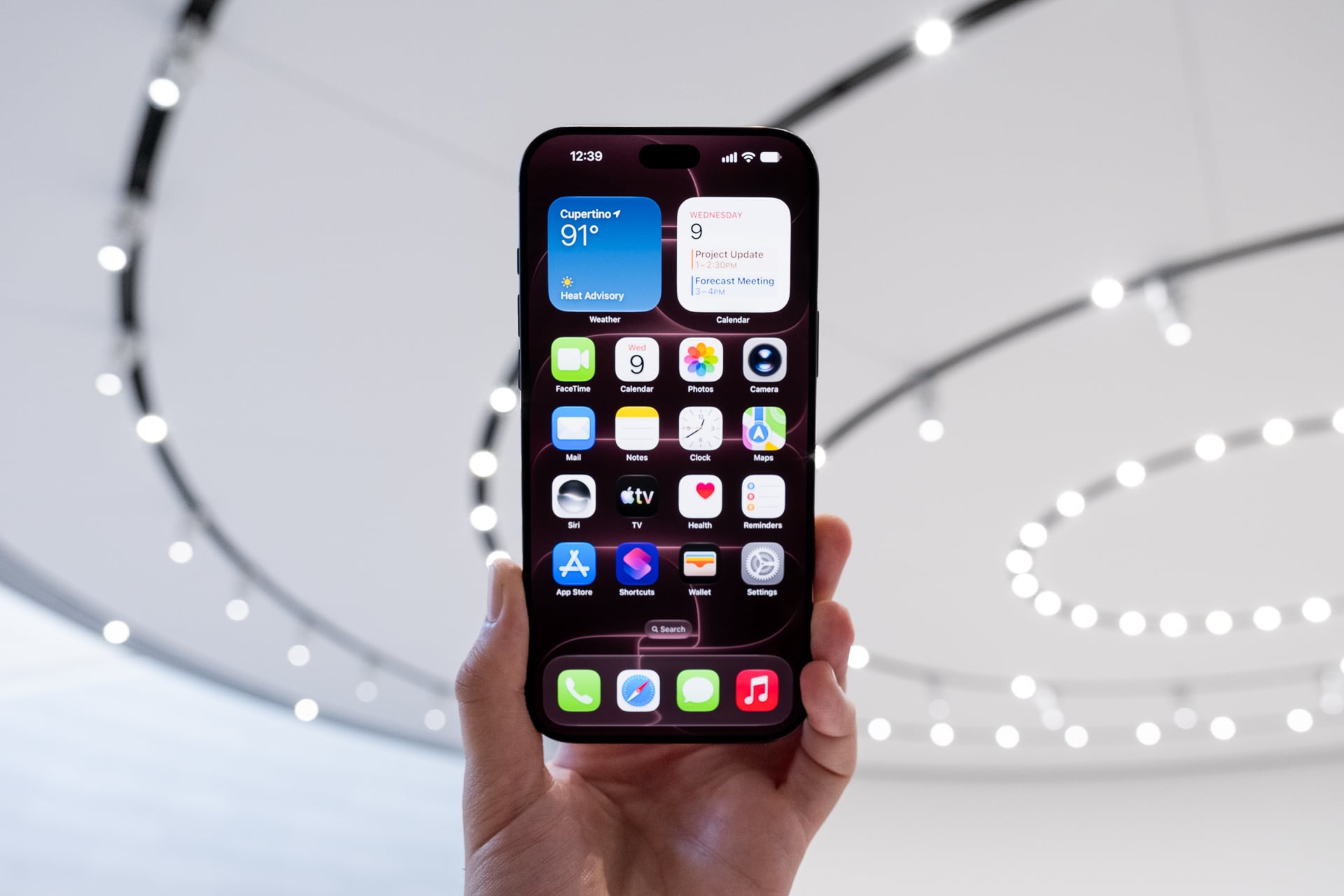
Did you want to check out what all the hubbub was about with Siri AI? Starting today, Sept. 14, you can finally download iOS 27 to your compatible iPhone.
Just as promised, iOS 27 brings us Siri AI, with the age-old assistant now capable of understanding personal context based on your texts, emails, calendar events, and more. The update grants Siri the ability to take actions on your behalf, like taking some appointment details from your texts and adding them to your calendar. Apple still calls Siri AI a “beta,” essentially admitting that the chatbot is still fully capable of screwing something up. As is always the case with AI, it’s a buyer beware situation.
See iPhone 18 Pro at Apple.com
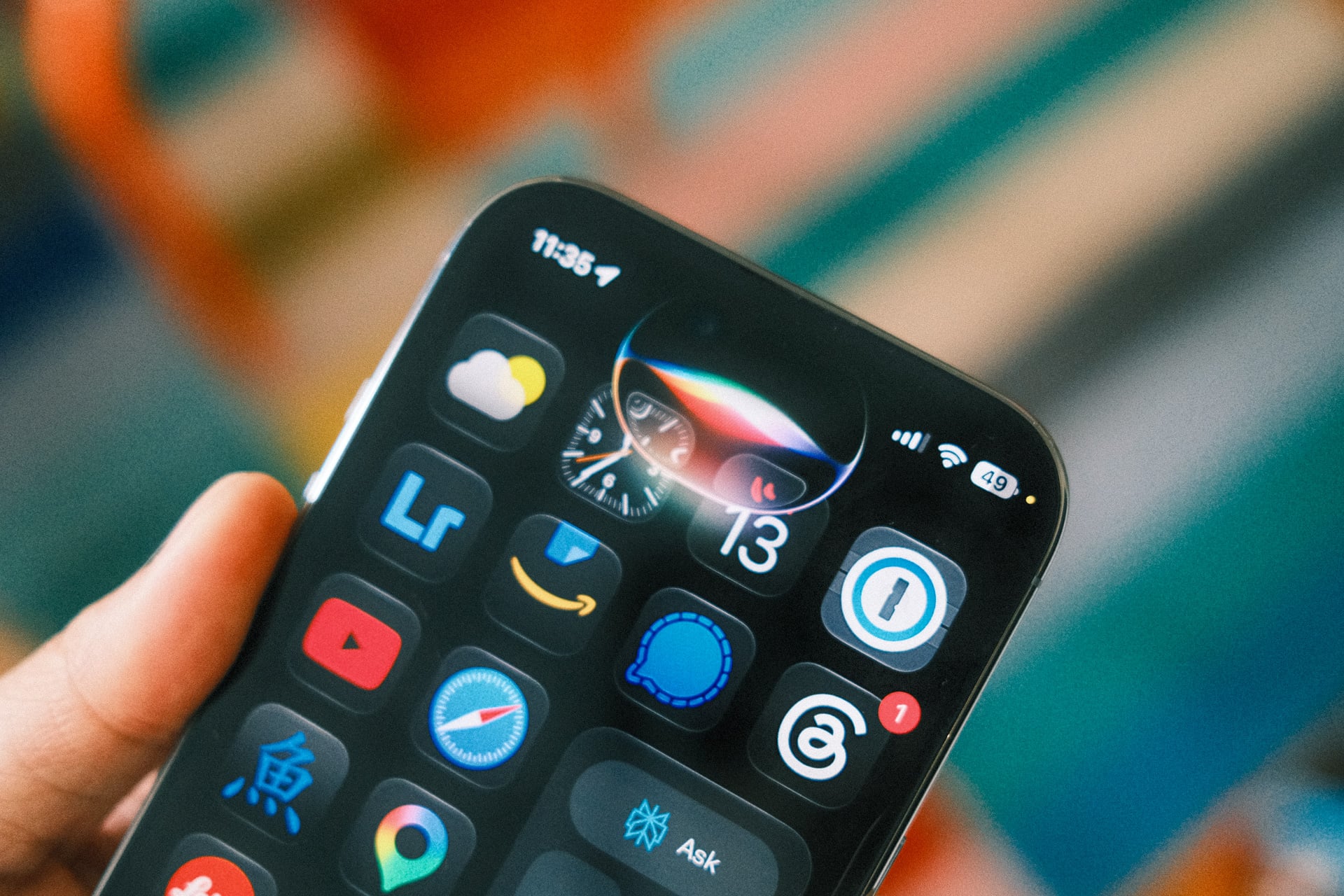
Users who update will find a dedicated Siri app that’s built to either handle new chatbot prompts or change Siri settings. If you have an iPhone 17, an M3 MacBook Air or M3 MacBook Pro, or an M4 iPad or later, you can also change Siri’s pitch, speed, and accent. Here’s something else you need to know: Siri AI is rolling out in English first. You’ll have to wait until October for French, Japanese, Korean, Portuguese, and Spanish.
As always, if you don’t see the update on your iPhone, just give it a few hours and you should find it propagate in your device settings. iOS 27 introduces a few more Apple Intelligence features, including more refined photo editing tools with capabilities for “spatial reframing.” That essentially allows you to mess with the perspective of a photo after it’s already been taken, though it relies on AI image generation to input the missing pixels.
There are several more additions to iOS 27 that have nothing to do with AI, including several changes to the ever-controversial Liquid Glass aesthetic. You now have access to a Liquid Glass opacity slider, which lets you decrease the amount of transparency for your app icons and UI elements. For parents out there, Apple has also created new child safety features that let you restrict your children’s ability to visit certain websites or limit their screentime across specific apps.

Apple is also bringing the new macOS 27, iPadOS 27, watchOS 27, and visionOS 27 to all recent devices. For instance, a Vision Pro will now let you set your own panorama as a “spatial scene” you can reside within the headset. macOS Golden Gate in particular has a few unique features alongside Siri AI, including the ability to use a chatbot interface to create new Shortcuts automatications for your laptop or desktop. Recent Apple Watches receive a “Workout Buddy” feature, though if you want to talk to Apple’s AI through your wrist, you’ll need to own an Apple Watch Series 9, Apple Watch SE 3, or Apple Watch Ultra 2 or later to get all the new capabilities.
Let us know what you think of the updates. Gizmodo will be sure to let you know how they interact with the upcoming iPhone 18 Pros, Apple Watch Series 12, and M6 Mac mini as they roll out over the next few weeks.